Reply to: tickets(219564)
Replies for tickets on suppota
Artem,
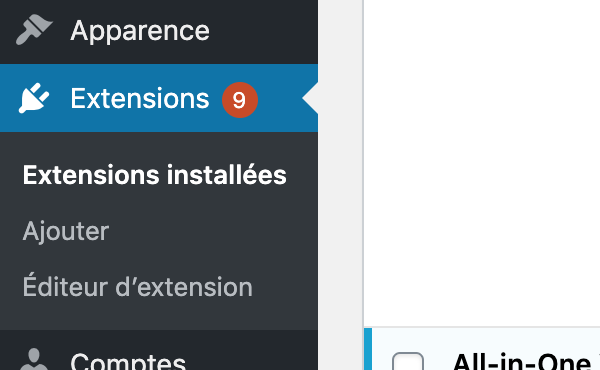
you can have access to the theme editor here (screenshot)
Om Hey Dave, I’m moving forth with deactivating all the plugins and testing the Cron Job Creation. Thanks man. I didn’t thought about that.
try
[add_eventon_list number_of_months=”6″ month_incre=”-6″ show_year=”yes” ]
Yeah I just tested and the cron jobs were not saved
Please see video below (yeah I know I go on and on)
Could you please try the instructions mentioned in this documentation to make sure your issue is indeed coming from eventon.
especially that cron plugin and also the eventon child plugins
Hello,
I cannot see your website:
Your access to this site has been limited by the site owner
Please send us wp-admin access to your site as a private message for us to further assist your situation.
If necessary, please update EventON to 3.0.8.
To update eventon to latest version: If you are unable to do autoupdate, you can go to codecanyon your account > download and get the latest eventon version as zip file. Then you can go to your website, deactivate old eventon, activate (Do not delete eventon settings & data when EventON is uninstalled) from eventon settings, delete old eventon, install new one and activate. This link will further explain the process it. Also you can follow us on twitter to get real-time announcements on updates!
More info on Shortcode Generator: https://docs.myeventon.com/documentations/shortcode-generator/
I need to check if there are customized email templates in your theme folder: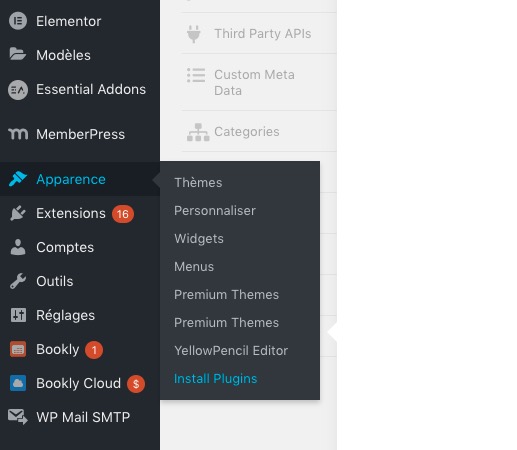
Could you allow us to check Theme Editor?
Please also update PDFer add-on.
To update eventon addons: You can download latest eventon addons from myeventon > my account. Then you can go to your website, deactivate old addon and install new one and activate then delete the old addon. This link will further explain the process. Also you can follow us on twitter to get real-time announcements on updates!
We are glad your issue is resolved, if you have any further questions or concerns please create a new ticket.
If you have a moment, we would greatly appreciate if you could kindly leave us a review at codecanyon! from your account > downloads. Cheers!
Please send us wp-admin access to your site as a private message for us to further assist your situation.
Om Hey Dave,
Thanks for you email + video
I still can’t get it to work.
Cheewiz
I have followed step by step !
hmmm
Anything else that comes in mind that would prevent this cron job from being activated ?
I tried to change from 26 week event to 5 or 10 of 2, it still does not activate de cron job.
Thank you
marc