Hey Basilis,
I hope your feel good and your family is healthy
I feel discourage because the plugin just won’t work
I tried many many things, its just not working
I start to feel fearful because, I’m supposed to launch the website soon, beginning of February.
I need absolutely this feature running.
Basilis, I feel sorry to say this… but I don’t feel good about the fact that : it is not Regular Event On {MergeTags} inside Reminders (RSVP + TICKETS) that is available
I’m not ok with that.
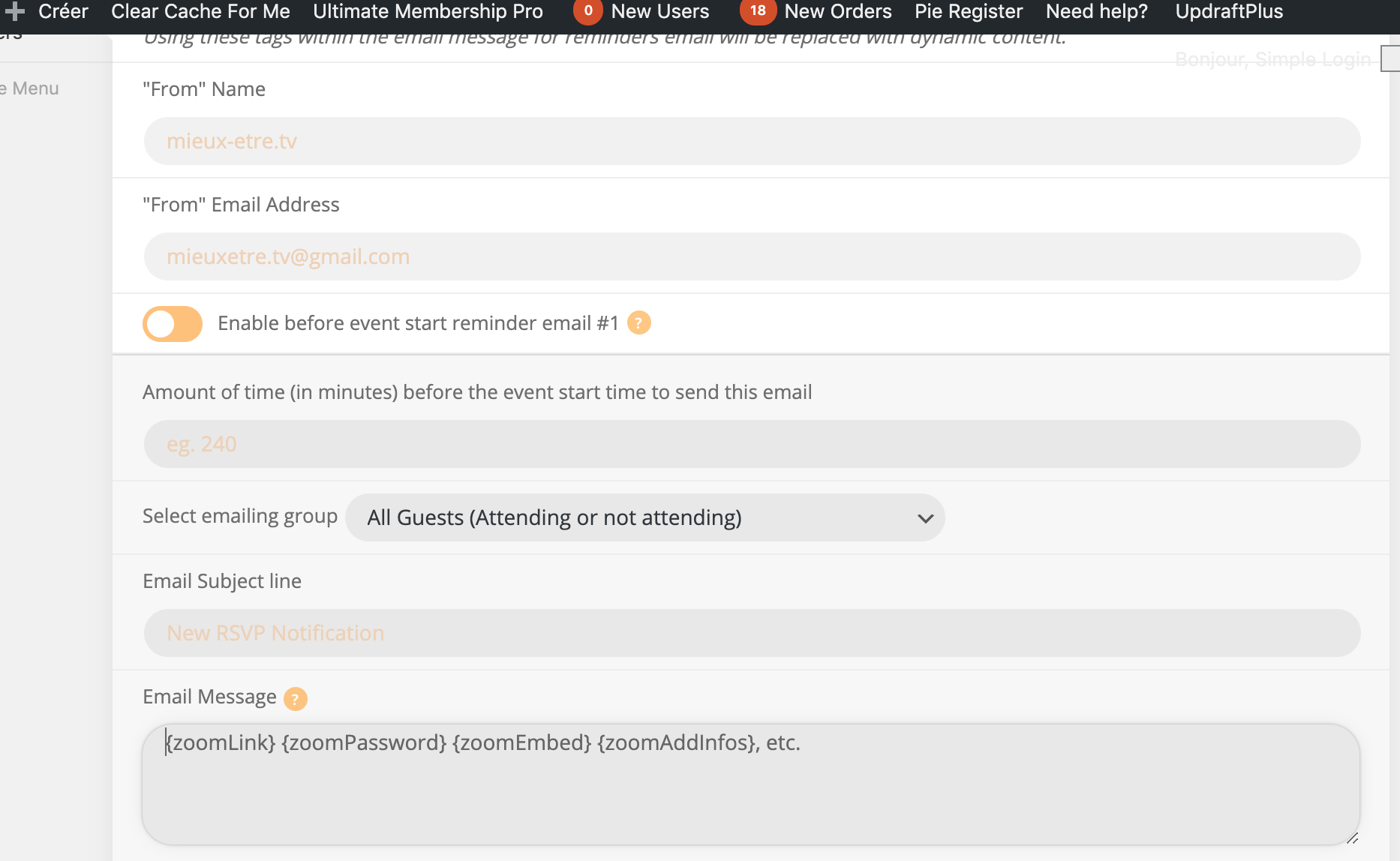
I have the feeling that your plugin can be like the rest of Event On Reminders (RSVP + TICKETS) : Make available : additional {MergeTags} ((for the ZoomLink+ ZoomPass + Embed + additional Info, etc)), to be written down in the email content, within the =>Event On Setting => RSVP (or ticket) => Reminders => toggle switch : Enable before event – email #1 => email text field
This sounds good.
The way it works right now, it is supposed to send the email by itself, with the trigger of the =>Event On Setting => RSVP (or tickets) => one of the Before Event Reminders Toggle Switch Being Turned-On, without writing anything inside… its.. I don’t know how to say… but it doesn’t sound good man.
Is there is anything that would prevent you from coding it this way directly ?
Can you consider to make this change in this plugin to be working the way it is described in here ?
Thanks man
Marc.
We apologize for the issue. I am going to assign this ticket to Ashan and he will be able to take it from here and find you a solution. Please allow some time for him to get back to you, we greatly appreciate your patience and thank you for being a eventon customer! Also please disable any IP blocking on your site if there are any.
Ashan,
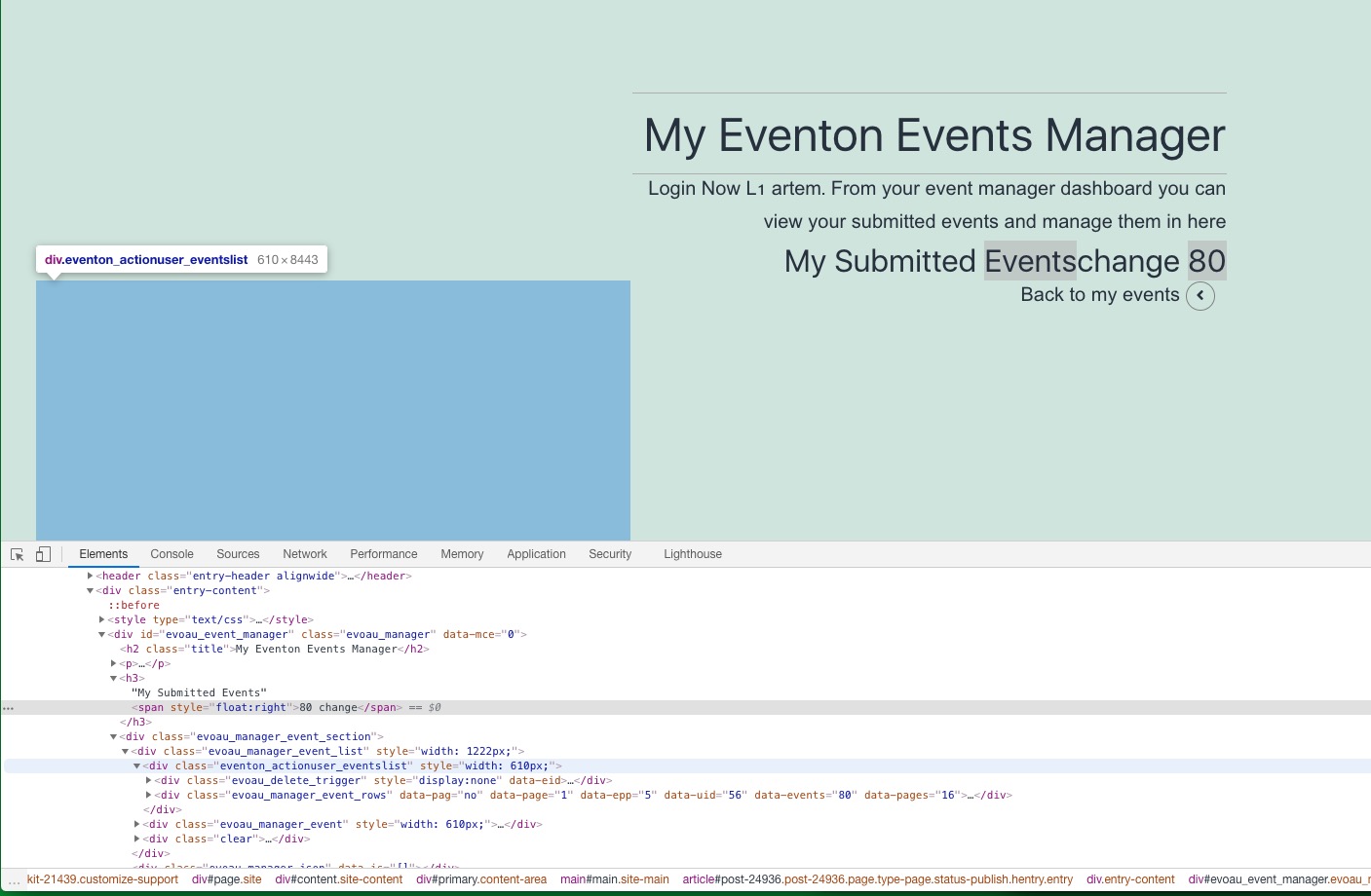
Please check 3.
The same on dev2: https://dev2.myeventon.com/24936-2/
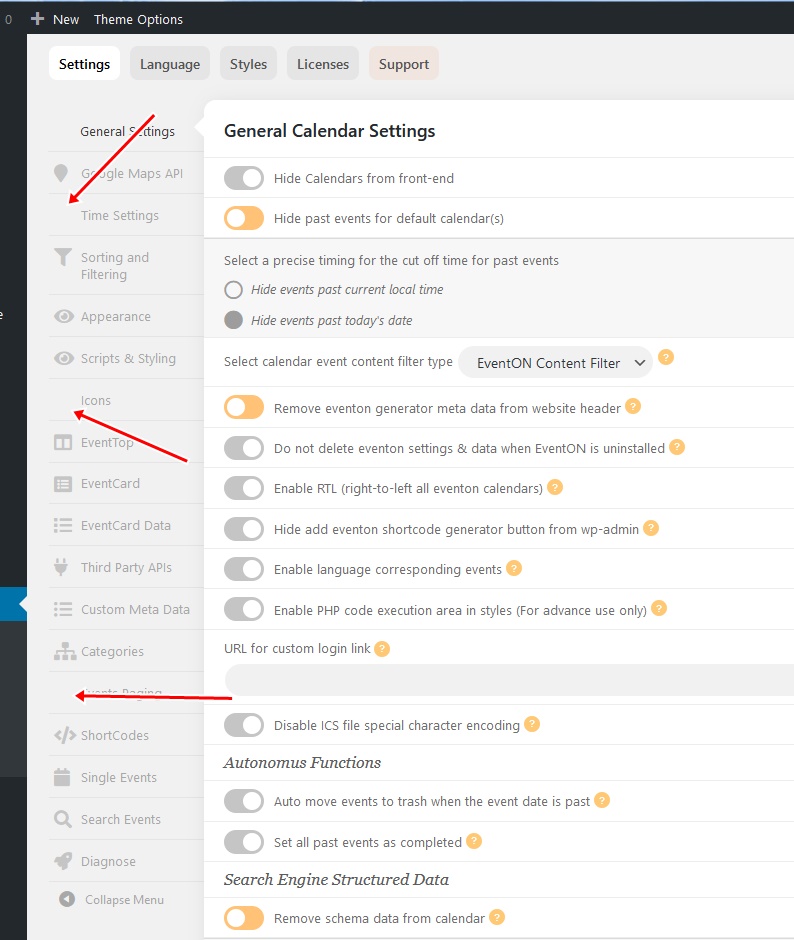
But you need to switch website’s language to RTL one and also enable Enable RTL (right-to-left all eventon calendars).
Hello,
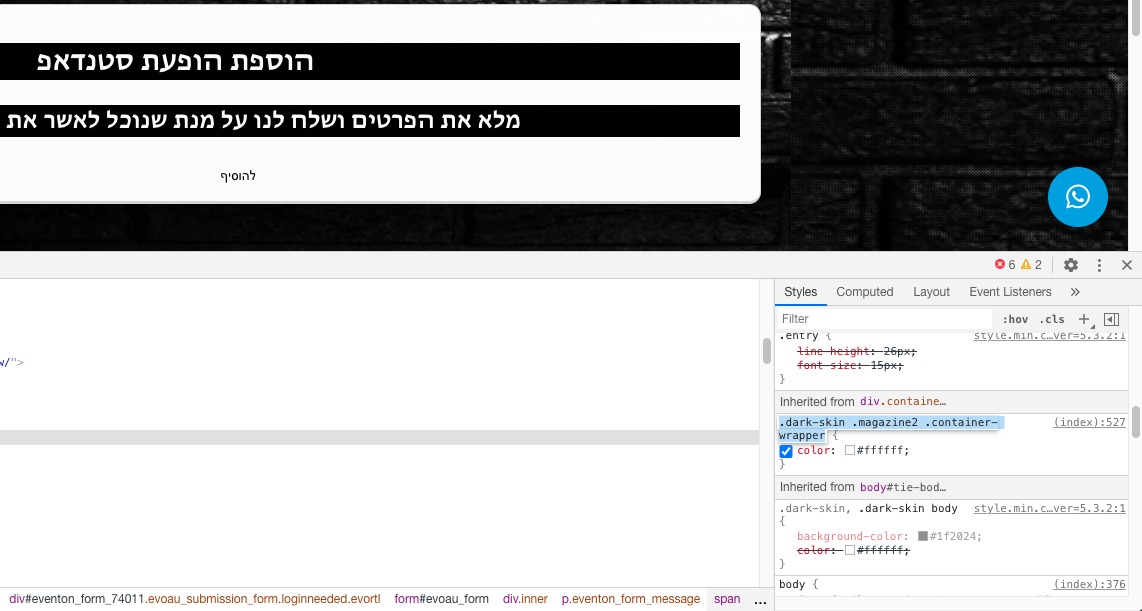
2. The problem is in this style from the theme:
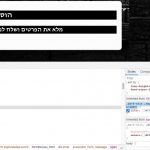
Could you try this fix:
.eventon_au_form_section { color: black !important; }
3. Thank you for your messages, I am going to assign this ticket to Ashan and he will be able to take it from here and find you a solution. Please allow some time for him to get back to you, we greatly appreciate your patience and thank you for being a eventon customer! Also please disable any IP blocking on your site if there are any.
Hi,
yes, we add the ticket button according to your instruction in : https://docs.myeventon.com/documentations/hook-eventtop and with some css rules.
Browser Cache? Are you kidding me? The browser cache should be the cause?
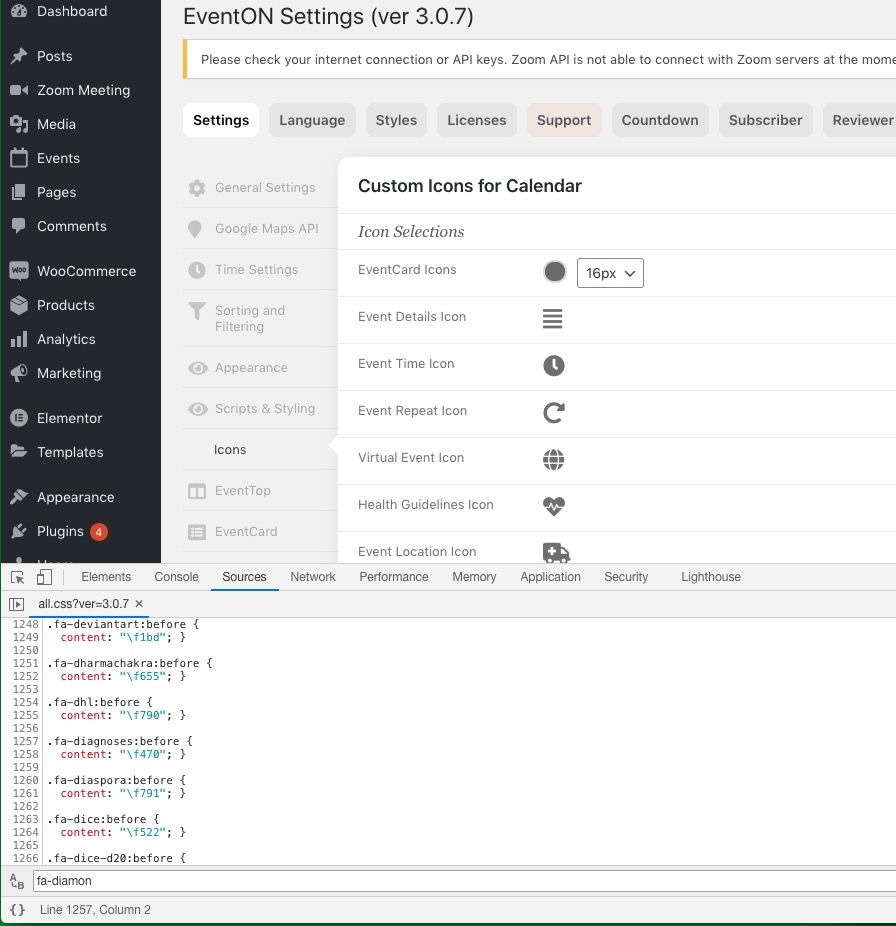
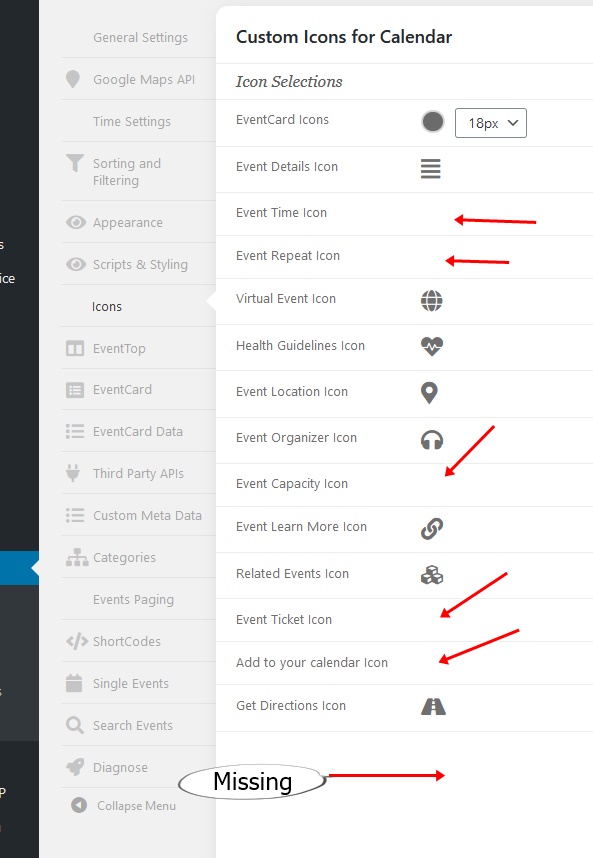
The cause of missing icons lies in the file eventON/includes/admin/post_types/class-meta_boxes.php on line 222
And please take a deeper look to the file eventON/assets/fonts/all.css. Beetween version 3.0.3 and 3.0.5 are a lot of changes.
For example: we have icons like fa-files-o, fa-diamond, fa-clock-o in the sourcecode with version 3.0.7. But this icons are not in the all.css from version 3.0.7
Regards
I have assign the ticket to our CEO, with priority to review it.
Hey Craig,
U do not need to, we can refund the purchase.
We are humans and we may have lost the email.
I filled with them and their respond was:
“
| We have sent your refund request to ashanjay for review. They will be able to approve or deny the request and may get in contact with you if they need to discuss any of the details. Any action taken by ashanjay will be emailed to you. |
|
“