| #105860 | January 21, 2021 | Completed | $90.00 for 1 item | ViewDownload invoice (PDF) |
| #105857 | January 21, 2021 | Completed | $60.00 for 1 item | ViewDownload invoice (PDF) |
Archives: Replies
Replies for tickets on suppota
Reply to: tickets(219154)
Please also check this guide: https://elfsight.com/blog/2018/06/how-to-get-google-maps-api-key-guide/
Reply to: tickets(219154)
It seems to be working here:
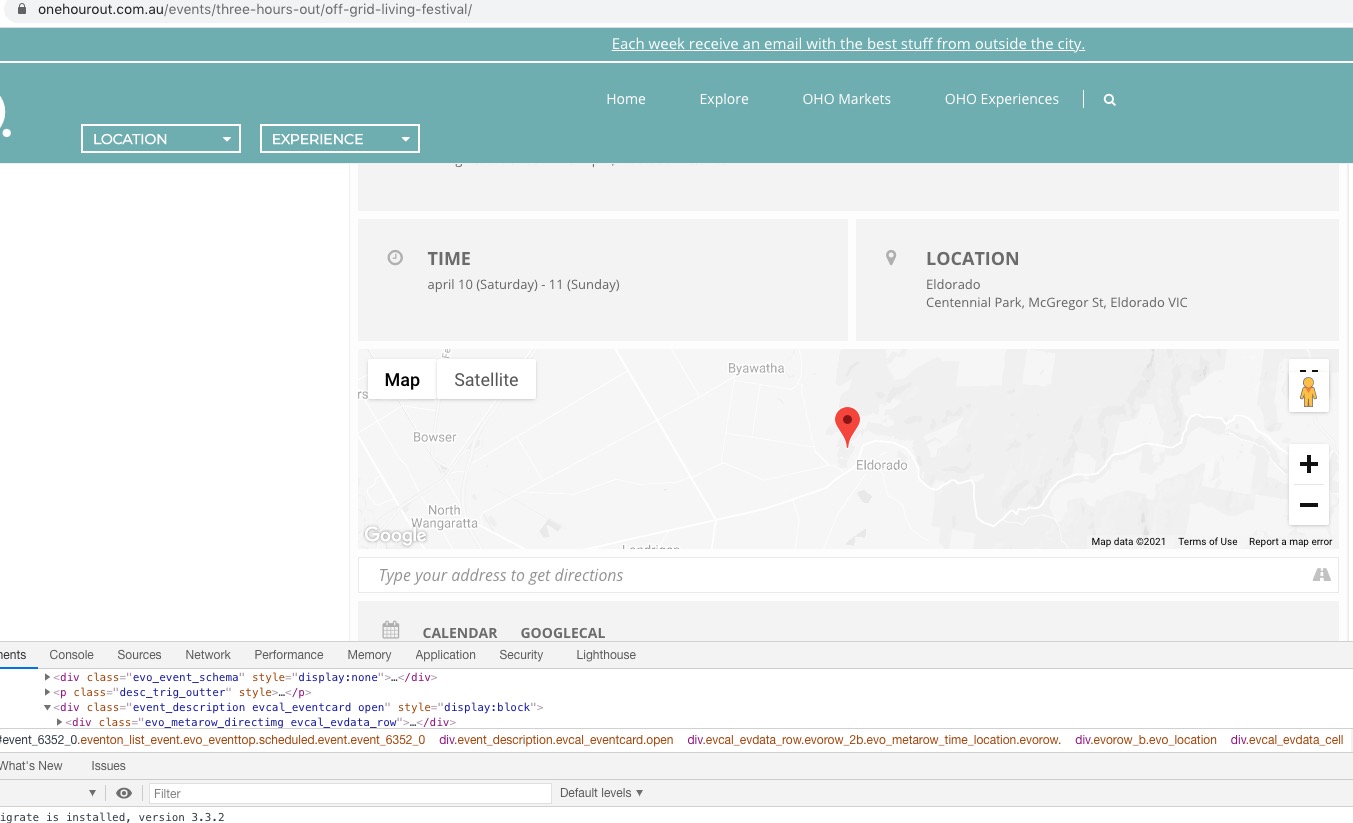
Could you try Kenneth’s suggestion first? If it doesn’t help please send us wp-admin access to your site as a private message for us to further assist your situation.
Reply to: tickets(218005)
We are glad your issue is resolved, if you have any further questions or concerns please create a new ticket. If you have a moment, we would greatly appreciate if you could kindly leave us a review at codecanyon! from your account > downloads. Cheers!
Reply to: tickets(219255)
Hello,
Please try going to EventON Settings > Tickets > enable Show ticket purchase only for loggedin users. Now go to Edit Event > This is a virtual (online) event > select When to show the above virtual event information on event card: After user has purchased a ticket. So now only logged-in users can purchase tickets and also users cannot see Zoom links unless they are logged-in and purchased the ticket.
3. This can only be done manually, I am afraid. Please try sending us a customization job request by creating a new ticket in here and selecting Customization Request as the category.
Reply to: tickets(218088)
Could you try removing this style from simple-css-output:
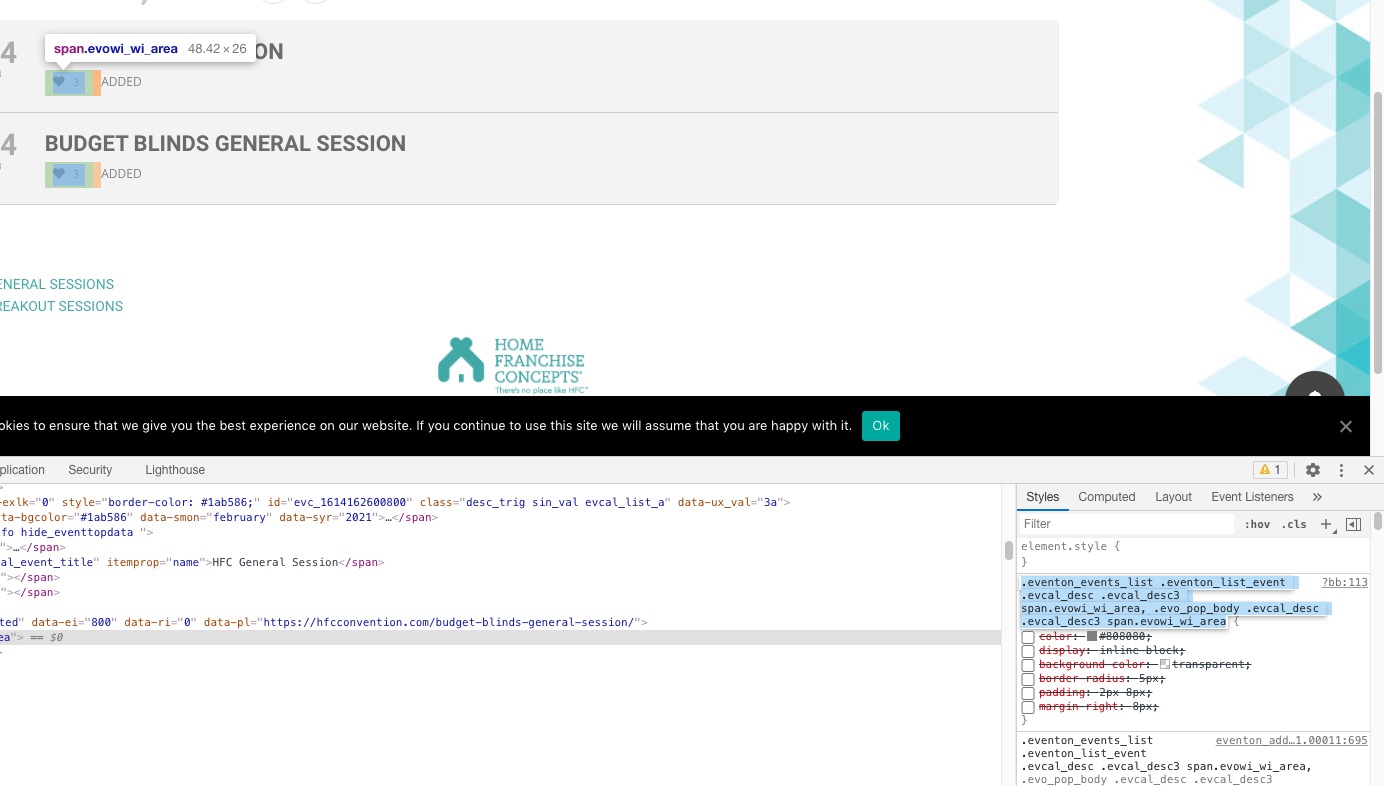
Please also add this CSS code to EventON > Styles (If you don’t see any change, EventON > Scripts & Styling > turn off Write styles to header > save settings > turn on Write styles to header):
.eventon_events_list .eventon_list_event .evcal_desc .evcal_desc3 span.evowi i, .evo_pop_body .evcal_desc .evcal_desc3 span.evowi i { font-family: ‘evo_FontAwesomeS’,’evo_FontAwesome’,’evo_FontAwesomeB’ !important; }
Reply to: tickets(219326)
Hello,
Could you send us order ids you want to refund?
Reply to: tickets(214576)
Ashish?
Reply to: tickets(219154)
Hi Jay,
Thanks for getting back to us.
Could you please add the following HTTP referrer and let me know if this works:
(*):onehourout.com.au/*
Reply to: tickets(219081)
Hi Zoran,
I’m glad that recreating the events solved the issue.
The first error suggests that loading of the scripts on your calendar page was taking longer than the limit that is set on your server. This error can be compounded by a lot of reasons eg when you have a lot of plugins installed or when using a memory-intensive theme. You can also fix this by reducing the number of events loaded by your shortcode using the filter options.
For the second error, I can suggest that you check to ensure that your site is running an updated version of PHP and that all addons are up to date.
I hope this info helps!