Hello,
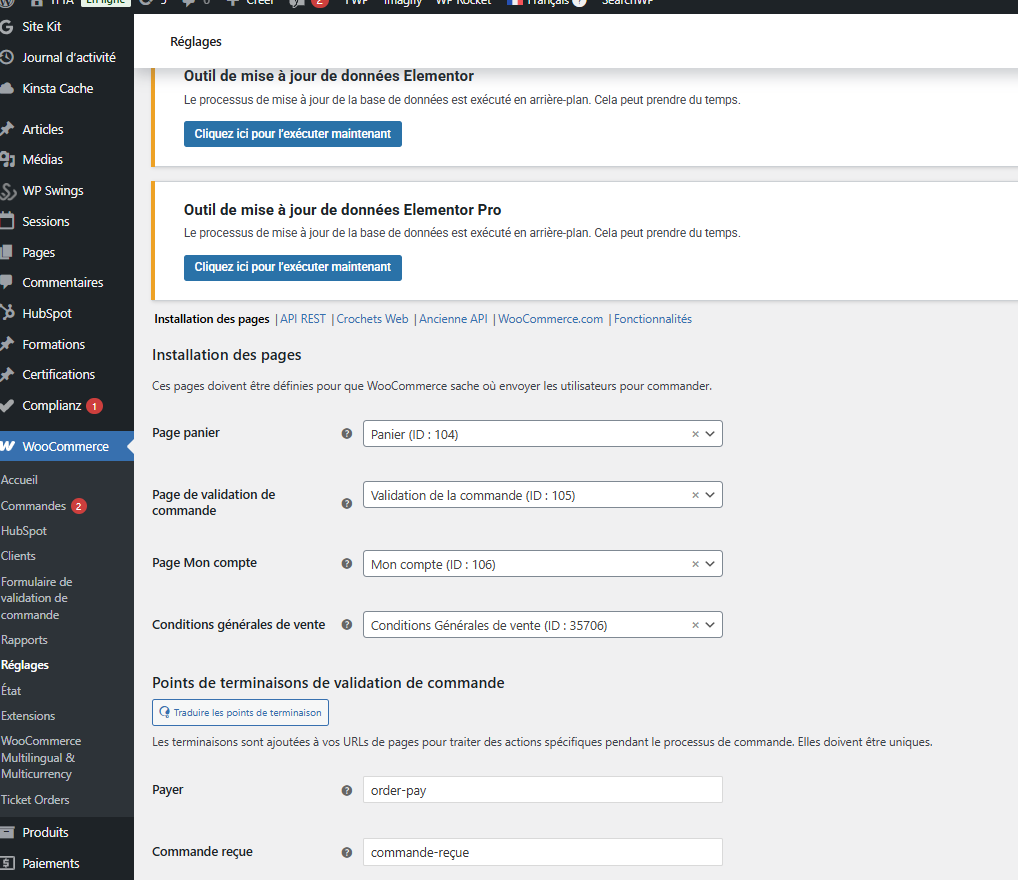
Yes, the Checkout page does appear to be selected under WooCommerce > Settings > Advanced.
However, I don’t understand where these automatic redirections after purchase are coming from. Do you have any idea what might be causing this?
Also, I have another related question: I’ve noticed that when an event ends, some tickets are automatically deleted, while others remain visible. Do you know why this behavior is inconsistent?
Thank you in advance for your help.
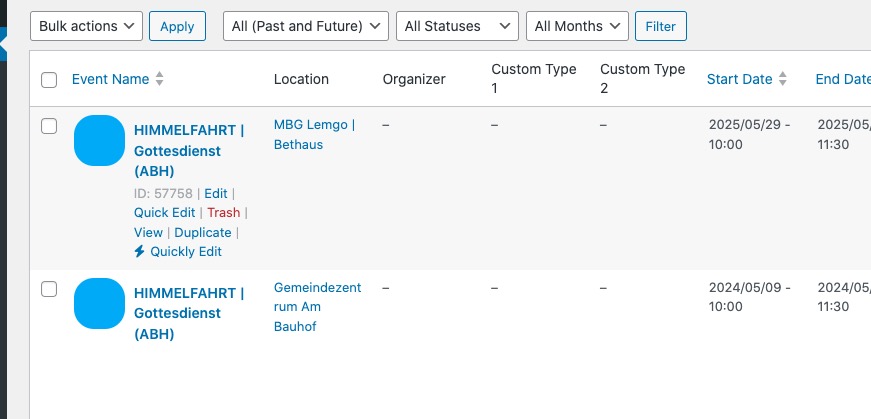
We apologize for the delay. I tried importing events from #386693 message and they were imported correctly:
Could you update EventON to the latest version and let us know which new events have this issue?
Also I cannot find these two: FRONLEICHNAM and SEPERNTEDANKFEST.
Hello,
Please send us wp-admin access to your site as a private message for us to further assist your situation.
Could you go to EventON > Time Settings > make sure that “Hide past events for default calendar(s)” is disabled?
Hello,
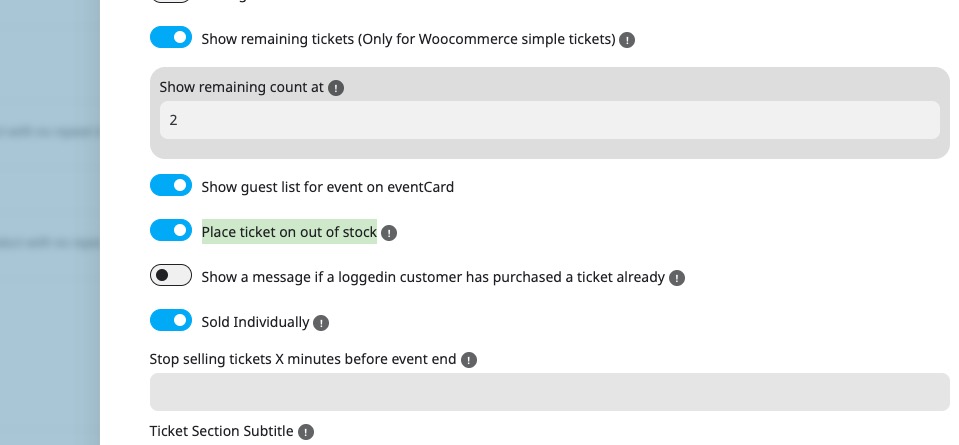
Please go to Edit Event > Tickets > Config > enable “Place ticket on out of stock”:
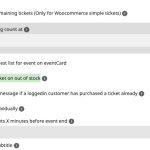
Also go to EventON > EventTop > make sure that “Tags” is added.
Google searches through the calendar or sitemap. It doesn’t go to each individual event. And each calendar has schema data that contains correct events’ URLs.
Do you provide Google with updated sitemap or how does it get new events?
Please also note that I still cannot recreate the issue on your website.
The previous debug.log file was more than 3GB. I renamed it, so could you recreate the issue again so it can be written into the new file.
Could you give us the working FTP access so I can update everything and then enable WP_DEBUG to figure out why the calendar isn’t working?
Ah ok. I understand you. But i have this problem.
If i add new event, i get a URL of this new event. like this: https://perfect-meeting.de/event-page/euroguss-2026/
This event is also in englisch on this site: https://perfect-meeting.de/event-page/euroguss-2026/?lang=en
but not the translations how ORT, ZEIT, KALENDER, ANFRAGE FÜR HOTELZIMMER usw.
thats my problem, because Google to this site in his index for the keyword (euroguss 2026)
If a user speaks English, the translation is incorrect.