add this to appearance>>>>customize>>> additional css
.ajde_evcal_calendar .eventon_events_list .eventon_list_event {
margin-right: 10px;
margin-bottom: 10px;
}
change the 10 to however large you want it
Replies for tickets on suppota
add this to appearance>>>>customize>>> additional css
.ajde_evcal_calendar .eventon_events_list .eventon_list_event {
margin-right: 10px;
margin-bottom: 10px;
}
change the 10 to however large you want it
see video below
Hi,
I am sorry for replying a month later. I did not see your reply @infotainerdave.
I tried the above suggestion and I am still experiencing the same problem. I have tried each option for the Event processing timezone method. I have also verified I have the correct time zone set in wordpress and eventon.
If I use .ics import from url or from file, the problem occurs. This is very frustrating as I have to adjust every event after importing.
Hi Michelle,
I have uploaded the work. Please test it once and let me know if it doesn’t work.
-Ashish
Hi,
The job has still not been completed as the location and organiser links still do not open in a new window. Please see https://folkalender.dk/events/rod/ as an example.
It is nearly 5 months since you first indicated that the job was completed, which it was not. This kind of delay is totally unacceptable and unfortunately, my trust in your capacity of doing other customization jobs, that I have planned to ask of you, is heavily shrinking.
I will not ask a refund of you for this job. The job’s size and the cost is too little in my perspective, while the delay is soo big that I do not care about a refund anymore.
Please just fix this job and let me know when it has been done. I don’t expect of your to be done with it tomorrow, neither next week, neither the next month.
/Mathias
I don’t have the plugins installed at all. I am going to rebuild from scratch
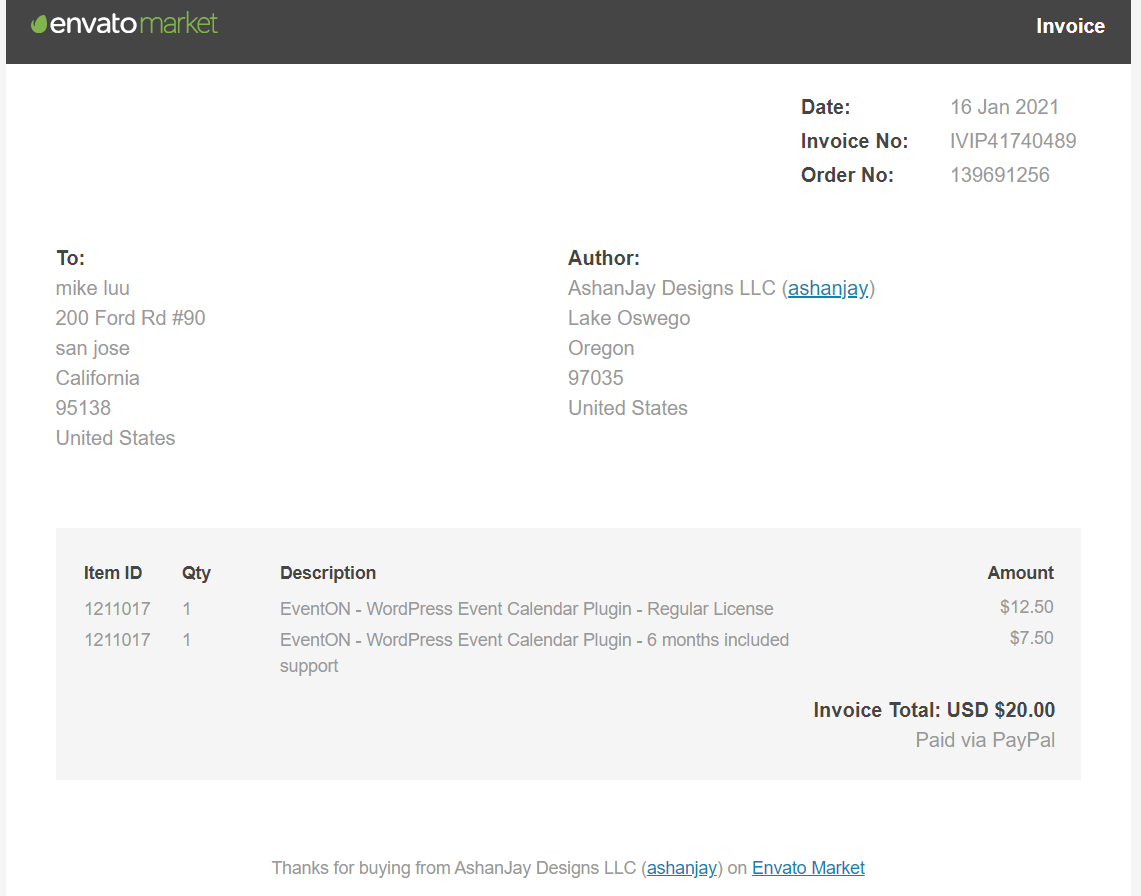
My email should be this minhqluu@gmail.com or mluu@ci.milpitas.ca.gov
Attached is my invoice. I purchased this on themeforest.net
Hello,
Here is the patch fix:

Please add this to wp_admin.css as well as to eventon_styles.css and clean you cache.
We will get this resolved in next version update to eventon.
Hello,
Could you update EventON to 3.0.7?
To update eventon to latest version: If you are unable to do autoupdate, you can go to codecanyon your account > download and get the latest eventon version as zip file. Then you can go to your website, deactivate old eventon, activate (Do not delete eventon settings & data when EventON is uninstalled) from eventon settings, delete old eventon, install new one and activate. This link will further explain the process it. Also you can follow us on twitter to get real-time announcements on updates!
Please add event_past_future=”future” to the shortcode to hide past events:
[add_eventon event_past_future=”future”]
But before making this change please update EventON.
This part comes from the theme. Unfortunately, we unable to help with this. Please contact the theme developers.