Also, I tried to do the manual import that you detailed above:
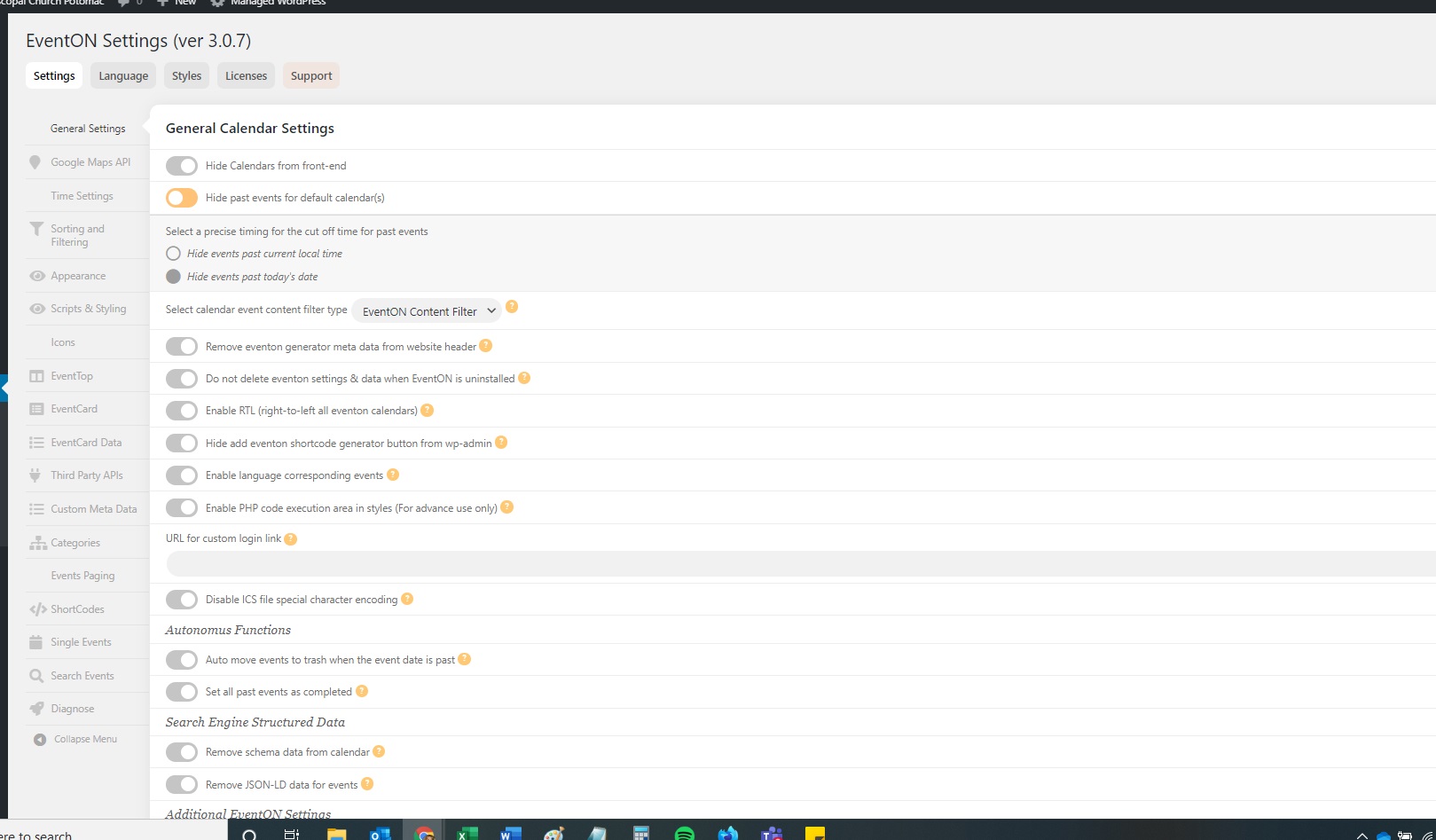
In order to import them manually please go to EventON Settings > ICS Import > select Import Method: Manual import by uploading ICS File or Manual import from ICS file URL. Now go to Process ICS File and press either Upload .ICS file or Start External Importing. Select any events you want to import and press Process.
I do not see ICS Import as an option under settings. I have included a screen shot of what I do see.
ok thank you for checking that out for me, I can assure you the buy now button was not working do think someone is mucking me about?
Hi Nick,
I could not see any way for a customer to purchase the courses through your website i.e a buy now button which would take them through the your payment page.
Adam will be able to advise in more details when you speak with him, did you manage to book the marketing call in ok?
Thanks
Regards,
Rebecca Kershaw,
VideoTile Learning Ltd
Is there an easy way the site could be made more secure?
Regards,
Taylor Mason
Per your note, we’ve granted you admin access to our website.
Username: EventOn
Password: TnmyXSBRL4NRfegmgU
Hey,
After u added the CSS code u mean?
https://www.fehnblogger.de/wp-admin
User: Event-On
Pass: Event2021!OnSupport
Thx for the great support.
Hey Marc,
As Teachers on the events, who do we define?
I think I am getting a little bit confused, can we meet in a call so I can understand exactly the flow? ( and maybe even see it in live sharing please? )
Hey Kyrt,
basiliskan@gmail.com
Pelase make me a user account, so I can test, seems that the word is not getting applied while I have added it through FTP.
I will have it ready in the next 2-3h after I receive access.
It says login incorrect:
Status: Login data contains non-ASCII characters and server might not be UTF-8 aware. Trying local charset.
Command: USER ftp_devcompartirtrenmesaave
Response: 331 Password required for ftp_devcompartirtrenmesaave
Command: PASS ****************
Response: 530 Login incorrect.
Error: Critical error: Could not connect to server
Could you try connecting yourself and check?
Hello,
Could you try disabling EventON Settings > ICS Importer > Sync already imported events if event UID matches in the ICS file and check again?
Ashan,
Please check Reply to: 216944
Can we solve this from our side so other Avada theme users didn’t ask us about this?
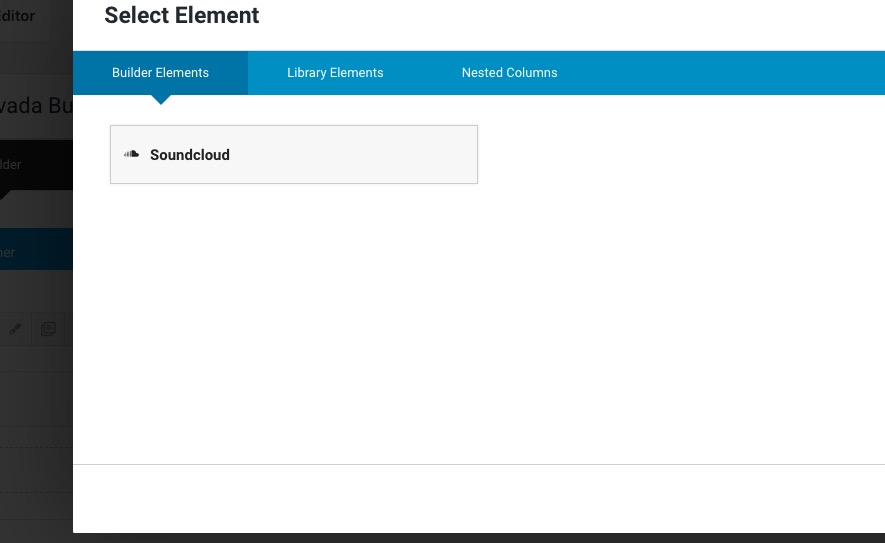
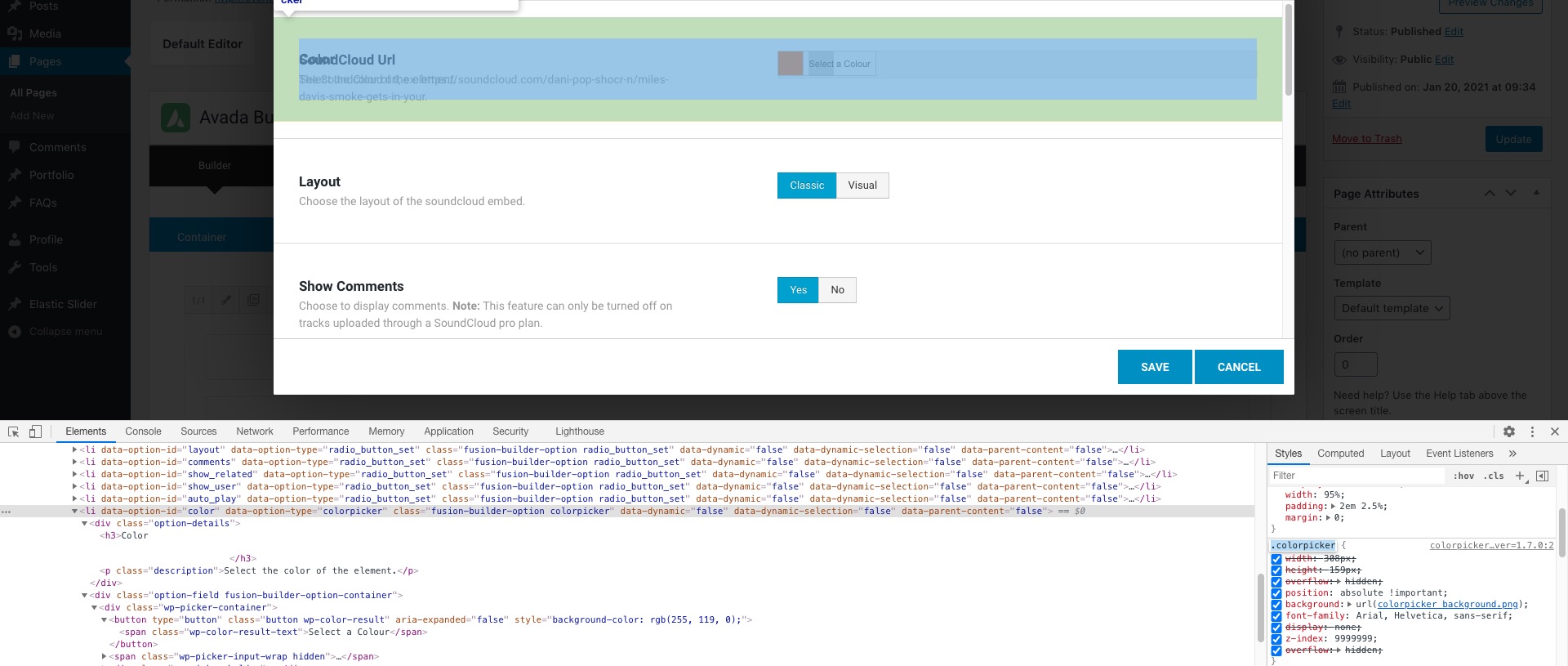
The problem is in Soundlab element:
Issue is in this style and EventON replaces color element with it’s own: