Reply to: 216944
Thank you for your messages, I am going to assign this ticket to Ashan and he will be able to take it from here and find you a solution. Please allow some time for him to get back to you, we greatly appreciate your patience and thank you for being a eventon customer! Also please disable any IP blocking on your site if there are any.
Hi I find the Google Maps Element also having the same issue. Looks like it is also the “Color” field getting messed up.
Could you send us a screenshot?
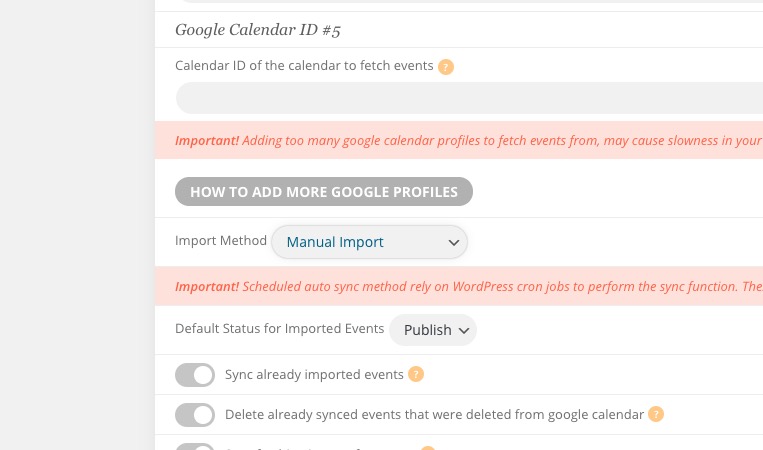
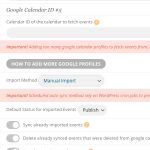
I am sorry. I confused ICS Importer available settings with Sync add-on. For manual import in Sync add-on please go to EventON Settings > Sync add-on > Google > Import Method: Manual Import
It seems that the issue is the same – not enough memory. Could you contact your hosting provide and make sure that PHP memory has increased?
Hello,
Thank you for your messages, I am going to assign this ticket to Ashan and he will be able to take it from here and find you a solution. Please allow some time for him to get back to you, we greatly appreciate your patience and thank you for being a eventon customer!
Hello,
Please send us wp-admin access to your site as a private message for us to further assist your situation.
Meanwhile could you please try the instructions mentioned in this documentation to make sure your issue is indeed coming from eventon. Maybe there is some kind of membership plugin that can do this?
Hi I find the Google Maps Element also having the same issue. Looks like it is also the “Color” field getting messed up.
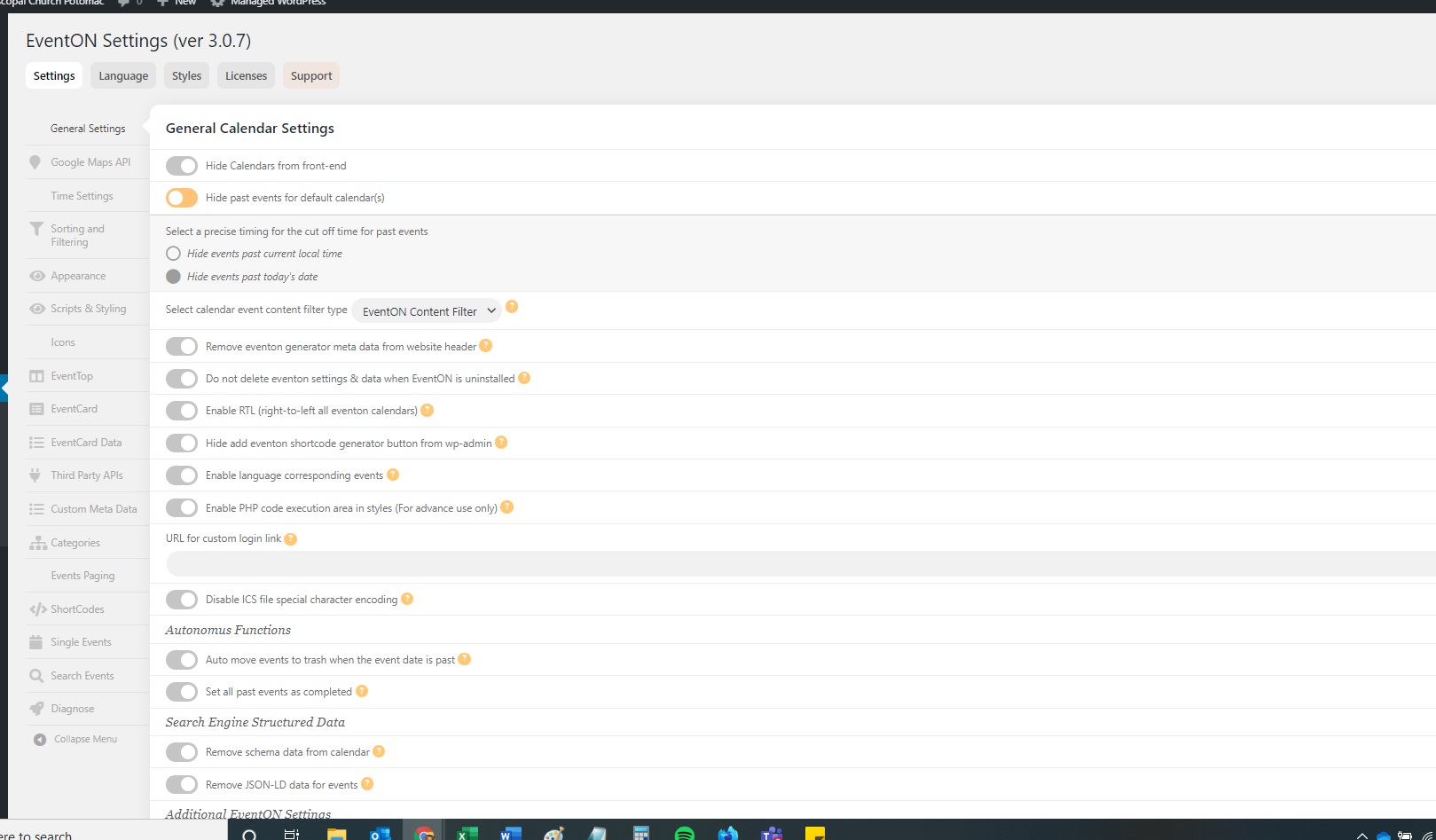
Also, I tried to do the manual import that you detailed above:
In order to import them manually please go to EventON Settings > ICS Import > select Import Method: Manual import by uploading ICS File or Manual import from ICS file URL. Now go to Process ICS File and press either Upload .ICS file or Start External Importing. Select any events you want to import and press Process.
I do not see ICS Import as an option under settings. I have included a screen shot of what I do see.
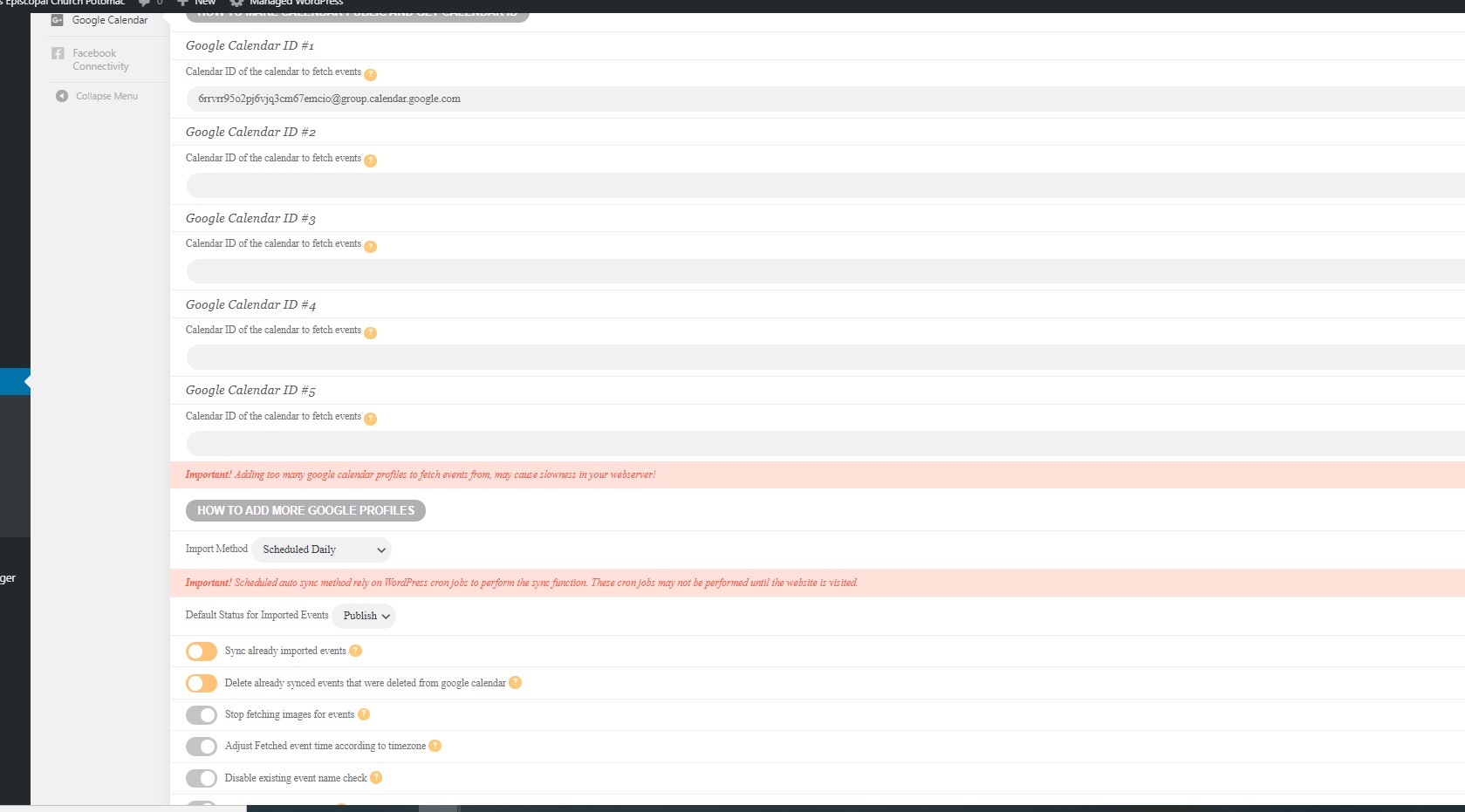
I am not sure if this is what you meant by selecting Daily as the import method. Please see the attached screen shot. If so it is still not working and no events have come in for 2021.
so this was supposed to be finished yesterday haven’t heard anything I’m not so worried about that as I am my website being down …….. someone needs to update me ASAP!!!
www.west38moto.com
Please, check again, my server told me the IP is whitelisted now.