Hi Basilis,
I have just tested this and it’s still NOT working. I am still getting sent the order confirmation email, I still have to manually complete the order and only then the e-ticket and a receipt gets send out. We only want the e-ticket for the event sent out once the user has completed the checkout on the website. We don’t want any other emails to be send our nor have to manually complete the order for the free events.
To be honest I am getting very tired of this endless saga and 3 open tickets, of promises that this will be fixed of you asking for more time. Please deliver a solution now!
Hey Basilis,
I have another customization request
I talked to my 2 yogi friend, and we need these 2 emails being sent also :
- SEND EMAIL TO TEACHERS, 1 HOURS BEFORE CLASS : in this email to teachers, we need to read the ticket + rsvp attendee list of participants
in other words, to have the list of participant, in THE SAME EMAIL where is the zoom link + pass. if there is many. AND if they used a coupon of not.
2. Also, we need to have an THIS WEEK CLASSES email reminder that is being sent automatically EVERY SUNDAY morning at 10 am to ticket + rsvp holders + teachers
This : outputing inside their exact booked classes that hey have a this week, and that we are waiting for them.
If there is no class, there needs to send a NO CLASS REMINDER instead of the THIS WEEK CLASSES
Can you code that too ?
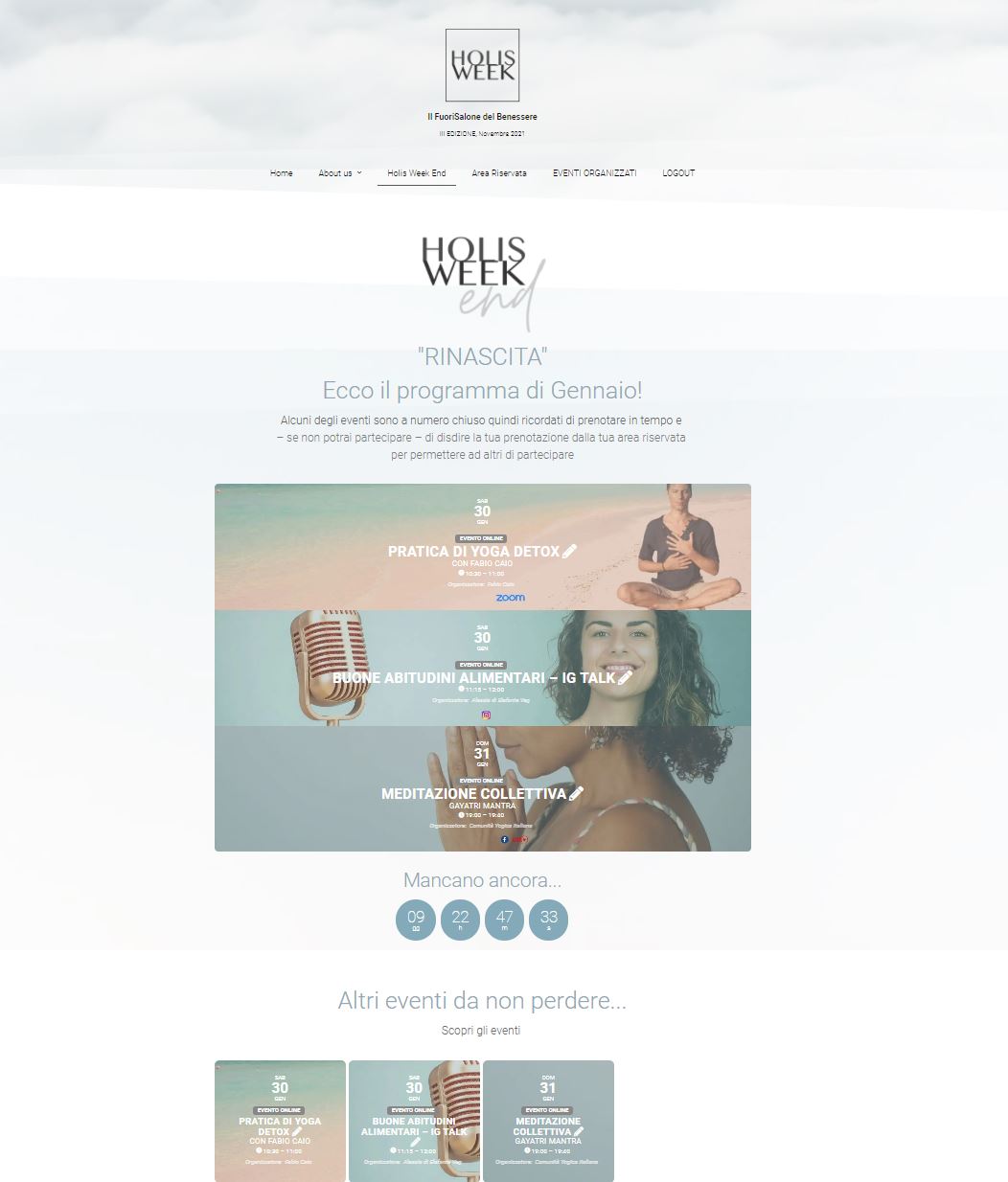
This is the page as I set it up
Hey Basilis,
Ok, so If I understand well, It’s in there that I must write the email ?
=> wpdashboard => my event on settings => rsvp => reminders => Enable before event start reminder email #1
QUESTION 1 : is that right ?
QUESTION 2 : if right, so what are the supported dynamic merge tags ? the tokens i mean ?
– for zoom link + pass + embed + other access info
QUESTION 3 : how do I send automated email to teachers ? (because in the sSelect emailing group, I don’t see teachers)
Thanks man
Marc.
Yes sure it’s glyn@glyn-thomas.co.uk
I’m following up on this again … can you tell me if I am using any of the add-ons that I’ve purchased?
One issue I have with your system is that it doesn’t seem to be working with ITHEMES SYNC … so I had made the decision to remove your plugin and use another .. unfortunately, the other one isn’t working like I need it to . and I love yours!
Is there anything in the works to have your plugin work with theirs?
Thank you so much …
Roxi

Hi,
Have you made progress on the ticket problem ?
Hello Basilis Kanonidis,
For the purpose of resolving the incompatibility issue with AVADA Theme that we discussed above, I have temporarily installed the AVADA theme with EventOn plugin on my web host. It’s a fresh installed with only EventOn plugin in it.
Please go ahead and check the issue. Right now, I only know this issue with Avada SoundCloud element, may be there are other which I haven’t found out yet. If you can fix this issue that will be a gig help for 655K Avada users.
Temp Site: http://eventon.jayatunga.ca/
Backend Login User: EventOn
Password: @Vent0n$upP0T
Thank you.
Hey Glyn,
Can you share me your email, so I can send you the details I have gathered?
Sorry for that, I tested the login again and it worked.
Now your IP-Adress ist on the whitelist in SeedPro.