Hello Ian,
Once payment is made, we will start work and I will keep you updated during development.
I can either send you the completed work and you can test it and let me know what part is not working or I can create a test site and give you access so that you do not have to risk downtime on your site.
As for revisions, I can do it till reasonable time.
Thanks,
Ashish
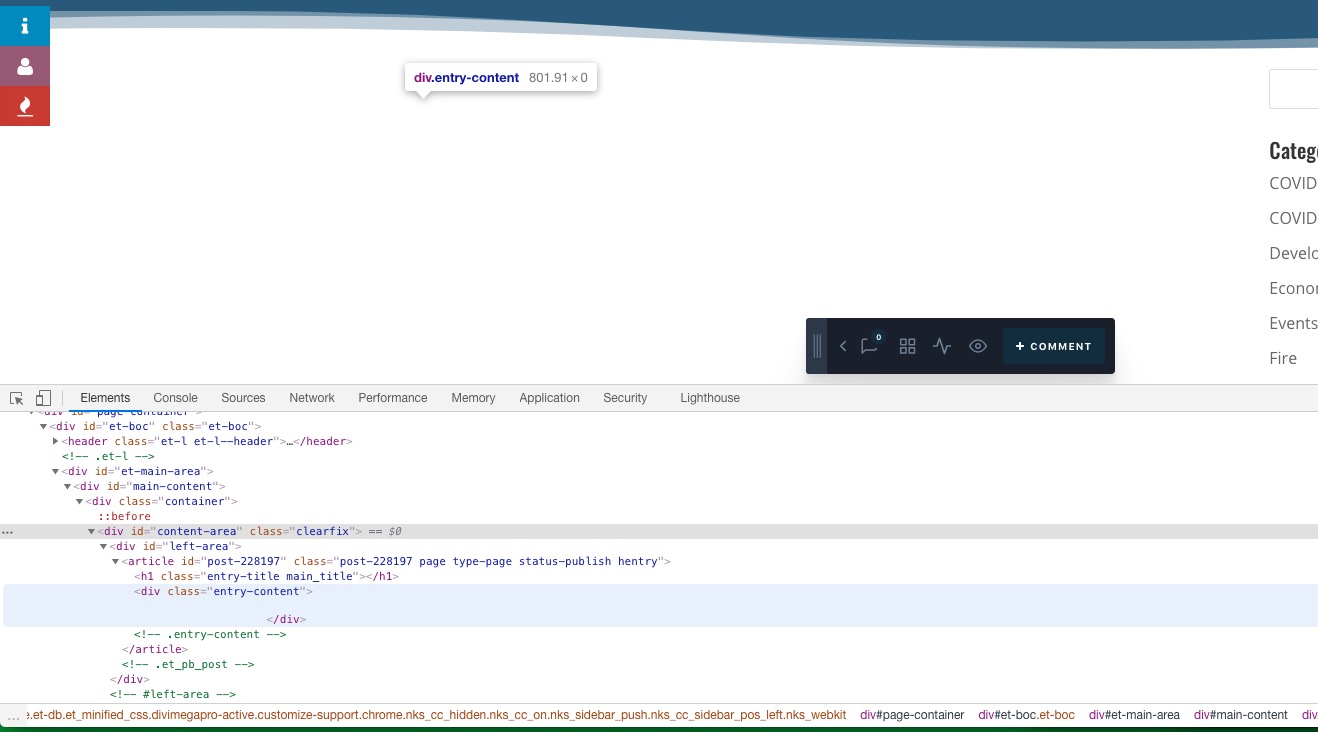
Please let them know that when Divi Mega Pro is enabled, entry-content is completely empty: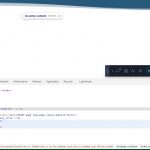
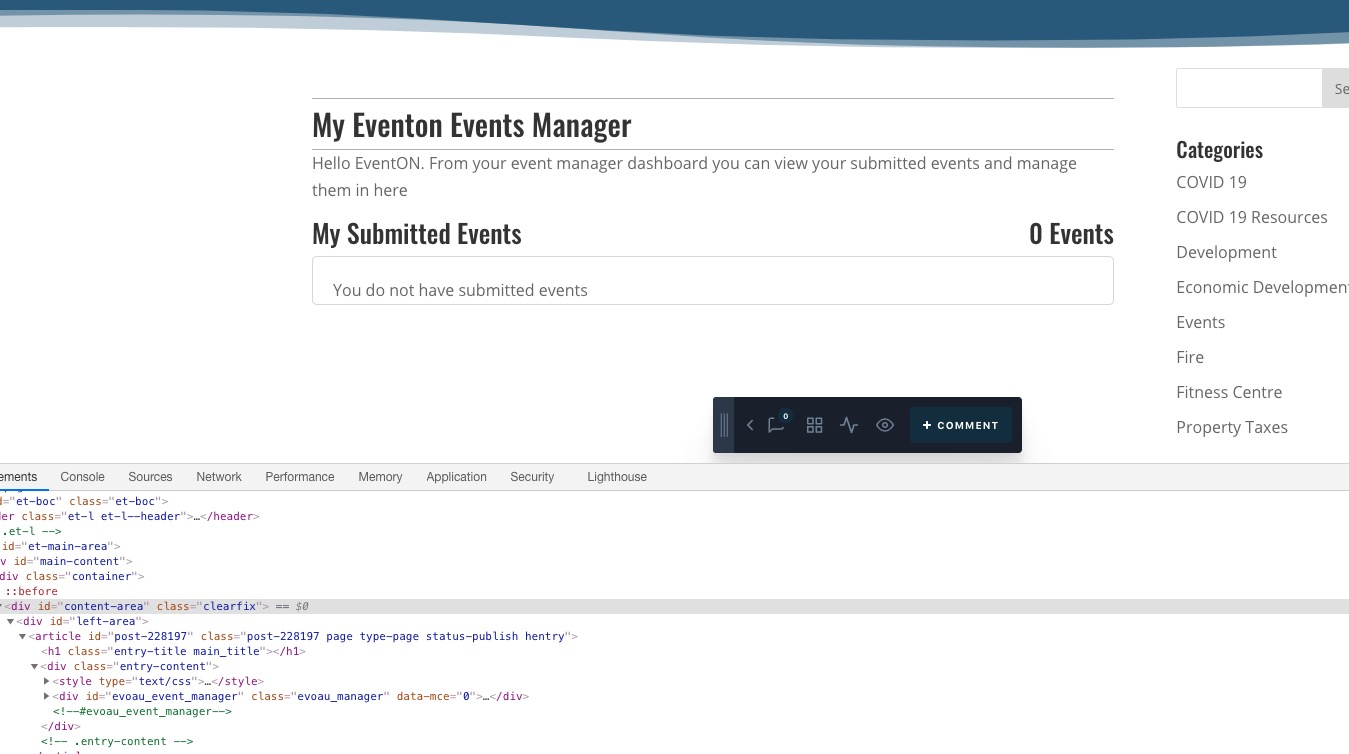
When Divi Mega is disabled:
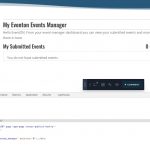
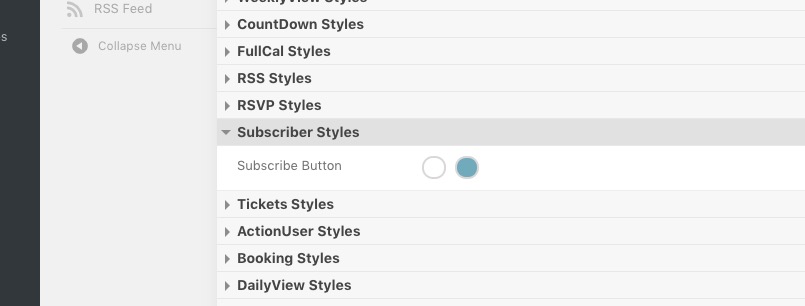
Please go to EventON Settings > Appearance:
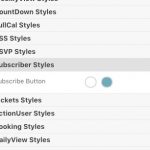
I’m really trying to understand how your system works for the CSS changes and fails all the time 
If you don’t see any change, EventON > Scripts & Styling > turn off Write styles to header > save settings > turn on Write styles to header.
Hi,
1. The custom work will be a new plugin.
2. We can do that.
3. We will see if we can separate the count by repeating instance.
4. This is one-time customization work. I cannot provide you ongoing support as I am not selling you a commercial plugin. However, this custom plugin will work like a child-theme and it will not be affected by regular updates of eventon or rsvp. Our custom plugin is being used by clients since 3-4 years without needing any update. On rare occasion, eventon or rsvp may alter their code unexpectedly which may cause the custom plugin to not work. But you can contact me and I can get it fixed for small amount.
Hello,
Please send us wp-admin access to your site as a private message for us to further assist your situation.
Hello,
Please use Event Lists: Ext add-on https://www.myeventon.com/addons/event-lists-extended/
Try this shortcode on http://dev.myeventon.com/wp-admin/:
[add_eventon_el number_of_months=”12″ event_count=”1″ event_count_list=”yes”]
You are referring to this part, correct?
Hello,
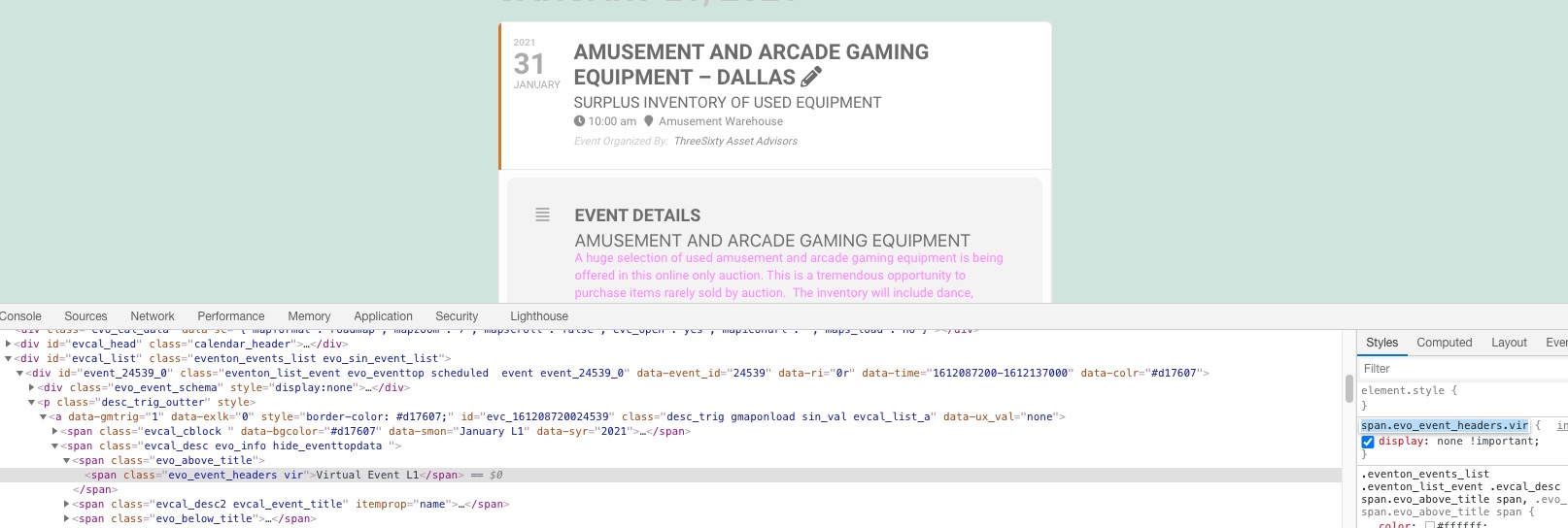
Please add this CSS code to EventON > Styles (If you don’t see any change, EventON > Scripts & Styling > turn off Write styles to header > save settings > turn on Write styles to header):
span.evo_event_headers.vir { display: none !important; }