I see the new version of eventon was released, I have updated it, I worked with the project i am working with a bit, I dont know if the items i have mentioned have been worked out but I did notice that I cant see my ticked event on the “event type 2 category” specific calendar for their training classes if i check the slider that says “Exclude from calendar” which states i want it set to yes so it doesnt show on all calendars. Which it does show up on the “event type 1 category” calendar, which is for their general events.
I am still hoping to get the initial issues worked out and this small new one that i noticed prior to feb 1st
Yes, this is problem I’m having. When EventON is on, everything I try to do takes me to that page with the EventON layout (which I don’t really understand how to use) If I turn off EventON, things work fine but of course I lose my event calendar on the site. The problem only happens when EventOn is active. I’m not a coder so I don’t understand js errors. I would appreciate your help in getting this plugin to play nice with the website.
Hey Basilis,
Thanks for the mobile fix.
Regarding the months, the full cal after the month of April has gone all wonky. It has 2 dates on the first Sunday of the month. https://bhaktimarga.co.uk/events/
I cannot login to your FTP:
Command: USER ftp_devcompartirtrenmesaave
Response: 331 Password required for ftp_devcompartirtrenmesaave
Command: PASS ****************
Response: 530 Login incorrect.
Error: Critical error: Could not connect to server
Could you try yourself?
Unfortunately, both of these aren’t possible:
The css code (.evo_eventon_live_now_section p.evo_eventon_no_events_now { display: none !important; }) hides the “No Events at the Moment” wow but not the heading “Events Happening Now”. That title also needs to be hidden.
that actually stop showing the title “Events Happening Now” even if there is actually an event happening.
Please remove either my or infotainerdave’s code.
Awesome !! looks perfect the last thing its hide the “Vender entradas para esta actividad” switch button ? because user must not be able to turn off
I dont know if this works or make a conflict with other css class but something like this can work out ?
.evotx_tix {
display: none !important;
}
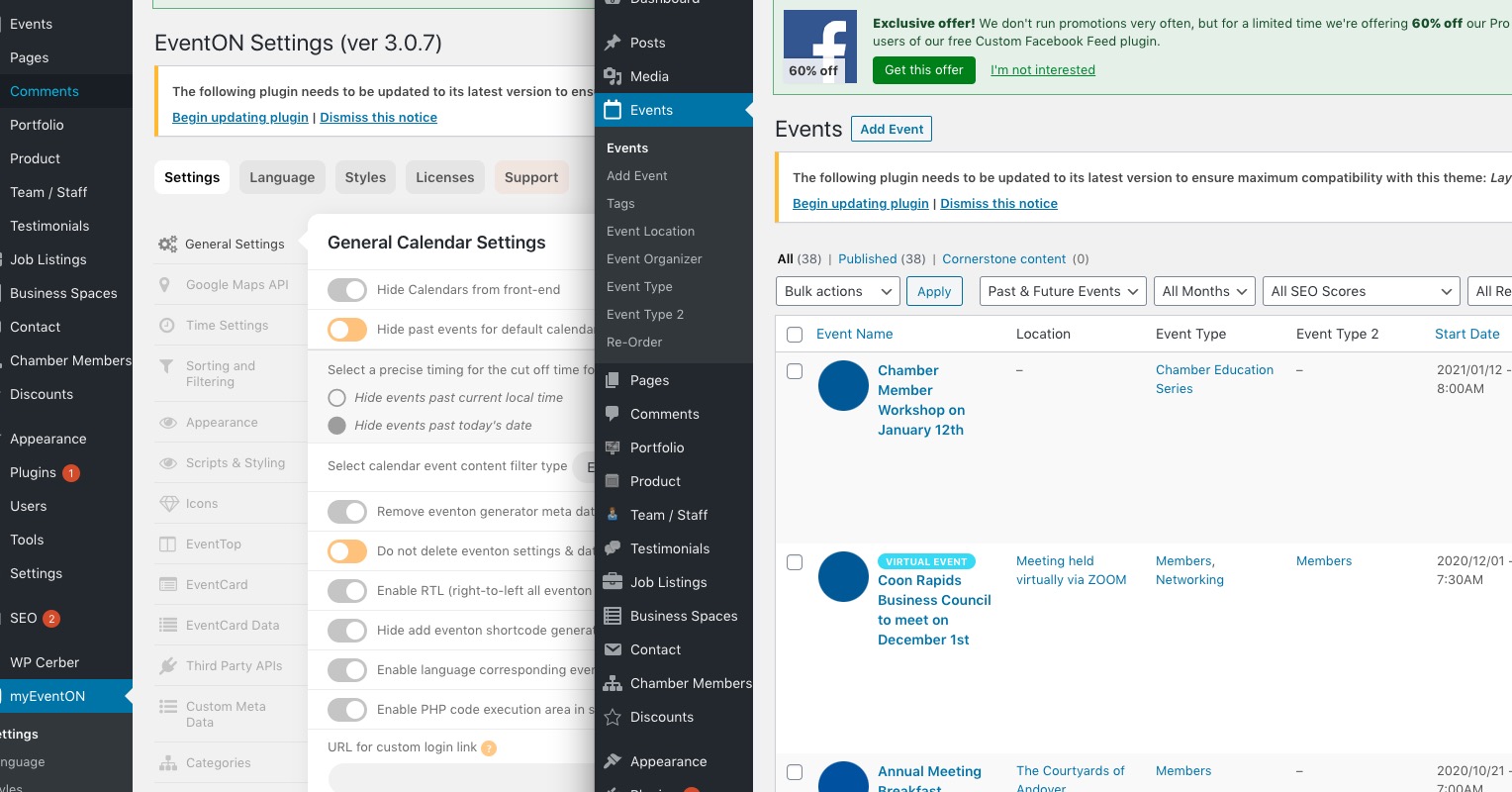
EventON Settings and Events pages seem to work correctly: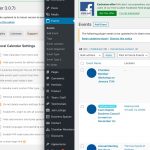
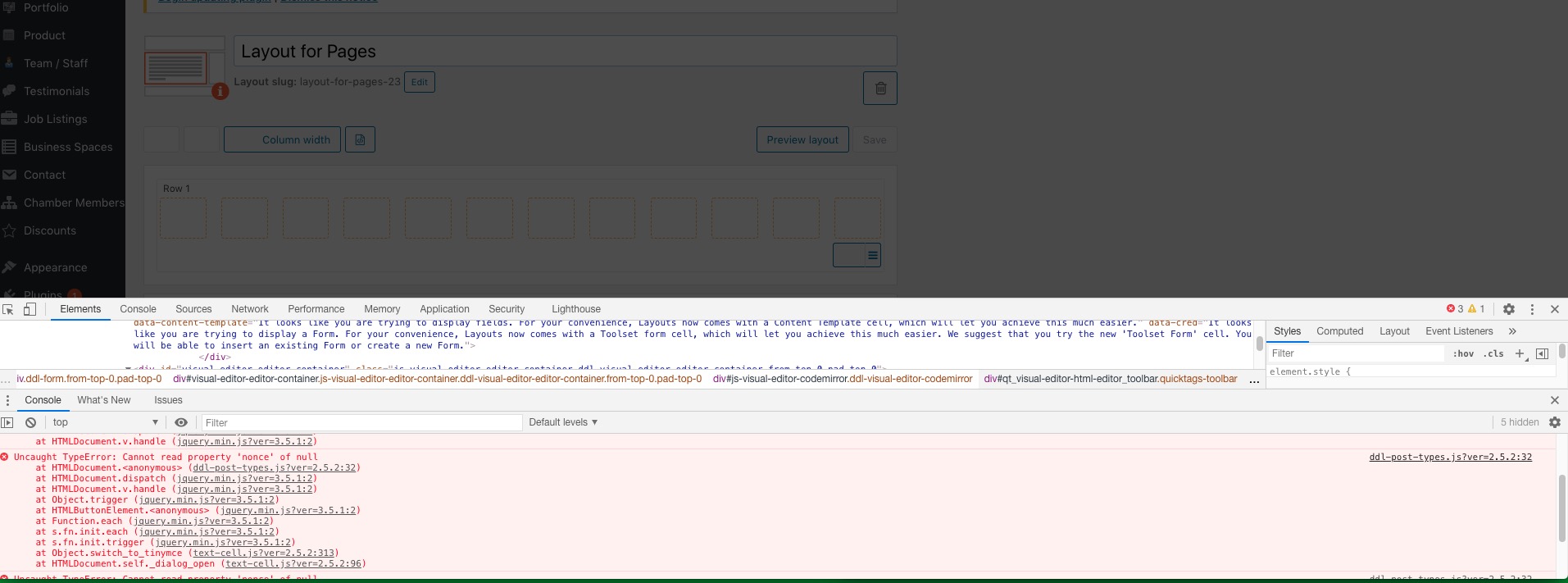
But when I tried to add a shortcode your layout editor broke with these js errors:
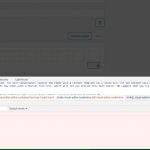
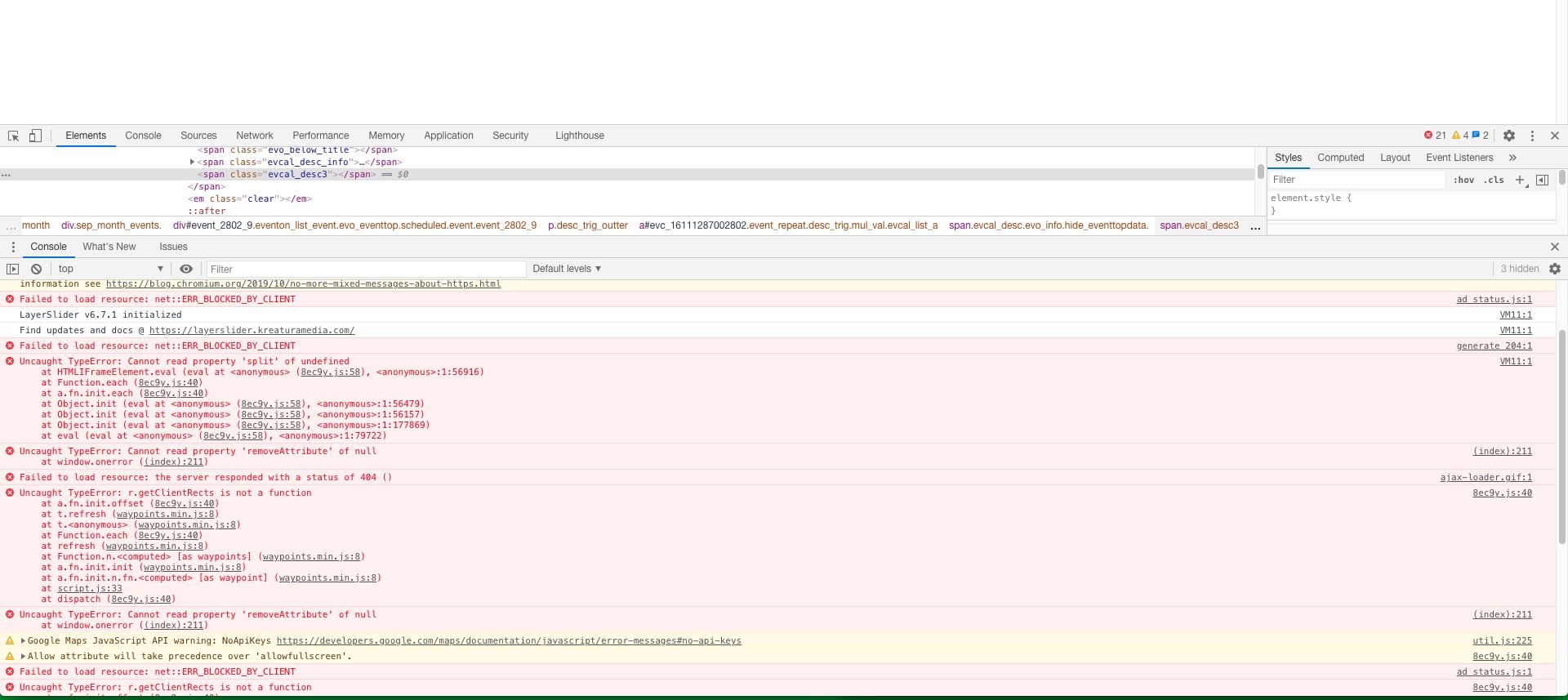
Homepage also doesn’t respond from waypoint and other plugins:
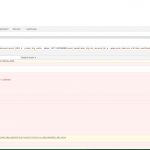
Could you check?
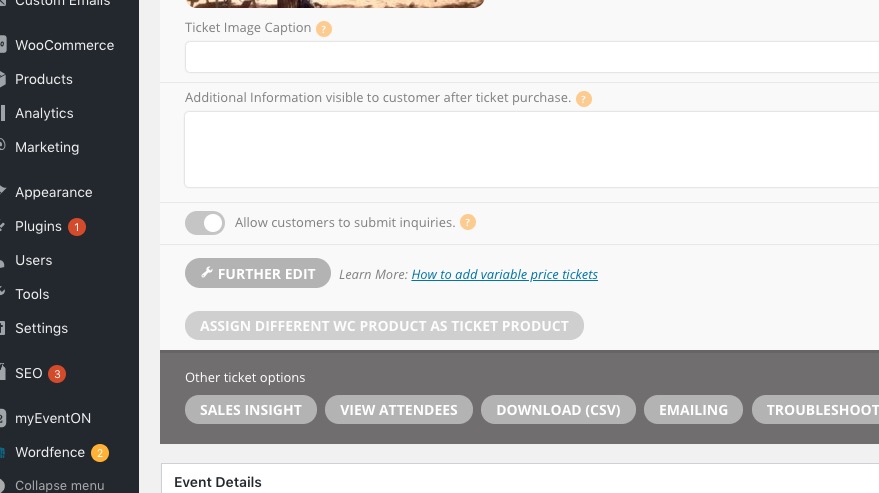
I created a new product and assigned it from ASSIGN DIFFERENT WC PRODUCT AS TICKET PRODUCT:
https://coloradooutside.com/wp-admin/post.php?post=1509&action=edit:
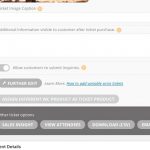
Please make sure that the event has the correct data.
Perfect! We are glad your issue is resolved, if you have any further questions or concerns please create a new ticket.
If you have a moment, we would greatly appreciate if you could kindly leave us a review at codecanyon! from your account > downloads. Cheers!
Just updated to the zip you gave me, and it’s working as it should! I now have it set to “provided timezone from ics file” and it’s seeing that it should be New York. I am so relieved…thank you for your help!