OK sure that sounds good to me.
Archives: Replies
Replies for tickets on suppota
Reply to: tickets(213049)
Hey Antonia,
Can you please check now?
Reply to: tickets(216666)
Hey glyn,
Let me review the requirement, I think we also need to do a call to ensure that we do this rigjt.
Reply to: tickets(216292)
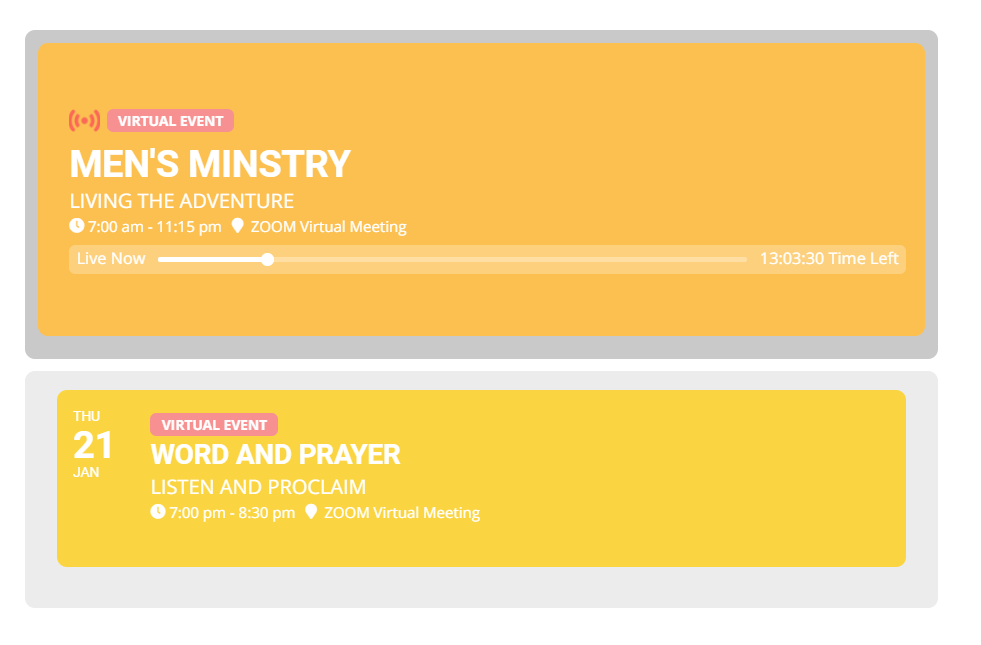
Sorry to bug you… that actually stop showing the title “Events Happening Now” even if there is actually an event happening.
May be I was not clear enough explaining my need. It is perfectly ok to have Title “Events Happening Now” when there actually an active and live event. Of not, that title doesn’t need to be there.
Reply to: tickets(216671)
for example:
https://wiener-bildungsakademie.wien/events/der-mensch-die-umwelt/
The single Event pages are not working on mobile devices, the footer is NOT shown where it should be.
On all other pages like
https://wiener-bildungsakademie.wien/lehrgaenge-und-themenschwerpunkte/
it is working but on single event pages not.
What can i do?
Reply to: tickets(216634)
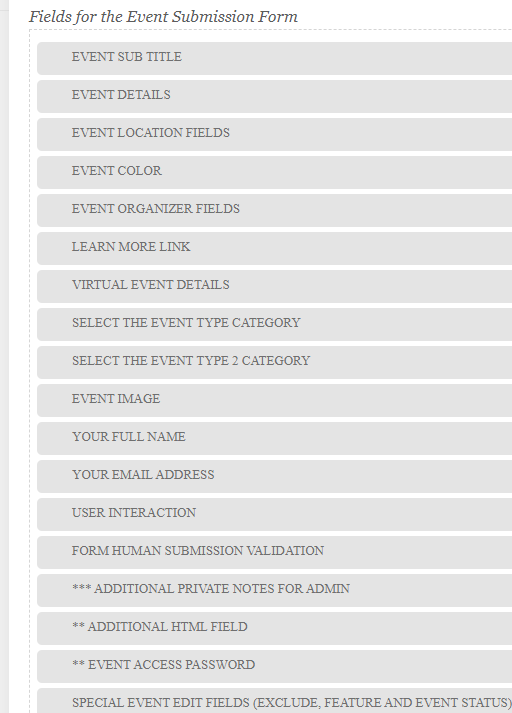
https://consommonscooperatif.com/wp-admin/
Guest
2ZlSB#MB09b4rcTTL)V8Eruw
I’m sorry but on my other site I got EventOn (ver 2.9.1) and it’s working, can you check event it is not updated?
Reply to: tickets(211339)
Hello,
Login info stopped working. Could you check?
Reply to: tickets(216634)
Hello,
I am sorry, the access information you have provided did not work for us:
Identifiant inconnu. Vérifiez l’orthographe ou essayez avec votre adresse e-mail.
Please check them and post the correct login information as a private message, thank you!
Please also make sure that you are using the latest version of Action User – 2.2.4.
Could you also update EventON to 3.0.7?
To update eventon to latest version: If you are unable to do autoupdate, you can go to codecanyon your account > download and get the latest eventon version as zip file. Then you can go to your website, deactivate old eventon, activate (Do not delete eventon settings & data when EventON is uninstalled) from eventon settings, delete old eventon, install new one and activate. This link will further explain the process it. Also you can follow us on twitter to get real-time announcements on updates!
Reply to: tickets(216518)
You can go to Edit Event > Time > enable All Day Event and Hide End Time from calendar. This way event will show only Start Date.
OR Follow my previous suggestion and make it year long event by going to Edit Event > Time > enable Year Long Event – Show this event for the entire start event Year. You can also add yl_priority=”yes” to the shortcode to move year long events to top.
Reply to: tickets(216059)
I added the +1 modification again which seems to have temporarily solved it… I dont have hope.
It seems that we need to wait for February and see if this error returns.
Please can you help remove the LIVE FEED that has now been introduced to it automatically. We do not want this. I do not know where the settings for this is.
Please go to EventON Settings > EventTop > enable “Hide live event progress bar with time remaining” and “Hide blinking “Live Now” icon from event top for current events”.