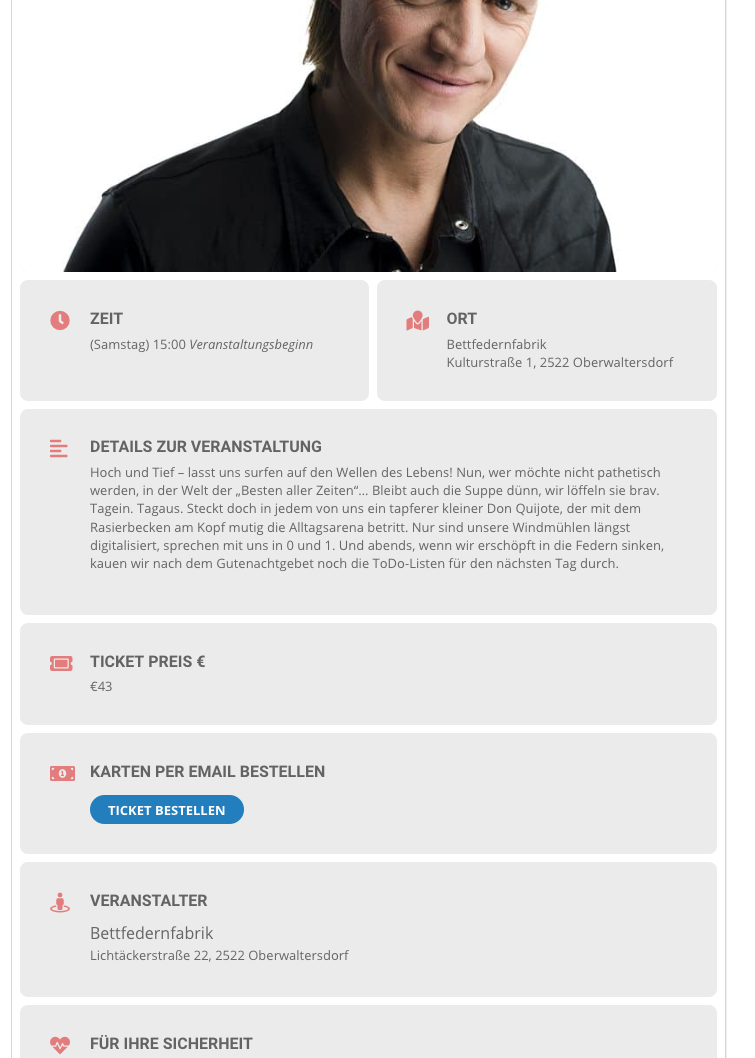
This is the button on the front end where the form shall pop up. (Blue button)
Replies for tickets on suppota
This is the button on the front end where the form shall pop up. (Blue button)
Hi Basilis,
so I have just activate caldera forms, please use this.
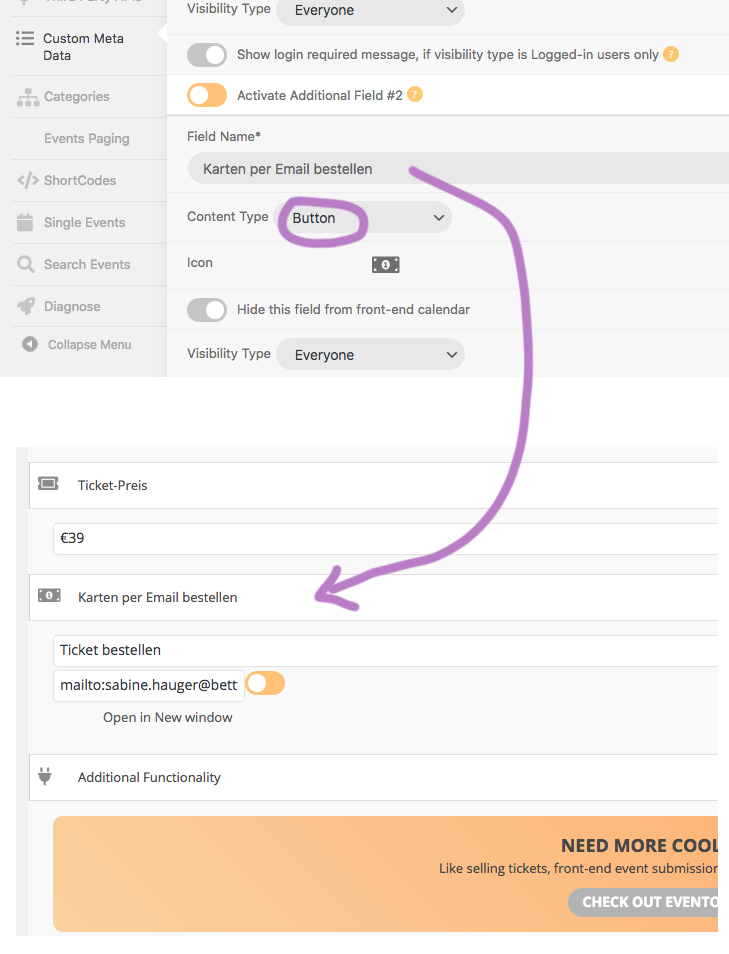
I have created a custom field name called “Karten per Email bestellen”. This will show up on any event. please see reference image.
Hello,
We would like to apologize for this. I am going to assign this ticket to Ashan and he will be able to find you a solution ASAP.
Again, sorry for the inconvenience.
There’s another issue with Event List & Item add-on:
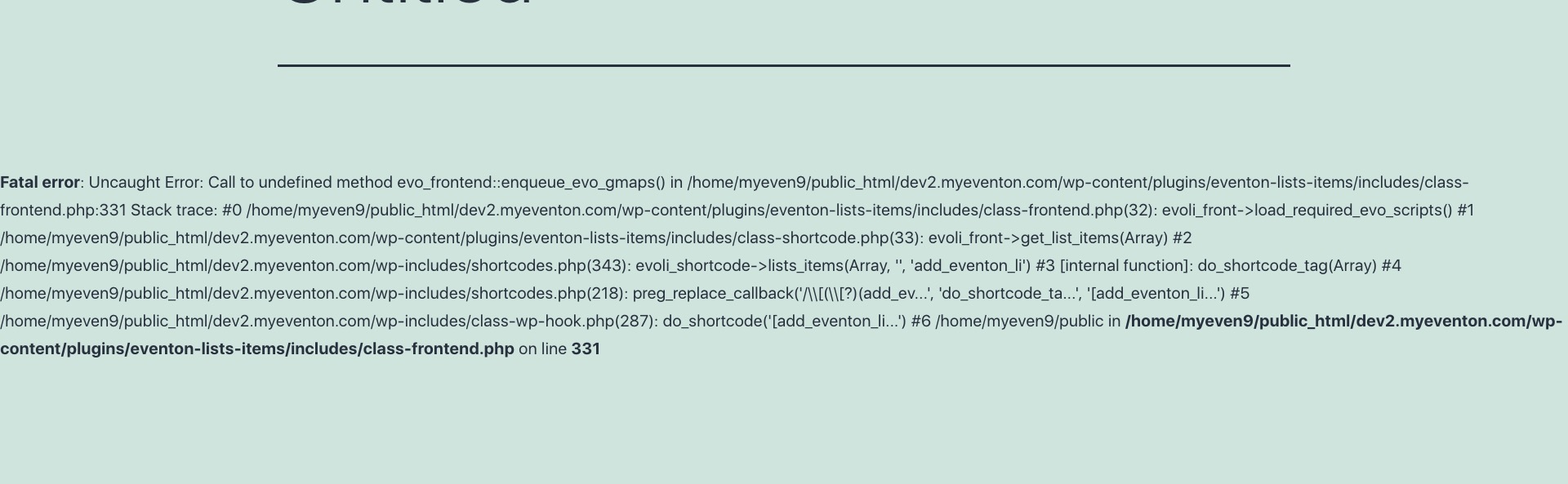
Fatal error: Uncaught Error: Call to undefined method evo_frontend::enqueue_evo_gmaps() in /home/myeven9/public_html/dev2.myeventon.com/wp-content/plugins/eventon-lists-items/includes/class-frontend.php:331 Stack trace: #0 /home/myeven9/public_html/dev2.myeventon.com/wp-content/plugins/eventon-lists-items/includes/class-frontend.php(32): evoli_front->load_required_evo_scripts() #1 /home/myeven9/public_html/dev2.myeventon.com/wp-content/plugins/eventon-lists-items/includes/class-shortcode.php(33): evoli_front->get_list_items(Array) #2 /home/myeven9/public_html/dev2.myeventon.com/wp-includes/shortcodes.php(343): evoli_shortcode->lists_items(Array, ”, ‘add_eventon_li’) #3 [internal function]: do_shortcode_tag(Array) #4 /home/myeven9/public_html/dev2.myeventon.com/wp-includes/shortcodes.php(218): preg_replace_callback(‘/[([?)(add_ev…’, ‘do_shortcode_ta…’, ‘[add_eventon_li…’) #5 /home/myeven9/public_html/dev2.myeventon.com/wp-includes/class-wp-hook.php(287): do_shortcode(‘[add_eventon_li…’) #6 /home/myeven9/public in /home/myeven9/public_html/dev2.myeventon.com/wp-content/plugins/eventon-lists-items/includes/class-frontend.php on line 331
Could you check?
Ashan,
The same on dev2: https://dev2.myeventon.com/24615-2/
Please change site’s language to he_IL:
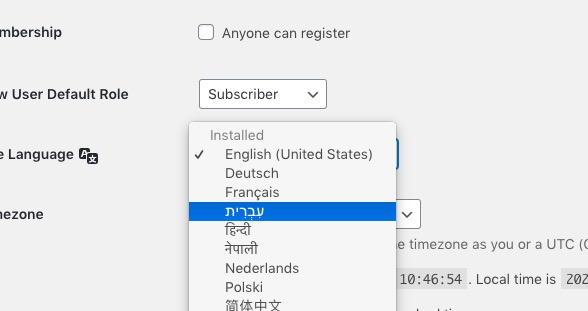
Enable “Enable RTL (right-to-left all eventon calendars)”.
And you’ll see this https://helpdeskx.s3.amazonaws.com/wp-content/uploads/2021/01/06040841/Screenshot-2021-01-06-at-12.06.53.jpg
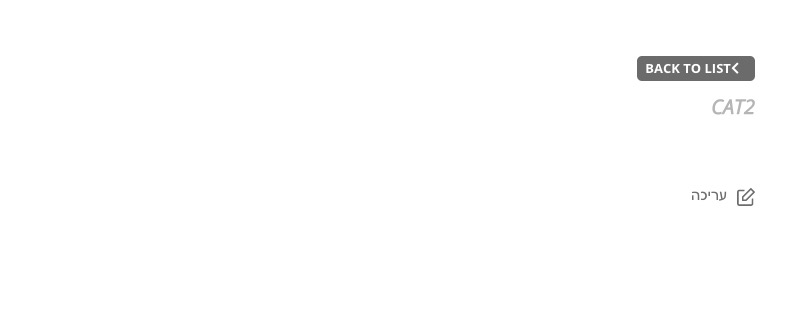
The problem is that it doesn’t show Event Types but only “Back to List” button you cannot press and Cat2, that’s it.
Oh, so structured data can’t be shown on other websites also?
Is there no way? Maybe with different addon?
Thank you for such a quick response.
We are aware of this situation and working on solving this ASAP.
ok, I will wait for this update.
Start Event should be the start time of the first block and End Time is the end time of the last one.
But I need this for the whole year. So when I fill in 01-01-2021 9:00 – 30-12-2021 18:00. Then It will be shown as expired event. So for example I need to set up opening hours of the museum as bookable timeslots:
15-01-2021
16-01-2021
This for a whole year. With different time slots for holidays and Sundays.
I’ll hope you can help
Hello,
Everything is correct. API’s events are loaded dynamically, so Google cannot recognize them.
This is why your main website should be open and visible to Google and other search engines.
From this message Reply to: 215273
If you want to show events from 2007 you need to add much more than “-15” month. It seems that you need to add more than 168 months.
Please also send us wp-admin access to your site as a private message for us to further assist your situation.
Ashan,
Please check “And when I add a time slot for a whole month (every half hour a time slot) It will only add 3 days.“