We unable to help since we don’t really know how your theme works and why it breaks EventON. Could you contact the theme developers about this issue?
Archives: Replies
Replies for tickets on suppota
Reply to: tickets(391617)
You can try Custom Meta:
https://docs.myeventon.com/documentations/setup-use-custom-meta-fields-events/
Add it manually, but you need to use CSS to move it out of EventTop.
Also take a look
https://docs.myeventon.com/documentations/hook-eventtop/
You can add the same badge through the code.
If you just want to add it to Single Event Page, please follow
https://docs.myeventon.com/documentations/customize-single-events-page/
Reply to: tickets(391921)
Ashan,
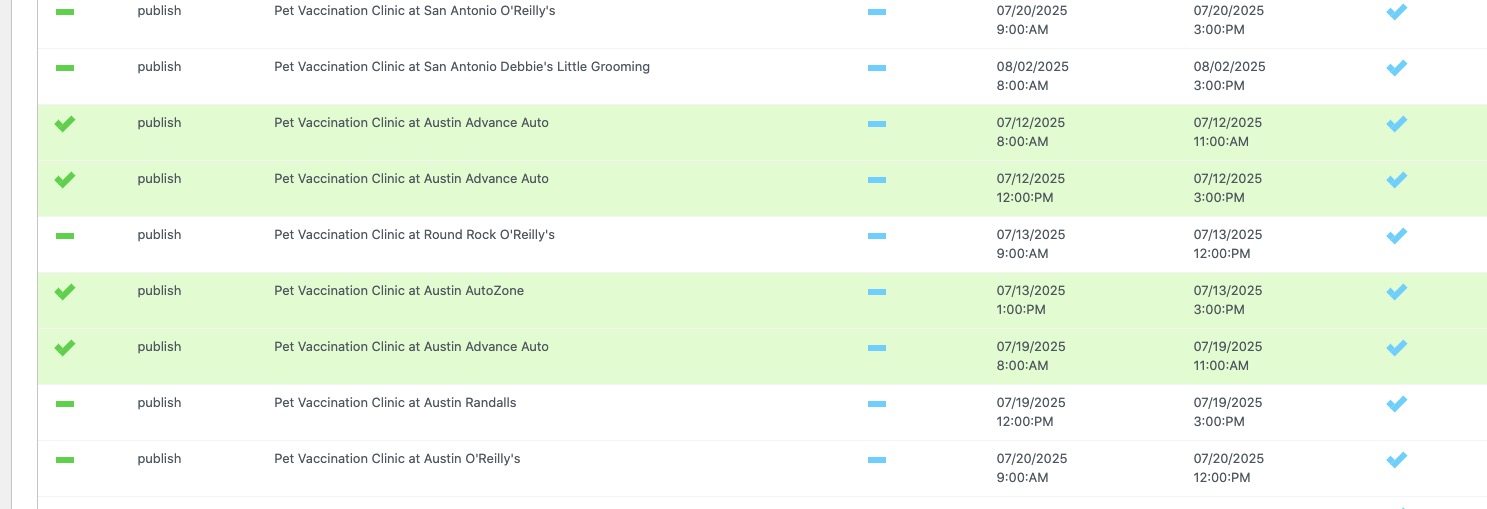
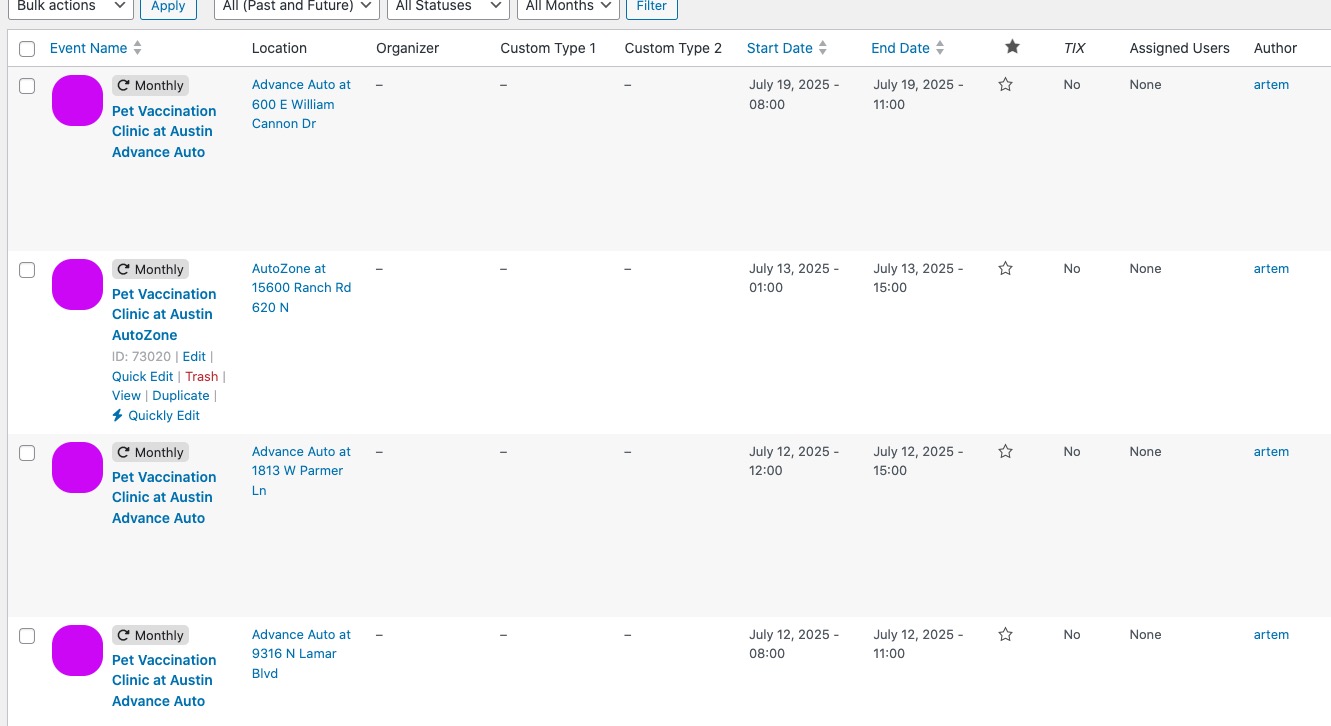
The same on dev2 with customer’s file (date and format are both correct):
https://dev2.myeventon.com/wp-admin/admin.php?page=evocsv
Reply to: tickets(391921)
Thank you for your messages, I am going to assign this ticket to Ashan and he will be able to take it from here and find you a solution. Please allow some time for him to get back to you, we greatly appreciate your patience and thank you for being a eventon customer! Also please disable any IP blocking on your site if there are any.
Reply to: tickets(391972)
Closed as duplicate.
Reply to: tickets(391971)
Hello,
Since you enabled Variations, the capacity will not be shown, I am afraid. However please create a new ticket and select Feature Request as category so others can vote on your idea and get it moved into development faster.
Reply to: tickets(391618)
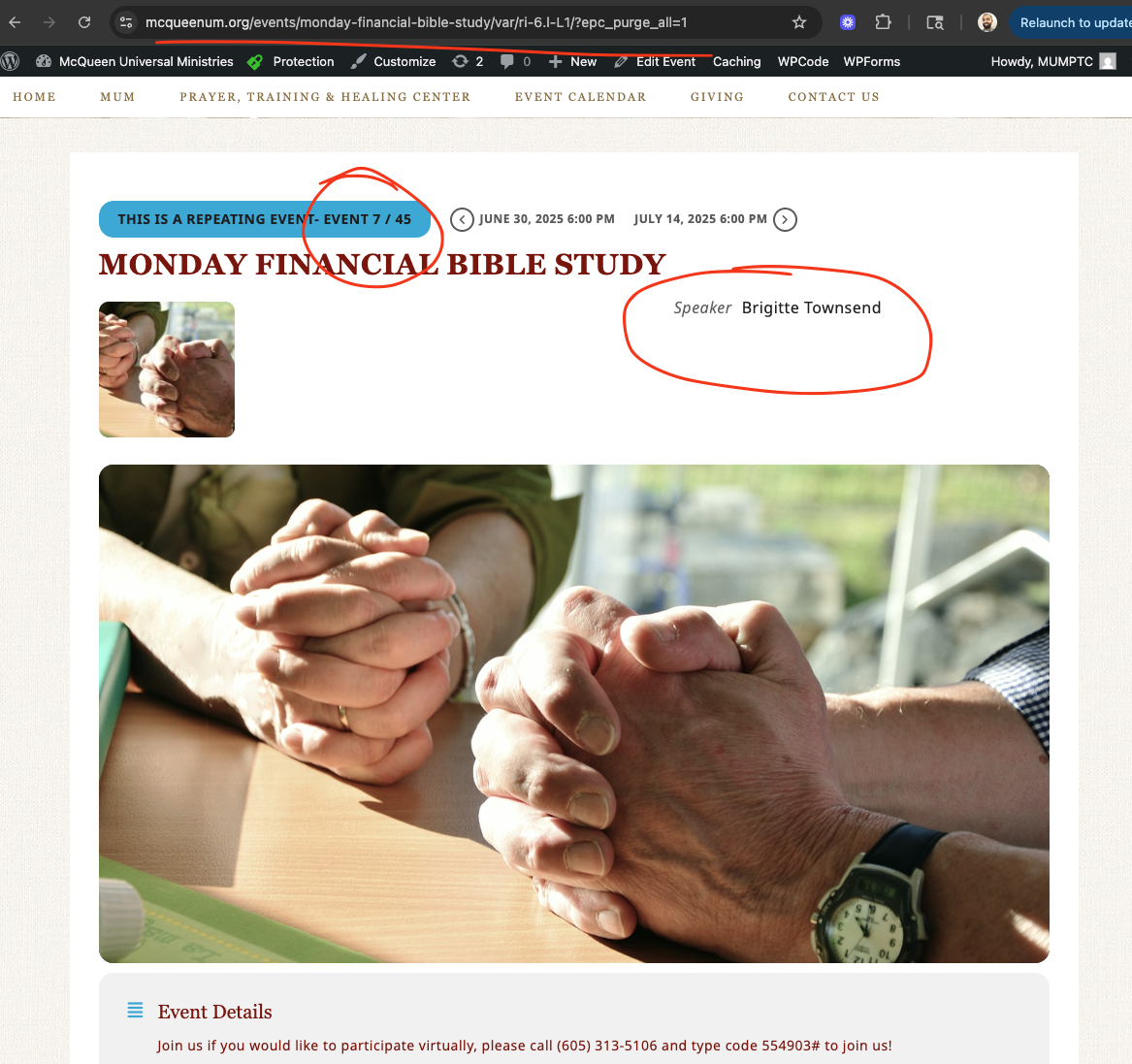
The issue with your case was, you have not set an organizer for the main event, and you used repeat customizer to add organizer to certain repeat instances of the event.
Reply to: tickets(391618)
Thank you Derek for sharing that information.
https://www.mcqueenum.org/events/monday-financial-bible-study/var/ri-6.l-L1/?epc_purge_all=1
I have added code changes to get this working for you and these changes in the code will be pushed into next version update.
Reply to: tickets(391932)
Hi, this time it appears to be the theme
Reply to: tickets(391871)
No, now that the old ones are fixed, everything seems to be working. It just had changed the old ones for some reason. Thank you, though!