Hi Hector,
Thanks for your follow-up & sorry for the inconvenience caused.
I’ve been able to reproduce this conflict on my end too and this issue has been submitted to the plugin author for closer investigation.
We will be getting back to you in a short while.
Hi Juan,
Thanks for getting back to us.
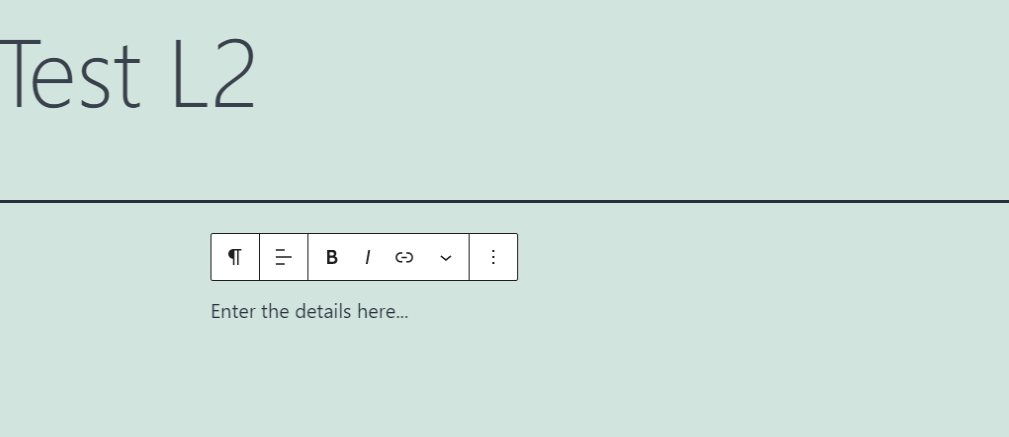
You can enter the event details when editing a single event and this will display the info when the pop up is loaded:
To answer the second question, you can enable “Sorting & Filtering Options” options on the calendar when generating the shortcode as shown below:

I hope this helps.
Hello Artem,
Sorry but the plguin not working well for the colors, Please check
I going to remove the CSS you gave me now
Thank you
NItzan
1 more month passed.
Any update?
This is happening on my site as well- love to see the fix
Thank you for your messages, I am going to assign this ticket to Ashan and he will be able to take it from here and find you a solution. Please allow some time for him to get back to you, we greatly appreciate your patience and thank you for being a eventon customer! Also please disable any IP blocking on your site if there are any.
Yes same format to update
is this a pre sale question as I don’t see you have purchased eventon with that email address.
we have a paid addon called RSVP which could be used to collect name and email and other info
https://www.myeventon.com/addons/rsvp-events/
you can also Add information that is hidden until they enter their name and email as well
and if you are doing virtual events- you can hide the virtual links until they RSVP
So here is a video of the reminders addon- how to make it work on the event