Hello,
I went to EventON Settings > http://www.hamptonseat.com/sagaponack2/wp-admin/admin.php?page=eventon#evcal_001b and enabled Use WP default Date format in eventON calendar (Excluding eventCard event date format). It seems to be working now:
Please check and let me know.
Hello,
Unfortunately, we cannot find any purchases associated with your email. Could you send us your other email and order ids?
Ashan,
Please check 2.
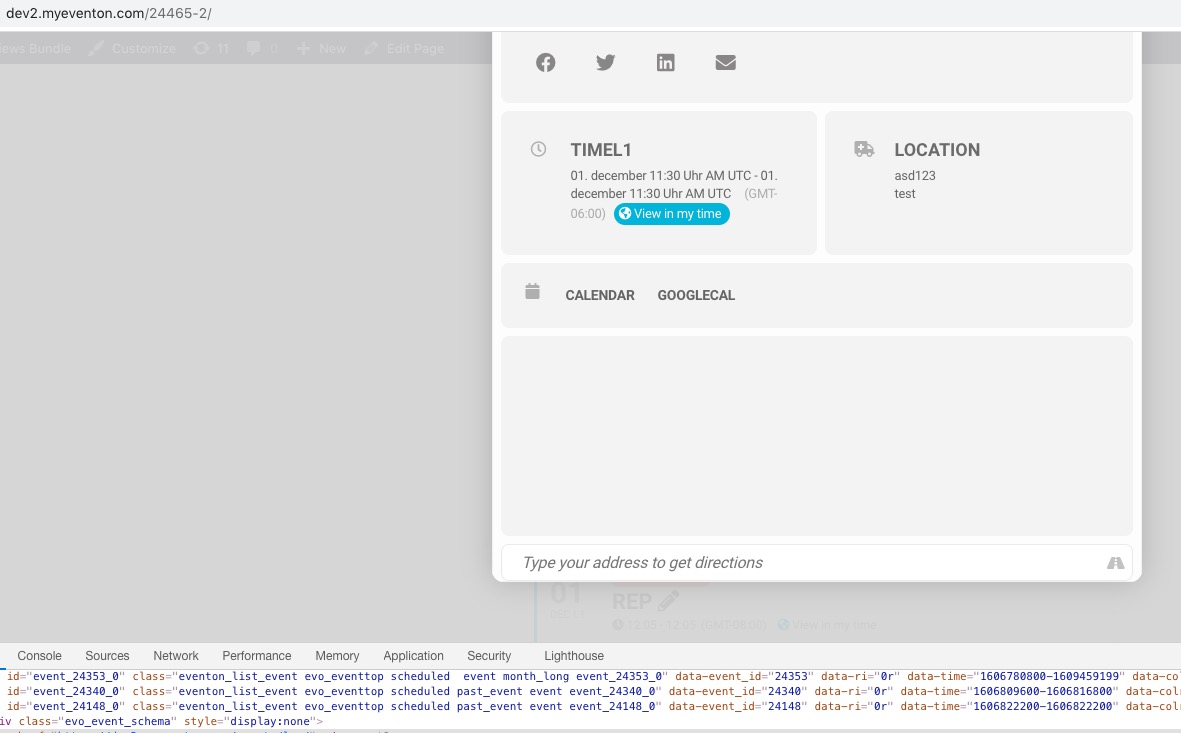
The same on dev2. ux_val=”3a” makes Google map stops working:
https://dev2.myeventon.com/24465-2/ (event “loc”)
1. You can hide Location Name with this CSS code:
.evorow_b.evo_location p.evo_location_name { display: none !important }
Please go to EventON Settings > ICS Import > enable Sync already imported events if event UID matches in the ICS file. So now it will update already imported events.
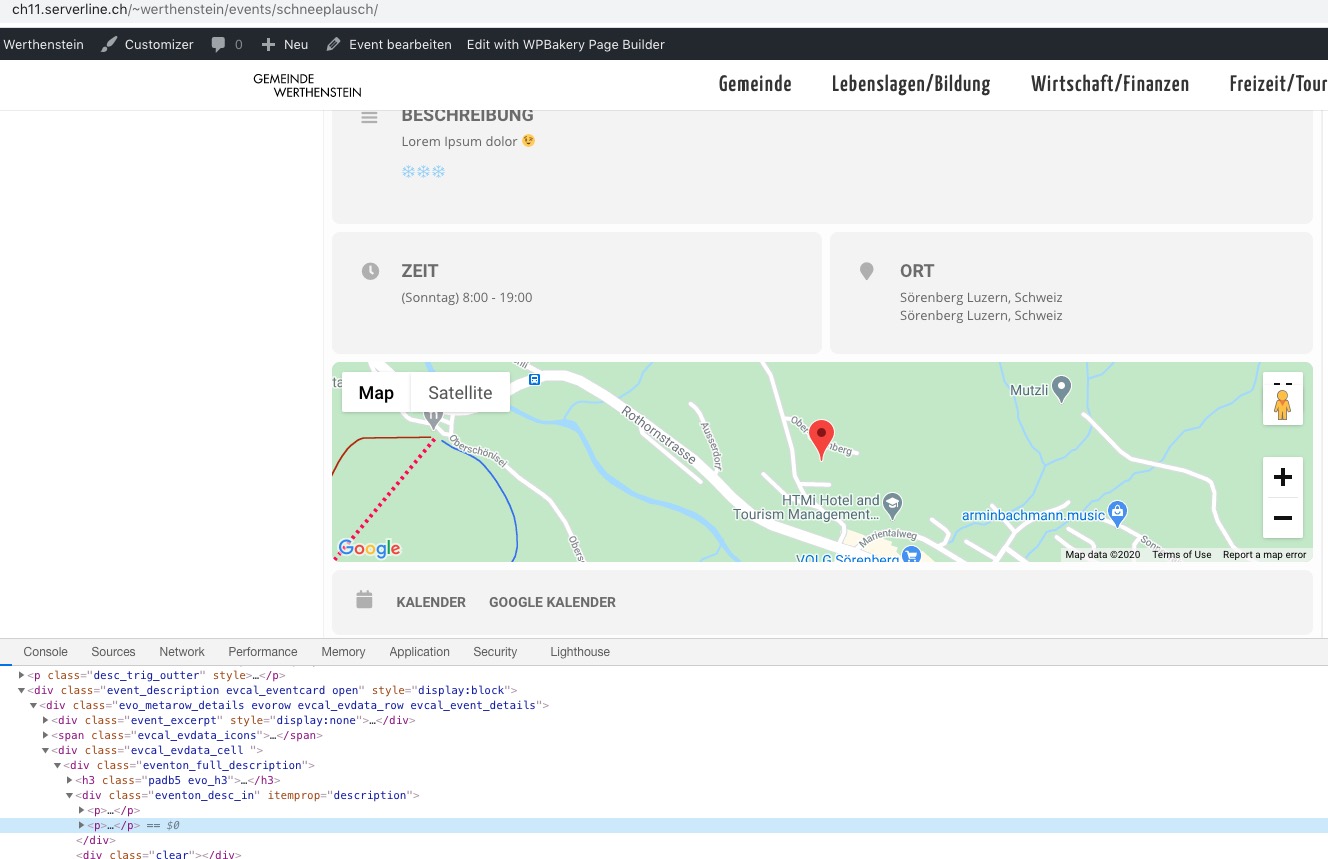
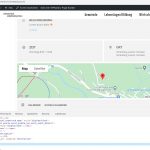
2. It seems to be working on Single Event Page:
Thank you for your messages, I am going to assign this ticket to Ashan and he will be able to take it from here and find you a solution. Please allow some time for him to get back to you, we greatly appreciate your patience and thank you for being a eventon customer! Also please disable any IP blocking on your site if there are any.
Meanwhile as a temporary solution could you add this to the shortcode:
ux_val=”3″
Please try contacting CodeCanyon about this as we don’t have any access to your account there.
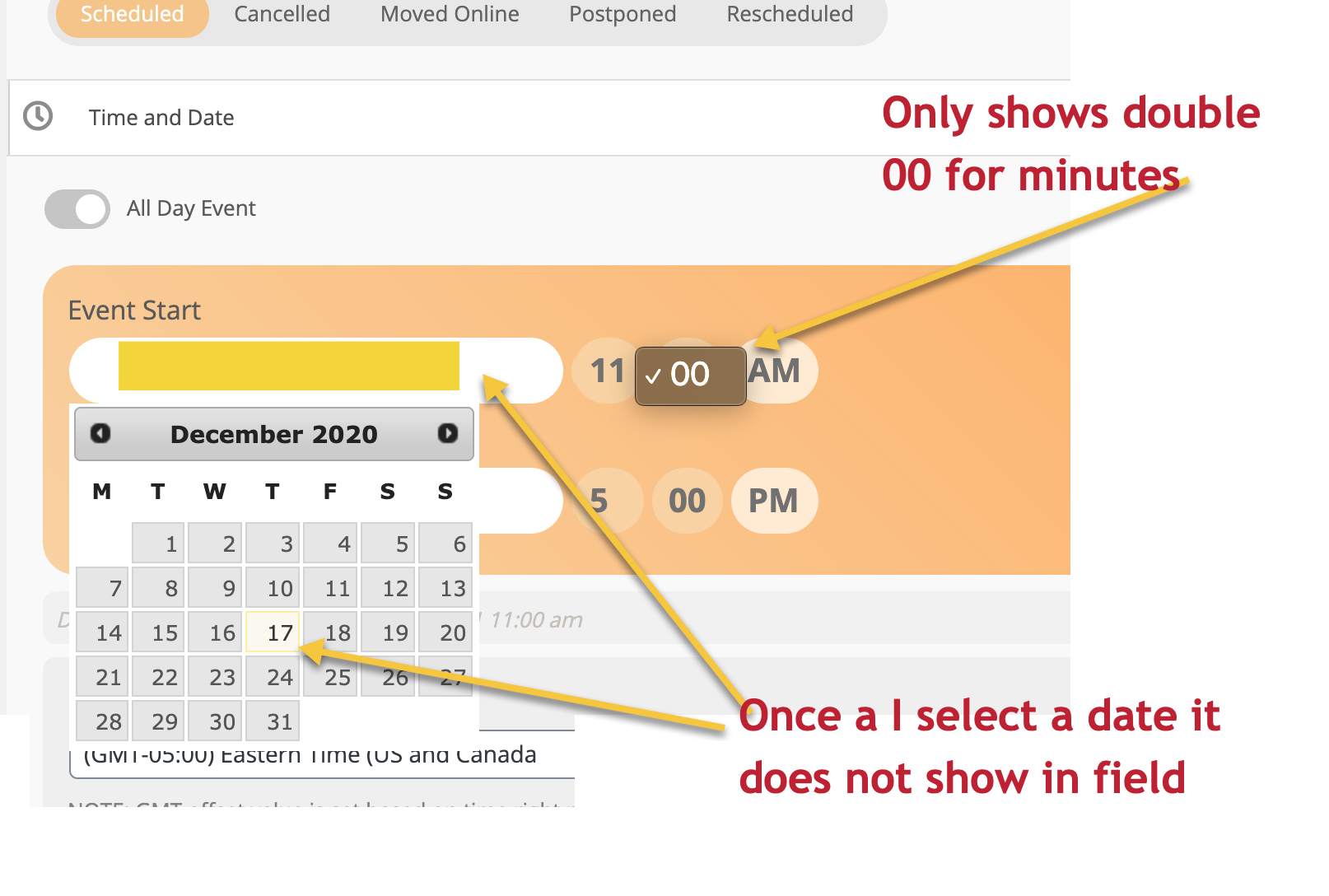
Same happens when I switch to twenty twenty theme
We are glad your issue is resolved, if you have any further questions or concerns please create a new ticket.
If you have a moment, we would greatly appreciate if you could kindly leave us a review at codecanyon! from your account > downloads. Cheers!
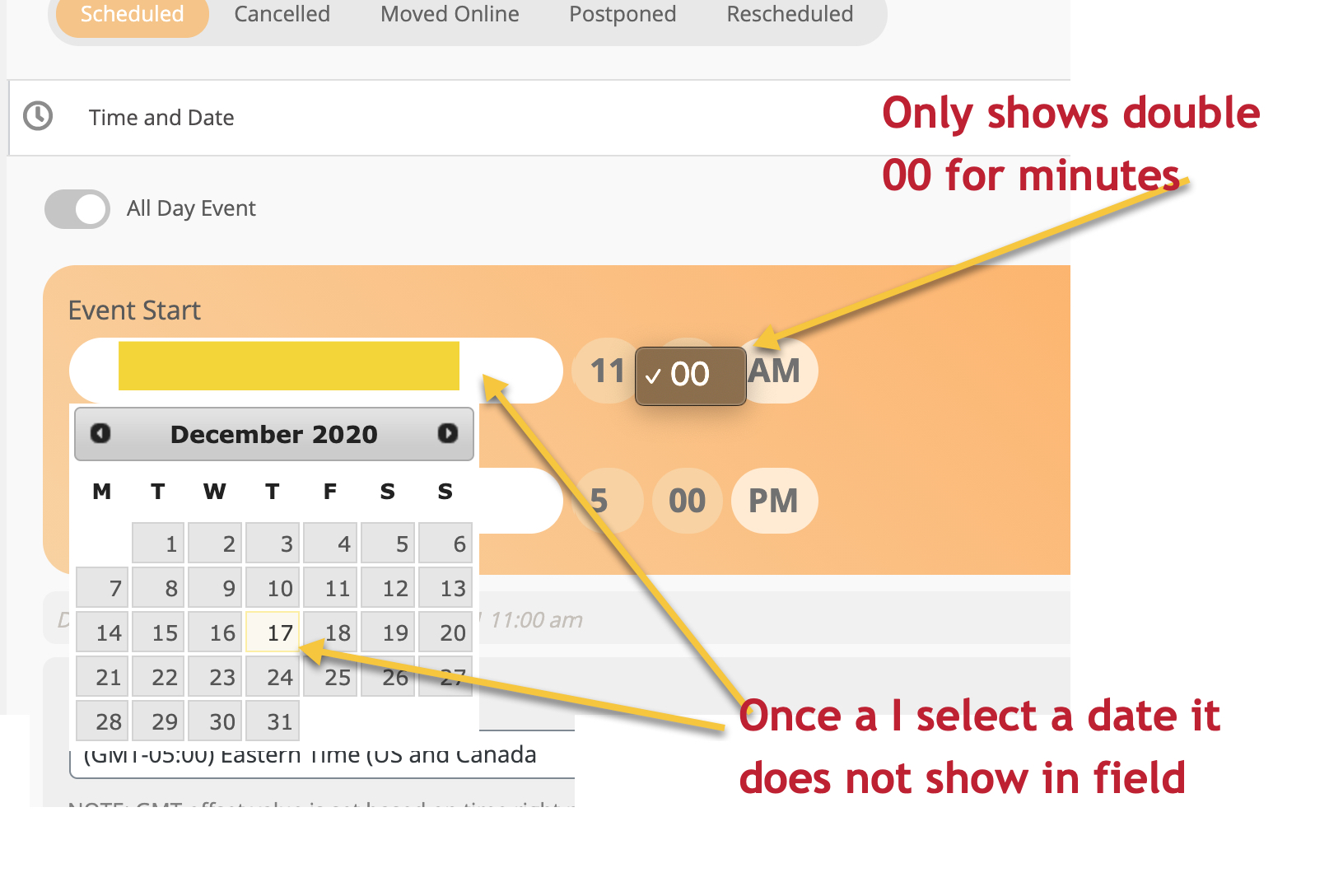
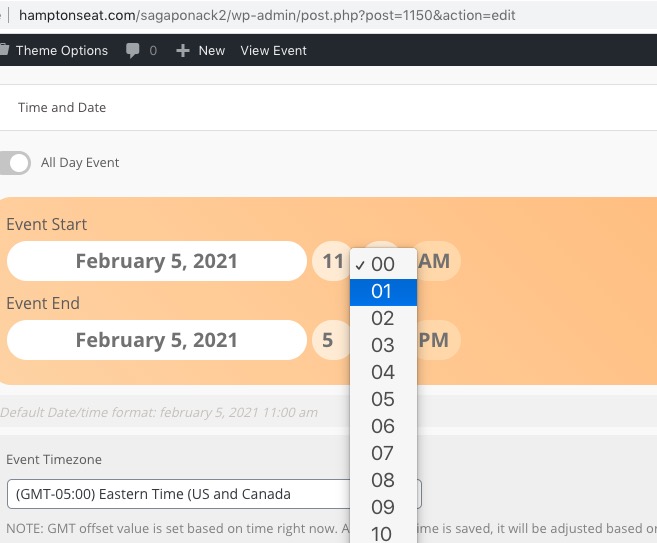
See screen grab below of event admin where it does not show minutes or place the date in field once selected
just wanted to let you know the actionUser new version 2.2.4 is now available and that will fix this category issue. https://www.myeventon.com/addons/action-user/