The wordpress login I gave earlier has admin credentials. Just in case, I reset the password. Here it is again:
wp-admin: https://choreographybyrae.com/wp-login.php
username: woocommerce
password: gx#7t2F$K8tjcD04i5@j!Wc&
Replies for tickets on suppota
The wordpress login I gave earlier has admin credentials. Just in case, I reset the password. Here it is again:
wp-admin: https://choreographybyrae.com/wp-login.php
username: woocommerce
password: gx#7t2F$K8tjcD04i5@j!Wc&
Host reset everything. I’ve retested the credentials and all should work now.
FTP username: choreographybyrae@theluvelyburlesqueacademy.com
FTP server: ftp.theluvelyburlesqueacademy.com
FTP password: 9Iej}=?Bp5H9
FTP & explicit FTPS port: 21
figured it out
I also made this whole ticket private.
I was unable to login:
Command: USER choreographybyrae@theluvelyburlesqueacademy.com
Response: 331 User choreographybyrae@theluvelyburlesqueacademy.com OK. Password required
Command: PASS ************
Response: 530 Login authentication failed
Error: Critical error: Could not connect to server
Could you check and if you can login please enable WP_DEBUG according this documentation?
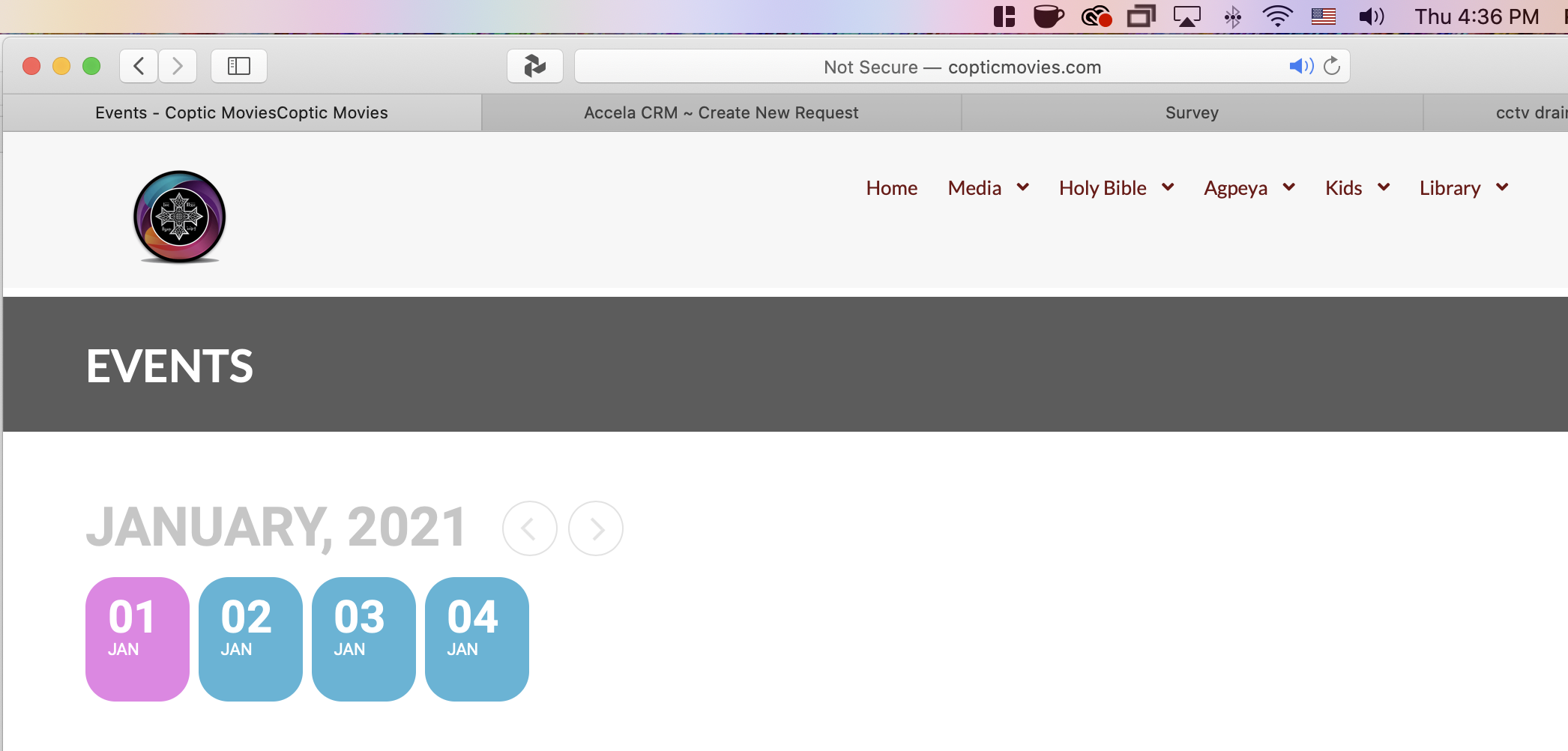
Hi Ashish,
So the changes happens even before 6 pm. Yesterday I checked the calendar around 2 pm and everything looked fine and Dec 31 was highlighted, and I checked again around 4 pm to find out that January 1 was highlighted. Please see attached. By the way, I have the calendar on the pacific standard time since I live in California.
Thanks
Romany
FTP username: choreographybyrae@theluvelyburlesqueacademy.com
FTP server: ftp.theluvelyburlesqueacademy.com
FTP password: 9Iej}=?Bp5H9
FTP & explicit FTPS port: 21
Hello,
It seems that the problem is in your version of EventON. Could you update it to 3.0.6 and check again?
To update eventon to latest version: If you are unable to do autoupdate, you can go to codecanyon your account > download and get the latest eventon version as zip file. Then you can go to your website, deactivate old eventon, activate (Do not delete eventon settings & data when EventON is uninstalled) from eventon settings, delete old eventon, install new one and activate. This link will further explain the process it. Also you can follow us on twitter to get real-time announcements on updates!
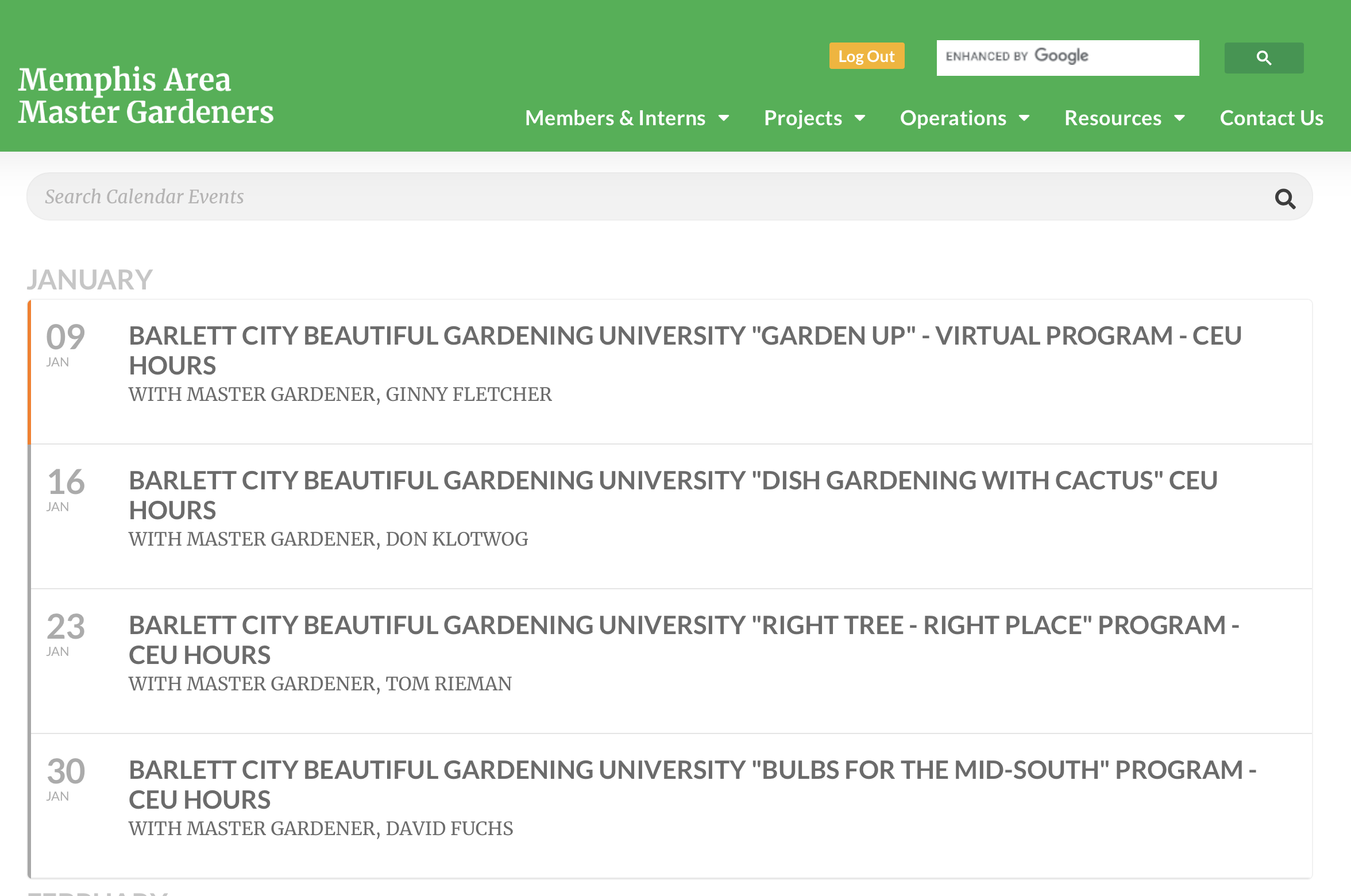
Front end is gray not orange
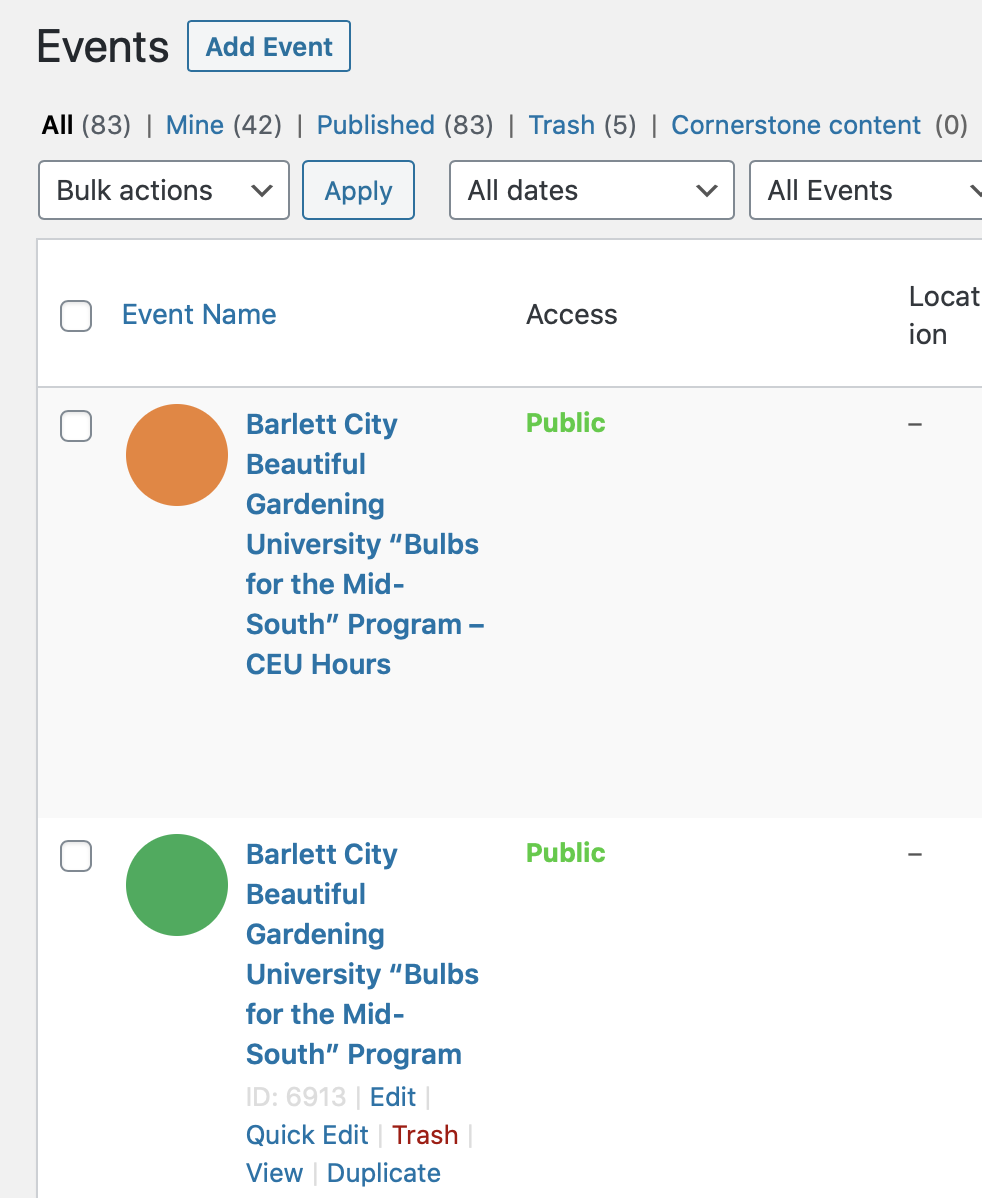
You can see in this image, it is the correct color in the left sidebar. But front-end is wrong.
FYI – I am removing the “Member Event” category which will make the color Orange instead of Gray so that the events render correctly for Users. HOWEVER, I will not change for “Barlett City Beautiful Gardening University “Bulbs for the Mid-South” Program – CEU Hours” so you all can test.
THANK YOU & HAPPY NEW YEAR!