NA meaning None Available- Currently there isn’t a setting or language change to change it- so I have assigned this to Ashan the creator to see what can be done and he will be able to take it from here and find you a solution. Please allow some time for him to get back to you, we greatly appreciate your patience and thank you for being a eventon customer! Also please disable any IP blocking on your site if there are any.
Archives: Replies
Replies for tickets on suppota
Reply to: tickets(211247)
Hi Ashish,
No. I noticed that highlighted day changes around 6 pm. So if I check right now, the right day will be highlighted but after 6 pm it changes to the next day.
Happy new year
Thanks
romany
Reply to: tickets(212748)
what version was the previous version?- there was a change from the 2.whatevers to the now 3.0+
Reply to: tickets(212155)
Can you create an account with top-level administrator access?
The username/password is not working
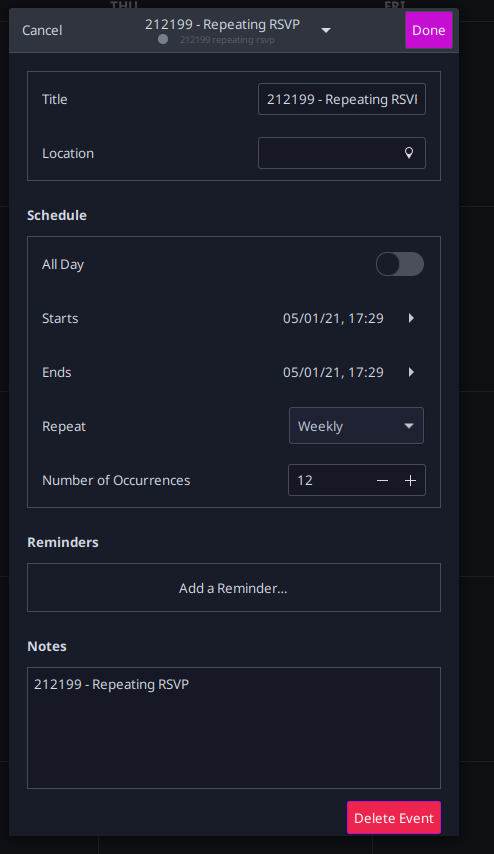
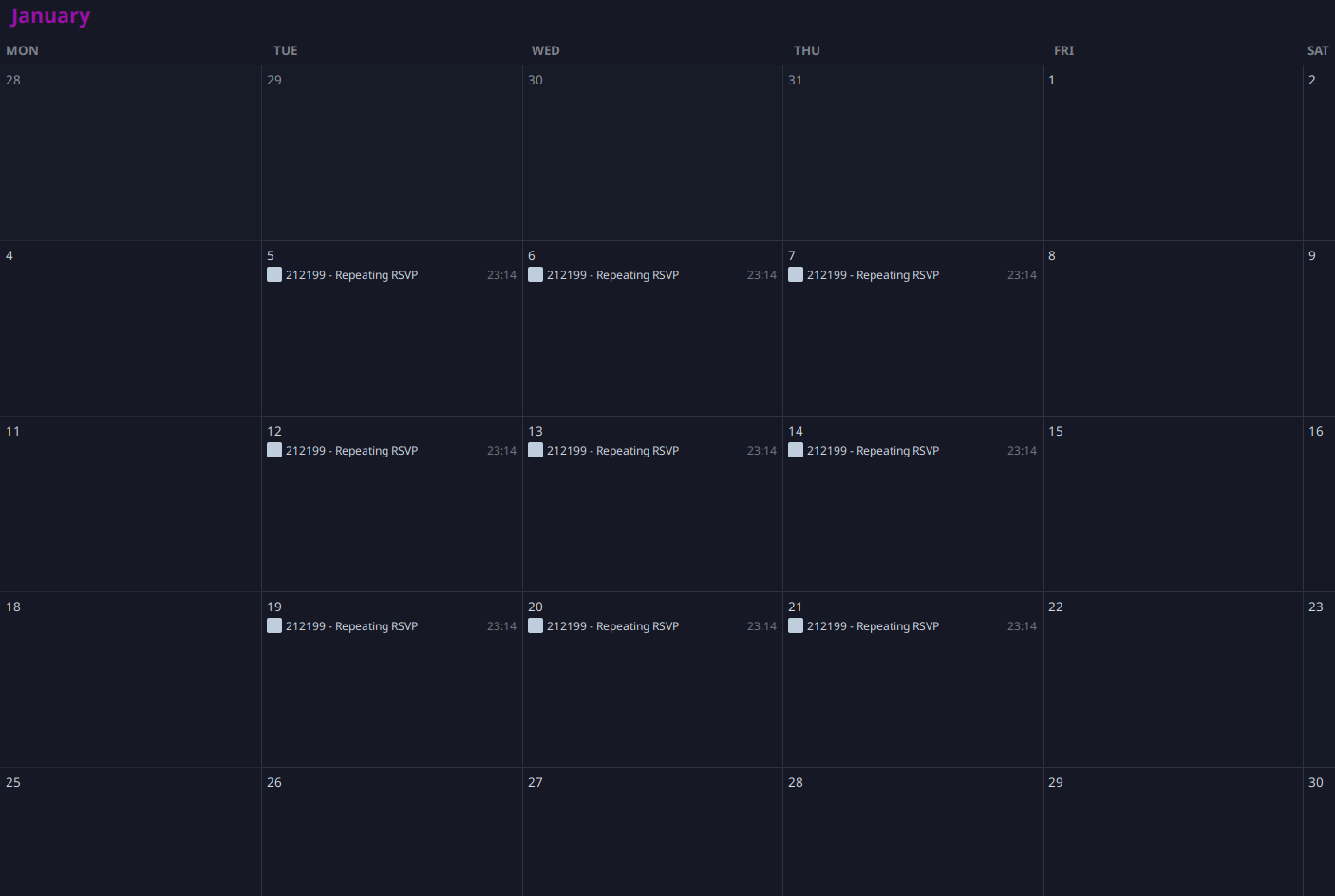
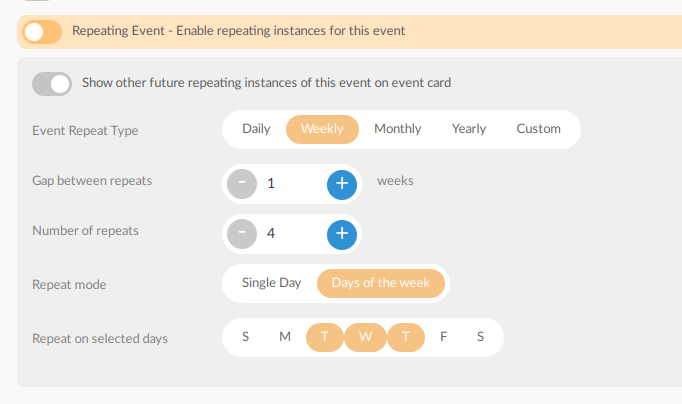
Reply to: tickets(212199)
Hi,
Please download the work from the link.
http://momothemes.com/eventON-212199-child.zip
Please note that Custom repeat not applied since ICS calendar does not support custom repeat. https://icalendar.org/iCalendar-RFC-5545/3-8-5-3-recurrence-rule.html
Reply to: tickets(196997)
Download new work from the link, delete the previous plugin and install this one. Thanks
http://momothemes.com/eventON-196997-child.zip
Reply to: tickets(211412)
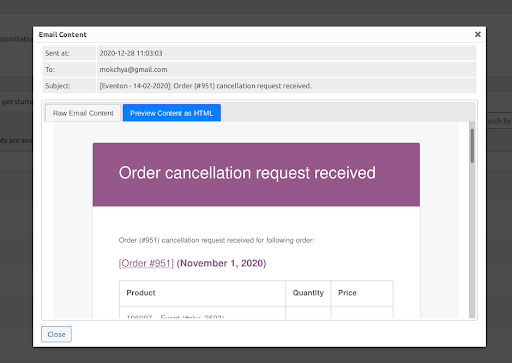
It seems like you’re using ‘WC Cancel Order Pro’,
Do you want to handle cancel orders from Weekly View same way as ‘WC Cancel Order Pro’ does ??
WC Cancel Order Pro Screenshot
Reply to: tickets(211247)
sorry for late response. Have you managed to sort the issue?
Reply to: tickets(213237)
Marc,
All this work will cost $550. You can provide your email address so I can send you payment request.Regards, Ashish
Reply to: tickets(212748)
Hi Artem,
What do you mean who added them? We built the WordPress theme for CSAC.biz. We created the stylesheet in the theme and added styles to customize the look of your EventON plugin. Updates to your plugin should not change the look of the website unless you changed the HTML structure or some of the classes and IDs causing the styles from the theme to no longer activate.
If I copy the EventON plugin folder from the live website to staging, the colors display properly again. So this tells us there is some type of change with the new version of EventON that your team has added to staging causing this change.
We did not edit the EventON plugin files directly on our end.
Thanks for your continued efforts in diagnosing this.