Hey Manuael,
Not to worry, we will ensure everything will be working on the next release, so u will inherit those changes 🙂
Replies for tickets on suppota
Hey Manuael,
Not to worry, we will ensure everything will be working on the next release, so u will inherit those changes 🙂
Please send us FTP access to your site as a private message, so we can perform several tests from our end and resolve your issue fast!
That’s great to hear , will wait for you to work now and wait for your new update.
if you need something ask i’d stay tuned
thanks
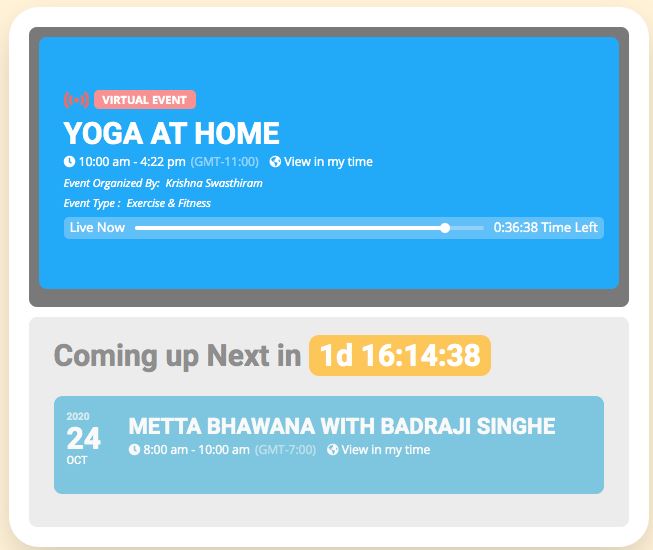
Attached is off your promo materials
How do i get it to look like this but also show the description?
2nd question. How do i get it to even look like this?
Hi,
Unfortunately the demo event on the calendar is not longer working. I went to show my client this morning but the demo event but I’m unable to add tickets…
Is there a way you can fix the permilinks so we can see the whole add on workin? Seeing the plugin in $90 a year I feel that is reasonable.
We are also wondering how the payment gateway works. We do not want cash on hand only paypal/ Credit cards.
Given the price tag are you able to assist in add custom fields? What about renaming fields in the checkout?
We like your plugin but right now do not feel comfortable given the bugs in the demos.
Sure. Nothing needed at the moment. We will need ftp and wp-admin access when the work is completed. Job will start as soon as payment is made.
Regards,
Ashish
One more question for you from my client regarding the “action user” front end form:
“There is no indication for time zone when entering the event time. I think they either need to be able to select a time zone or there needs to be a note that all event times need to be entered in as EST.”
Is there a way that you suggest I can handle this? Normal circumstances it would all be from same location, but in this case some of the events may be in a different time zone and submitted via FRONT END.
Let me know on this one, and the last reply I made few minutes ago.
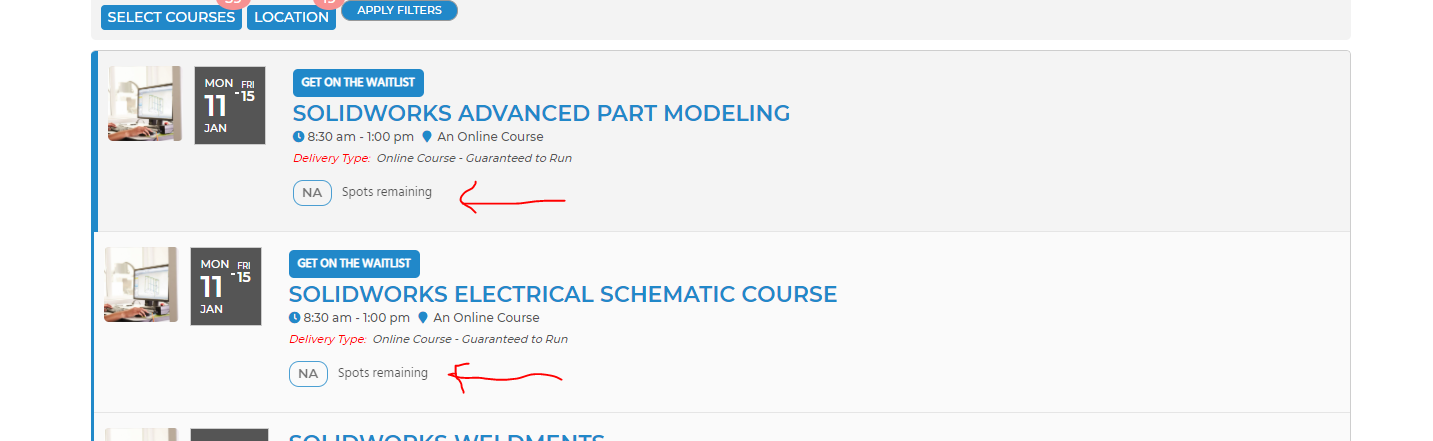
It is all of them: https://hawkridgesys.com/training/course-schedule
Go to January 2021
Thank you very much for your responses. The only one I am still confused on is the following:
1. Category types: I customized the two category types to CLASSES, and CONVENTIONS. I want to display separate calendars for those category types. How can I do this in the short code, being that I don’t have any specific categories setup under these “Category types”?
Which you responded with:
Please check these guides: https://docs.myeventon.com/documentations/confused-event-type-categories/ and https://docs.myeventon.com/documentations/how-to-use-event-types-to-do-more/
I do have two Category types, but I don’t have any categories / tags setup within them. So can you give me an example of what the short code would look like? Or do I have to use categories within the category types to make this work?