Thank you for response. Do I have to use the addon? Or can I make it work with shortcodes. I believe it used to work but not it is not ordering them in descending order and it doesn’t show past events in December (current month)
Archives: Replies
Replies for tickets on suppota
Reply to: tickets(206777)
Thank you Artem.
Review done !
Best
Alain
Reply to: tickets(211053)
Nothing changes. Do you want an administrator account of my site?
Reply to: tickets(211053)
Hello,
Could you go to Settings > General > make sure that Data Format is set to, for example, “F j, Y”?
Reply to: tickets(211084)
Hello,
Could you go to https://www.sectorb5.com/wp-admin/options-general.php and change Date Format to, for example, “F j, Y”?
Reply to: tickets(211053)
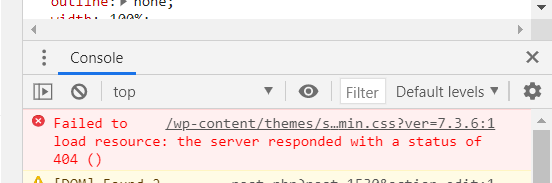
How can I solve?
Reply to: tickets(211048)
I cannot access wp-admin. Could you give us more access?
To clarify – I need to enable the setting (move to left) *and keep it off* for proper CSS?
I need to check your EventON Settings for this. Could you give us more access?
Reply to: tickets(211053)
Hi,
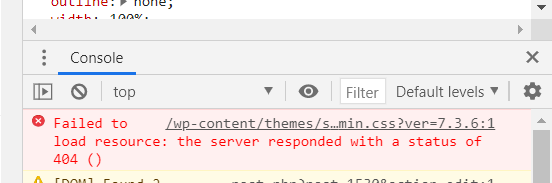
maybe I found the error. The error shows up with the Chrome browser and says it can’t find the css file of child template of website. If I use Firefox the date is shown in the right color (gray).
The path of the file it cannot find is: https://www.runandsmile.it/wp-content/themes/soledad-child/css/admin.css?ver=7.3.6
See also the image that I am attaching to you.
Reply to: tickets(211048)
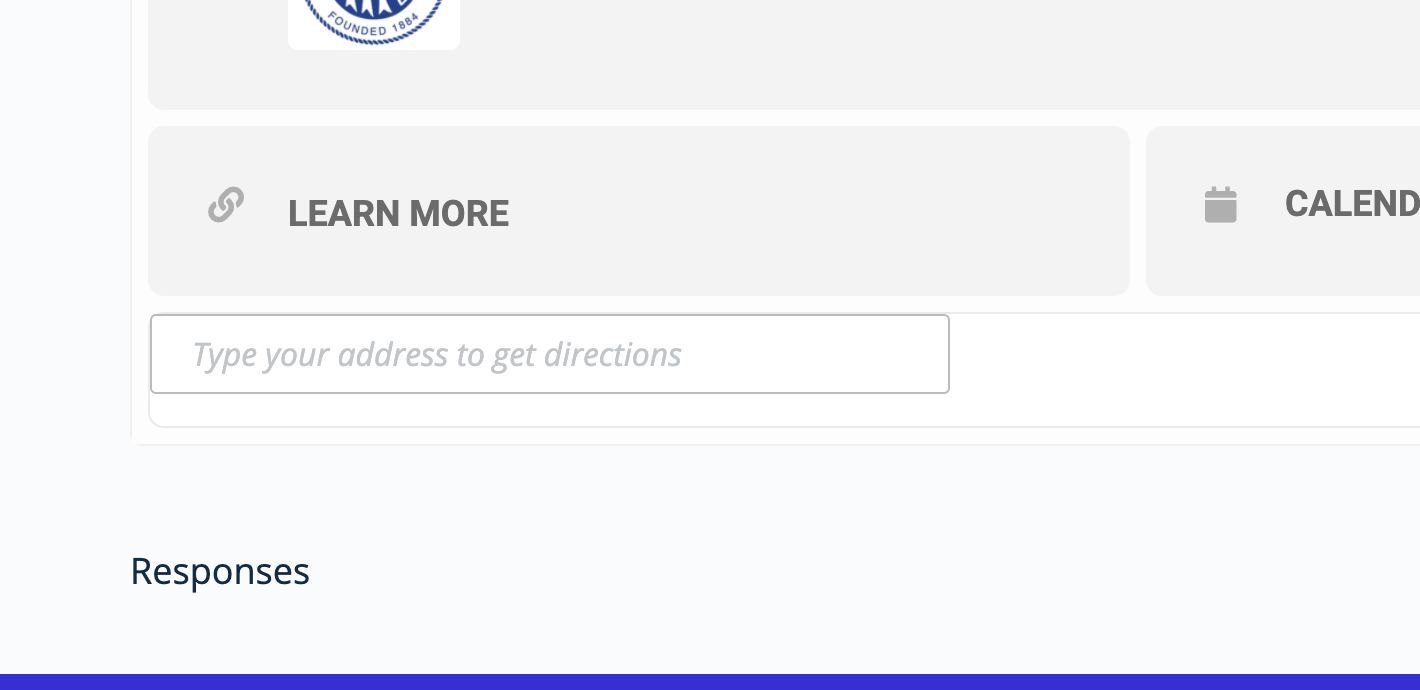
Uploading screenshot to “Responses” showing text below event details/fields – this is now correctly removed (fixed) using your instructions, thank you. …but: To clarify – I need to enable the setting (move to left) *and keep it off* for proper CSS?
Reply to: tickets(210096)
Ashan,
No plugins and Twenty Twenty theme still almost 30 seconds to load:
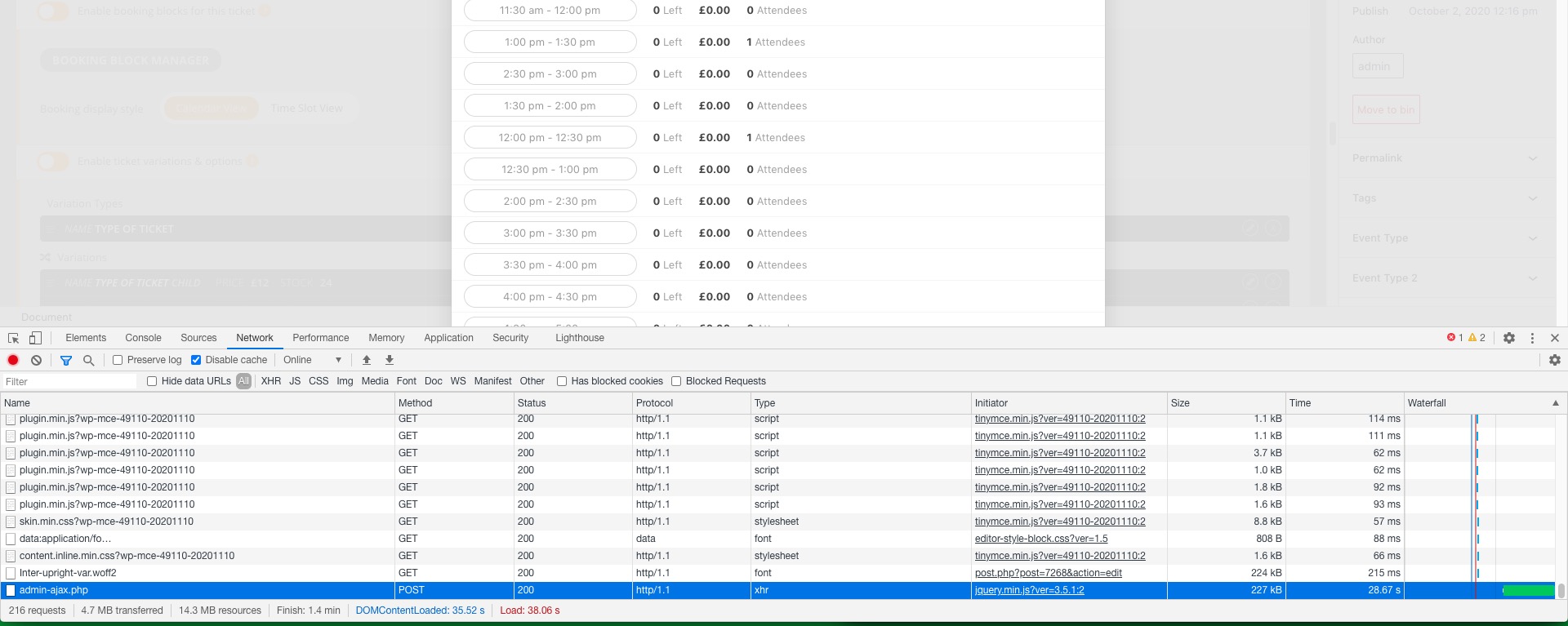
Can they somehow cache this?