It worked! Thank you for your help 🙂
I have installed it. Please check now
Hello,
circling back on this issue, I still haven’t found a way to fix this on mobile devices.
Can you please elaborate on “Could you try commenting it so we can check this?”
Thanks.
Hello Artem & Basilis,
Thank you for your message.
Finally I found a solution using a different ASCII character for the ‘
So everything is OK now 🙂
Happy Christmas
Alain
please check now there was a code error and I have fixed it for you 🙂
Hi there sarah, i am not sure why those are tags, those are CSS codes which we added for cross browser support. “-o-animation” is for opera browser support. Not sure why this theme is tagging the cross browser css lines…
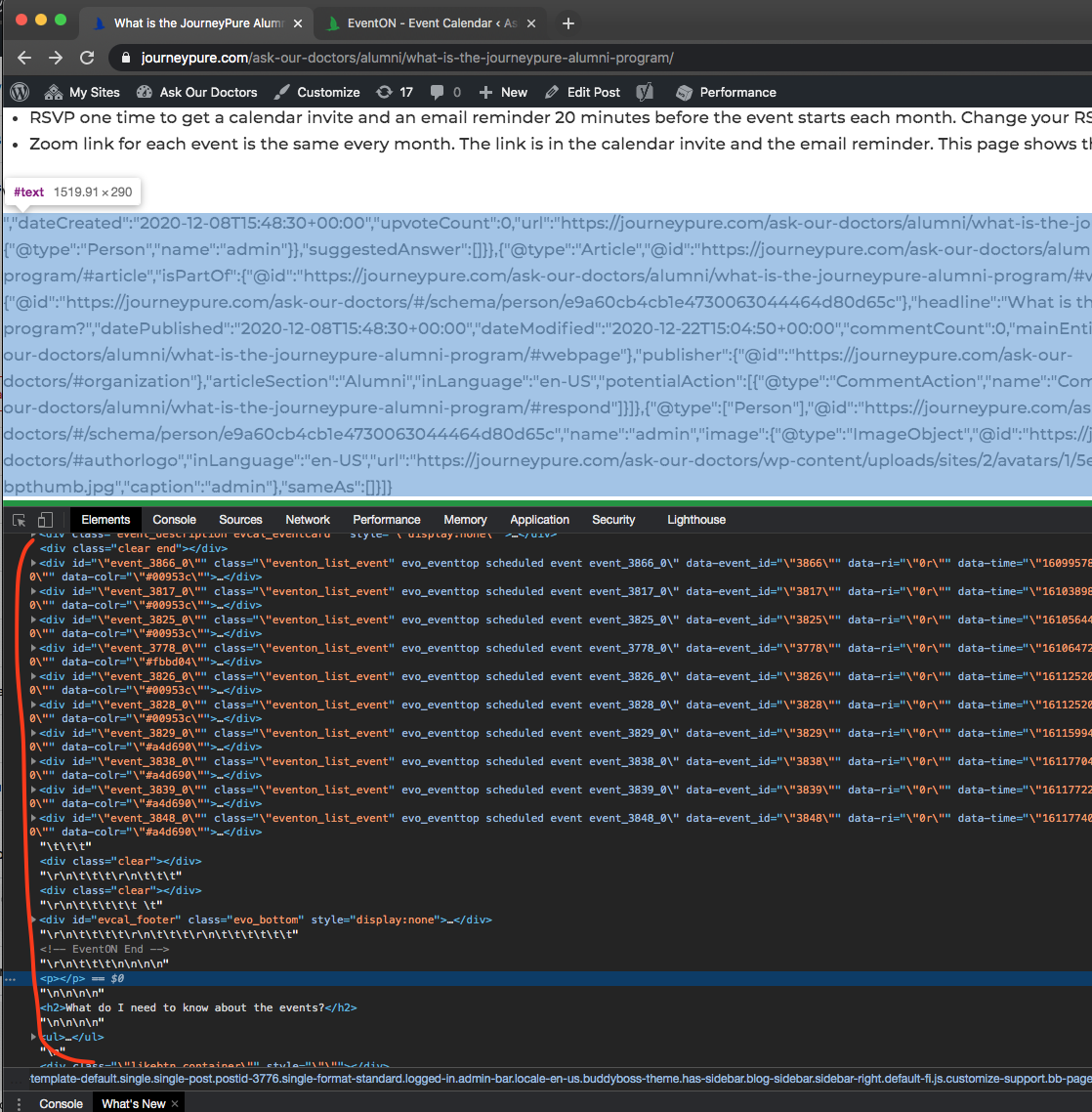
ok i see it now. all this content is added above the page body.
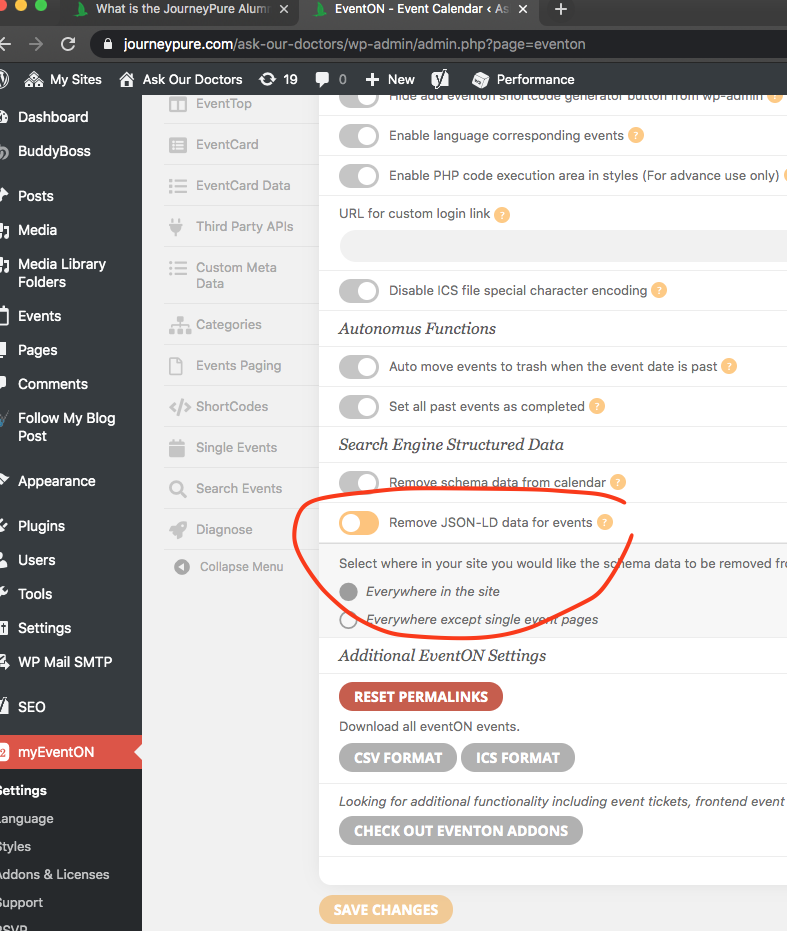
found the fix for you.
seems like yoast push json-ld script above body of page for some weird reason and that break the page structure. You may wanna reach out to them if JSON-LD schema data is important to you.
Thanks for the quick reply.
- That works although it looks a little kludgy on the event card and begs the question as to why the rest of the address fields are on the location form if they aren’t really used.
- I have done this many times. The setting does not save.
- If I put a value there, nothing happens. No link to the URL is created.
- Thanks
- Yes, including the town/state/zip in the first address field fixes this. Thanks. My comments for point one still stand. Explaining to end-users will be less than ideal.
- Thanks
- Thanks
Two other things:
- I am also having an issue when I enable sidebars for the event page. The footer of the page goes onto the sidebar and any widget that is placed on the sidebar is pretty screwed up. Any documentation you can point me to that I can use to try to debug?
- How can I get new events to default to our timezone? No matter what I set in the time settings still results in the default timezone for an event to be GMT-11. Unless I explicitly set the value when defining the event, that is what the event timezone will be.
Thanks,
Dana