Hi Kurt,
Following up with your request.
Replies for tickets on suppota
Hi Kurt,
Following up with your request.
Hi,
This is possible yes, it would cost $60 to make it.
Let us know if it works for you please.
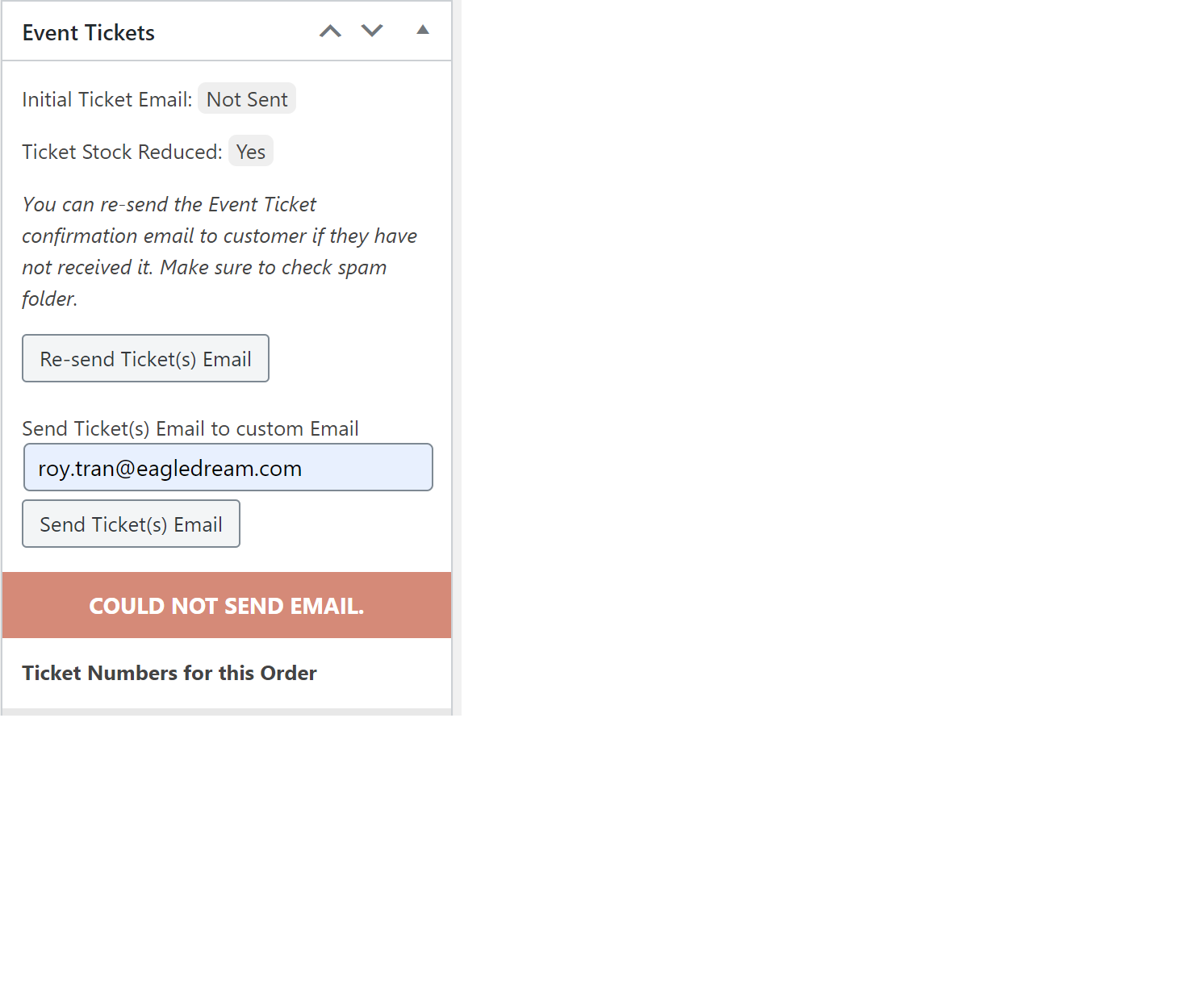
I have updated the plugin to 3.0.6 as well as the all the other plugins to their latest version.
I am still having the same issue
It is because you are maybe using the wrong credentials. My fault.
you have to use the meial as username.
I just change the password:
user: eventon@eventon.com
password: 66^)2vyh9gbGVSO$6u8QZYIc
Ok, now I know what to look for.
Is not working in this other site, even though it has almost no extra plugins:
URL: https://miautoaleman.com/eventon/wp-admin/
User: user
Password: ijd)(WDWd+`*^
The issue is with Yoast SEO plugin. That’s an extremely popular plugin to which we’ve done no customization. Is there a workaround?
Unfortunately, there is not enough memory on the server:
PHP Fatal error: Allowed memory size of 134217728 bytes exhausted (tried to allocate 1626112 bytes) in /var/www/htdocs/wp-content/plugins/eventon-bookings/includes/admin/class-admin_editor.php on line 212
Please increase it by following https://docs.myeventon.com/documentations/increasing-wordpress-memory-limit/
Hello,
Please use Custom Fields for this https://docs.myeventon.com/documentations/setup-use-custom-meta-fields-events/
Hello,
Could you send us a screenshot?
Have you managed to fix this?
Maybe the problem is in quotes? Could you try this formatting: https://pastebin.com/SJxLViRP
EventON – RSVP Events Waitlist is for RSVP only at the moment. It’s not working with Tickets, I am afraid.
lets say one person would want to RSVP for 4 or 5 people?
Please go to EventON Settings > RSVP > RSVP Form > enable RSVP Count — (If unckecked system will count as 1 RSVP). Now if users want to RSVP 4-5 people they can select this number on RSVP Form.
So I am asking what the use case for waitlisting is?
The main purpose is to add extra people to the waiting list if there is not enough space in “Set capacity limit for RSVP”.