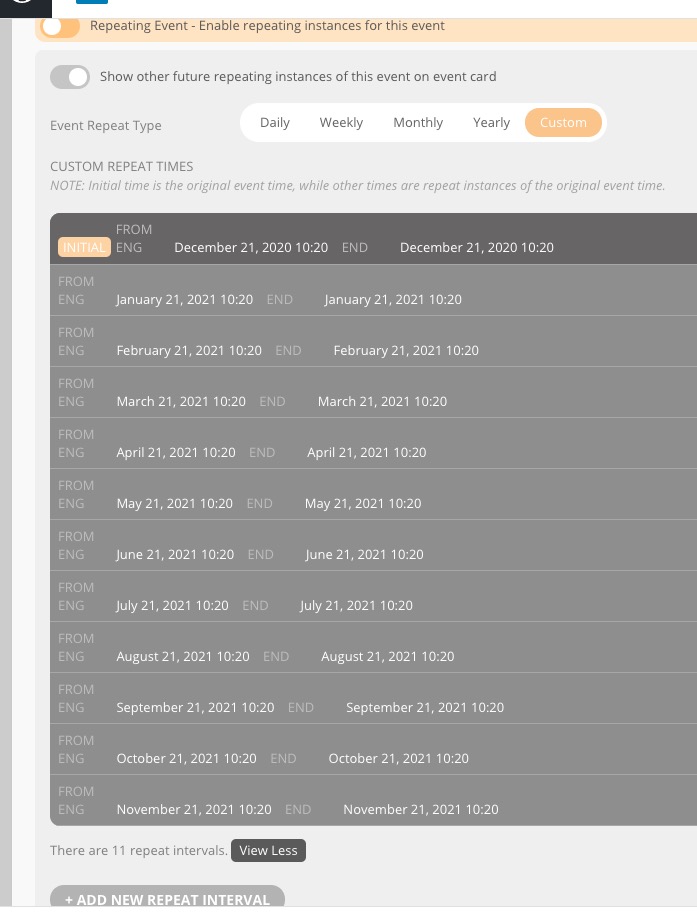
See video below:
Archives: Replies
Replies for tickets on suppota
Reply to: tickets(212405)
Please send us wp-admin access to your site as a private message for us to further assist your situation.
Reply to: tickets(212354)
Hi thanks for getting back to me.
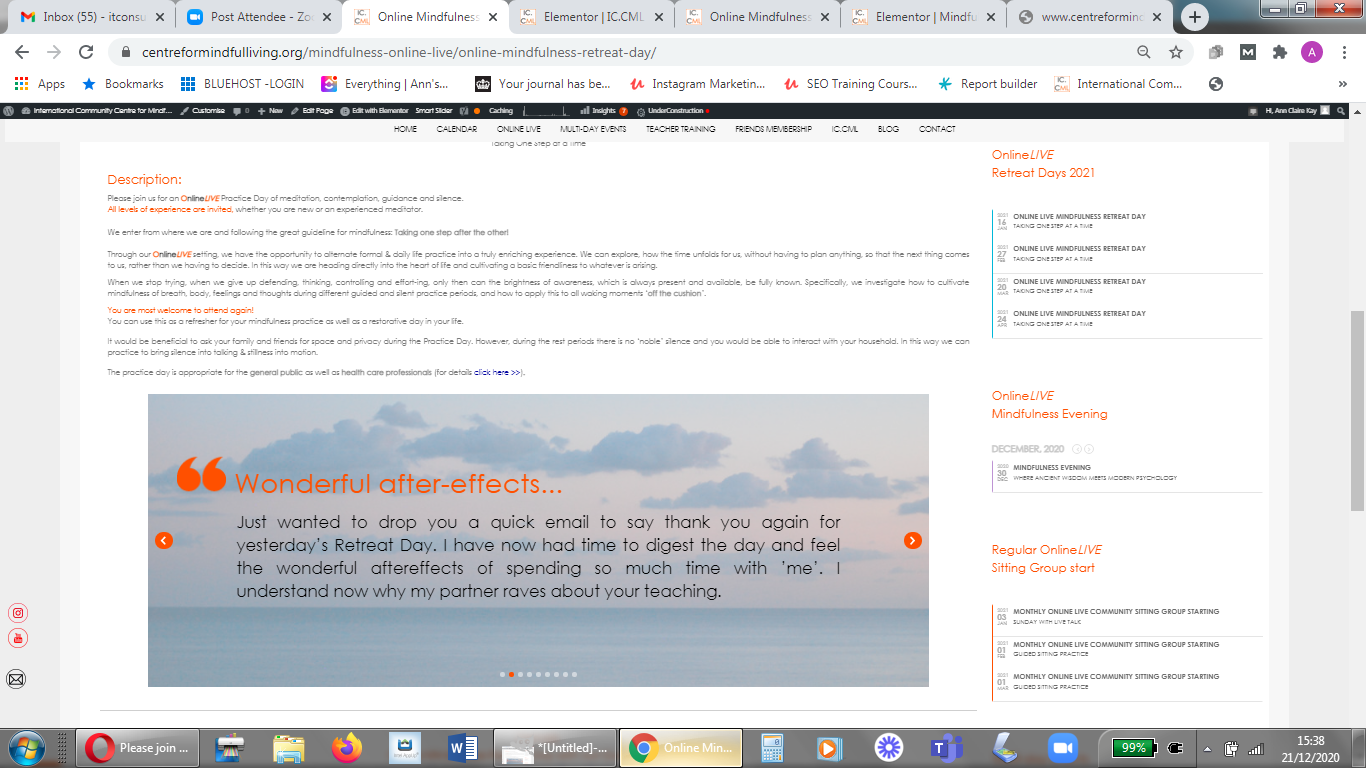
Here are a number of different pages where I get the issue. I have also attached an image of one page showing the issue.
Just so that you are aware each of the side bars on the pages vary, but the main issue is that the calendar widget specifically for the Mindfulness Evening is the one that displays the month and year where as the others don’t. I hope this information helps.
https://www.centreformindfulliving.org/mindfulness-online-live/mbct-mindfulness-based-cognitive-therapy/
https://www.centreformindfulliving.org/mindfulness-online-live/online-mindfulness-retreat-day/
https://www.centreformindfulliving.org/mindfulness-residential-retreats-events-isle-of-wight/teacher-led-mindfulness-meditation-retreat/
https://www.centreformindfulliving.org/mindfulness-residential-retreats-events-isle-of-wight/interpersonal-mindfulness-programme-imp-im-intensive/
Reply to: tickets(212155)
Hi Ashis I just want to make sure that the weekly view will be consistent. If you look at how the agenda weekly view looks I need to have the RSVPed events added in that agenda with the event card opening the same way but with blue border. So the Agenda looks consistent overall. I also please remove the ID and booking status and keep the look simple just as the normal events that dont need RSVP. For the WP-Admin what email should I use please? I entered webmaster@myeventon.com
pass:
YF6pD`dQz}b>
Plese let me know if you have issues login.
Kind regards
Nic
Reply to: tickets(212232)
The access information:
Link: https://www.impulsoparamejorar.org/wp-login.php?redirect_to=https%3A%2F%2Fwww.impulsoparamejorar.org%2Fwp-admin%2F&reauth=1
User: diamela@polenta.social
Pass: impuls02020
02020 are numbers
Reply to: tickets(211566)
Hi Caroline,
I am following up with the Ticket.
Reply to: tickets(212396)
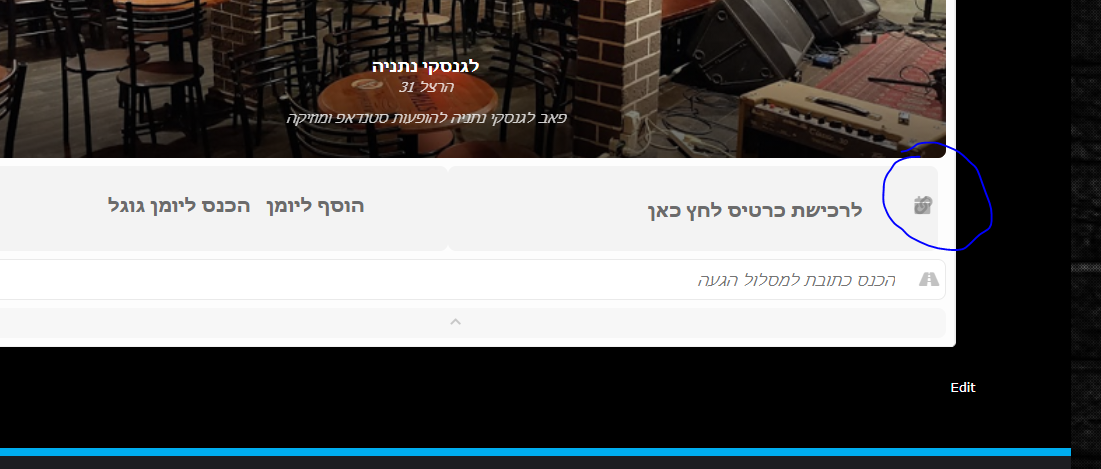
Attached
Reply to: tickets(212155)
Hello Ashish
FTP is sftp on port 22
ip 54.217.157.42
user: runcloud
pass: #xl/Bk$<C4n3-[`YU0>]xy@pn%p=W@%R
I will check with the client about ics. For the RSVP events that are merged in the same view with the other events please use this colour for the border and the overlay background not the orange colour: 09b2e6
Can you also please disable the Booking ID and Booking Status, please? So the look fits with the regular events.
I m not sure we need the ICS but if we do 150 for it is Ok.
Please let me know how soon can you do this because my client needs it urgently.
Many thanks
Nicolae
Reply to: tickets(212386)
Hello,
1. In order to fix the margin issue please add this CSS code to EventON > Styles (If you don’t see any change, EventON > Scripts & Styling > turn off Write styles to header > save settings > turn on Write styles to header):
.evo_ics_nCal { margin-left: 16px; }
…the icons for thees extras…
Could you send us a screenshot of this?
2. Your theme affects EventON this way. Please add this CSS code to EventON > Styles (If you don’t see any change, EventON > Scripts & Styling > turn off Write styles to header > save settings > turn on Write styles to header):
.evcal_evdata_row .evcal_evdata_cell h2, .evcal_evdata_row .evcal_evdata_cell h3, .evorow .evo_clik_row h3, .evcal_evdata_row .evcal_evdata_cell h3 a { color: #6B6B6B; }