Oh I think I found it. Testing.
Archives: Replies
Replies for tickets on suppota
Reply to: tickets(211130)
I don’t see how I can send you a message. However I put that info in the support ticket.
Reply to: tickets(211188)
So you have to manually set each event color individually?
That is, there’s no way to choose a set of half a dozen colors and have the calendar automatically color the events so that adjacent events don’t use the same color?
Thanks!
Harriett
Reply to: tickets(209214)
Reply to: tickets(211048)
About Responses. I enabled EventON Settings > Single Events > Disable comments section on single event template page so this section is not visible anymore even without my custom CSS.
1. Your plugin Directorist overrides Font Awesome font:
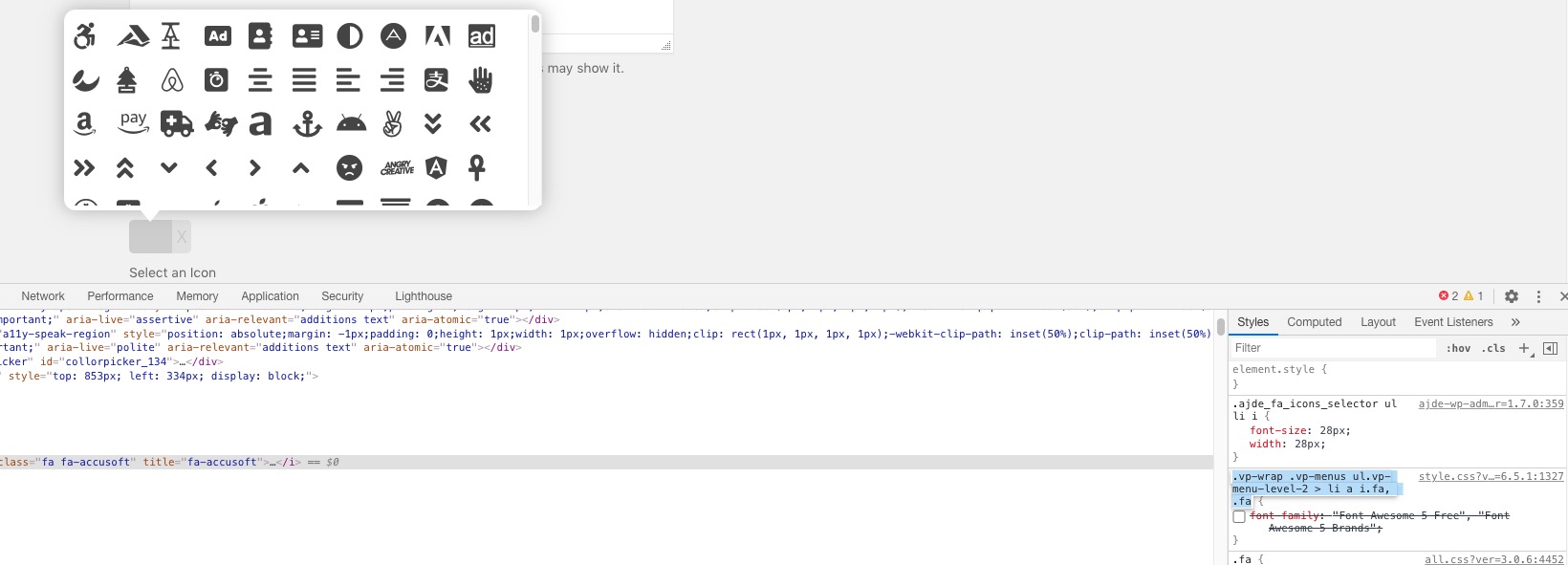
Could you try disabling it?
Reply to: tickets(211131)
Hello,
RSVP confirmation email includes Zoom link by default:
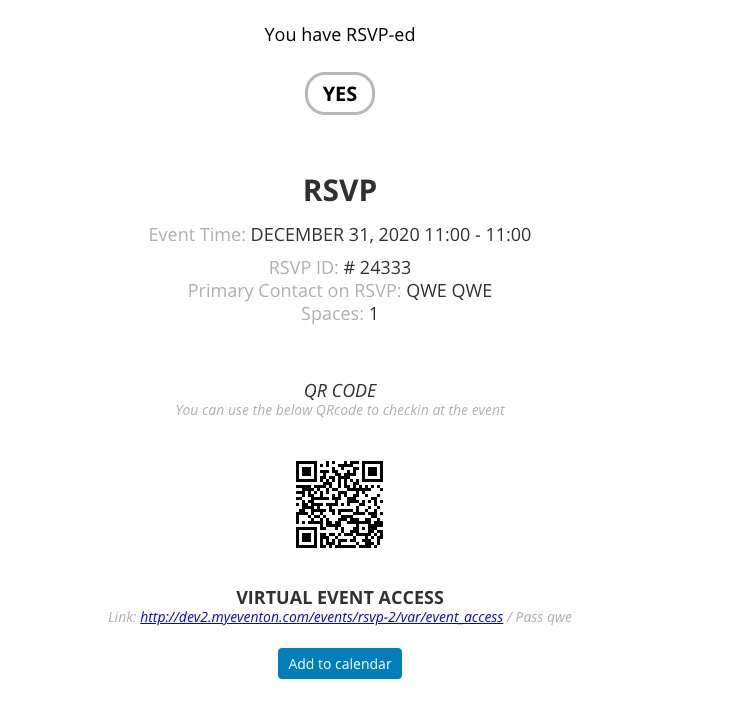
I tried to RSVP https://southatlantabusinessassociation.org/wp-admin/post.php?post=2055&action=edit and also tried to send out a test email: https://southatlantabusinessassociation.org/wp-admin/admin.php?page=eventon#evcal_013
The problem is that I only receive the test email. It looks like that RSVP emailing doesn’t work.
Could you please try the instructions mentioned in this documentation to make sure your issue is indeed coming from eventon.
Reply to: tickets(211053)
Ok, now working. Thank you
Reply to: tickets(211153)
Hello,
It seems to be working now:
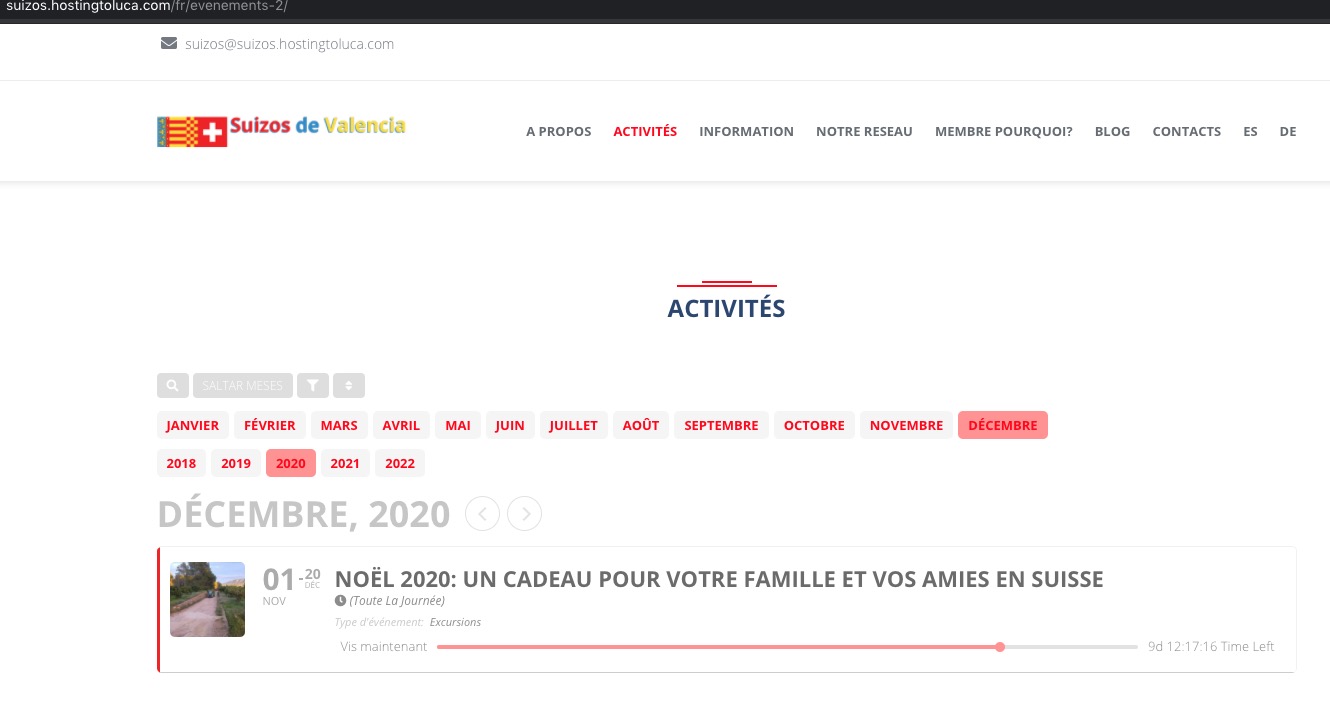
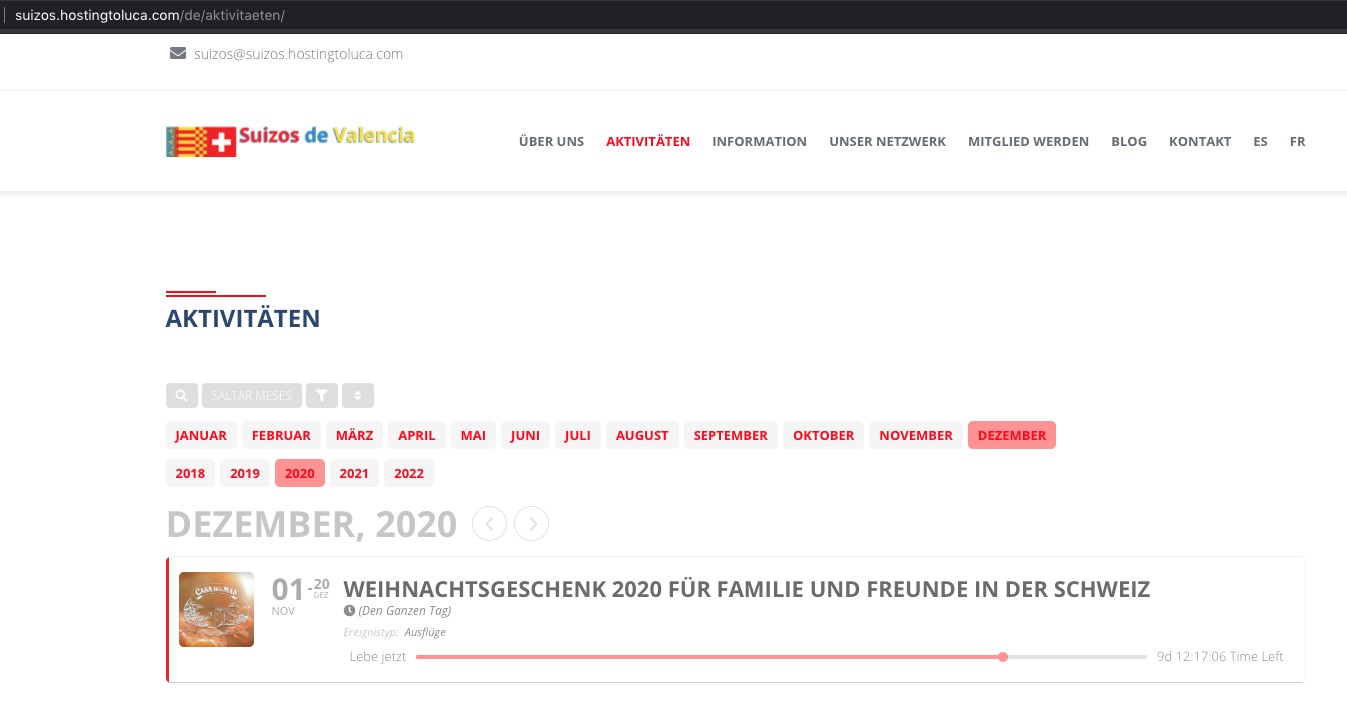
I cleaned your cache so maybe it helped.
Reply to: tickets(211005)
Hello,
Please add this CSS code to EventON > Styles (If you don’t see any change, EventON > Scripts & Styling > turn off Write styles to header > save settings > turn on Write styles to header):
.evo_metarow_socialmedia a.evo_ss i { font-family: evo_fontawesomes,evo_fontawesome,evo_fontawesomeb !important; }
Reply to: tickets(210972)
Hello,
The only solution to your original issue is to use FullCal add-on, just like infotainerdave suggested.
Please take the shortcode from this page https://copticmedia.org/eventon-full-cal-test/ and use it on https://copticmedia.org/synaxarium/.
If you want you can go to wp-admin > Events > Edit Event > change Event Color. The problem is that you’ll have to do this manually every day.
You can also send us a customization job request by creating a new ticket in here and selecting Customization Request as the category. Maybe one of our developers can extend Main Calendar so it can change the current day background automatically.