Hello,
Please go to wp-admin > Events > Edit Events > change Event Color.
Replies for tickets on suppota
Hello,
Please go to wp-admin > Events > Edit Events > change Event Color.
It seems to be working now:
https://www.runandsmile.it/wp-admin/post.php?post=1534&action=edit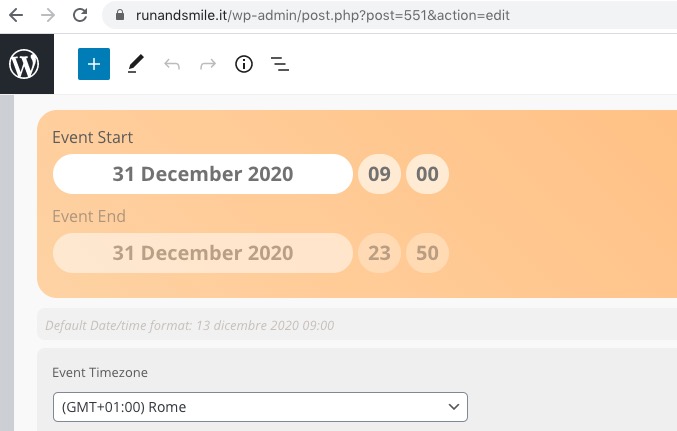
Could you try cleaning your cache?
Hello,
Thank you for your great suggestion, at the moment it is not supported. However please create a new ticket and select Feature Request as category so others can vote on your idea and get it moved into development faster. OR You can send us a customization job request by creating a new ticket in here and selecting Customization Request as the category.
Hi,
I have to prepare an updated development environment. As soon as I have it available I give you access. Thank you.
Many Thanks, it exactly what I need.
Have you an idea to do the same thing for “event ticket” ? and particularly for the the slot I purchased in a “event ticket” ?
Thanks by advance for your help.
Jean
Here your user for support:
URL: https://www.runandsmile.it/wp-admin
Username: support-15478965
Password: RsXB3LnWl#65YC3X^4ny^#X*
Hi,
I haven’t received an answer yet. Can you tell me something?
Thank you
Stefania
Hi, any news?
Thank you.
Hi,
No, the issue is not resolved. I contacted Pinpoint support again, but not much result from that side either. Point remains that the problems started after an EventOn update and not a Pinpoint update. So it will be difficult to convince them so search deeper.
Only solution will probably be to modify my site and stop using EventOn in combination with Pinpoint.
Hi Victor,
I am glad to hear that the code worked. If you experience any other issue please feel free to open a new ticket.