Hello,
1. EventON and WooCommerce both send out confirmation emails to users who make a purchase.
You can stop EventON from sending it by going to EventON > Tickets > Emails > enable Stop auto sending ticket confirmation email to customers.
2. You can customize the EventON email template by following:
https://docs.myeventon.com/documentations/how-to-additional-data-to-confirmation-email/
https://docs.myeventon.com/documentations/how-to-add-additional-fields-at-checkout/
This is how you can customize the template from WooCommerce:
https://woocommerce.com/posts/how-to-customize-emails-in-woocommerce/
The translation can be made by going to EventON > Language > ADDON: Event Tickets. Parts of the email will be translated as well as other parts of Tickets add-on.
And what kind of device do you use when you click on the .ics link to download the file?
”Current Month” is a button that switches you to the current month, which is February, that’s why it shows everywhere, but not in February.
Please check and let me know.
We are glad your issue is resolved, if you have any further questions or concerns please create a new ticket.
 Hi Artem,
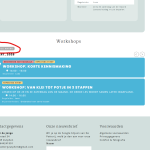
There are no events in februari. But I think you are not understanding the issue. What I’m trying to say: The callendar shows ’Huidige maand’ (Current month) on janaury, march, april, may, etc. But NOT in february. And february is the current month. So, it show’s ’Huidige maand’ everywhere, except for the correct month.
Kind regards,
Frank
Hi, thanks for your quick reply.
In the test event you created: https://firebrick-camel-838235.hostingersite.com/events/as-formas-do-amor-copy/
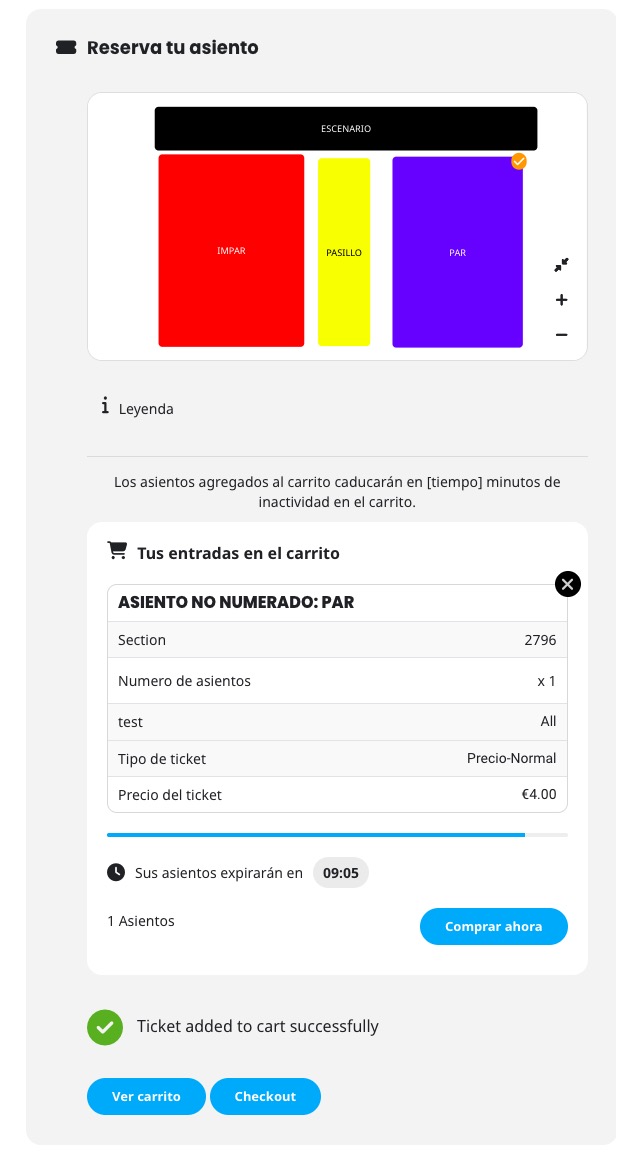
I made a couple of purchases in the IMPAR and PAR sections. After making several purchases, the PAR section stops working.
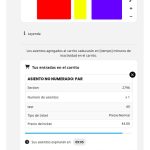
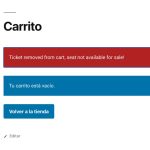
It seems to work fine at first, but it stops working after making a purchase.
Could you take a look at it?
If there is no possibility to change the design somehow easy (or maybe there is), what is the best way to translate it?
Artem – Following up on the three unresolved Patchstack tickets again. Really appreciate your help.
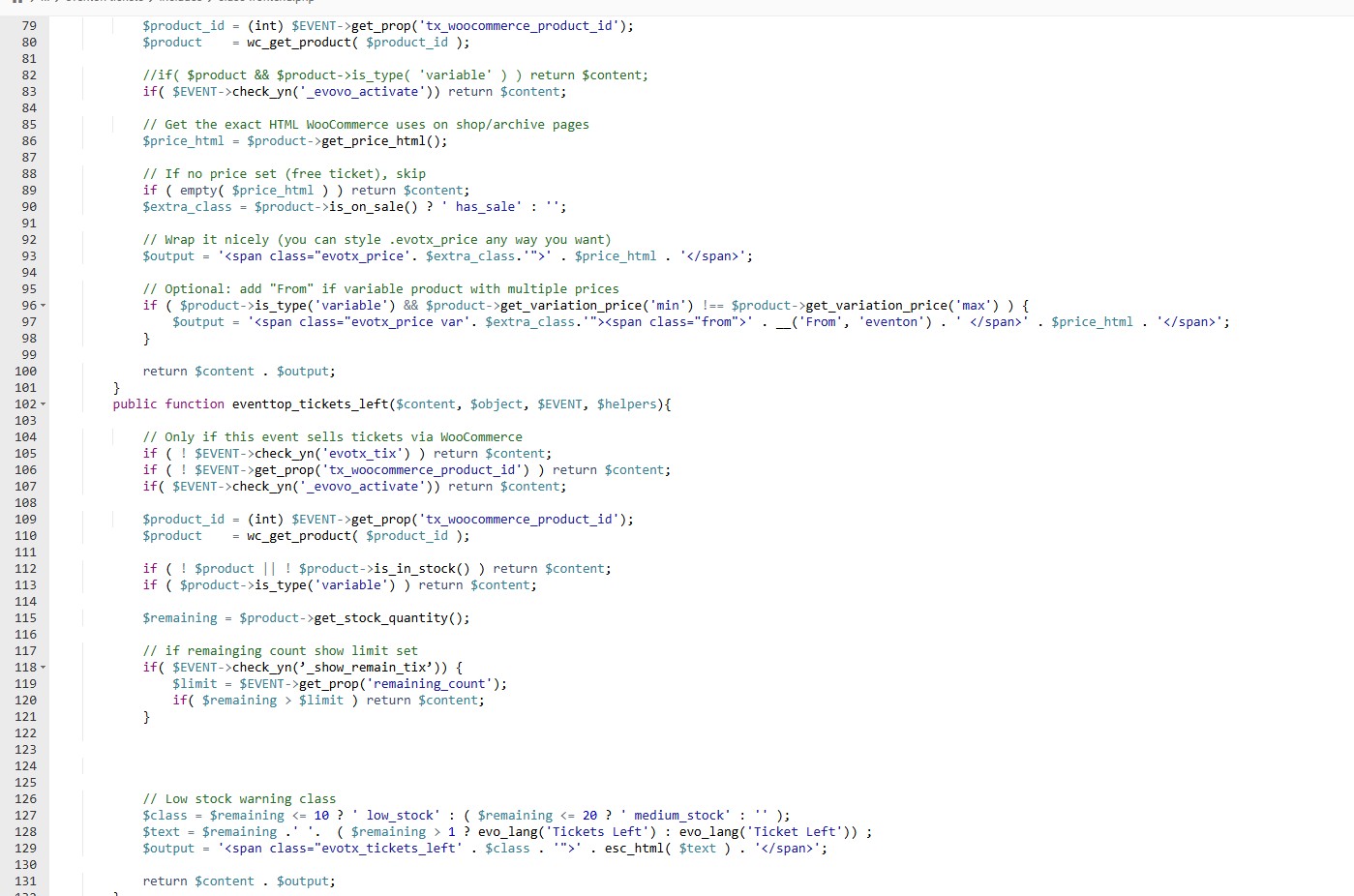
Hello, I did this, but now, the whole calendar crashes and gives critical error. What was the code before? If there is nothing that can be done, better to revert to old code. Now if place tickets available in the the eventTop designer, it gives critical error to the whole calendar page, had to disable.