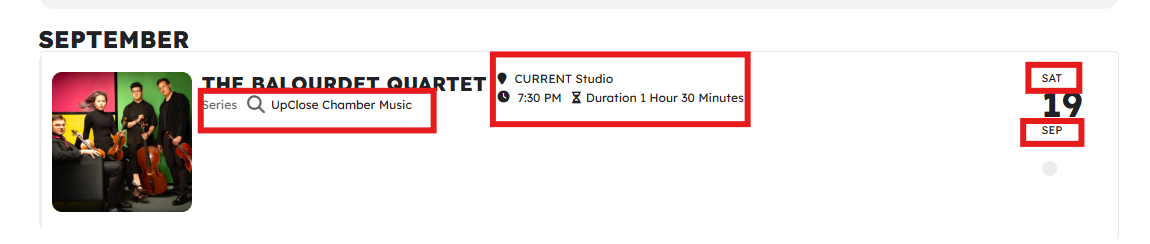
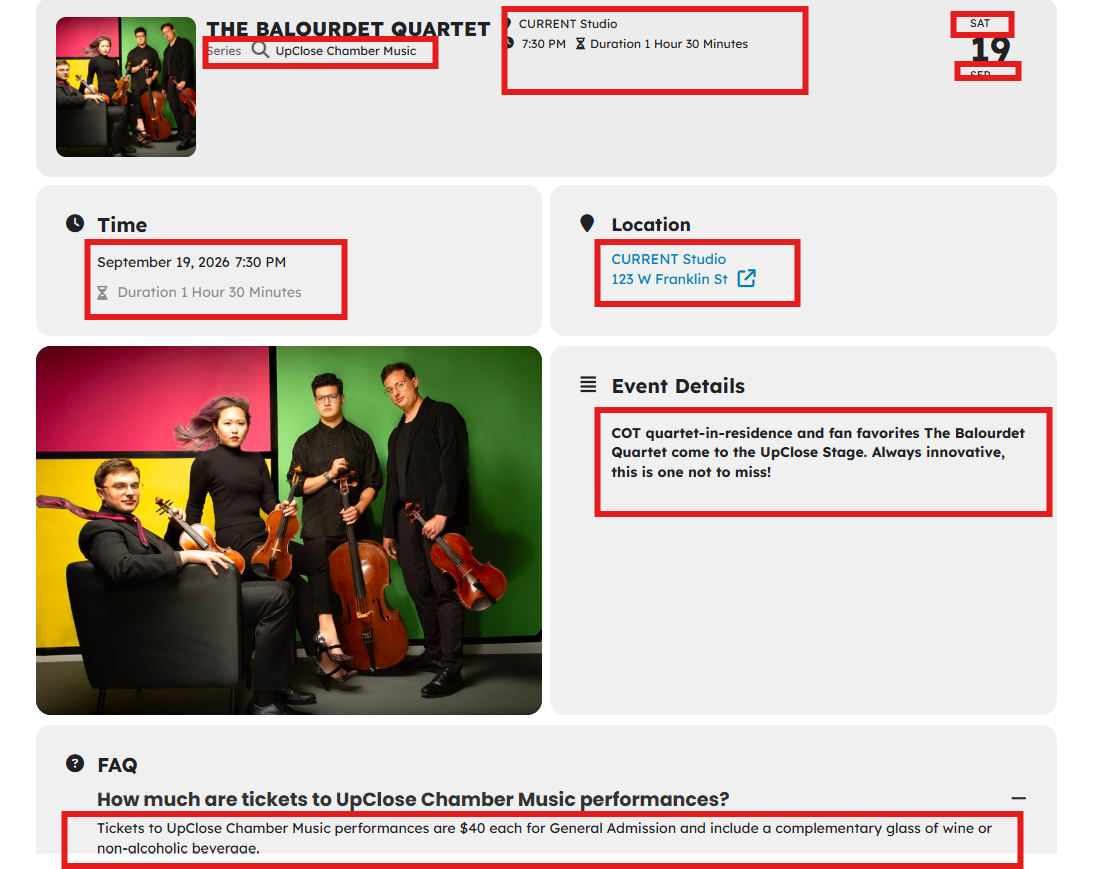
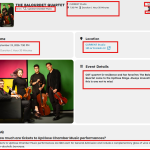
Writing the styles to the wp-admin additional CSS file and clearing the minified cache on the Divi theme settings has worked, to an extent. I was able to increase and decrease the size of the date number, but that is the only object that I have successfully edited. Nothing in the code that I’ve tried to date has had any effect on font sizes for event titles or the other info on the event top or on the event description or other text in the event card. Any advice on how to make the following changes?
- Event top: Increase font sizes for all text that is not the numerical date or event title (location, time, day/month, etc.). Also change the event type font color to match the rest of the text in this area.
- Event card: Increase the font size for all body text in every part of the card. Header text size is fine. Make all body text the same color, including the event duration. Our audience is elderly and needs larger text sizes and higher contrast for accessibility.
Screenshots with red boxes around the desired changes are attached. Thank you!!!!!
Hello,
Please go to and click ”Verify Codecanyon Purchase” to get the latest version of EventON and begin using our website instead of CodeCanyon:
https://www.myeventon.com/full/
We are glad your issue is resolved, if you have any further questions or concerns please create a new ticket.
If you have a moment, we would greatly appreciate if you could kindly leave us a review at EventON WordPress Page OR EventON > My Account > Downloads. Your review helps us a lot in continuing EventON improvements!
I spoke too soon, I think this is ok now.
I tried this and I’m not seeing any change 🙁
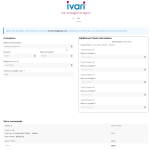
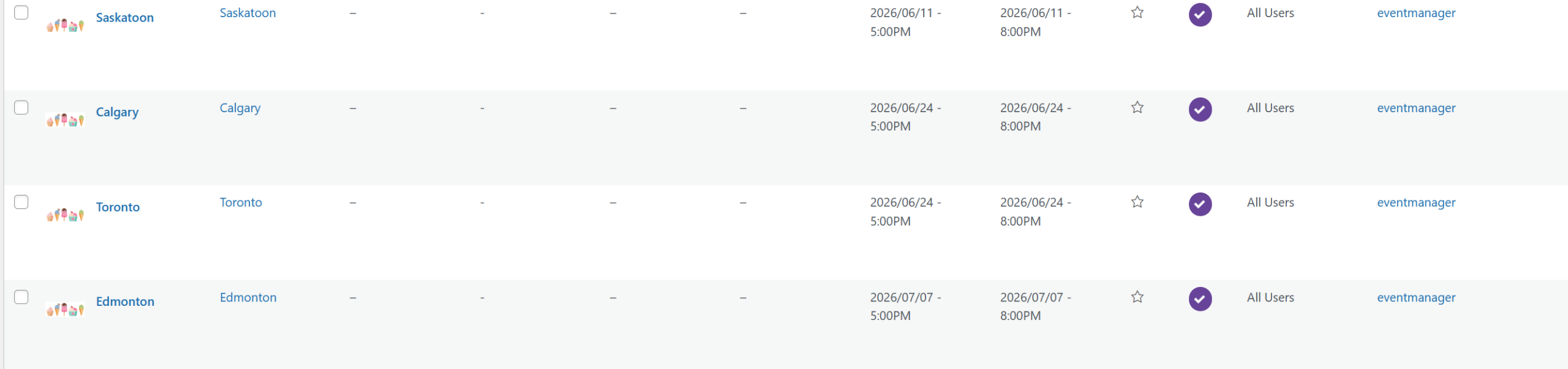
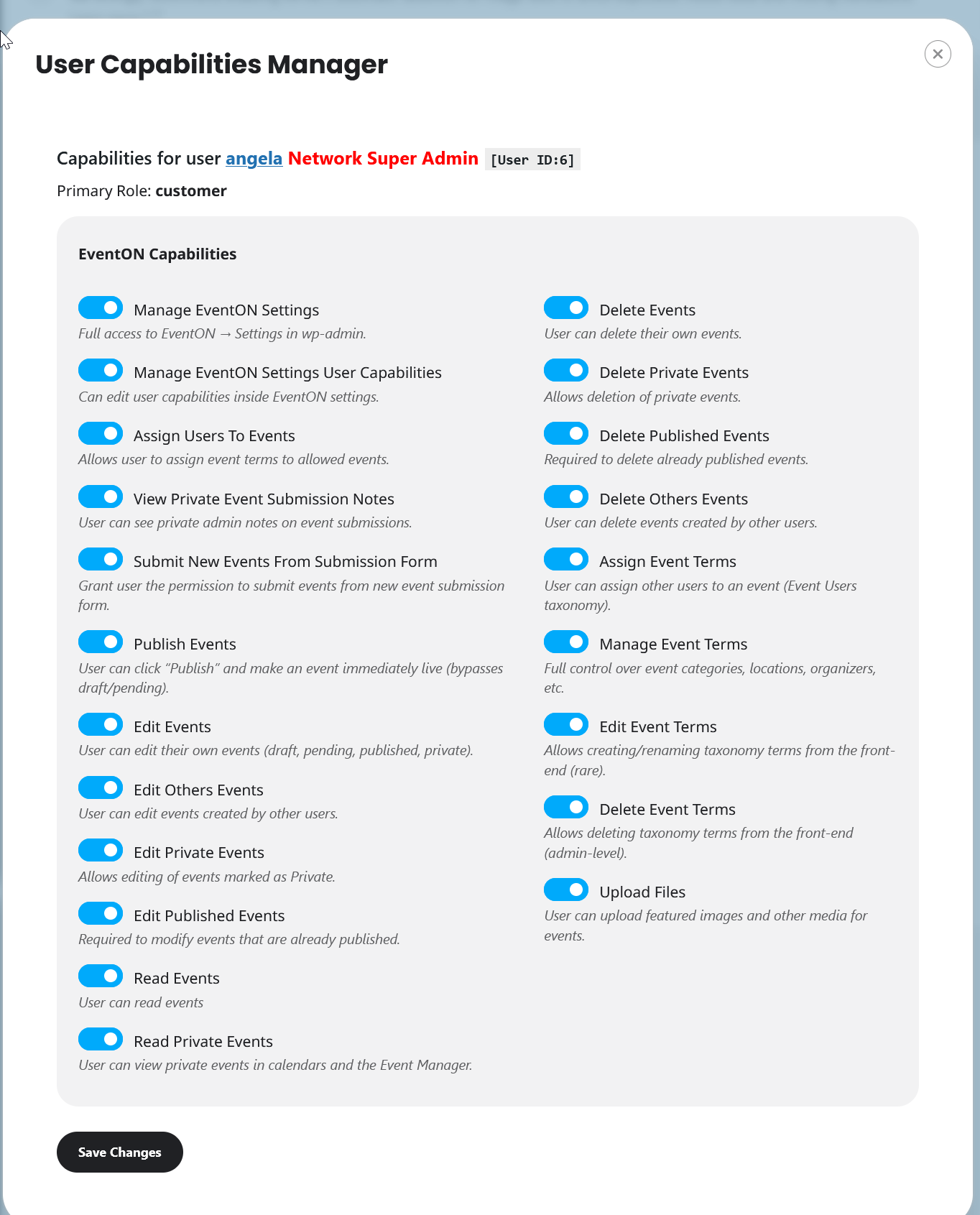
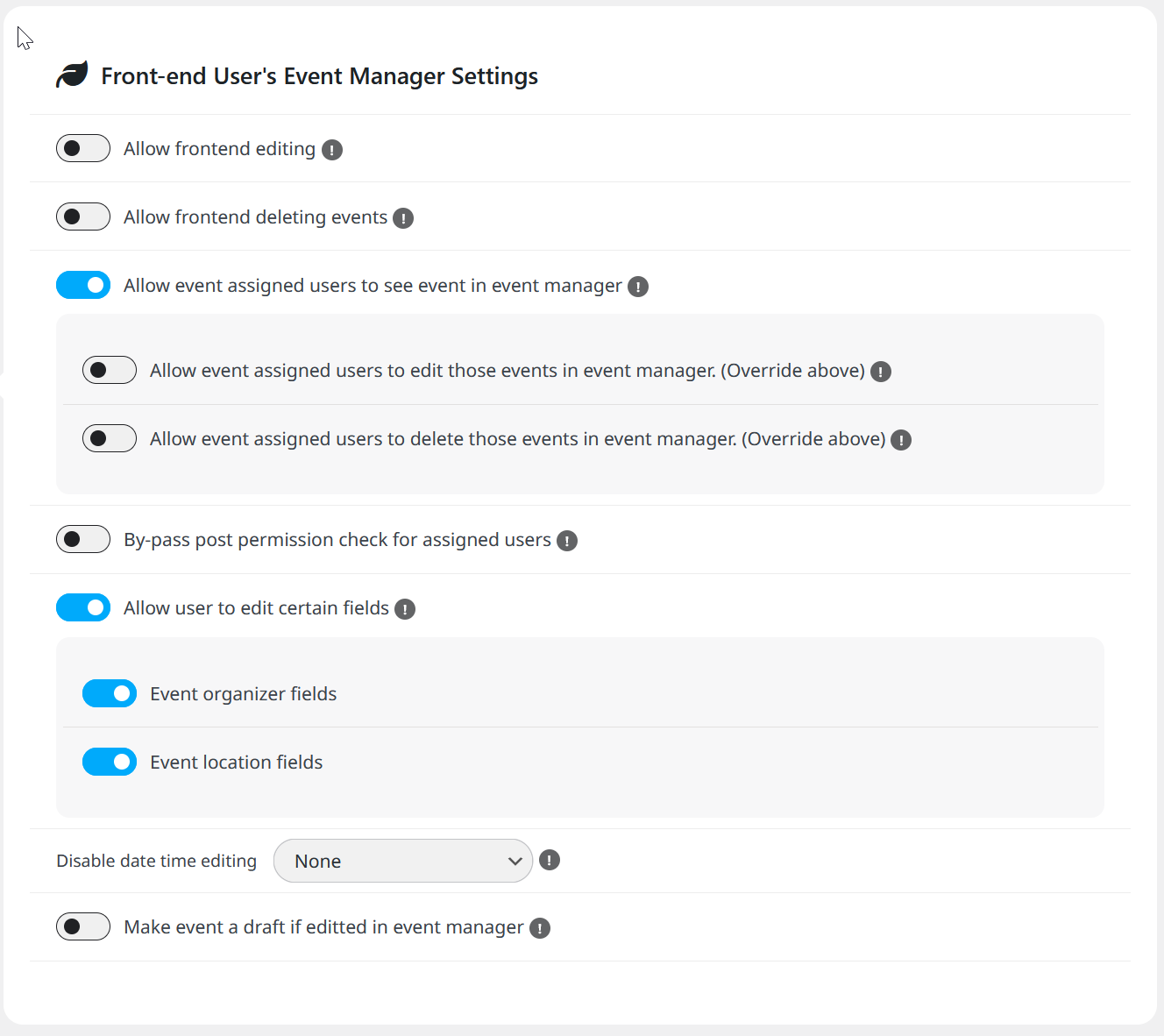
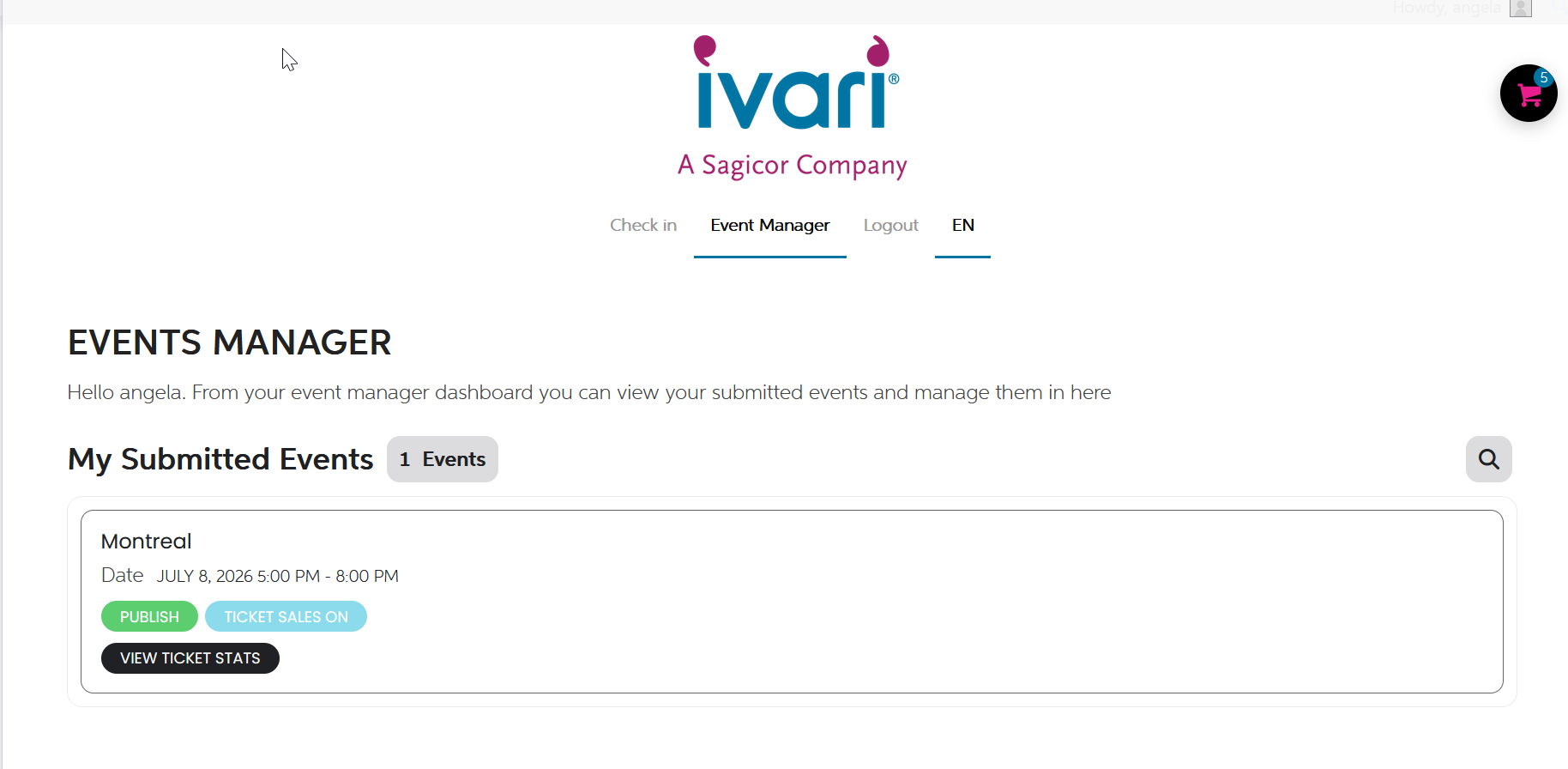
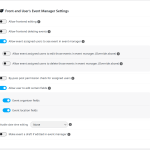
I’ve been able to assign users as expected from the back in. I followed the instructions in the help doc for users to see the events in the event manager. It does not work. Only the person who creates the event can see it. This is problematic.
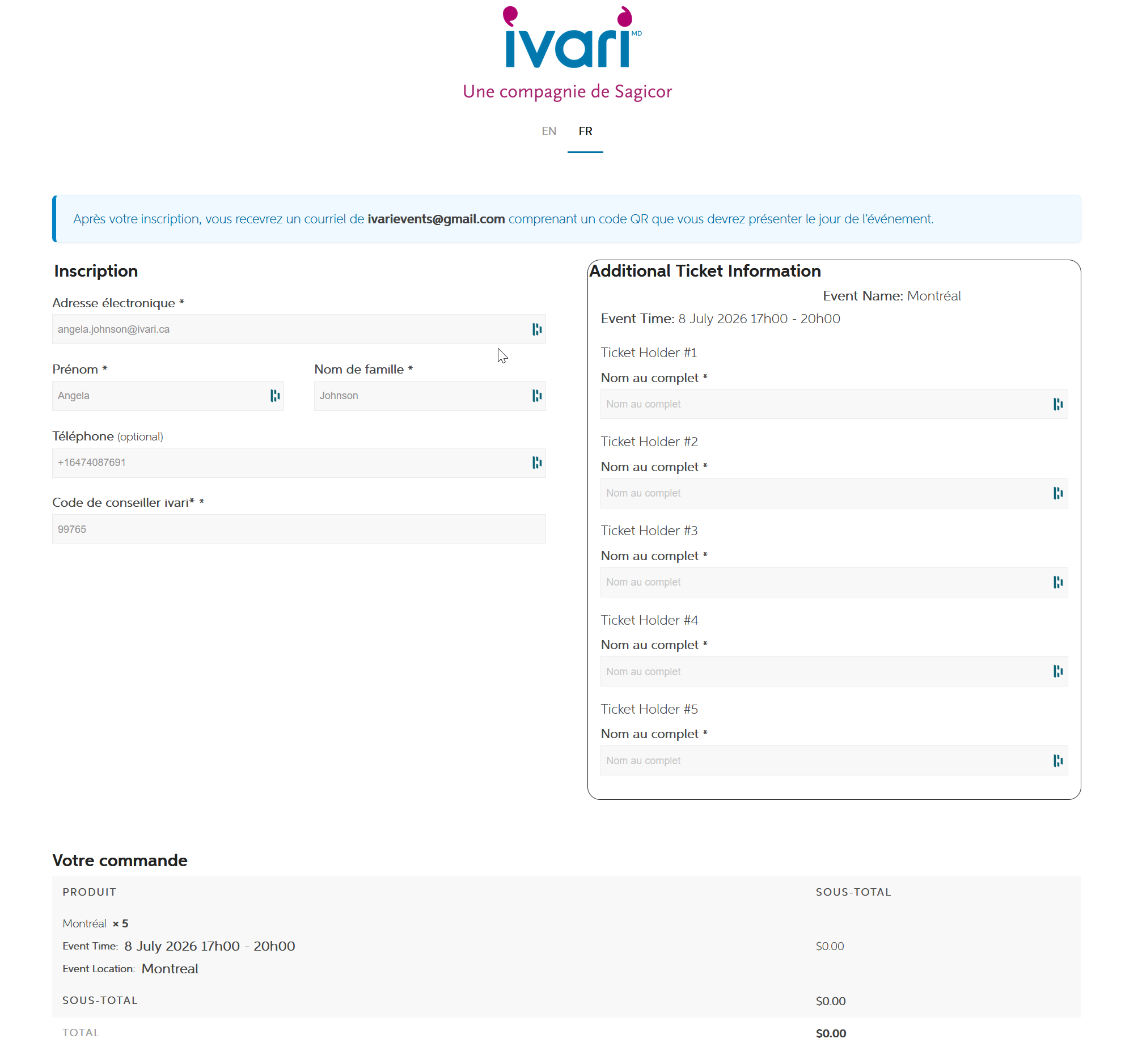
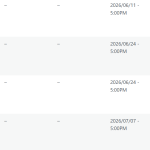
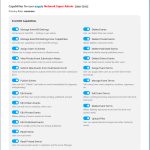
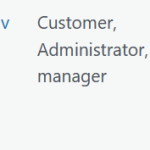
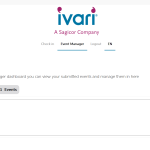
I have assigned all events to all users and no one can see events in the front end event manager. I’m attaching some screen shots for you.
I cannot connect:
Status: Resolving address of ftp.gb.regenttheatre.com
Status: Connection attempt failed with ”EAI_NONAME…”
Error: Could not connect to server
Could you check?
I need to access your website with FTP, so I can apply the patch and if something goes wrong, revert the change.
Hello,
Could you update Tickets add-on to 2.5.7? The fix to the issue should be included in the latest version.
To update eventon addons: You can download latest eventon addons from myeventon > my account. Then you can go to your website, deactivate old addon and install new one and activate then delete the old addon. This link will further explain the process. Also you can follow us on twitter to get real-time announcements on updates!
Perfect! If you have any further questions or concerns please create a new ticket.
Refund policy ”7.2 Subscription Cancellation”:
https://docs.myeventon.com/documentations/terms-and-conditions-and-refund-policy/