Reply to: tickets(208996)

Hello,

Please go to http://dev.myeventon.com/wp-admin/ > EventON Settings > CSV Import > **CSV file guidelines > Location Fields. If you add “event_location, location_description, location_latitude, location_longitude, location_link, location_img” columns it will add locations as well after you import events:

publish,24147,4bb5d8,”Loc”,””,”12/01/2020″,”11:30:AM”,”12/01/2020″,”11:30:AM”,no,no,yes,”no”,no,”929″,”asd123″,”test”,””,”36.1074489″,”-95.9751306″,,,,,,,,,,,,,no,,”1″,,,”no”,”no”,,,,”no”,”asd@gmail.com”,,,”no”,,,,,,,,

Where “asd123″,”test”,””,”36.1074489″,”-95.9751306″ is what you need.
Reply to: tickets(208398)

i don’t understand why i have to pay. on wix i have a google maps widget and works fine.

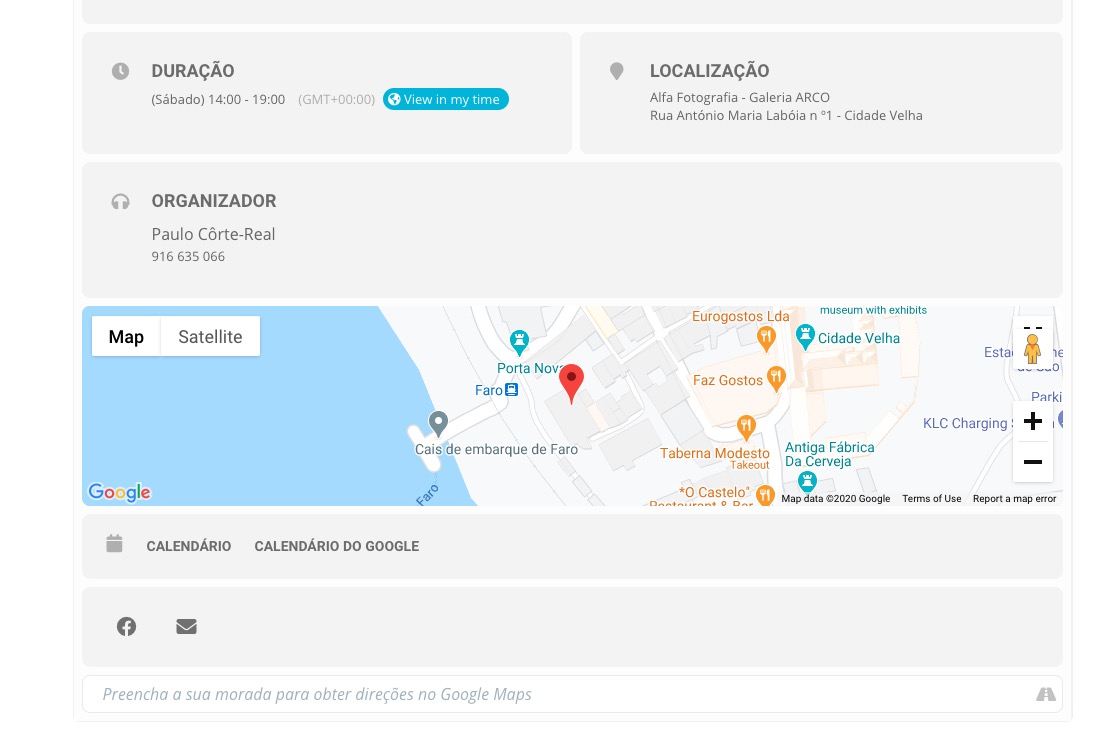
Google requires you to add your billing info before you can use Google Maps. It seems to be working now:

the repeating event show future instances is very confusing to users,…

Thank you for your great suggestion, at the moment it is not supported. However please create a new ticket and select Feature Request as category so others can vote on your idea and get it moved into development faster. OR You can send us a customization job request by creating a new ticket in here and selecting Customization Request as the category.

i added color by event type, and it does show on the calendar, but when i click to open the card, it doesn’t show like the image attachment…

Have you managed to fix this? Please follow Ashan’s suggestion then go to Edit Event > change Event Color.

Reply to: tickets(209103)

Hello,

The problem is that the page is empty for me:

Could you please send us a screenshot with issues so I can move it to our developers?

Reply to: tickets(209075)

Hello,

1. Are you referring to this part:

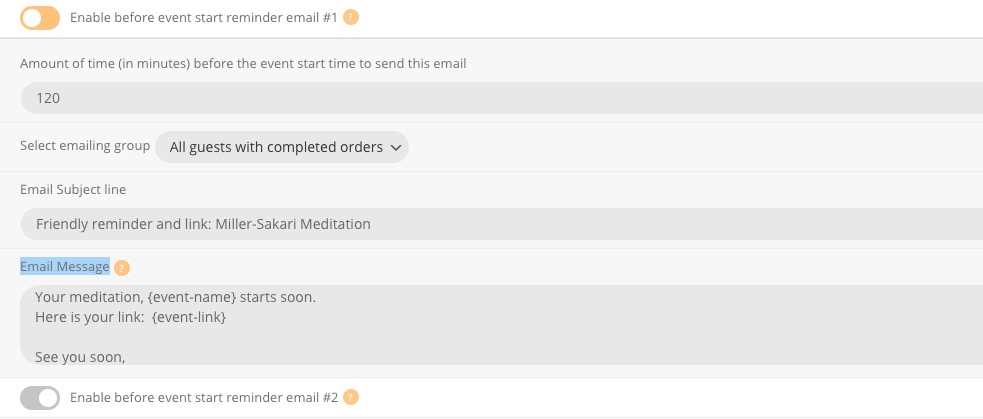
This is not supposed to be cached. It should change the content immediately.

2. The only solution is to customize the email template. You can send us a customization job request by creating a new ticket in here and selecting Customization Request as the category.

Reply to: tickets(209145)

Hi Milo,

Please follow this guide on how to solve this issue https://docs.myeventon.com/documentations/single-events-page-not-working-404-error/

Reply to: tickets(209054)

Hello,

Are you working on the site? Some of my events are back to opening in slides and all text are lost in them?

The access information you have provided did not work for us. Please check them and post the correct login information as a private message, thank you!

Reply to: tickets(208471)

Hello,

Event Details don’t seem to be in the right place: 

Is there a way we can enable Gutenberg to check if this will work that way?

Reply to: tickets(209157)

Hi there!

Here is the url to access.. user and password:

https://www.menudoesleon.com/meleon19/

temp

(uS!XYdmyK1vp33bERBY$C9g

Thanks!

Reply to: tickets(208275)

Hi,

Just doing a follow up on this, letting you know that it will be reviewed, just our CEO was a bit busy with Black Friday and Cyber Monday.

Thank you very much for the patience and understanding.