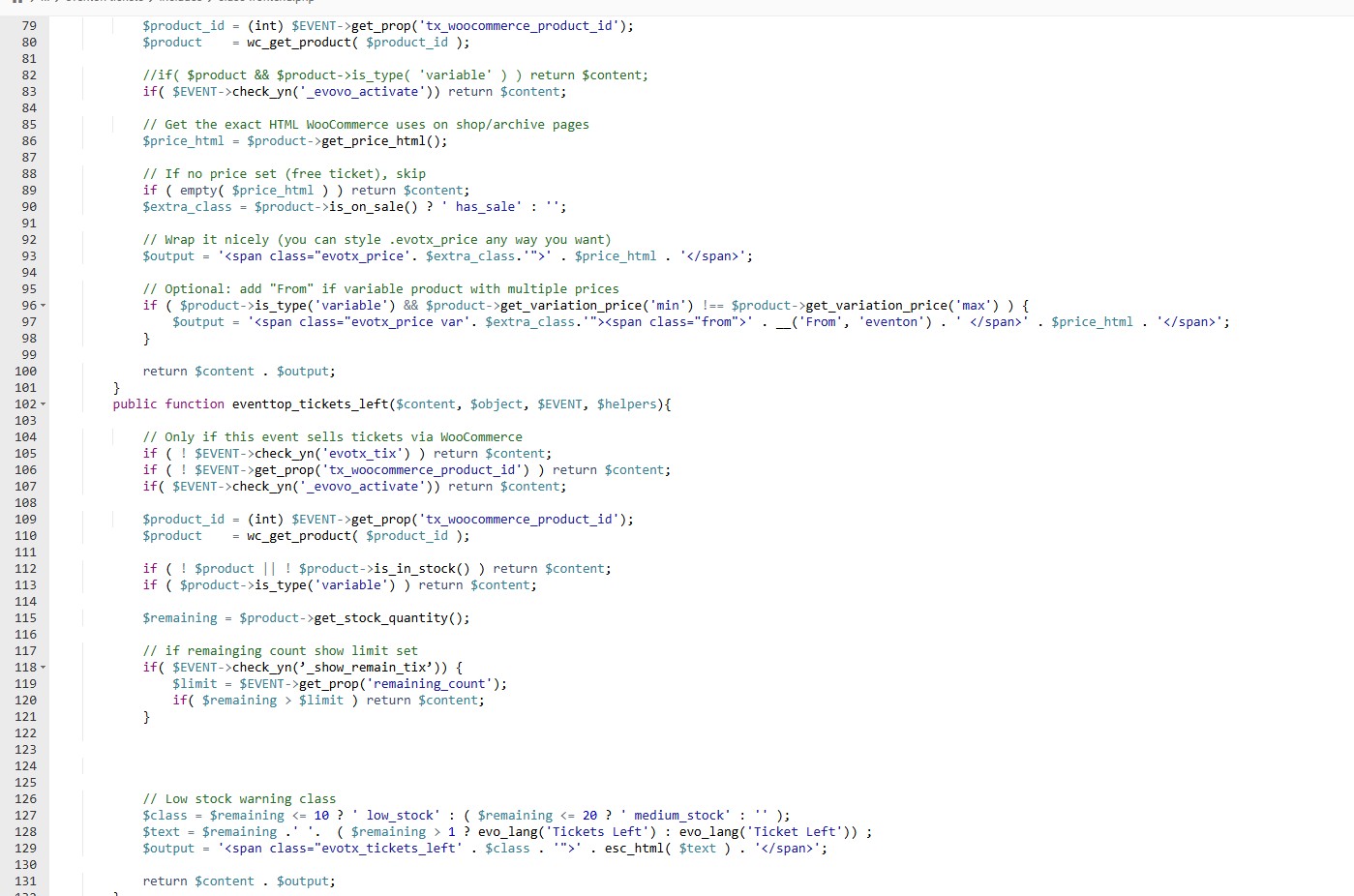
Hello, I did this, but now, the whole calendar crashes and gives critical error. What was the code before? If there is nothing that can be done, better to revert to old code. Now if place tickets available in the the eventTop designer, it gives critical error to the whole calendar page, had to disable.
We are sorry for the delay.
Could you update RSVP add-on to the latest 3.1 version?
We are glad your issue is resolved, if you have any further questions or concerns please create a new ticket.
If you have a moment, we would greatly appreciate if you could kindly leave us a review at EventON WordPress Page OR EventON > My Account > Downloads. Your review helps us a lot in continuing EventON improvements!
I receive this message when try to login:
ERROR: The username or password you entered is incorrect.
As for the original issue, could you please try the instructions mentioned in this documentation? Please start with disabling the minifying functionality.
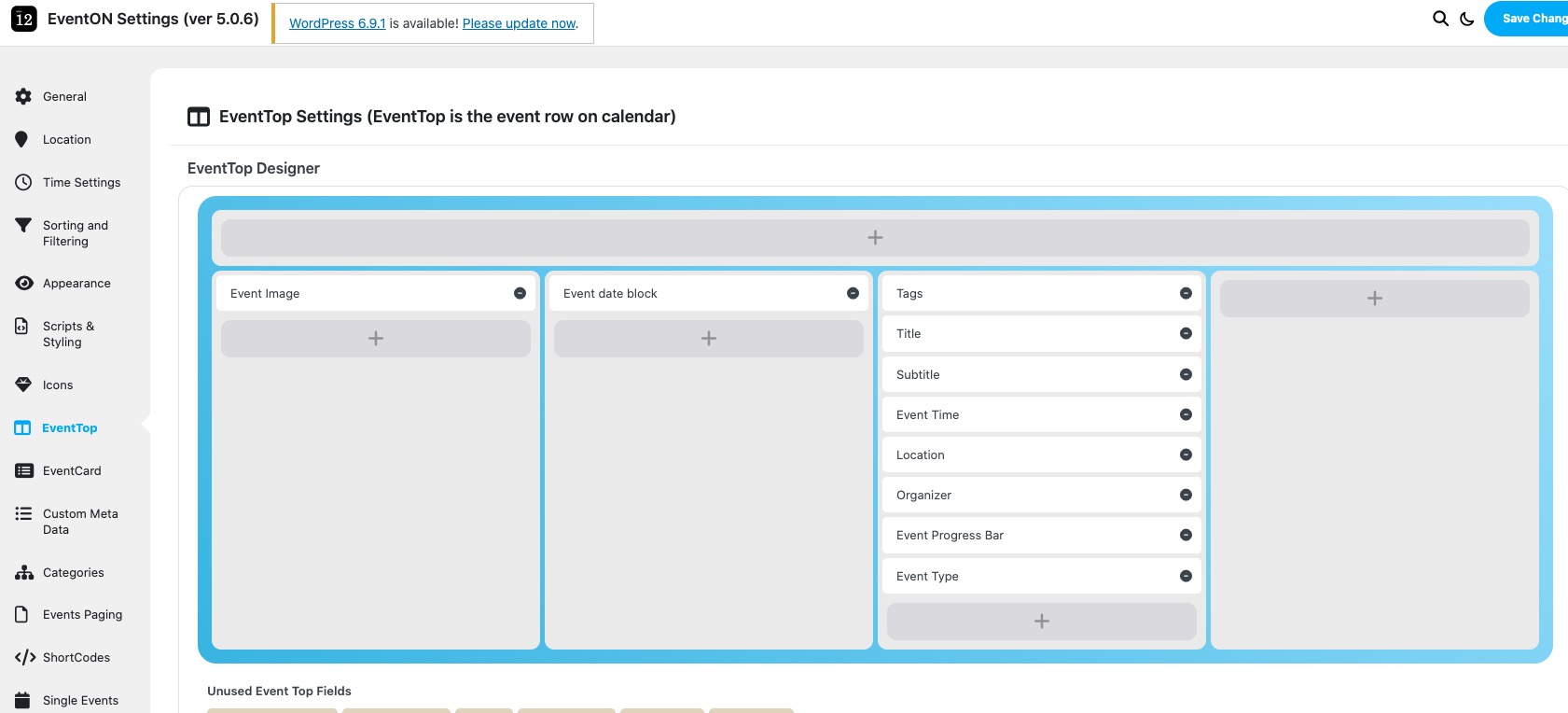
Please go to EventON > EventTop > arrange fields like this:
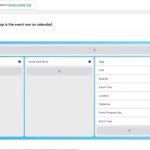
Make sure to add Tags to show Event Status on EventTop.
Ashan,
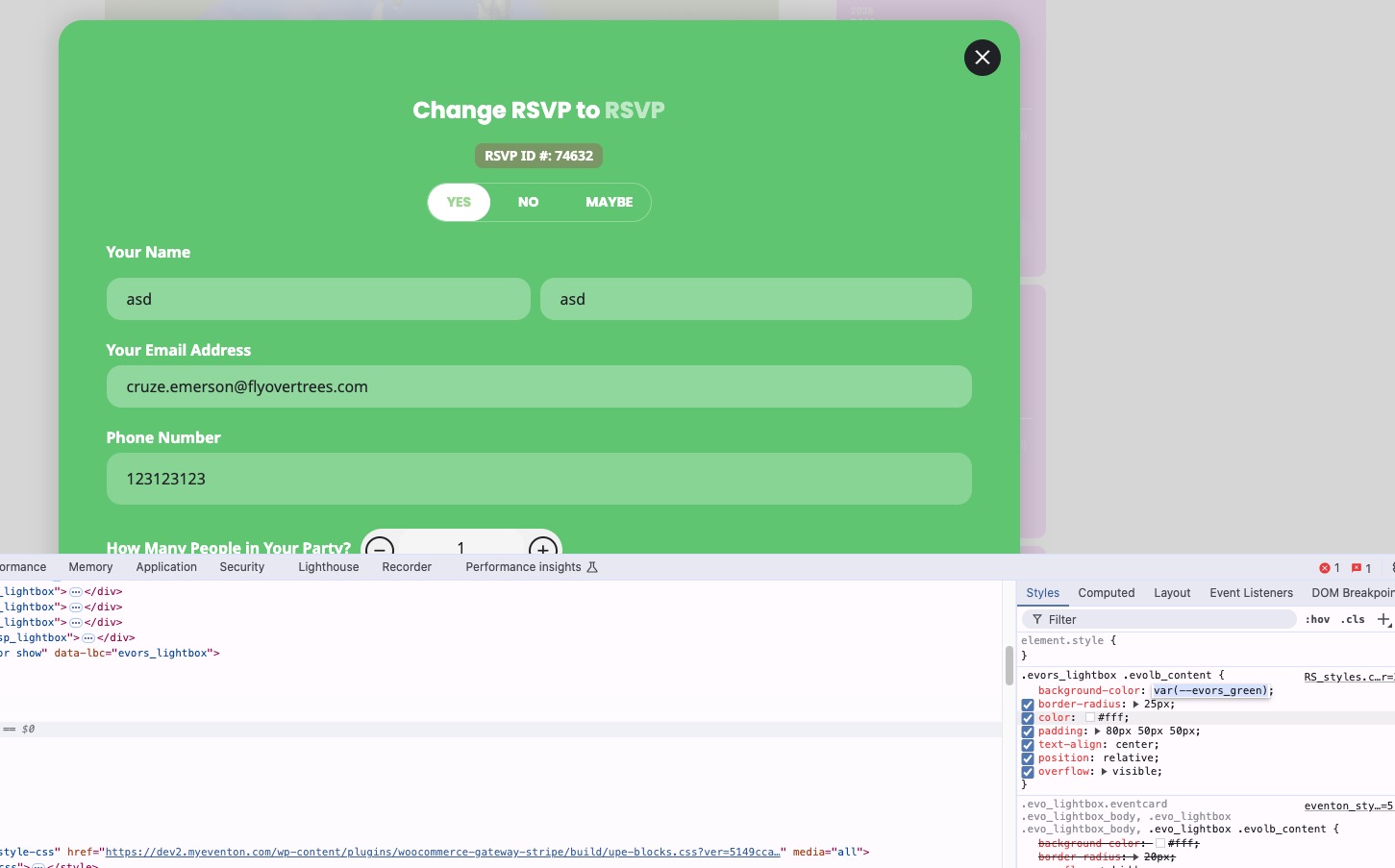
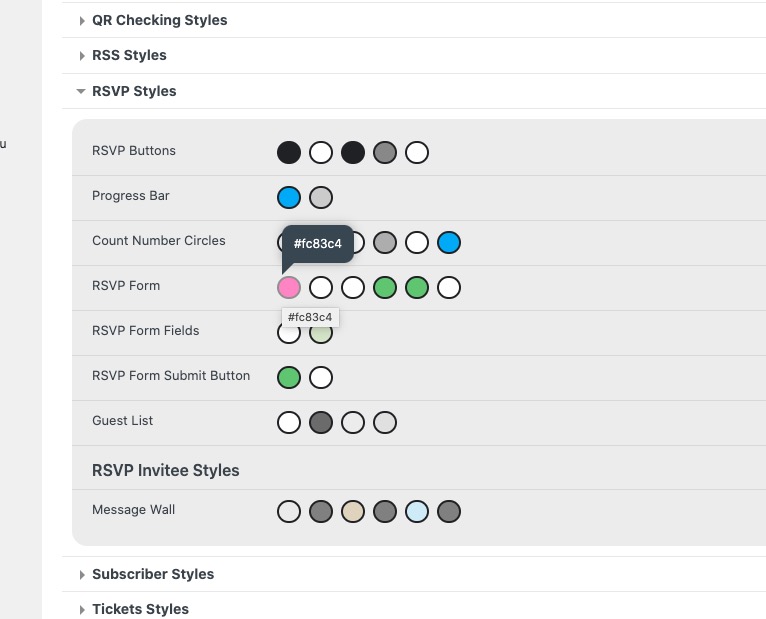
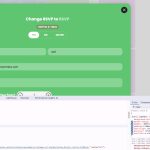
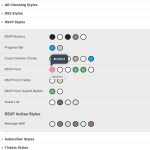
RSVP Form background is still green:
https://dev2.myeventon.com/events/rsvp-13/
https://dev2.myeventon.com/wp-admin/admin.php?page=eventon#evcal_002
Thank you for your messages!
I am going to escalate this ticket to development to help in here. Please allow us some time to address this, and we truly appreciate your patience. Thank you for being a valued EventON customer!
Additionally, if your site has any IP blocking or security restrictions in place, kindly disable them temporarily to facilitate our support process.
Thank you, the issue is fixed!
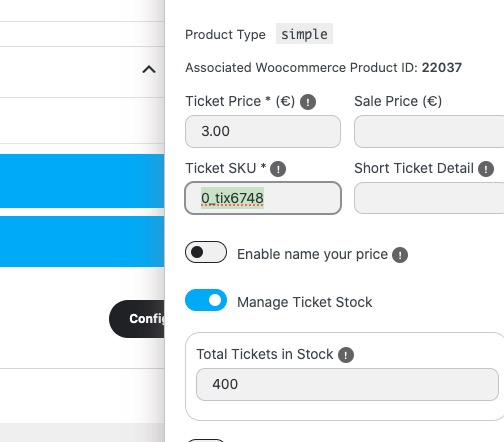
I believe that the issue is caused by SKU:
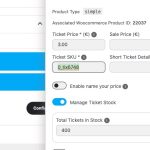
I duplicated the event and it’s working because SKU is changed:
https://firebrick-camel-838235.hostingersite.com/events/as-formas-do-amor-copy/
Did you duplicate this event? Did you reassign the associated product?
https://firebrick-camel-838235.hostingersite.com/wp-admin/post.php?post=22036&action=edit
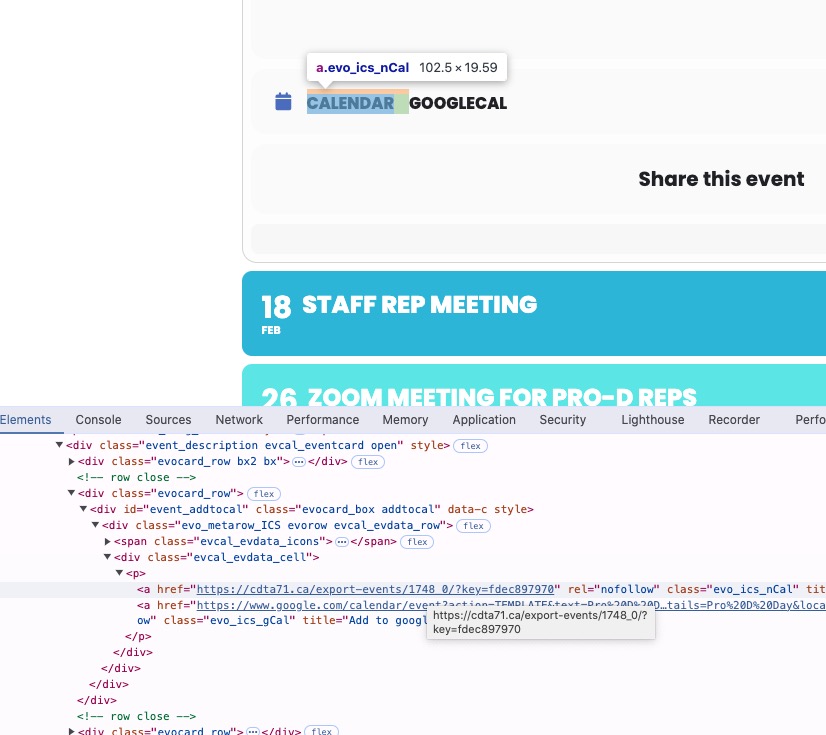
When you click on the link, it redirects you to ”a forbidden link within the originating website”, correct?
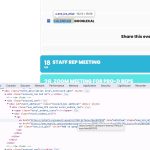
It doesn’t download the .ics file you can then import to your calendar?