Please update Action User to the latest version. I believe that translations have been added.
Archives: Replies
Replies for tickets on suppota
Reply to: tickets(391131)
Hello,
What’s your current version of Action User add-on?
I just did tests on our dev site and no issues with the uploading images functionality:
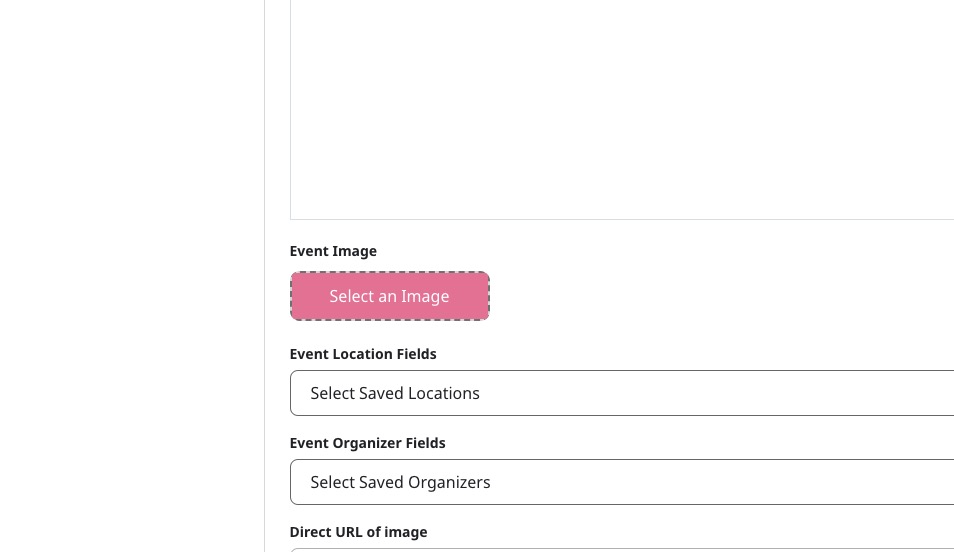
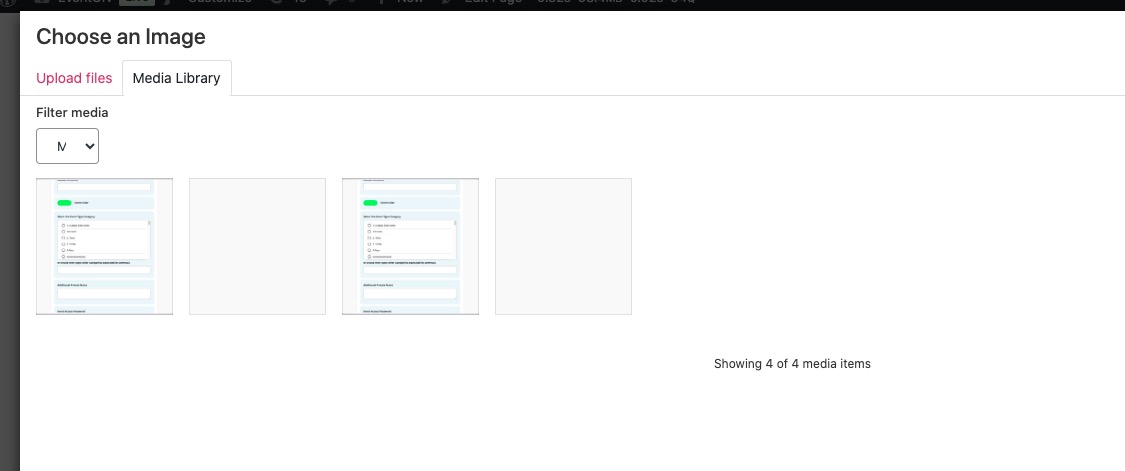
Please send us wp-admin access to your site from “Access Info” box on right side menu, to further assist your situation.
Reply to: tickets(391080)
Please add these two styles to the embedded code:
.ajde_evcal_calendar.evoapi .eventon_events_list .eventon_list_event .evoet_cx span, .ajde_evcal_calendar.evoapi .desc_trig_outter {font-family: Arial}
.ajde_evcal_calendar.evoapi .eventon_events_list .eventon_list_event .evoet_cx .evcal_event_title, .ajde_evcal_calendar.evoapi .eventon_events_list .evcal_month_line p, .ajde_evcal_calendar.evoapi .eventon_events_list .eventon_list_event .evcal_cblock em {font-family: Arial}
Like this:
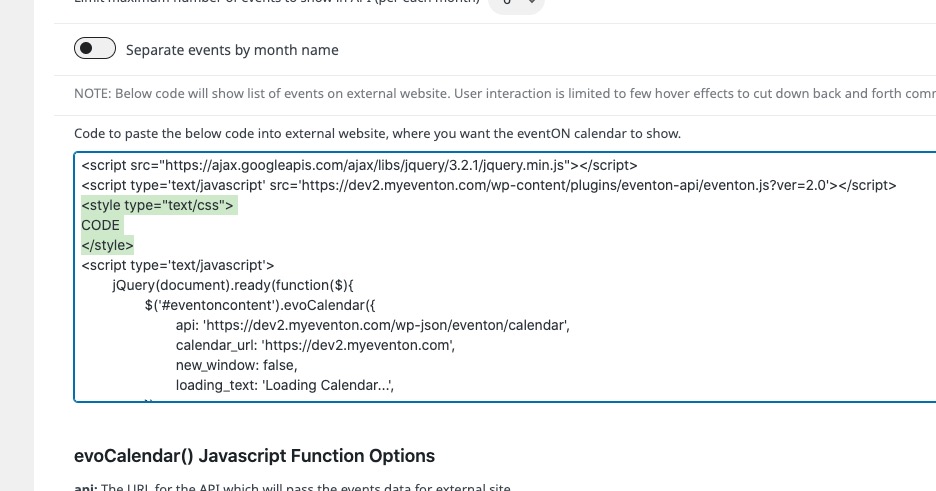
However, make sure to load the font first to the website.
Reply to: tickets(391129)
Hello,
Please send us wp-admin access to your site from “Access Info” box on right side menu, to further assist your situation.
I just did tests and everything seems to be working correctly:
https://dev2.myeventon.com/events/test-32/
You can try making a test purchase. Just make sure to select “Direct bank transfer”.
Please also check for latest version of this software from here Your issue might be related to an older version you are running and we might have resolved this already in the newer version update. If you are on latest version of our software and the issue still persist please let us know.
Reply to: tickets(391132)
Hello,
1. Could you try rearranging EventON > EventTop fields like this
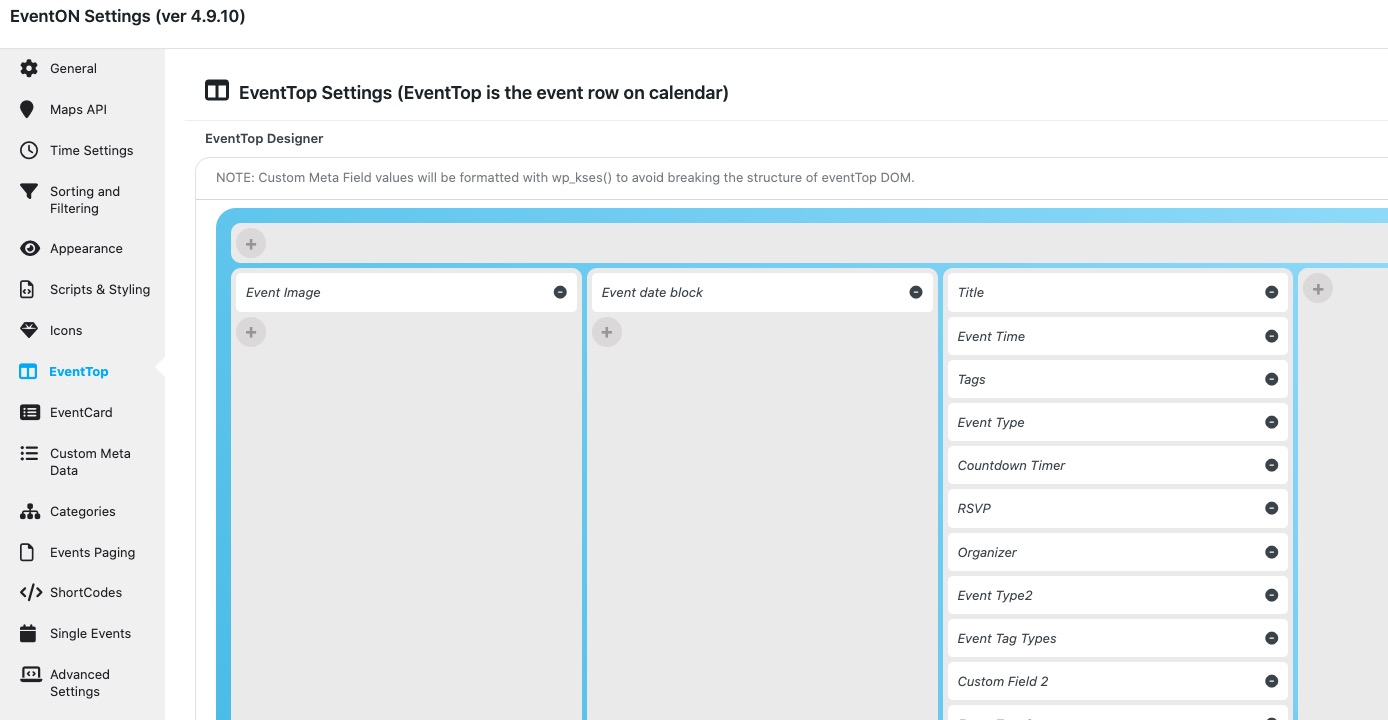
2. Please see 1 and remove Location and Organizer fields.
Reply to: tickets(390710)
Here’s the issue, I believe:
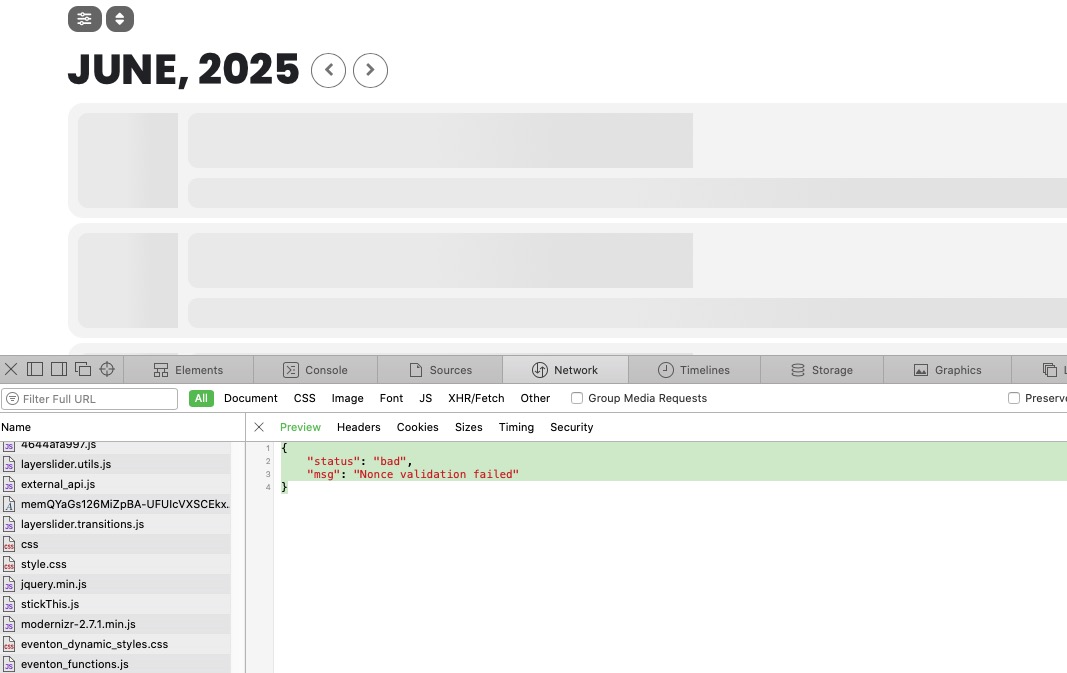
It seems that your cache tries to output outdated data and EventON blocks it. Please send us wp-admin access to your site from “Access Info” box on right side menu, to further assist your situation.
Reply to: tickets(391136)
How do I activate upcoming events?
Could you elaborate more? If you want to show all future events as one list, please use Event Lists shortcode:
[add_eventon_list number_of_months=”12″ hide_empty_months=”yes”]
Reply to: tickets(391136)
Hello,
Please go to each wp-admin > Events > Edit Event page and then change Main Color:
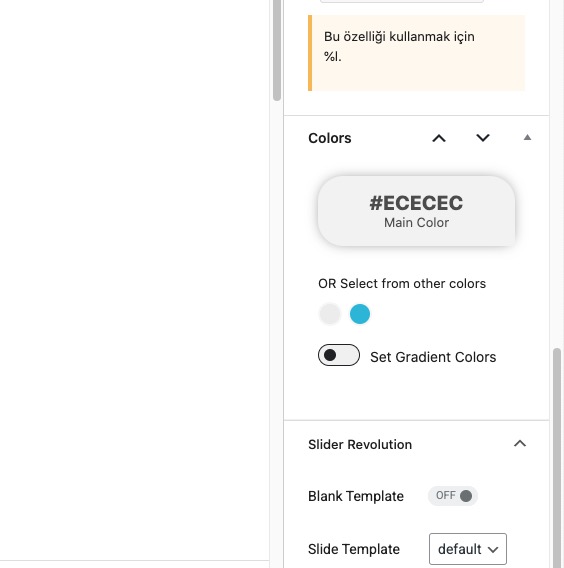
If you need to add more info to EventTop, please go to EventON > EventTop > add fields to EventTop Designer.
Please check and let me know.
Reply to: tickets(391137)
Hello,
Please add this CSS code to EventON > Styles (If you don’t see any change, EventON > Scripts & Styling > turn off Write dynamic styles to header > save settings > turn on Write dynamic styles to header). You can also add this code to wp-admin > Appearance > Customize > Additional CSS.
p.evo_card_organizer_more { display: none !important; }
Reply to: tickets(389348)
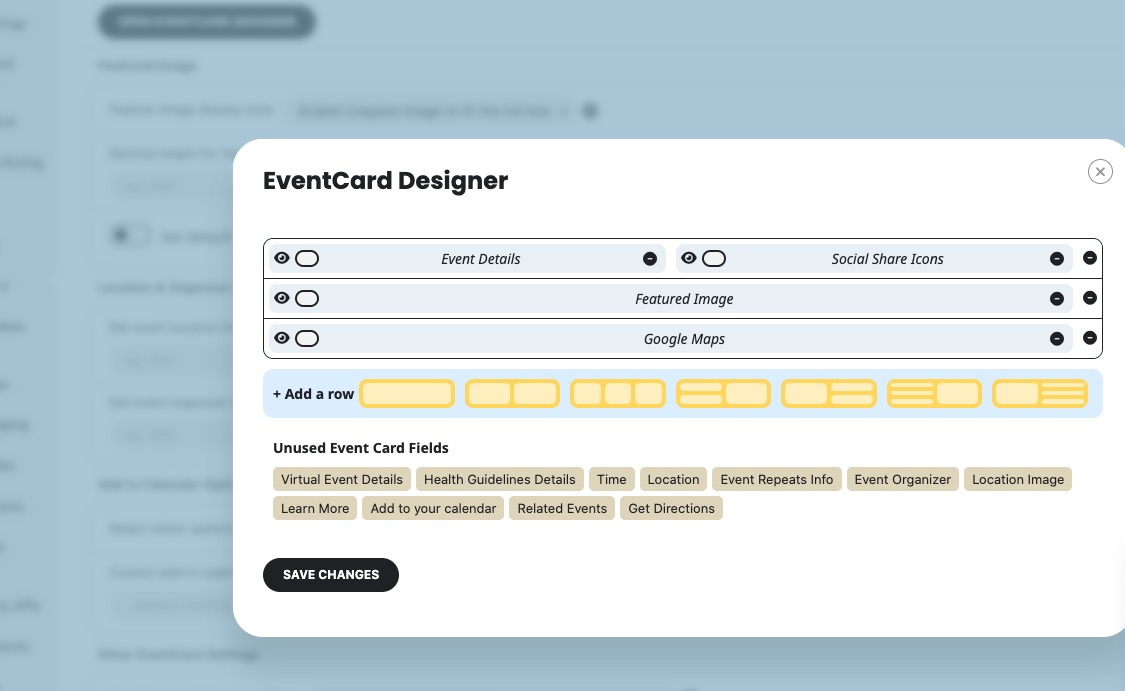
I’ve managed to add two more fields to EventCard. Could you check?