Here’s the issue, I believe:
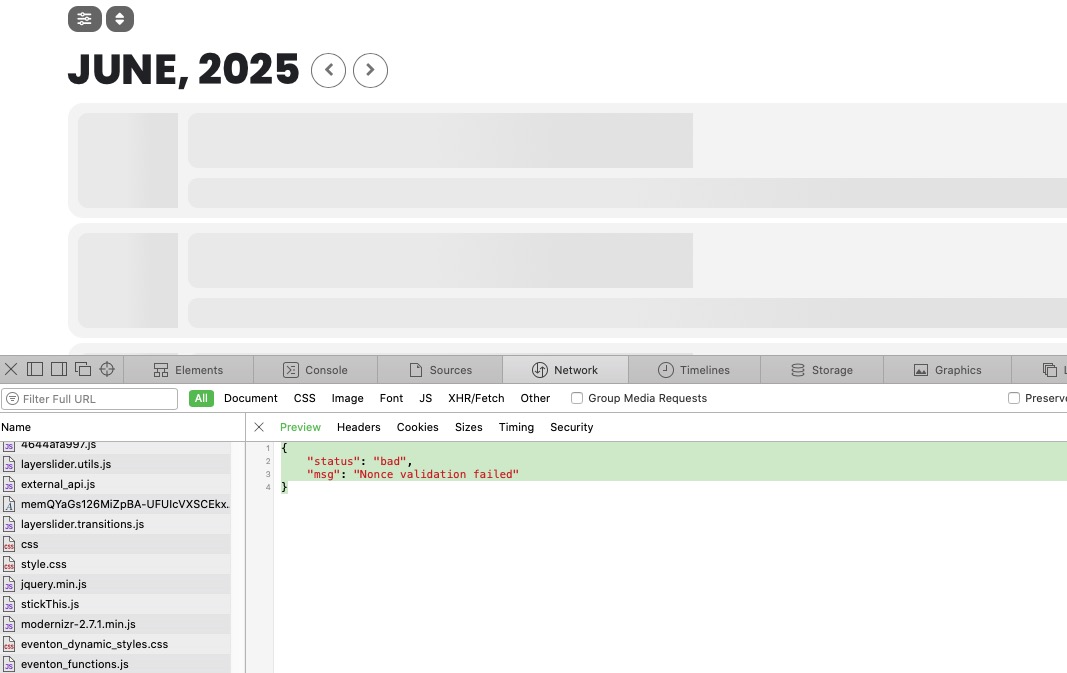
It seems that your cache tries to output outdated data and EventON blocks it. Please send us wp-admin access to your site from “Access Info” box on right side menu, to further assist your situation.
Replies for tickets on suppota
Here’s the issue, I believe:
It seems that your cache tries to output outdated data and EventON blocks it. Please send us wp-admin access to your site from “Access Info” box on right side menu, to further assist your situation.
How do I activate upcoming events?
Could you elaborate more? If you want to show all future events as one list, please use Event Lists shortcode:
[add_eventon_list number_of_months=”12″ hide_empty_months=”yes”]
Hello,
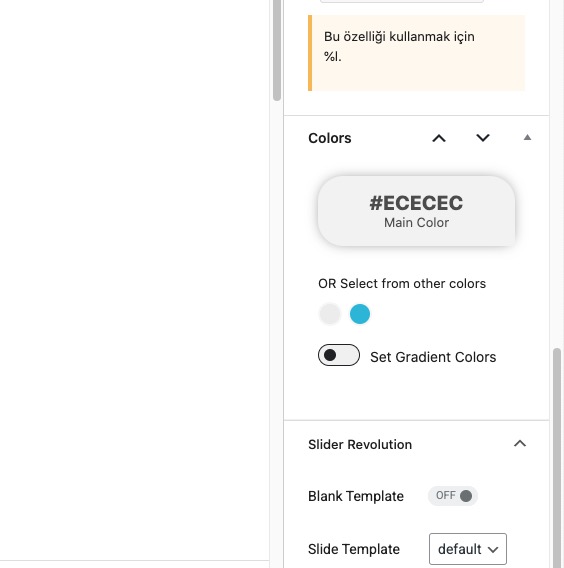
Please go to each wp-admin > Events > Edit Event page and then change Main Color:
If you need to add more info to EventTop, please go to EventON > EventTop > add fields to EventTop Designer.
Please check and let me know.
Hello,
Please add this CSS code to EventON > Styles (If you don’t see any change, EventON > Scripts & Styling > turn off Write dynamic styles to header > save settings > turn on Write dynamic styles to header). You can also add this code to wp-admin > Appearance > Customize > Additional CSS.
p.evo_card_organizer_more { display: none !important; }
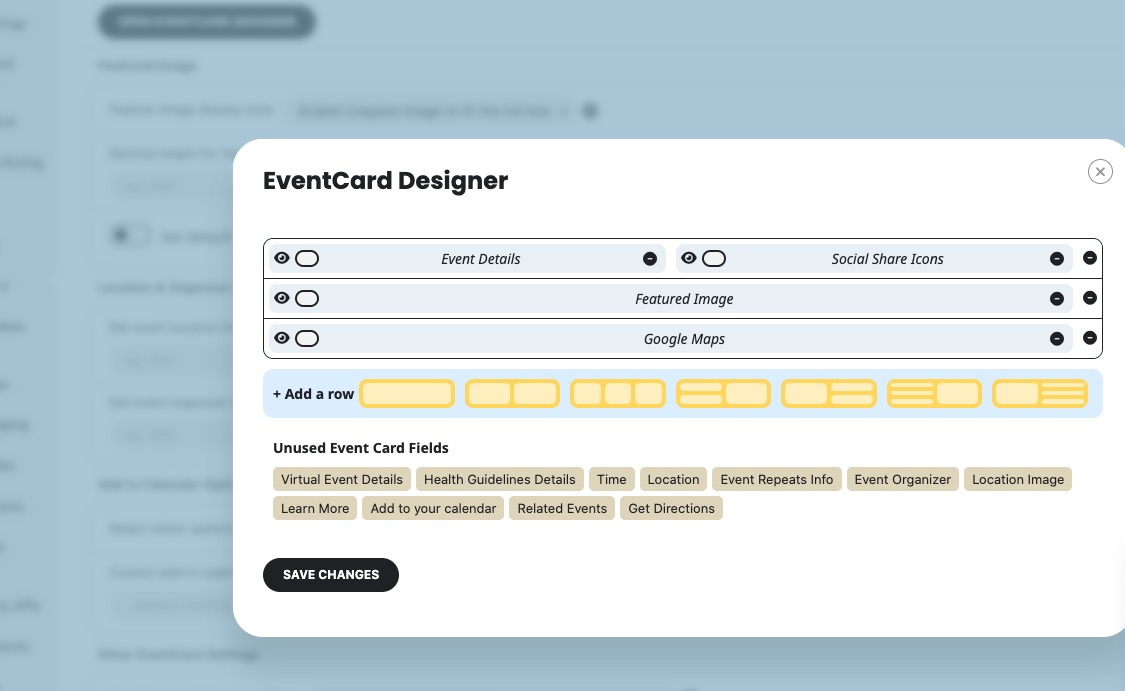
I’ve managed to add two more fields to EventCard. Could you check?
Hi,
Thank you very much, I did what you suggested, but as you can see, the problem is still there.
Hi Artem,
The issue still remains unfortunately, and can be replicated in Safari both on the computer and on iOS. Please advise how to handle, since there are no console log errors nor debug errors that are giving us any clues to a solution.
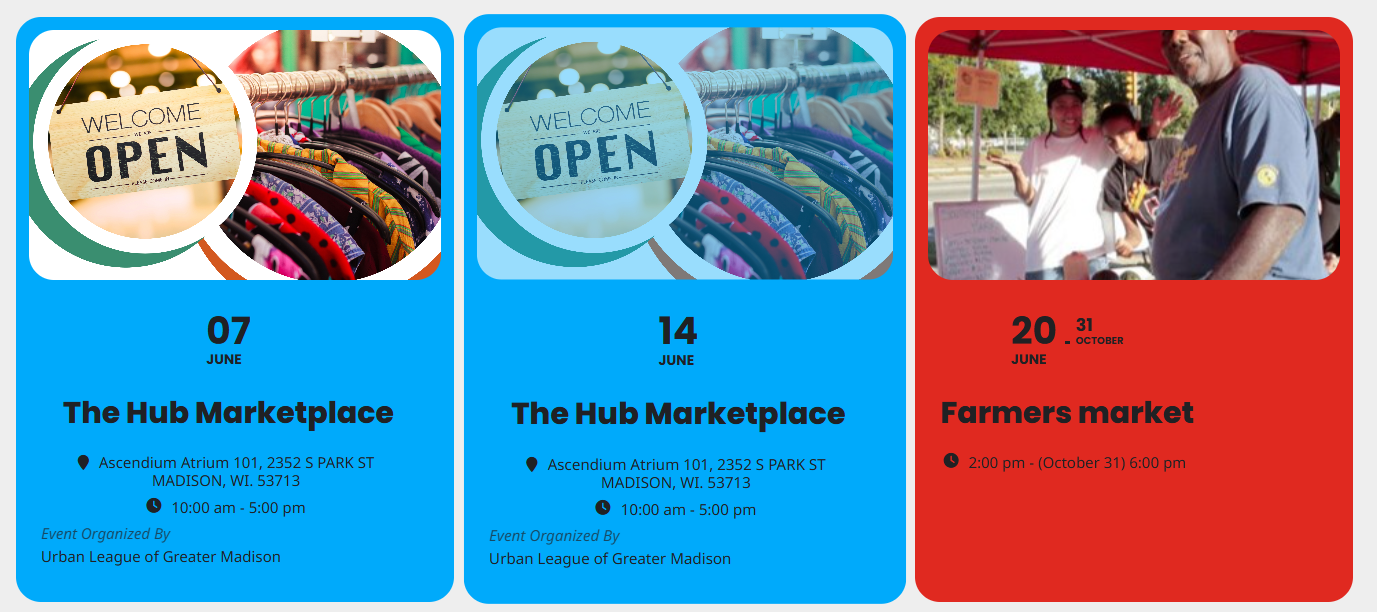
the font seems to be not compatible with Vietnamese text. How may I change the font family?
Perfect! Do you need our help with anything else or can I close the ticket?