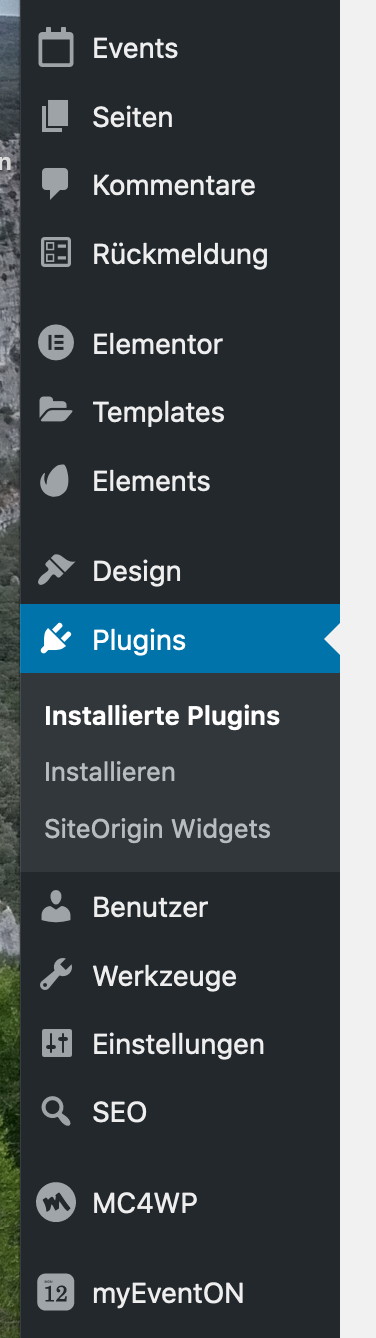
You find the Events under “Events” (in the screenshot in the upper part) and the EventOn settings under “myEventOn” (in the screenshot in the lower part).
Replies for tickets on suppota
You find the Events under “Events” (in the screenshot in the upper part) and the EventOn settings under “myEventOn” (in the screenshot in the lower part).
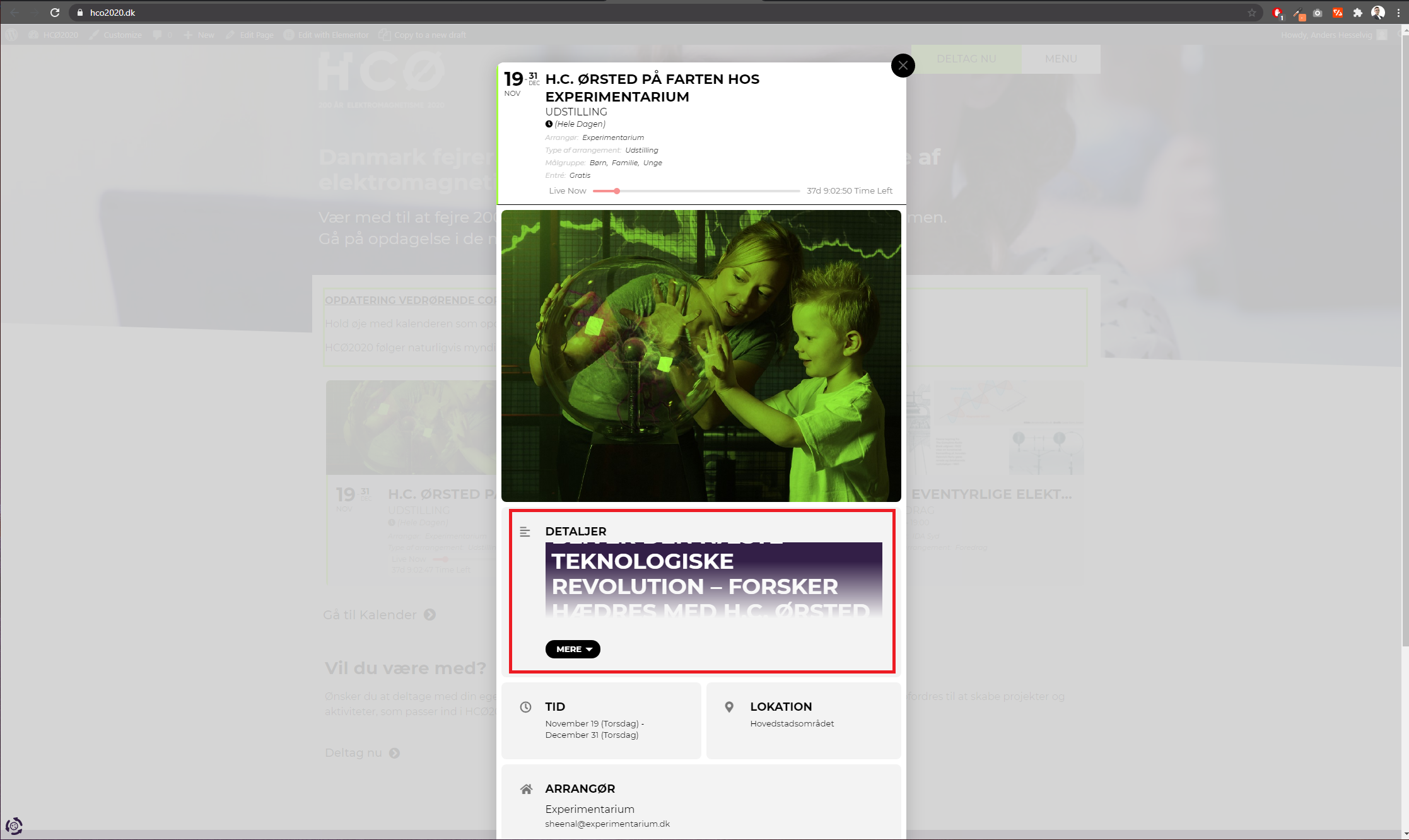
I’ve atteached a picture of the issue.
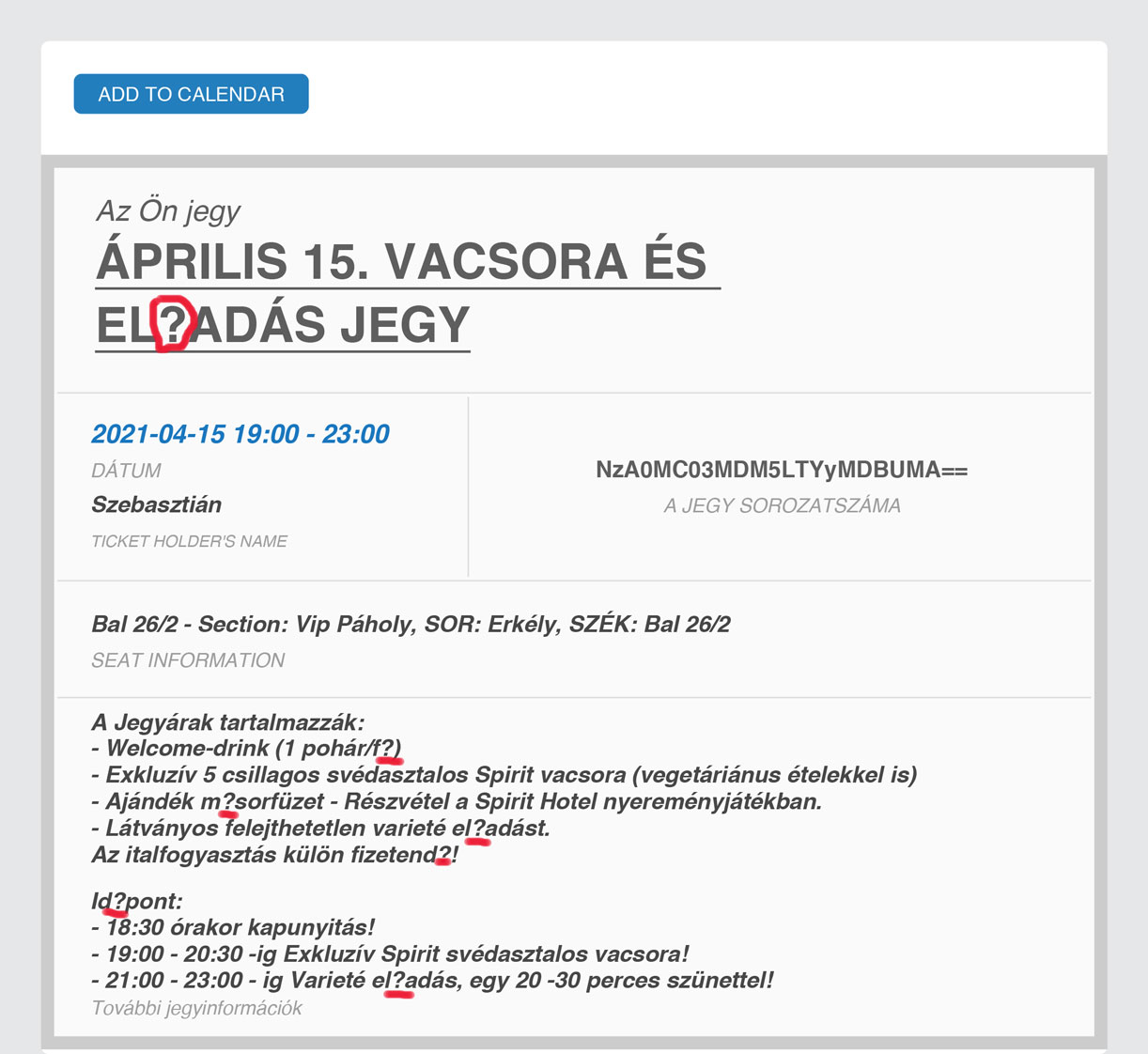
I updated to EventON 3.0.5 but we still have the same problem! The pdfer is the latest version.
I attached a picture about the problem.
Please send me one e-mail address to create for you one access to wp_admin!
Waiting for your quick response!
Regards!
Sebastian
Hi there,
I did that and it worked!
Thank you so much for your time.
Take care,
Laura
Hi there,
I have looked at your backend and I was not able to replicate the issue. I was able to see the event date (see the link below)
https://pasteboard.co/JBQiUhP.png
Kindly confirm, am I missing something?
Looking forward to your response!
And here is a video.
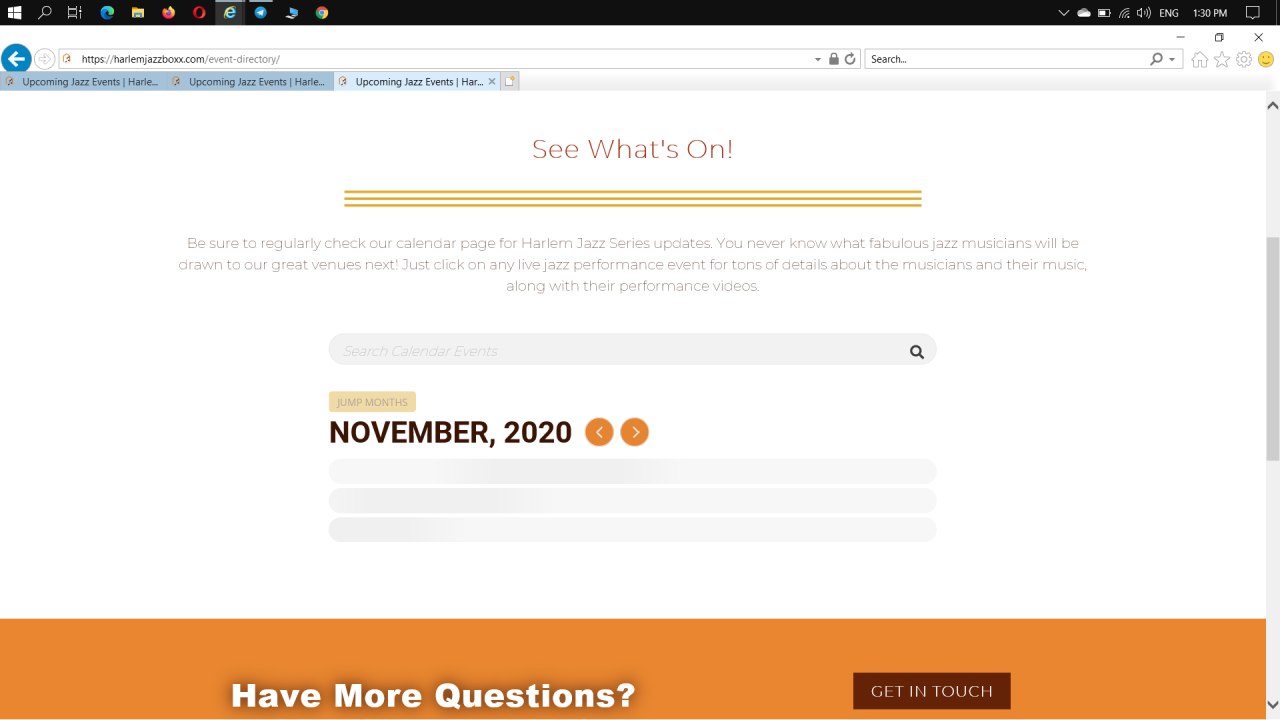
Hello,
I sent that message to our theme developers and this is what they said: https://prnt.sc/vp48je
If you need login info to test, please let me know.
Thank you.
Hello,
I tried your suggestion to set the top variation to out of stock before issuing a ticket here. However, with that setting a large OUT OF STOCK with a reddish background appears in the ticket area.
Username: support
Password: myeventon
URL: https://www.trinews.at/wp-admin
thank you very much!
We are glad your issue is resolved, if you have any further questions or concerns please create a new ticket. If you have a moment, we would greatly appreciate if you could kindly leave us a review at codecanyon! from your account > downloads. Cheers!