couple you please provide wp-admin access
if not the best you can hope for is a guess- we need to diagnose
Replies for tickets on suppota
couple you please provide wp-admin access
if not the best you can hope for is a guess- we need to diagnose
Menawhile I set the server memory even to 400M, but that doesn’t solve the problem either.
OK 2 things,
Let me rephrase.
Thank you
I also involved the team from Elementor since it seems that there’s also an issue with the Pro plugin. I’ll keep you posted.
Hi there,
The order ID for action user is 16802 . It was purchased using the info@denverblackpages.com email. order date = 03/22/2016.
That’s great, thanks!
Good Afternoon Again,
I have just tried to created a new event to see if the same problem persists and unfortunately, it does.
We’d like support on this as quickly as possible therefore below are credentials I have created to give you access to assist us.
Username: User_EventOn_11_2020
Password: Jl^PMLdJV!u)AqtE4n&6gms^
Regards,
Jake Thurston
Hello,
What is the timing for the refund ?
Thanks
Alain
Ashan is working on a solution to this- we do apologise for any inconvenience this has caused and we will get you a solution ASAP
4. Please go to EventON > Single Events > Create Single Events Page Sidebar > add Windgets.
What is this for ? I don’t use single events
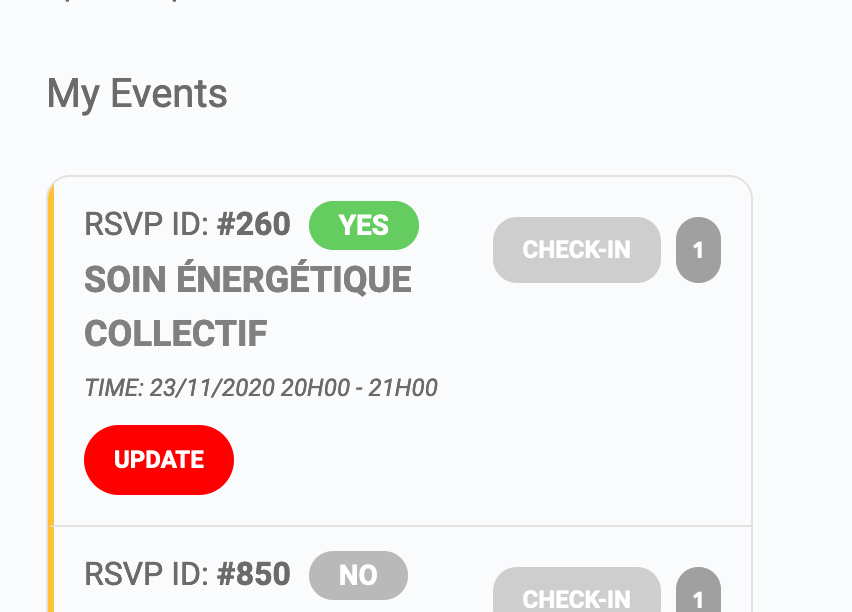
Issue is that it seems that on the right colums, when you click on an event it open it as if it would be a single event (so you can not exist it)
Left column I use
[add_eventon lang=”L2″ ux_val=”3a” hide_arrows=”no” event_past_future=”future” filter_type=”select” tiles=”no” wishlist=”yes” cal_id=”1″ filter_show_set_only=”yes” eventtop_style=”0″]
Right column :
[evo_rsvp_manager]
Is there a better way to do it ?