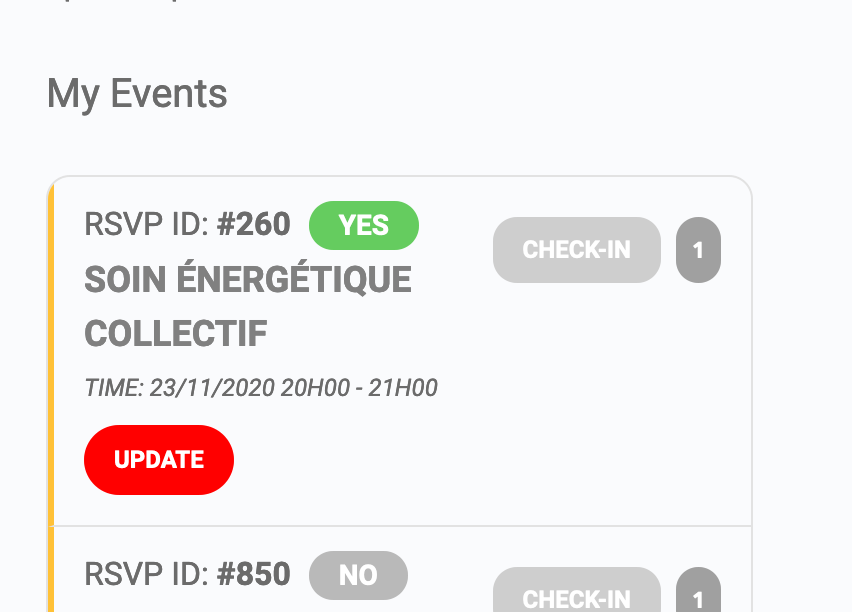
For this green button as well ?
Replies for tickets on suppota
For this green button as well ?
2 & 3 : OK for background, how can you change color of the button text itself ?
1. Please first line from this message REPLY TO: 206847
I cannot click it, can you resend it please
Craig- if this doesn’t work- please crate your own topic
But 3.0.4 for some strange reason is not appearing in wordpress so go to codecanyon and fdownload the wordpress installable file only which is 3.0.4 and use that to update
I am very sorry- I do not understand- I want to – I just don’t right now
could you rephrase it or type it in your native language and we can run it through a translator
to manually remove them go into events>>>all event rsvps
and you can tick their box and delete them
However in
myeventon>>>>rsvp>>>>reminders
set the reminder to go to All attending guests including maybe
so if they rsvp yes and then change it to no- they don’t get the reminder
Ok great. Got it about the reminders.
What about the users elimination and the RSVP posts create on their own?
https://ibb.co/pLJdbs7
Please also send us FTP details so Ashan can get in there and give you a fix (if it is needed)
that is true, however we need to diagnose before a solution can be presented and we need to eliminate a conflict before we do so (the documentation takes about 2 minutes or so done correctly) but gives Ashan alot of info to find a solution (whether it works or not)
the big issue with WordPress is many plugins and themes all communicating with each other simultaneously to to let us know that there is no conflict narrows the search parameters Ashan needs to take to find you the solution
You will need to educate them on the process. The issue is its not simply turn on and off system- its reliant on a date which needs to be saved first and then you turn on the reminders and they save based on the date previously saved
and if an edit happens they need to edit the event and turn off the reminders during that edit and then save- then turn on the reminders and save again