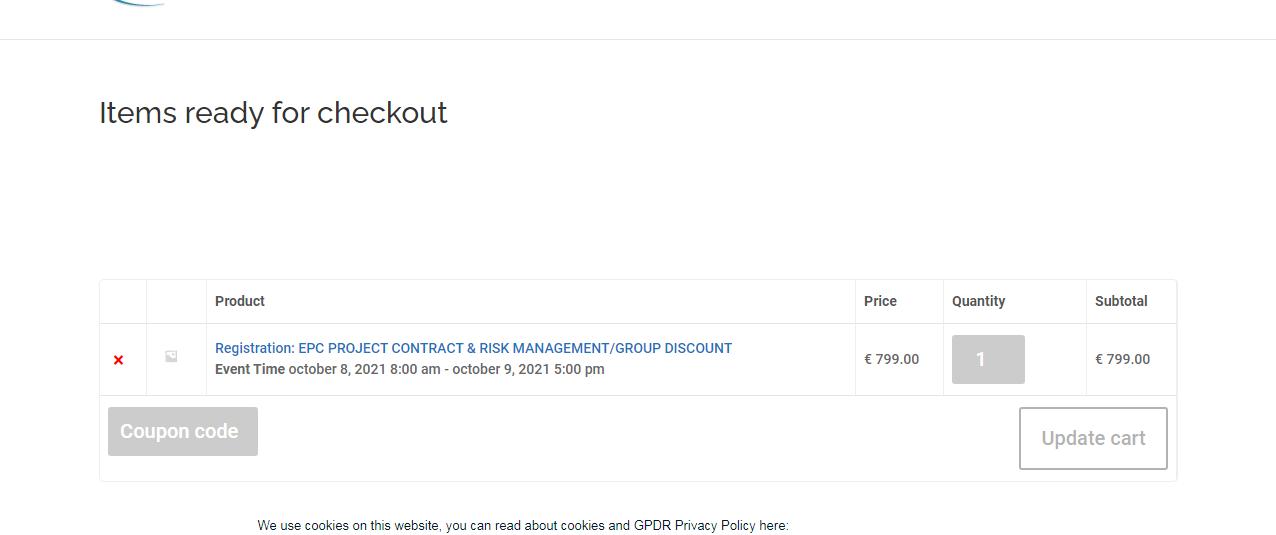
Can’t see job title.
Did you add the job title field with custom coding or is it default field. By for, do you mean the action user form?
Replies for tickets on suppota
Can’t see job title.
Did you add the job title field with custom coding or is it default field. By for, do you mean the action user form?
I have read carefully the doc tah you have sent me, but i am not programmer, and i haven´t the level to change from your example to the code i need..
Could you send me an example more according to this specific case?
thanks in advance.
Pedro.
I see it working now, too. It was a browser problem. Thanks.
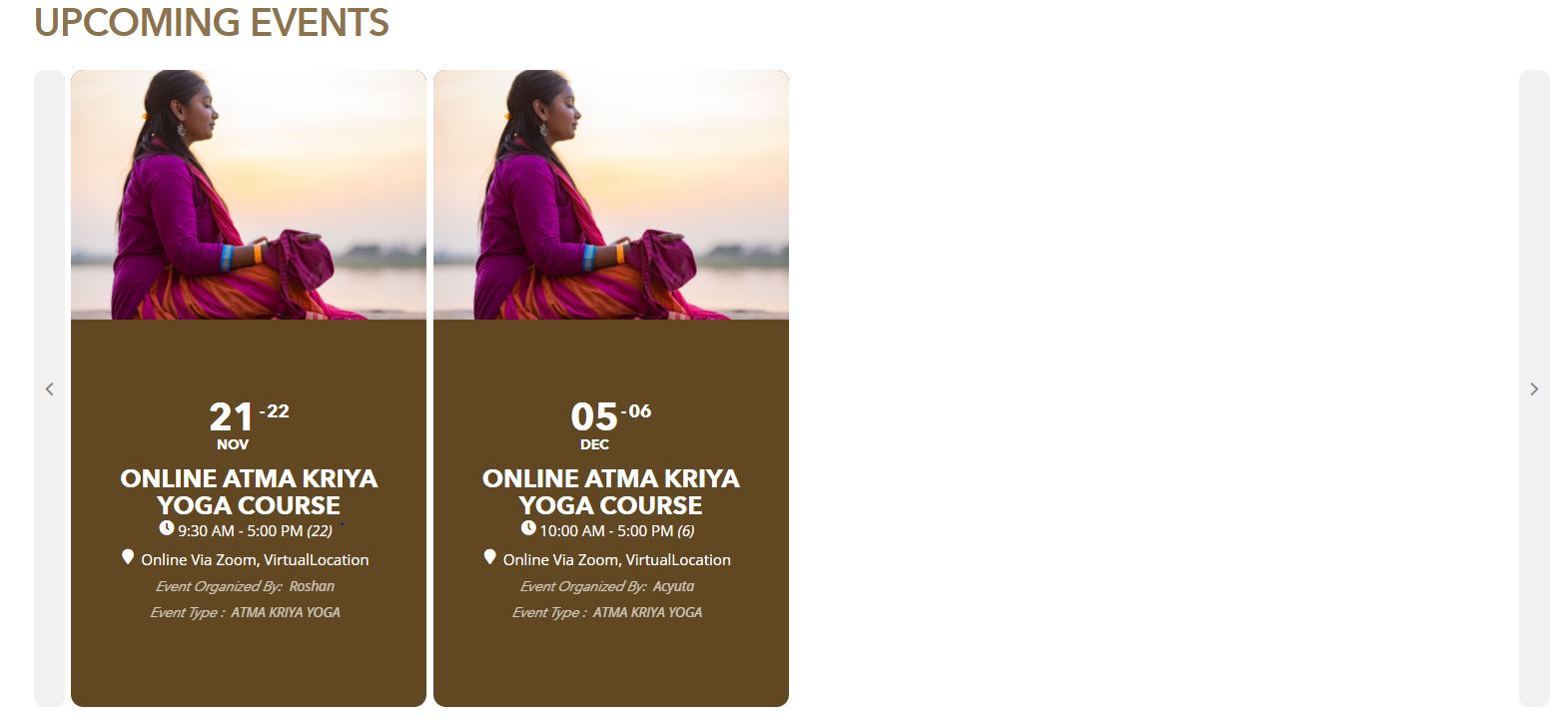
The web page seems fine.
I have already updated eventon to 3.0.4 and it is still the same issue.
https://bhaktimarga.co.uk/atma-kriya-yoga/
Only the developer who’ll take the job can tell you it’s price, I am afraid.
Hey,
Thank you. Find it out, great.
Though i9 have a question as i have set up 3 reminders.
https://ibb.co/kDN6j9w
1-60mins before
2-5mins before
3-5mins after
So why i see that the 2 before are at the same time? and the after at exact time of the event end?
https://ibb.co/SVMvVB9
Thank you very much
an example of the daily view is here: https://ezystreamlive.com/948-2/
and also right at the top of the page here https://ezystreamlive.com/main-event/
in your case
I’d probably use iether a tab layout or accordian layout (on mobiles)
each tab would be a category
here is a quick example of a tab layout: https://ezystreamlive.com/tab-test/
I have added some css to hide that big top area
Please send us wp-admin access to your site as a private message for us to further assist your situation.
Hi,
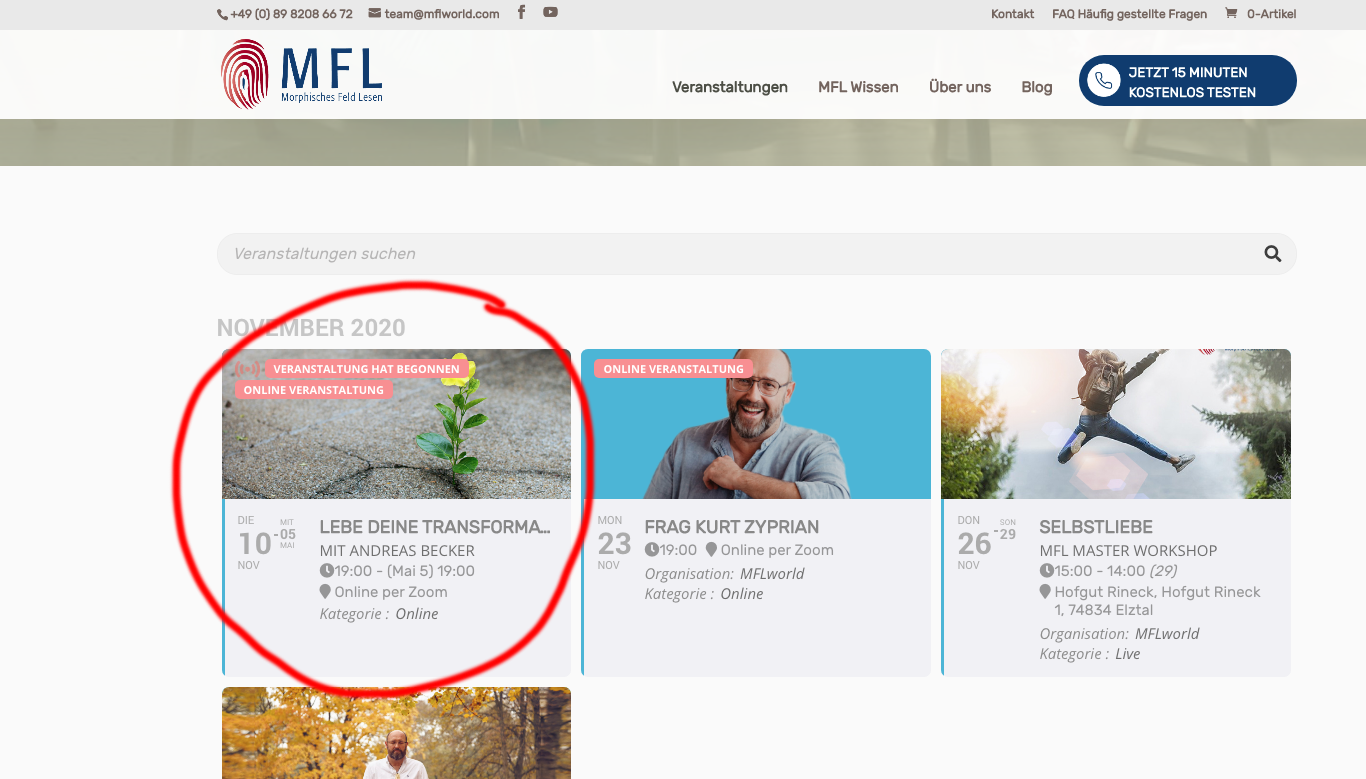
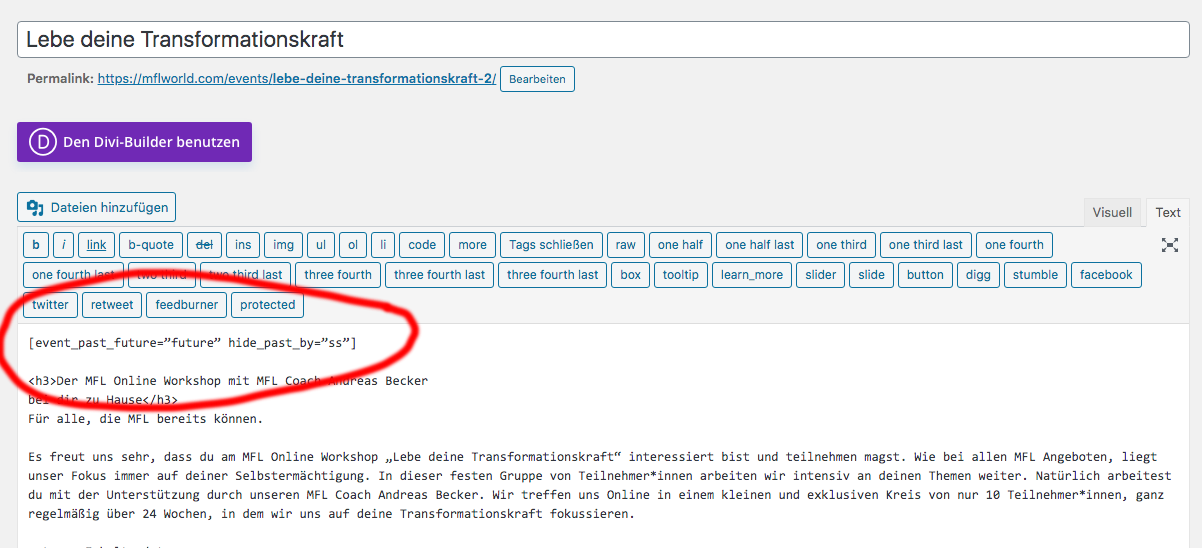
I tried both shortcodes in the placement circled on the screenshot attached. Is that the correct placement? Neither of the suggested shortcodes one did work though. The event is still visible even though the start date has passed. (See second screenshot.)
Was this the correct placement for the shortcode?
Thank you