Is this related to helpdesk or myeventon.com? alternatively, you can send us a email to info@myeventon.com and we can help you resolve the login info.
Archives: Replies
Replies for tickets on suppota
Reply to: tickets(390840)
As artem mentioned kindly share order ID for the weeklyview order you want refunded for,.
Reply to: tickets(390578)
Hre is a link to download the new invoice with VAT
https://dev2.myeventon.com/surl/2UCEfGCzjDCc
Reply to: tickets(390556)
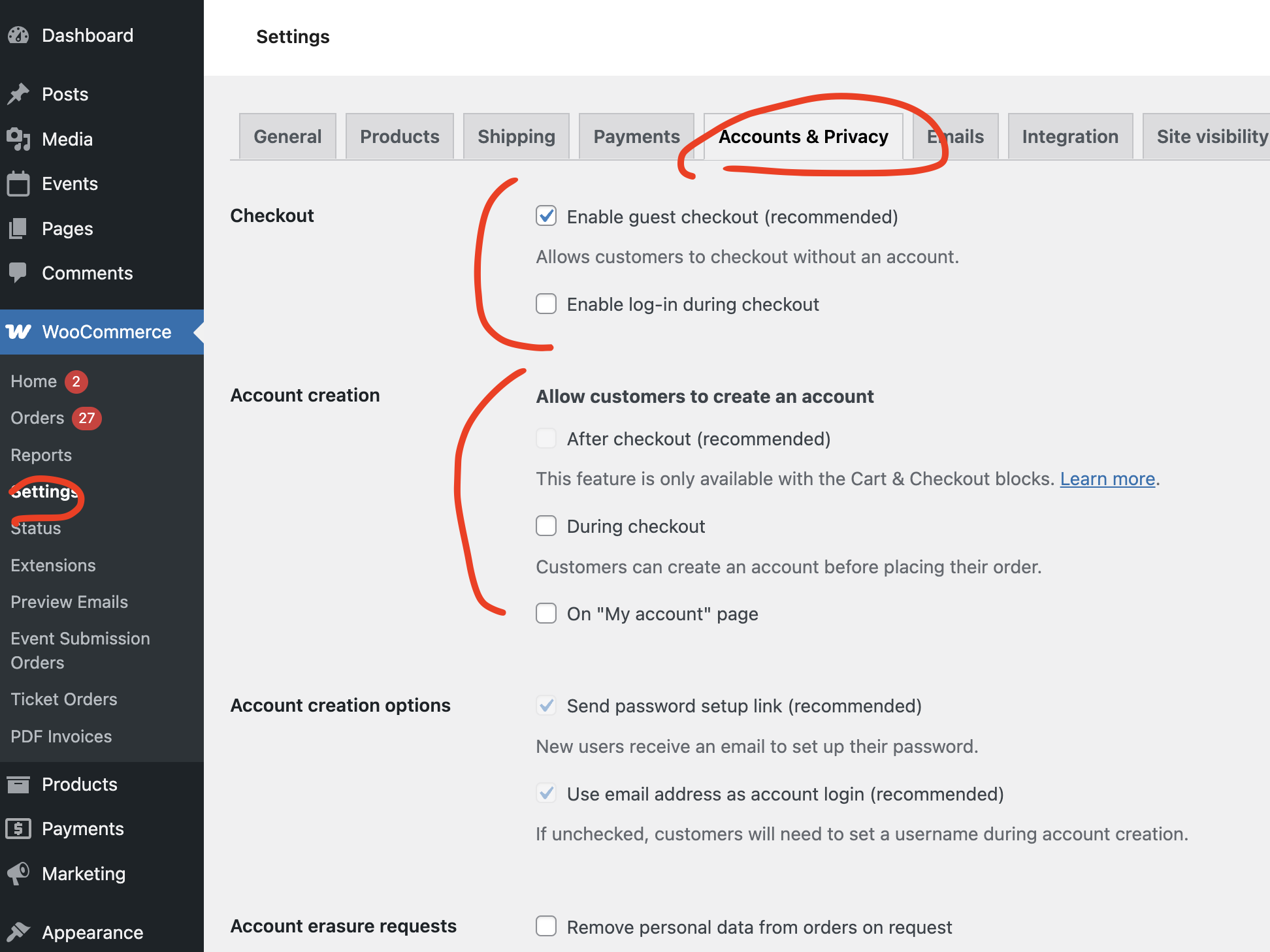
EventON Tickets addon does not explicitly set redirection after checkout. However there are settings in woocommerce that control this. Please make sure you have set necessary settings according to your prefered methods.
Reply to: tickets(390478)
We were able to figure out where this was happening. Kindly update to latest actionUser addon version 2.5.4 — this wil resolve the issue for you!
Reply to: tickets(390478)
Thank you friends for sharing this information. Please allow us to see if there is any codes that is conflicting with the functionality and get those resolved. From what you said, the image assign function is not working only in wp-admin.
Reply to: tickets(390745)
Thank you for letting us know of this. Which version change in actionUser do you know, this started happening?
We are trying to replicate this issue in our end. But it is working fine. Will keep you updated.
Reply to: tickets(390919)
Thank you Artem!
Yes, that did the trick. I was updating the plugins using the backoffice, and haven’t noticed that the EventON plugin did update to the latest version, but the eventon-action-user did not.
Updating to the latest version, I can now upload images.
I’m now facing a different issue, there the lightbox does not work, I can only upload images when using the embedded form:
[add_evo_submission_form msub=”yes” rdir=”yes” rlink=”http://citynomads.com/events” ]
It can be tested here:
working: https://citynomads.com/submit-event/
not working: https://citynomads.com/post-your-event/
The entire form does not load after clicking on the button.
Reply to: tickets(389271)
Hello,
Sorry for the delay. Could you try manually clearing browser cache on your mobile?
Reply to: tickets(390478)
It seems that there is an issue with Classic Editor plugin. Could you try disabling it for a test?