Thank you for your reply. I am trying to figure out how to give you FTP access as I am not a developer, but an owner. I can manage plugins and adjust HTML code but server stuff is over my head.
If you have a shortcut or tutorial you can send, please let me know. I want to get this to you asap
Thank you!
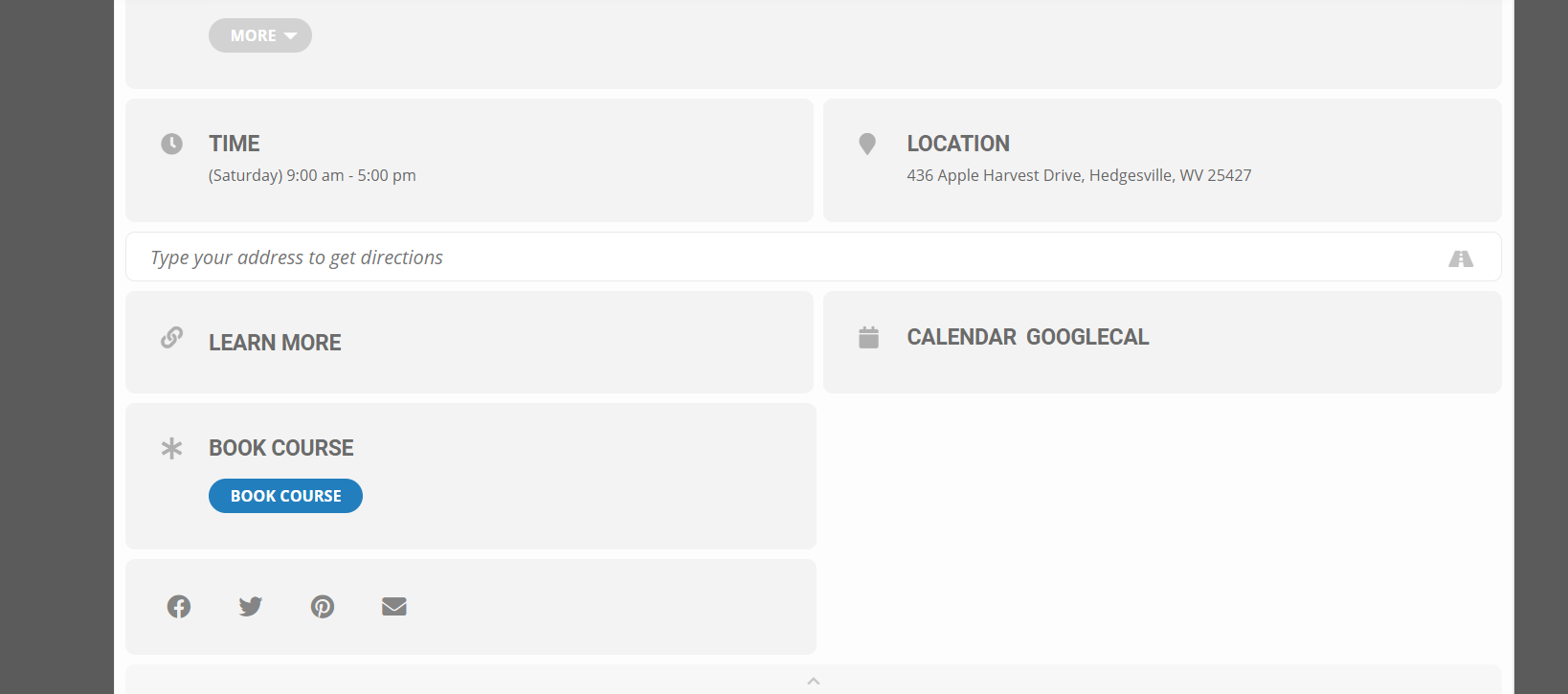
this is what I am seeing on desktop
if you are not- clear your browser cache
ad this to appearances>>>>>customize>>>>addditonal css (from within wordpress)
.eventon_list_event .event_description p, .evcal_list_a .event_description li, .evo_pop_body .evcal_evdata_row .evcal_evdata_cell p {
font-size: 17px;
}
change that 17 to whatever size you are after
I cannot access your calendar from the link I get an error page
Activate them on your staging site- all good
then when you wish to set the staging to live- you can deactivate them on staging, and then re-activate on live site
if you run into issues deactivating them after making the site live- we can deactivate addons from this helpdesk without the need to enter your wp-admin
with a click of a button
Please send us FTP access to your site as a private message, so we can perform several tests from our end and resolve your issue fast!
Ashan this is also happening on the dev site http://dev2.myeventon.com/events/rsvptest/
Thank you for your messages, I am going to assign this ticket to Ashan and he will be able to take it from here and find you a solution. Please allow some time for him to get back to you, we greatly appreciate your patience and thank you for being a eventon customer! Also please disable any IP blocking on your site if there are any.
Please send us FTP access to your site as a private message, so we can perform several tests from our end and resolve your issue fast!
Thanks , looking forward for the replay.