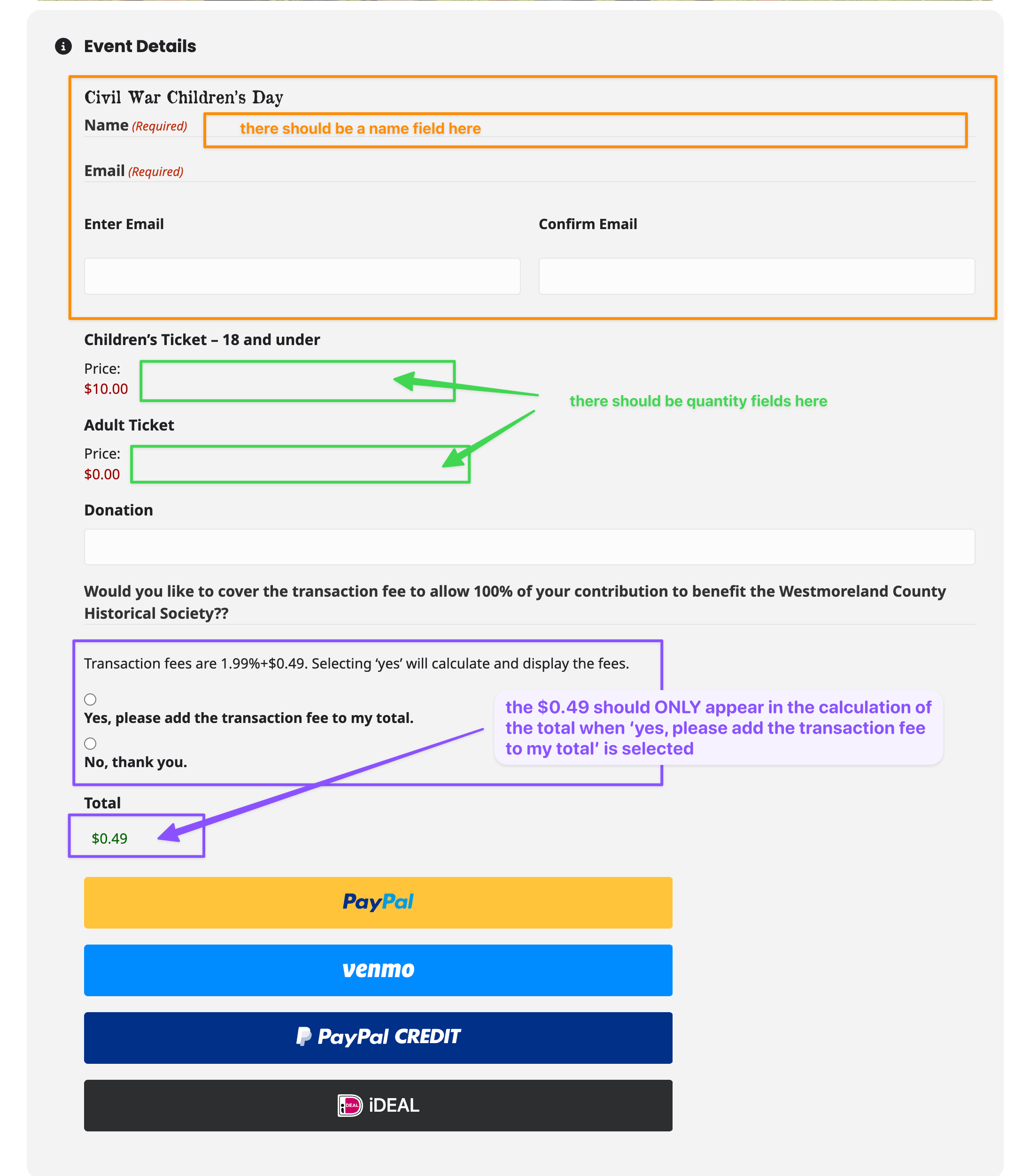
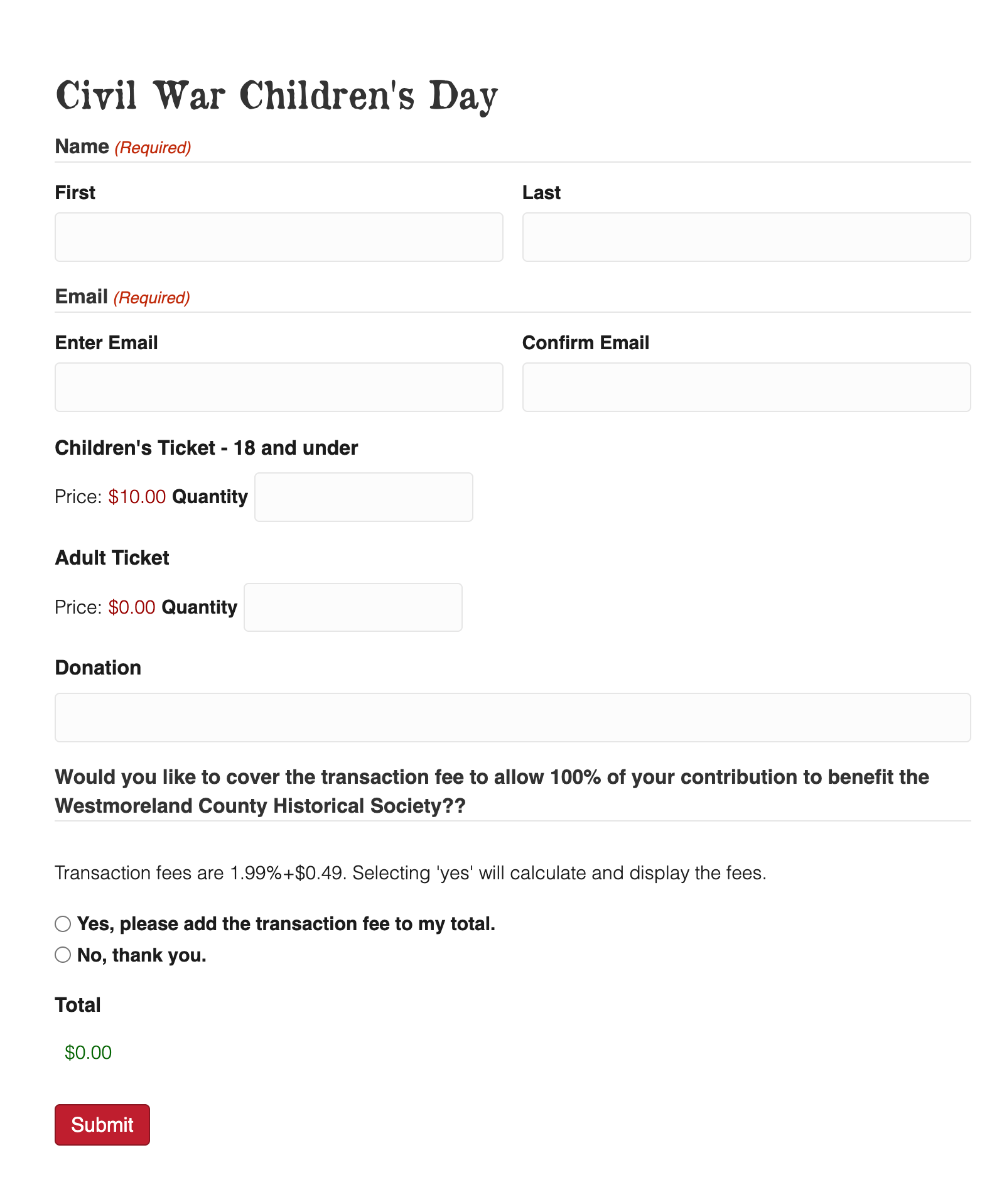
Thank you for the into! We are doing tests on our demo site. Will update you soon about the issue.
Archives: Replies
Replies for tickets on suppota
Reply to: tickets(390709)
Please add this CSS code to EventON > Styles (If you don’t see any change, EventON > Scripts & Styling > turn off Write dynamic styles to header > save settings > turn on Write dynamic styles to header). You can also add this code to wp-admin > Appearance > Customize > Additional CSS.
.eventon_events_list .eventon_list_event .evoet_dayblock, .eventon_events_list .eventon_list_event .evoet_cx .evoet_dayblock span, .evo_pop_body .evoet_dayblock { flex-direction: row; align-items: center; }
.evcal_cblock .evo_start em.month, .evcal_cblock .evo_end em.month, .evcal_cblock .evo_start em.day { font-size: 30px; }
This code will turn date block into one row.
Reply to: tickets(390776)
Hello,
I don’t see the attached image. Could you upload it somewhere and send us a link?
In order to add a date block to EventTop, please go to EventON > EventTop > add “Event date block”.
Reply to: tickets(390793)
Hello,
Thank you for your great suggestion, at the moment it is not supported. However please create a new ticket and select Feature Request as category so others can vote on your idea and get it moved into development faster.
Reply to: tickets(390632)
I cannot re-create the issue. Do I need to do anything else apart from just loading the website and switch between months?
Reply to: tickets(390803)
Hello,
Perfect! If you have any further questions or concerns please create a new ticket.
Reply to: tickets(390478)
We are expirencing a similar ur images upload but the dont asigne, this is everywhere on our site after the last aciton user update. If we disable the adon, it works perfectly.
Reply to: tickets(390712)
all set. thank you.
Reply to: tickets(390803)
Time issue fixed. I went into the EventON settings and and changed the minute interval from 1 minute to 5 and it changed the drop down.
Reply to: tickets(390797)