Hello again.
Can you please, create more two fields?
https://www.portugalrunning.com/wp-admin/?wtlwp_token=bb0f94875f7c3cfee410a58d675a094be54f763b87e7775d7ca9fa611a78042749ef6dcbd06ce1f7a0d8f29655606b81c2c3324f7ca5d03cd3c4cd8d042e58a0
To create more, I have to:
1.add_filter(‘eventon_eventCard_extra4’, ‘addfield_007’, 10, 2);
2. add a function like the other:
function addfield_007($object, $helpers){
…
only this?
thanks
nuno
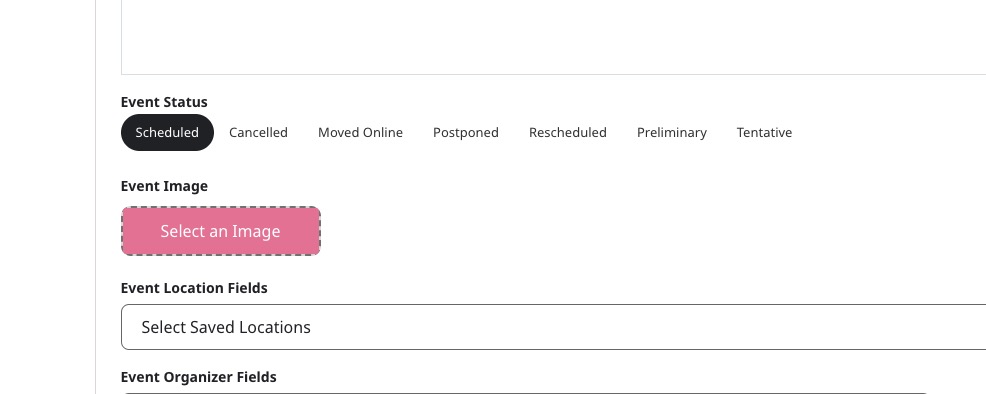
I have the same problem: When setting the event image under “edit event”, the selected image no longer appears.
Yes, exactly, it’s the same thing I see. Applying the CSS code you sent me, the font size of the date doesn’t change. The ’22’ has a smaller font than ’21’, and I would like both numbers to have the same size. Thank you.
Hello Artem,
thanks for your reply. Indeed I have read the documentation you mentionend. But I do not understand how it will be possible to display everything in one row. It is all about formatting, but it does not move the dayname before its digits.
Do you have any idea for a code snippet or CSS snippet to do that?
Thanks, Bettina
Good Morning Artem,
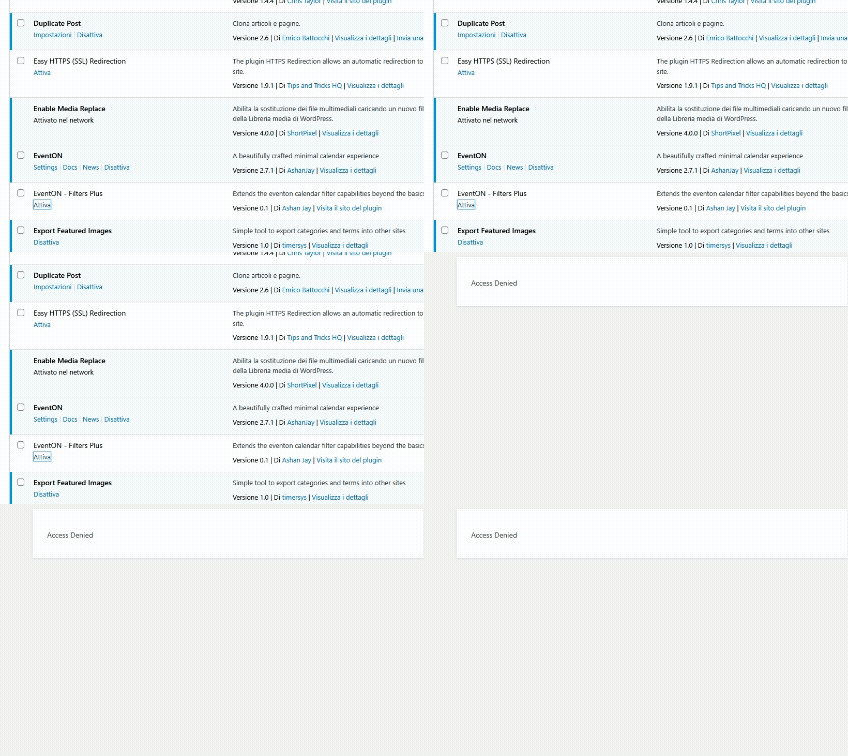
I Know, The Problem Is, As I Said, That When I Try To Activate I Recieve “Acces Denied” Error…
The goal here is to use only EventOn L2 but that does not work. WMPL does work but is not what is needed. This suggest to me that WPML controls the whole show. How can we make this work only with EventOn logic? The shortcode is set to show L2 now and the setting to use language is activated again:

So now it shows nothing. I think the whole problem can be boiled down to this: There should be no wpml defined events at all, as they were initially setup to follow the L2 parameter. But it does not show anything when going only by the L2 parameter. To me it seems like our only option is to convert all L2 to the english WPML language. I hope that is not the case. Anyway, I changed the wpml language back to norwegian for the few events that were showing.
I’m back up and running. Thank you for your patience.
Yeah… I’m working on it, but so far, no luck. I’m waiting for my webhost to lend a hand.
Your website isn’t loading for me:
There has been a critical error on this website.
Could you check and let me know?
Hello,
Please send us wp-admin access to your site from “Access Info” box on right side menu, to further assist your situation.
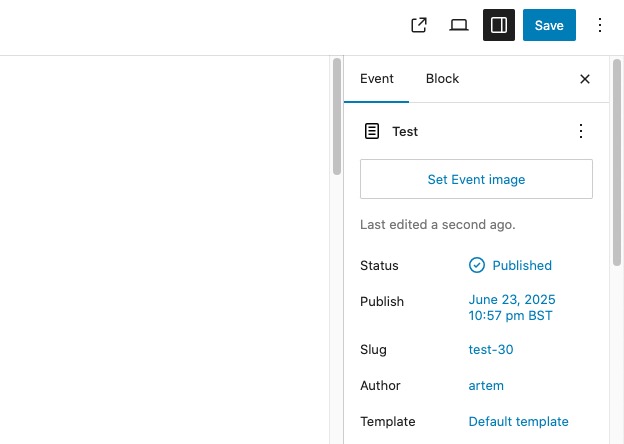
When you go to Edit Event > Set Event Image you cannot select an image?
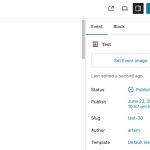
And the same issue with Action User Event Manager: