You can do a few tests here to see if your email address has been flagged as spam
https://www.mail-tester.com/ send the rsvp email to that address on the page to see
Replies for tickets on suppota
You can do a few tests here to see if your email address has been flagged as spam
https://www.mail-tester.com/ send the rsvp email to that address on the page to see
No unfortunately that would require customization
the locations and if it is or not a virtual event do not talk to each other so to speak, why not create an online category- so people can use the category picker to select online shows- call the cateogry something like Onlien- Available all over
OK have a look now –
You had a few things in the shortcode that caused issues such as
hide_past_by=”ss” which would hide past events
hide_month_headers=”yes” which would hide the month and year so people wouldn’t know if it was 2004 without clicking on it
so have a look at the shortcode to see how it looks
@basilis I was able to login with port 21 🙂
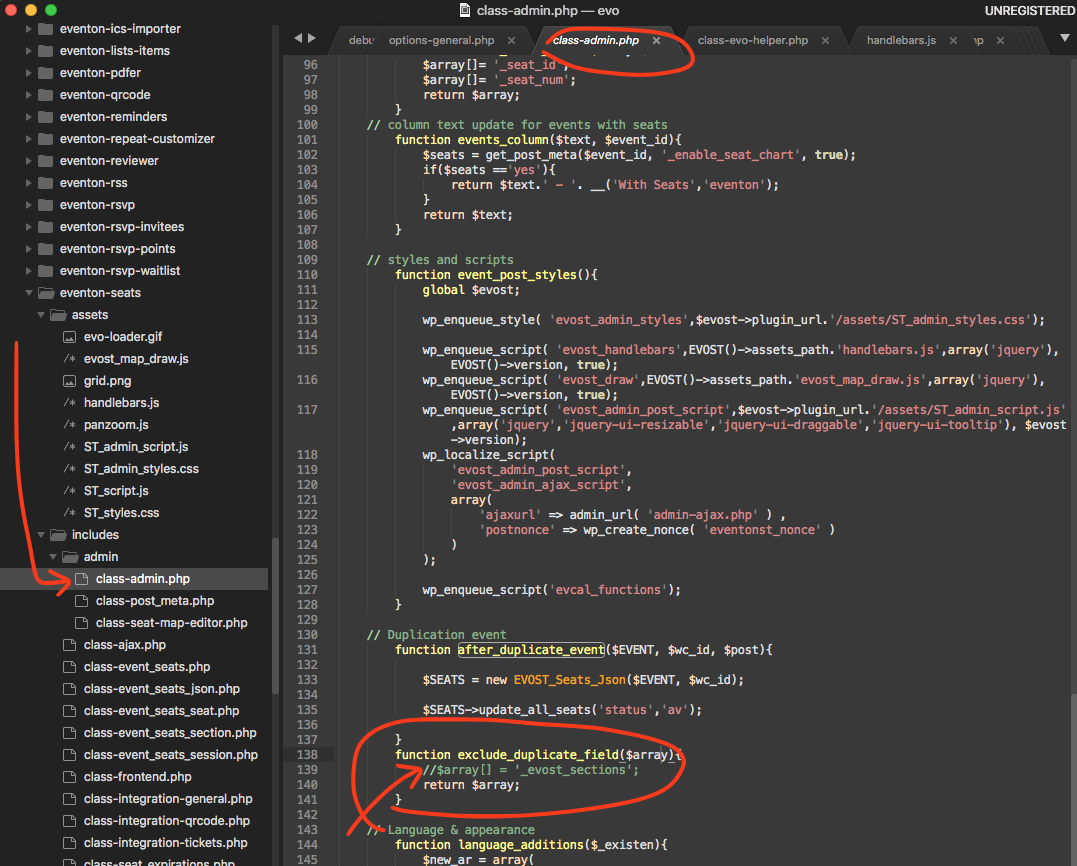
Ok so that makes sense, if you are using another plugin to duplicate events. We do have some codes in place that clears out seat map charts. Let me share you that code and you can comment it out, so then you can use wordpress duplicate function to duplicate.
I hear you luca. We will get the new version tested and included in the eventON 🙂
I have gone ahead and refunded you alexander.
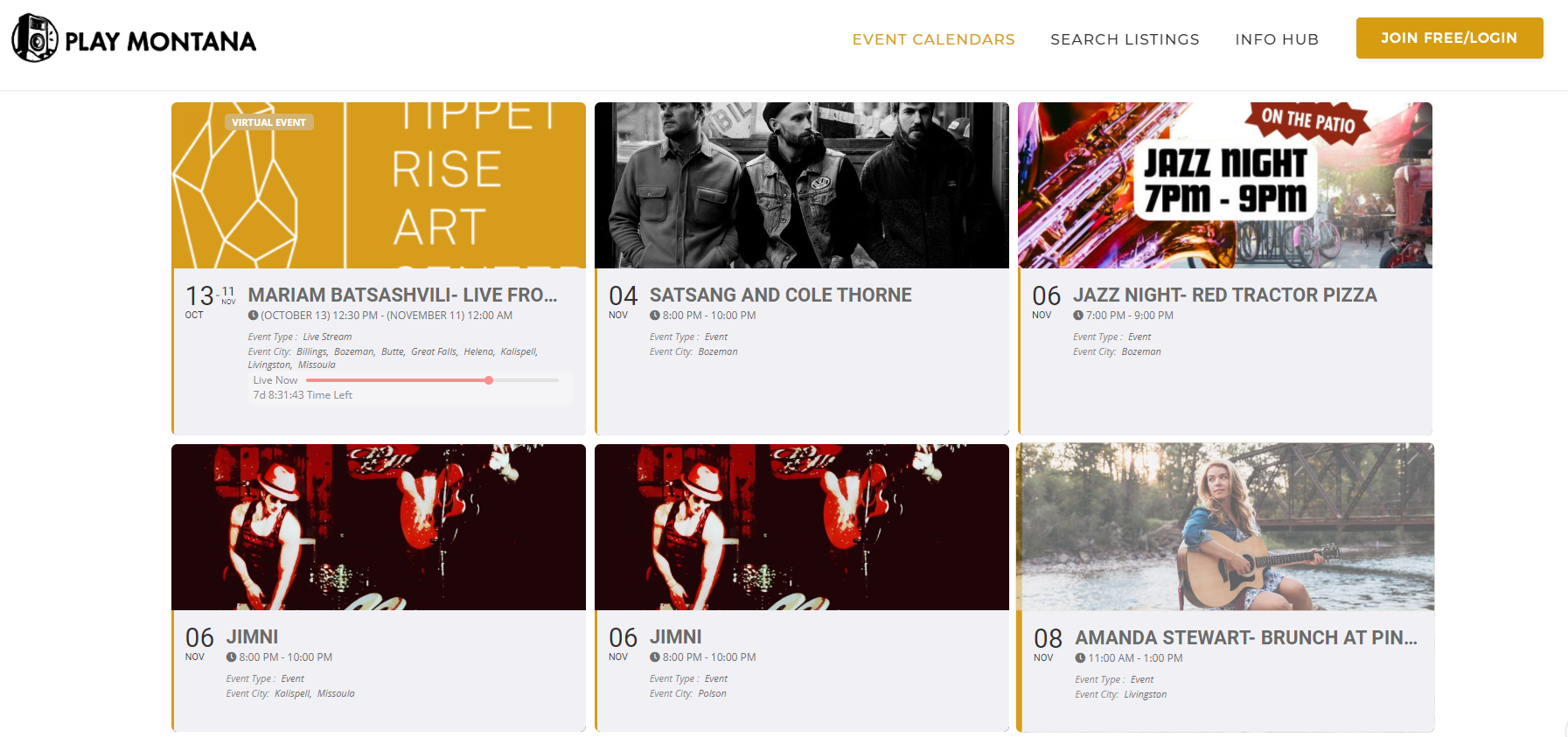
Thanks! I just realized that whenever I create a virtual event, I select all the cities so the event shows up no matter what you search for on our site. Is there a way to exclude virtual listings from showing cities in the calendar block, but allowing it for all other events? The attached image should show what I’m talking about.
Hey Ben
Does your WordPress web site has enabled sending emails ( this is controlled from server )
You can use a plugin like Check Mail https://wordpress.org/plugins/check-email/ and see the results of that.
Hey Tamara,
What is the Port that we use to connect?
Can you please check that and let us know?