Unfortunatly I have work that pays my bills- on eventon I work for free, I will get to the video ASAP but my income comes first- I will create the video this week- thats the best I can offer
Archives: Replies
Replies for tickets on suppota
Reply to: tickets(203527)
Sorry the bookings addon doesn’t work with repeats- it would require customization of the booking addon
You can send us a customization job request by creating a new ticket in here and selecting Customization Request as the category.
Reply to: tickets(203525)
Hello
I visited https://mjondalshallen.no/kalender/
and on the full calendars monday is at the beginning so I am unclear as to what you are after- could you please rephrase what you are after
also
Would you mind sending us the order ID for the full cal addon purchase from myeventon.com, because we do not see this addon as purchased using your email address in our system. Thank you!
Reply to: tickets(203537)
if you mean the circles with events on https://www.myeventon.com/addons/yearly-view/
Unfortunately that would require customization
You can send us a customization job request by creating a new ticket in here and selecting Customization Request as the category.
alternatively if you are in no hurry you can send a feature request and people can vote on the idea, please create a new ticket and select Feature Request as category so others can vote on your idea and get it moved into development faster.
Reply to: tickets(186164)
Hye Omar,
A lot of content, hahaha 😀
Let me do the sample for you, on your page 🙂
Reply to: tickets(186164)
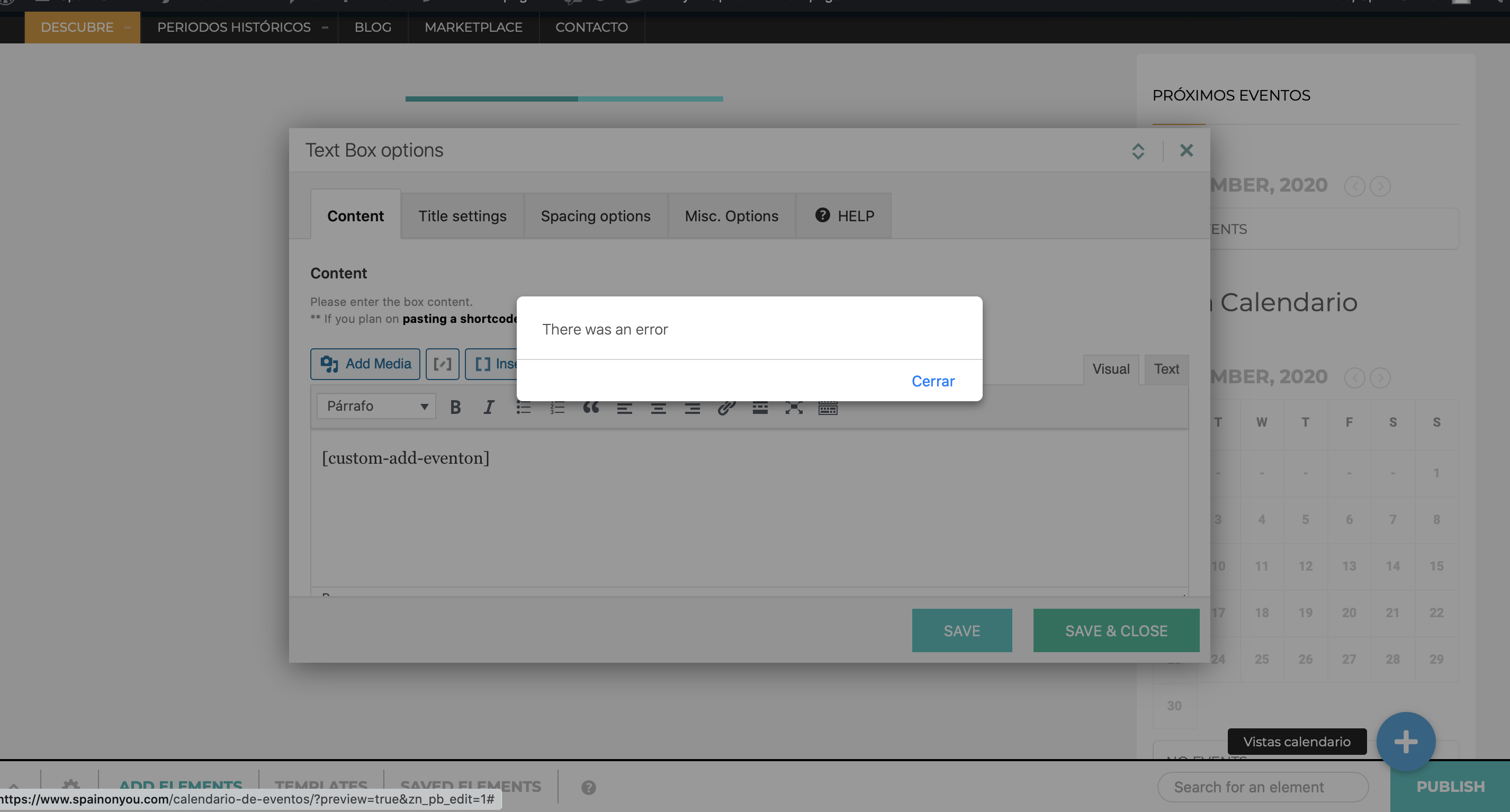
Also, I am using the child theme of my theme. Could this have anything to do with it? I don’t think so because the standalone shortcode thing is what puzzles me, as it kills the existing calendar settings/shortcodes I had.
Reply to: tickets(186164)
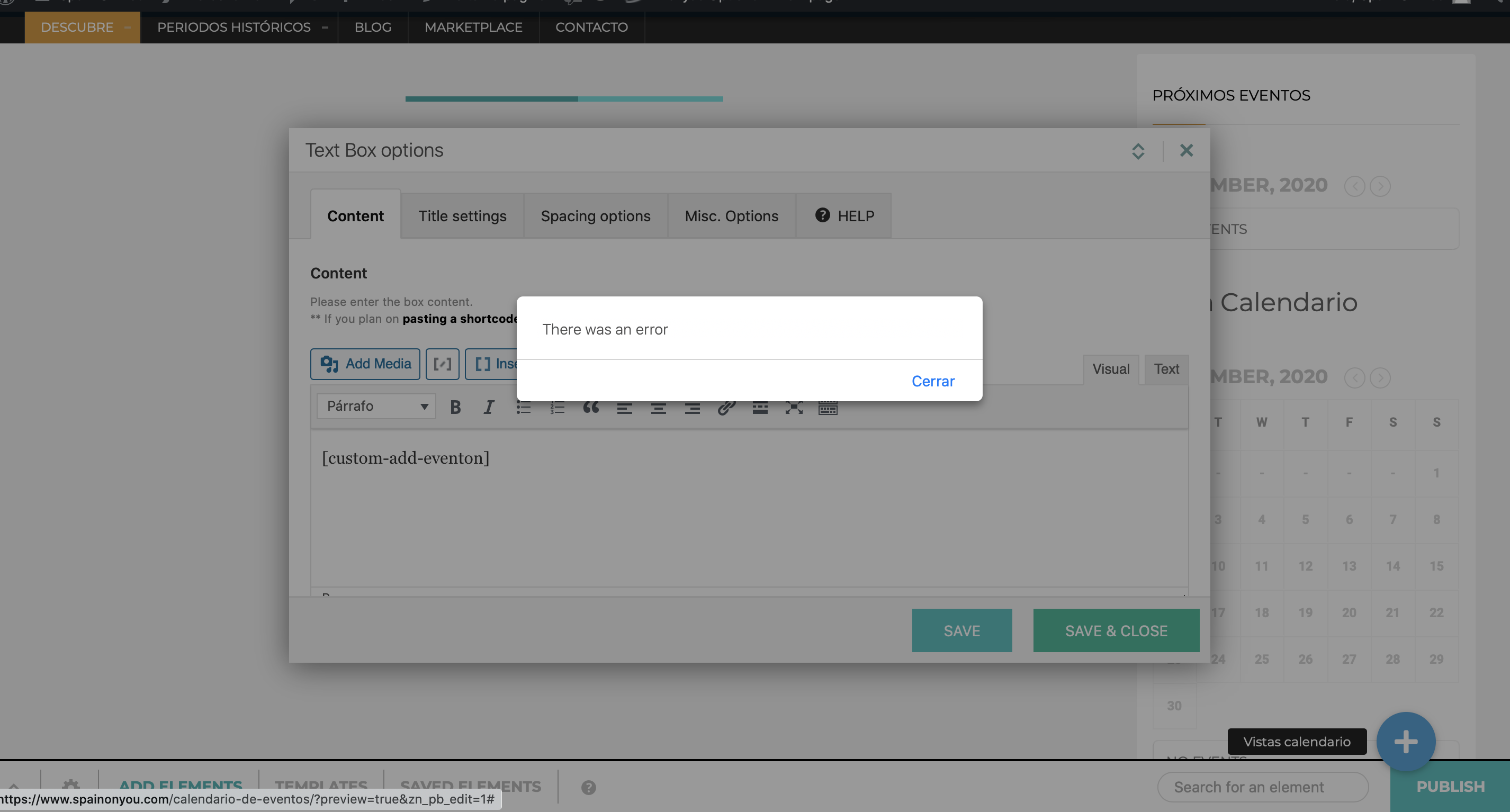
sorry, mistake:
- Option A2 above shows both events, when it should only the specified category one (https://www.spainonyou.com/cal-url-test/?event_type=693) (or 694)
Reply to: tickets(186164)
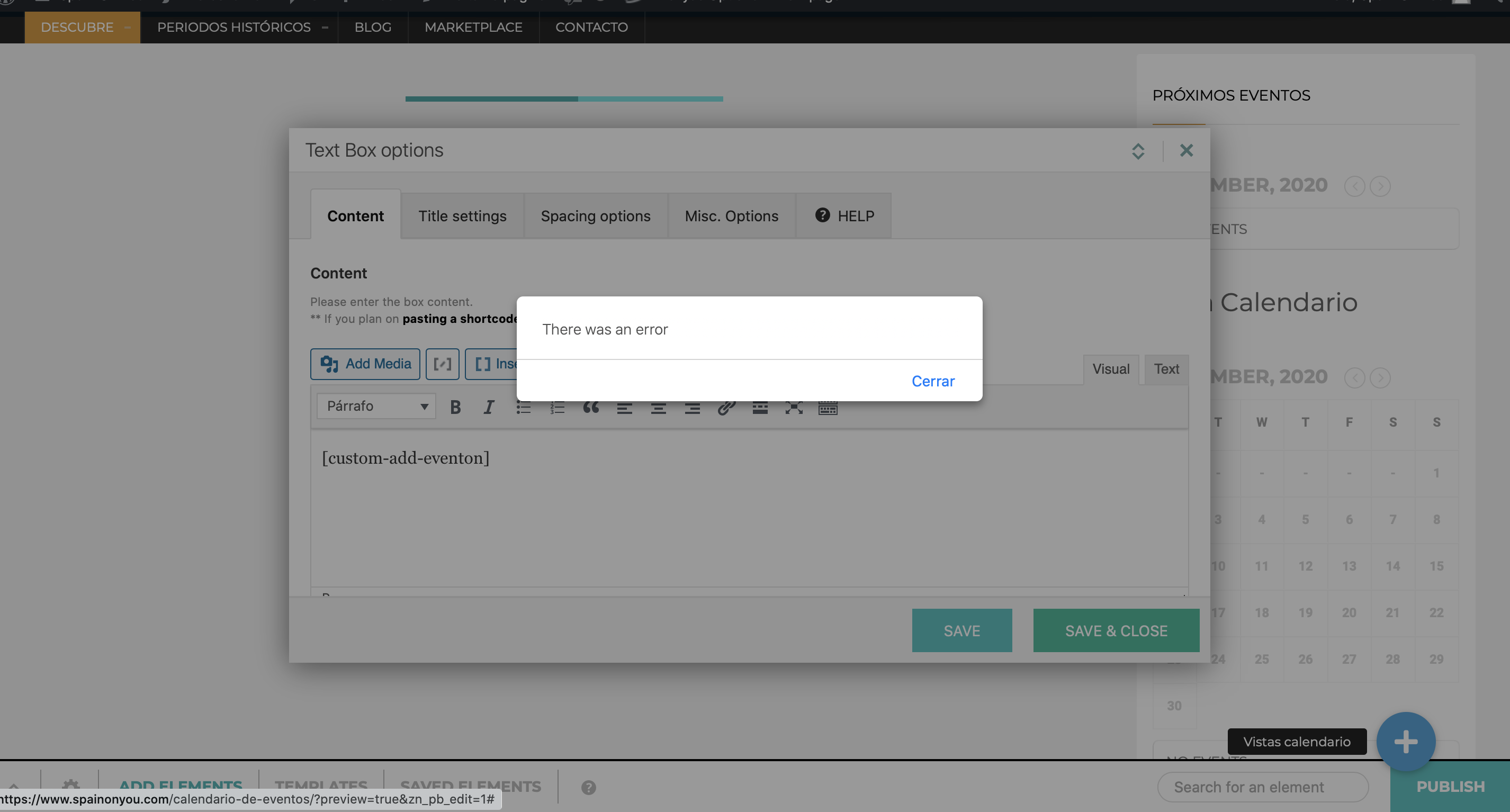
Ok, it doesn’t seem to be working. I was unsure about whether I had to:
A) REPLACE MY EXISTING CALENDAR CODE IN FULL:
[add_eventon lang=”L2″ ux_val=”3″ jumper=”yes” jumper_offset=”2″ jumper_count=”3″ accord=”yes” hide_so=”no” filter_type=”select” show_et_ft_img=”yes” tiles=”yes” tile_height=”400″ tile_bg=”1″ wishlist=”yes” hide_past=”no” fixed_year=”2020″ tile_count=”3″]
WITH JUST: [custom-add-eventon]
or,
B) INSERT: [custom-add-eventon] AT THE END OF THE EXISTING FULL CODE:
[add_eventon lang=”L2″ ux_val=”3″ jumper=”yes” jumper_offset=”2″ jumper_count=”3″ accord=”yes” hide_so=”no” filter_type=”select” show_et_ft_img=”yes” tiles=”yes” tile_height=”400″ tile_bg=”1″ wishlist=”yes” hide_past=”no” fixed_year=”2020″ tile_count=”3″ custom-add-eventon]
Because if it is option A above:
- When I paste the code in the text box widget in the existing calendar page https://www.spainonyou.com/calendario-de-eventos I get an error prompt “there was an error” from the theme, so can’t paste anything (see attached image).
- As an option, I’ve duplicated my main calendar page https://www.spainonyou.com/calendario-de-eventos and called it https://www.spainonyou.com/cal-url-test/. Then I’ve used the text widget page builder element instead of overwriting the existing text box page builder element content (so as to start from scratch with a blank page builder element). But here, as suspected, it kills my existing calendar’s entire settings PLUS the event doesn’t even show (see https://www.spainonyou.com/cal-url-test/?event_type=693). If I use event type=694 which is my other test event it also come up blank.
If I use option B above:
- It shows both events, and not just the one belonging to the specified category. See https://www.spainonyou.com/calendario-de-eventos/?event_type=694
Lastly, if I simply replace the existing cal code with the new shortcode (so as to use the original calendar URL https://www.spainonyou.com/calendario-de-eventos instead of the my test one https://www.spainonyou.com/cal-url-test), I also don’t get any results regardless of whether I use event category 693 or 694. See https://www.spainonyou.com/calendario-de-eventos/?event_type=693. In fact, putting in the new shortcode alone gives me no results whatsoever. See https://www.spainonyou.com/calendario-de-eventos/
I’ve left the original calendar page https://www.spainonyou.com/calendario-de-eventos with just the new deep-linking shortcode for now.
Plese know that I don’t know programming so you have to keep it simple and understandable for me.
The key thing is, what puzzles me is that you’ve provided a standalone shortcode “to be pasted where I want a calendar to be visible”, when in fact my original specifications said that this deep-linking should take place not in any new calendar page, but on my existing main calendar page https://www.spainonyou.com/calendario-de-eventos.
I await your news. If you think we should quickly discuss verbally and that would make things simpler we can surely do a quick Skype call and share screens.
Omar
Reply to: tickets(202686)
Hello Dave,
I have a question for you.
I feel anxious because I’m supposed to be starting the yoga/meditation classes for my actual members tomorrow.
would you have any cues to give to me, even though it’s not a video guided through ?
Thank so much
Marc
Reply to: tickets(203525)
Just to be clear, the WP settings is set to Monday as start of the week.