It seems to be working now. I can load https://dream.org/wp-admin/post.php?post=3002&action=edit:
Could you try if QR Code works?
Replies for tickets on suppota
It seems to be working now. I can load https://dream.org/wp-admin/post.php?post=3002&action=edit:
Could you try if QR Code works?
Hello,
Please add this to the shortcode:
event_past_future=”future”
This shows future events only. So now when the registration closes, which means the event has passed, the calendar will no longer display it.
We are sorry for the inconvenience. I went to EventON Settings > Scripts & Styling > enabled Write dynamic styles to header, so now it should work correctly.
Please check and let me know:
Hello,
Unfortunately, you cannot remove Event Type 2. Please go to EventON > Categories. As you can see you can only remove Event Type 3, 4, 5 and so on.

Here you go!
ARTEM! … you said that my settings would not change. BUT THEY DID!!! after following you instructions, then updating on the plugin dashboard. Not a massive structural change to the settings, but as you can see, the background color is now BLACK instead of WHITE. Please show me where to go to change the background color so I can launch the client site TODAY!!!
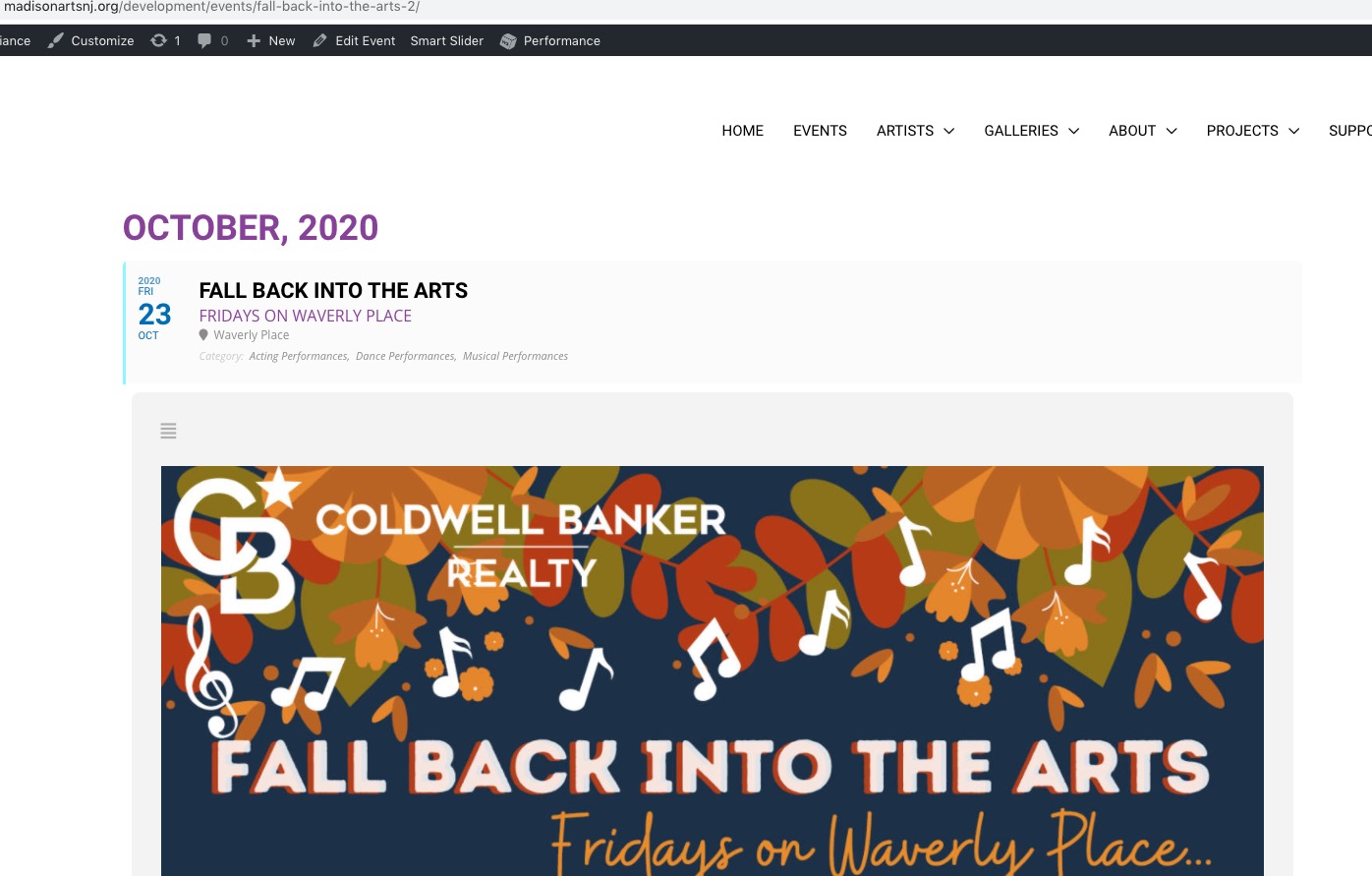
http://madisonartsnj.org/development/events/cassidy-rain-acoustic-original-peace-of-mind/
Hey Alyson,
All good no worries. Can you with a screenshot saw me the field you want for the adittional information to pull from?
Please open a new customization ticket. Maybe one of our staffs will be interested in taking the work
Yes I understood that the popup was not going to be there. But even that aside, it really isn’t much of an improvement. I think refund of 75% of the amount would be more fair.
Hey Vinay,
No one is insulted, do not worry at all 🙂
Sorry but what I was talking about is for the look, you see I say ” all look the same except the popup “, I was speaking about design, as functionality is something completely different I am afraid.
I will do refund you I agree with you , but half of the amount, as you see we have been speaking together and the understanding is between both of us…