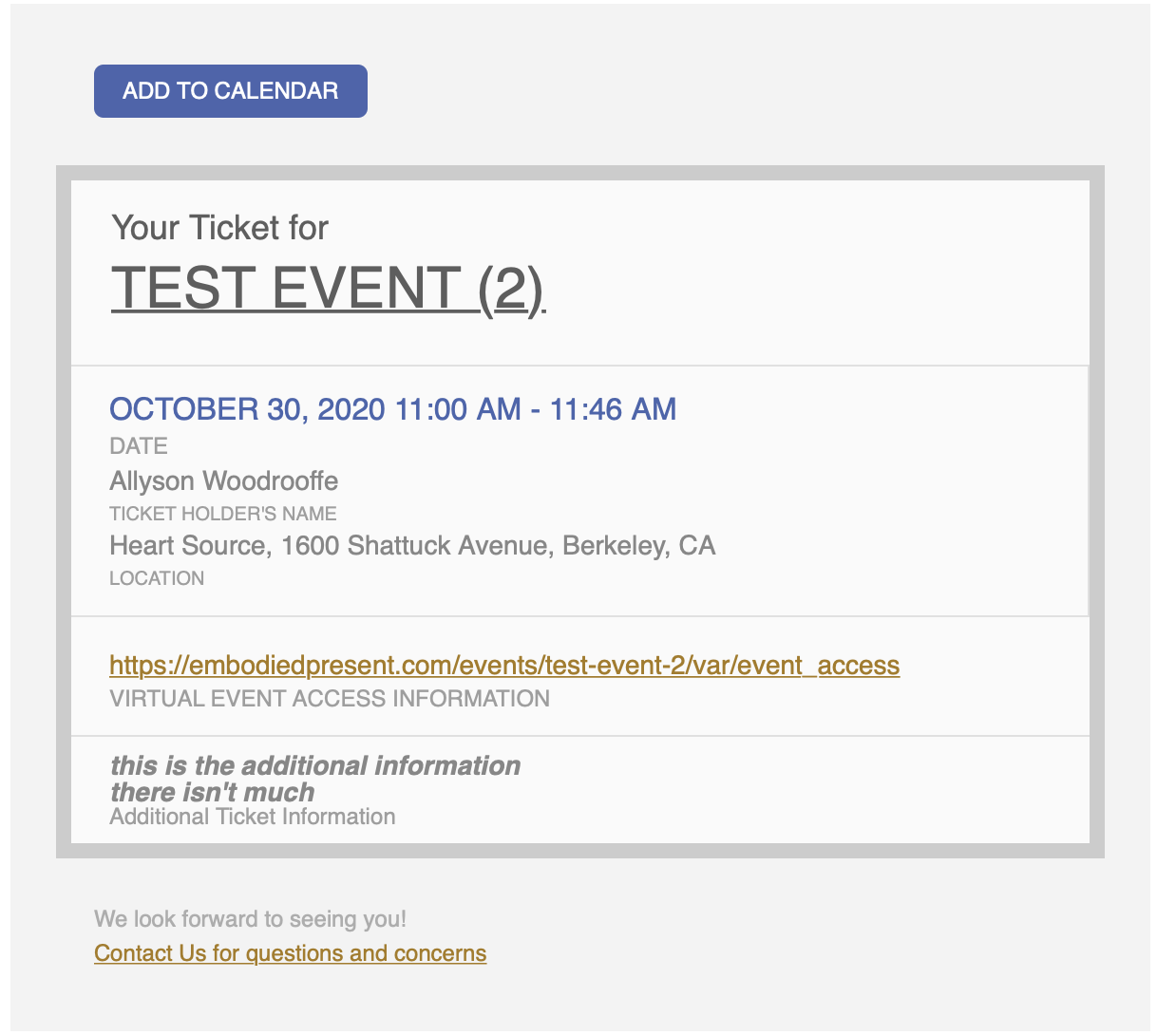
You can add it to myeventon>>>>styles
if that doesn’t work
add it to (from wordpress dashboard)
appearances>>>>customize>>>>additional css
Its working on our demo site and my own site
please let us know the shortcode you are using and the page
also provide wp-admin access so we can diagnose
Hi:
I’m confused by what you just sent…..I did the turn off “Write dynamic styles to header”, then saved, then turned it back on and saved. This seemed to do nothing.
As far as adding the code, do I add that where the other css code is currently? And do I keep that code? Do I just include this new code below that?
It is currently under “Add your own custom styles” under EventON Settings. The code that currently is there is:
.evotax_term_details:after {
background-color: #3ABAED !important;
}
Please advise.
Thanks.
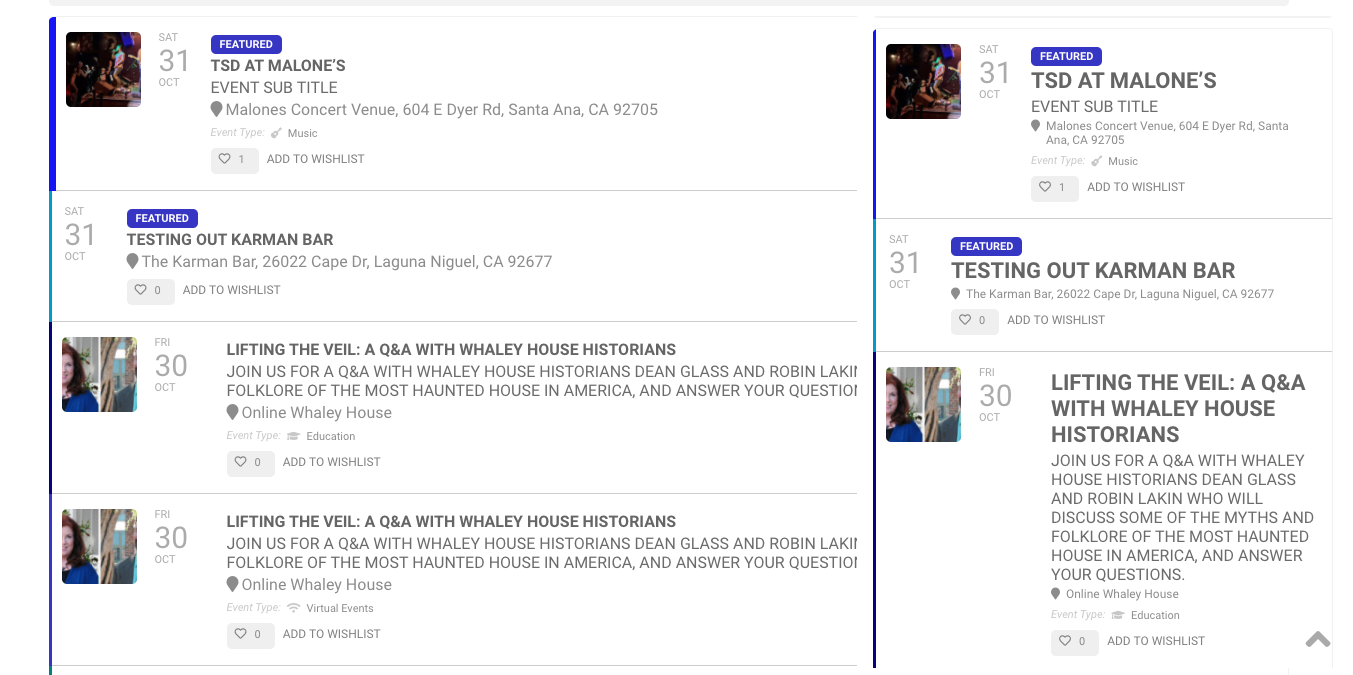
Your own words were…
we can do for eventON in that budget, is to make all shortcodes work within the identification of IP based on Location and show events based on that.
all things would look the same except the popup, we would be linking to the Single Page.
I don’t see any of the evo functionality working other than the blue border, but even that it is just a single color for all events and not the event color coding that I have configured. I don’t see the Featured icon, or evo icons for Event type, and I don’t see Wishlist. As far as styling, It’s not even close to the evo screens. Mobile screens aren’t even worse. Please understand that I’m not trying to insult you or get into any argument. At this point, I just need to know if you going to complete this and make it look like the screenshots attached of the live Evo pages. If not, I really feel you should refund me. This was not worth waiting 3 weeks for.
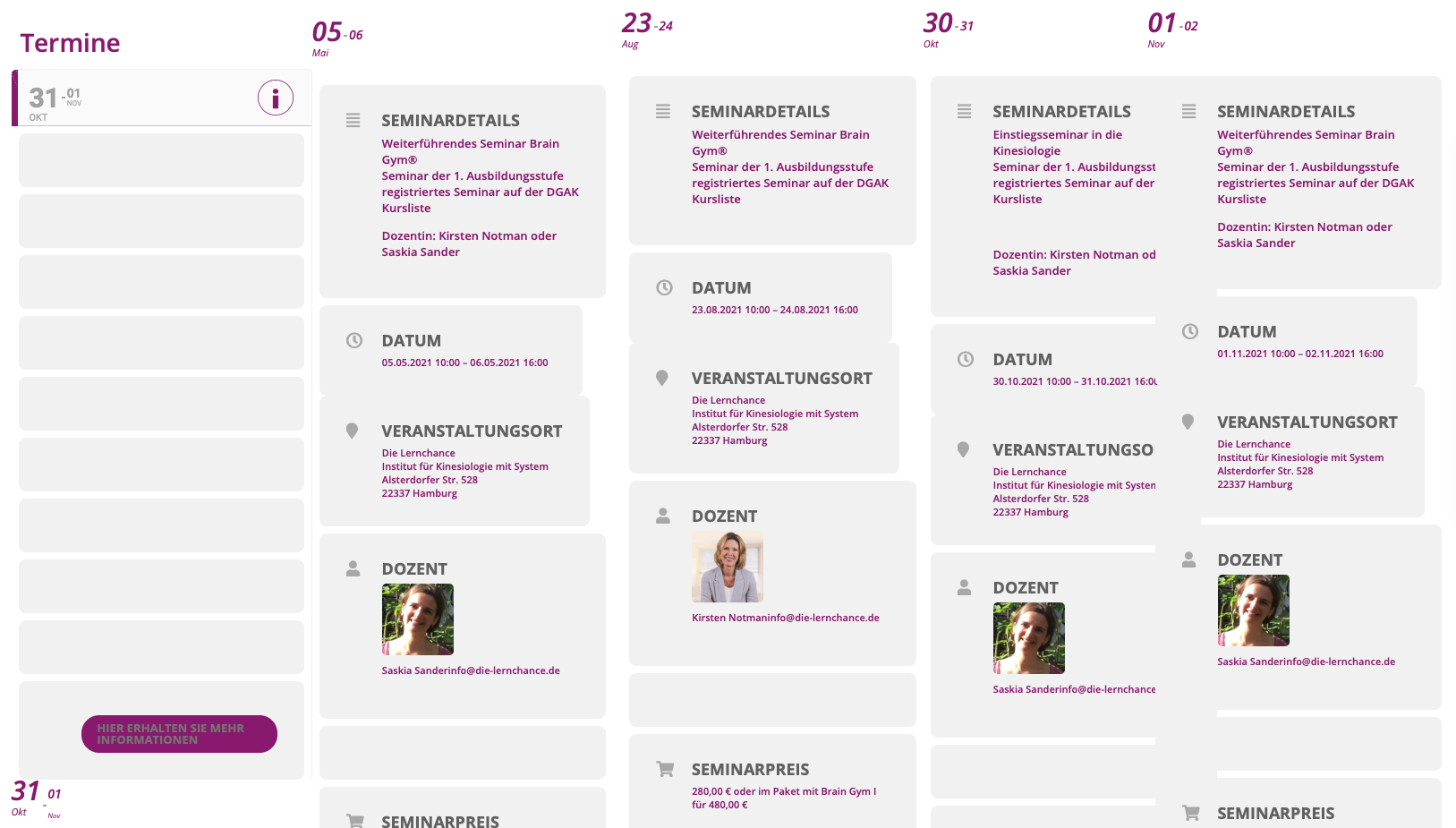
This is supposed to be the add_eventon_list
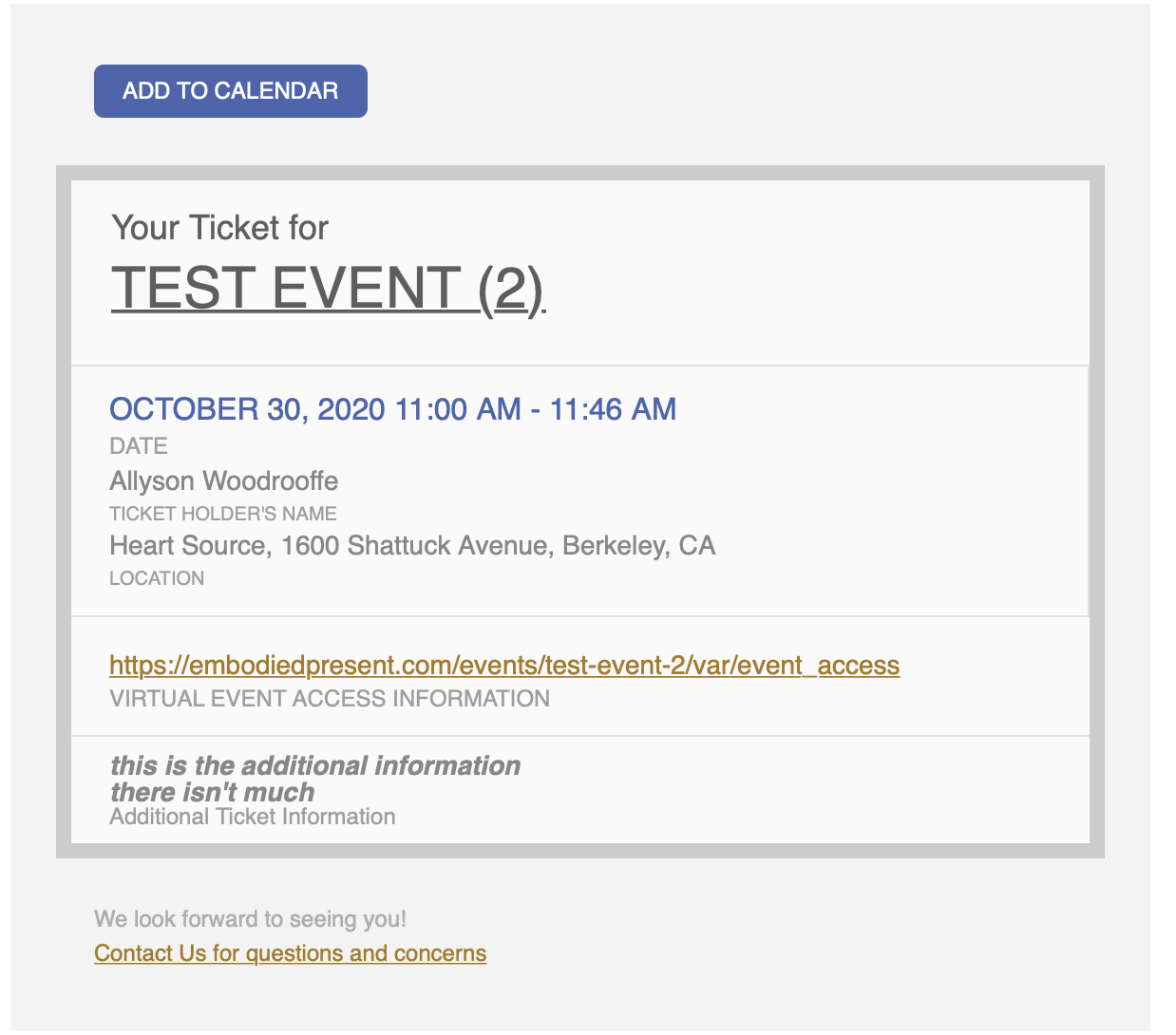
Hmm. In looking at what I just sent, I’m not sure why the Virtual Event Info is showing as that is disabled in the event. I’ll create a new one and test again.
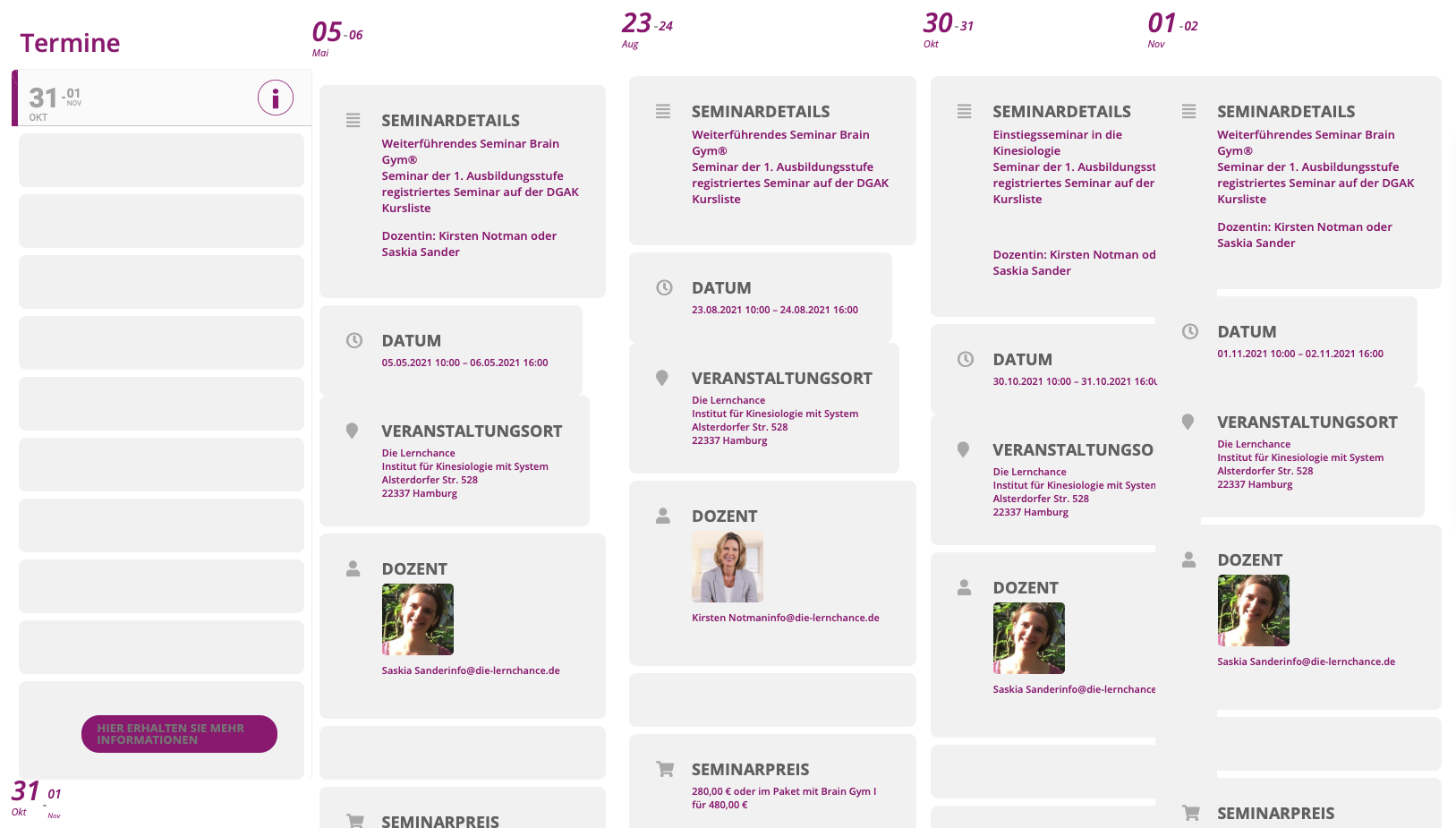
Unfortunately the Bug is still there…
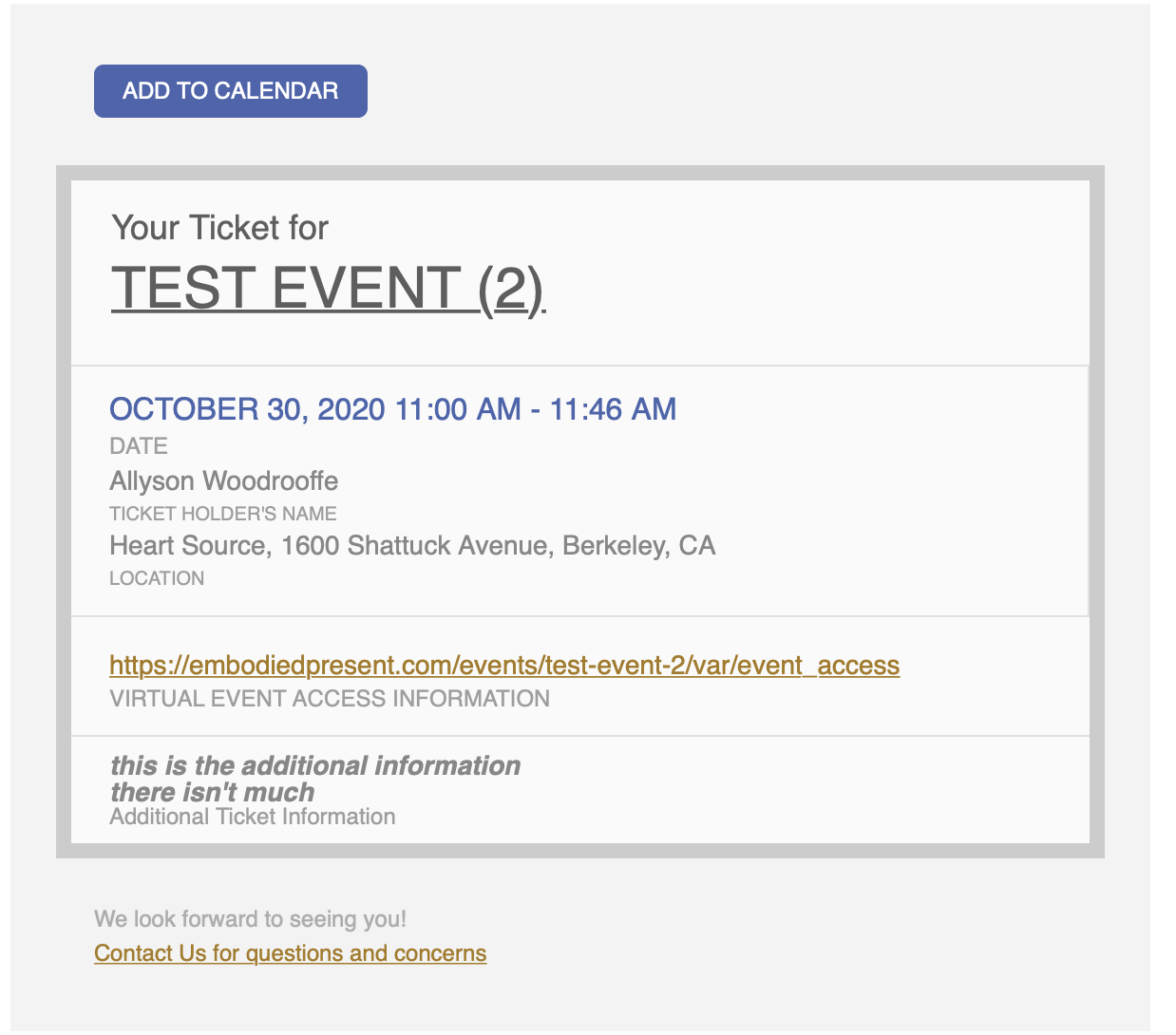
Thanks – here is what shows up in the original ticket email