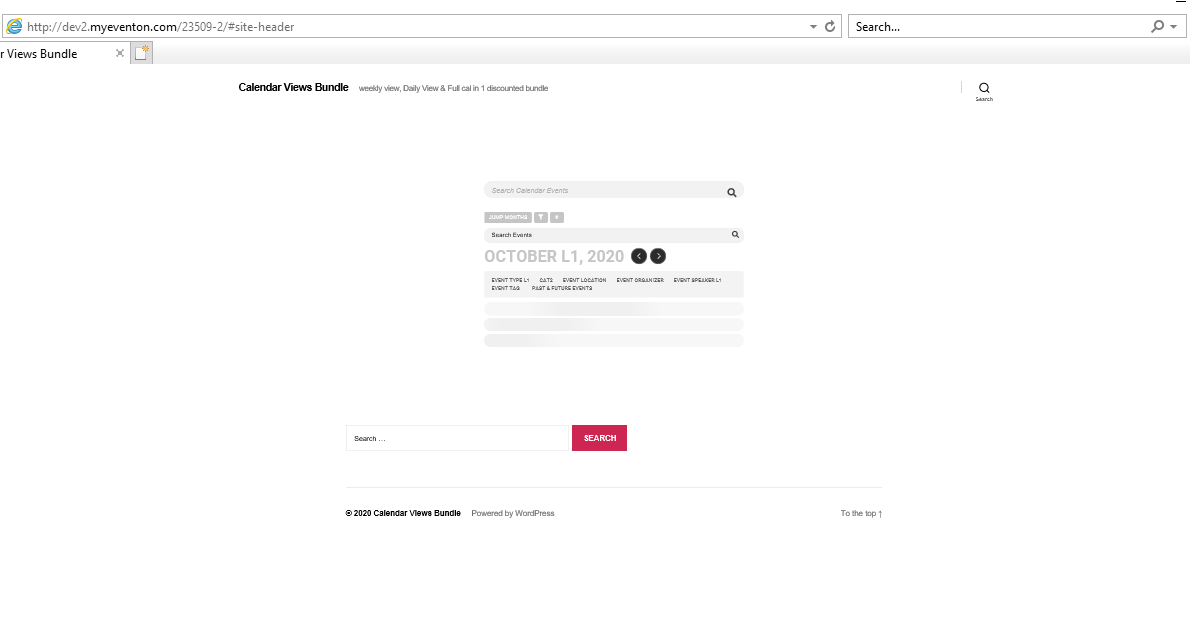
Apologies the login should be eventon and i’ve reset there password to be EventON2020! which i’ve tested
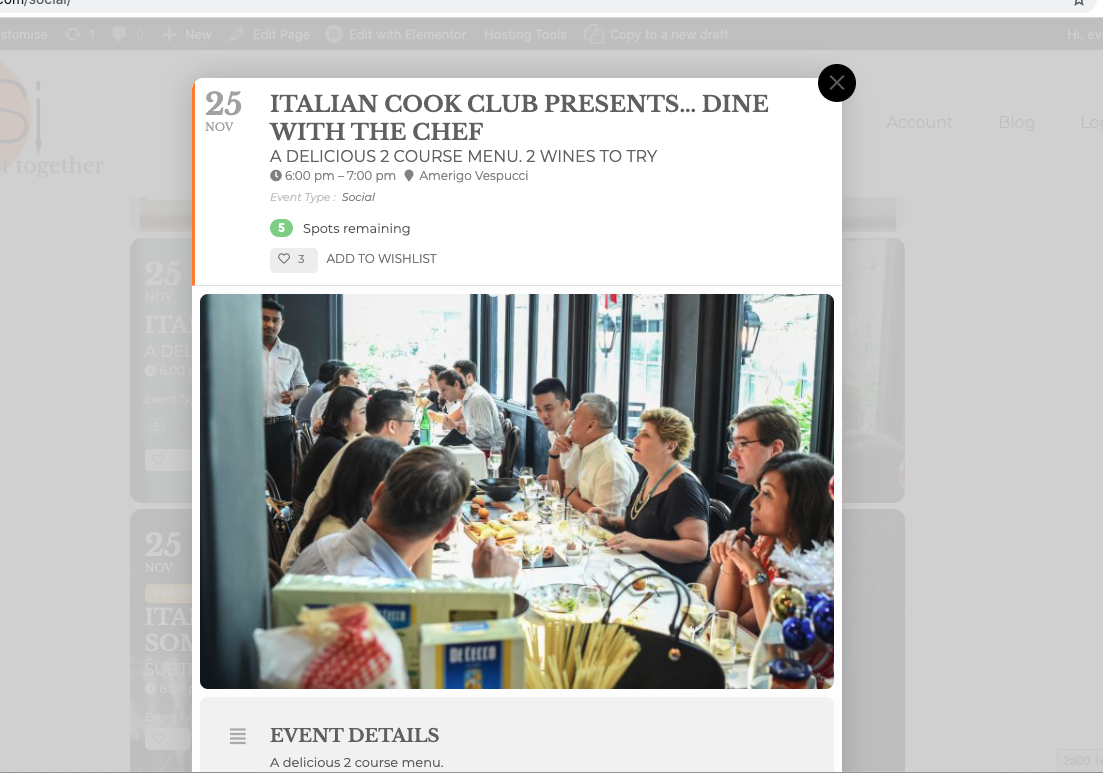
You will see from the attached screen, it shows the spots available, but there is no method of RSVPing?
Replies for tickets on suppota
Apologies the login should be eventon and i’ve reset there password to be EventON2020! which i’ve tested
You will see from the attached screen, it shows the spots available, but there is no method of RSVPing?
Ashan,
Please check Reply to: 202732
And I bought addons the Ticket Bundle package consisting: Event Tickets, Qr Code, Seats and dynamic pricing. But the EVENTON platform doesn’t show my purchases. I don’t know if by the time but the purchase was made on August 5, 2017 via pay pal transaction ID 20D15010YB275935X (https://prnt.sc/gdmfc7). EventOn platform had already presented a problem according to the ticket sent in 2017.
Hello,
Unfortunately, we don’t have any access to your purchases on CodeCanyon, so please contact them about the issue with the main plugin.
As for add-ons I am going to assign this ticket to Ashan and he will be able to take it from here and find you a solution. Please allow some time for him to get back to you, we greatly appreciate your patience and thank you for being a eventon customer!
Hello,
If you want to RSVP yourself you should follow the same steps as regular user does. Please open an event and press YES in RSVP section.
Please also note that login info didn’t work for us.
Hello,
It seems to be working correctly on my side:
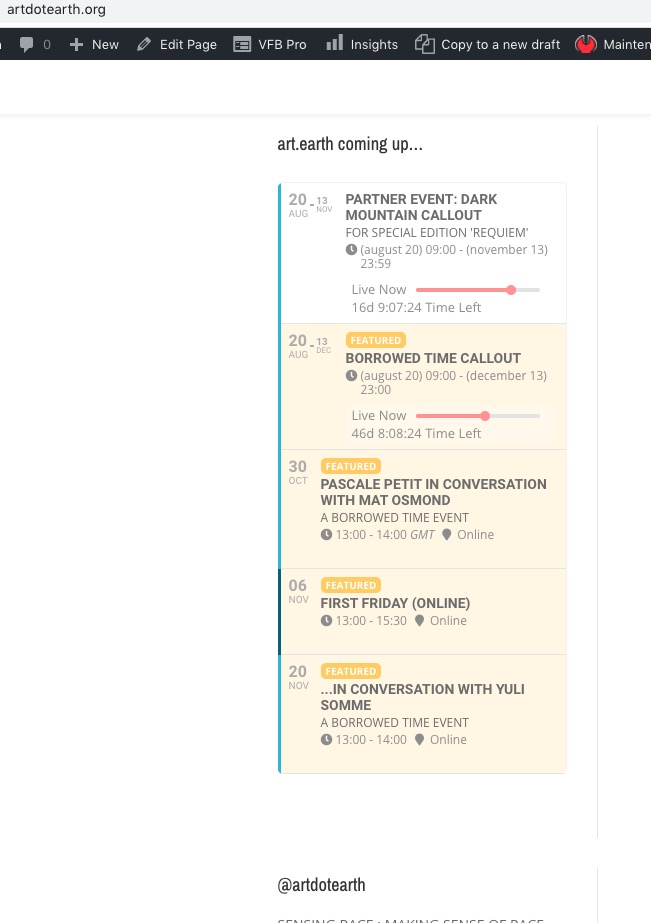
Could you check with clean cache?
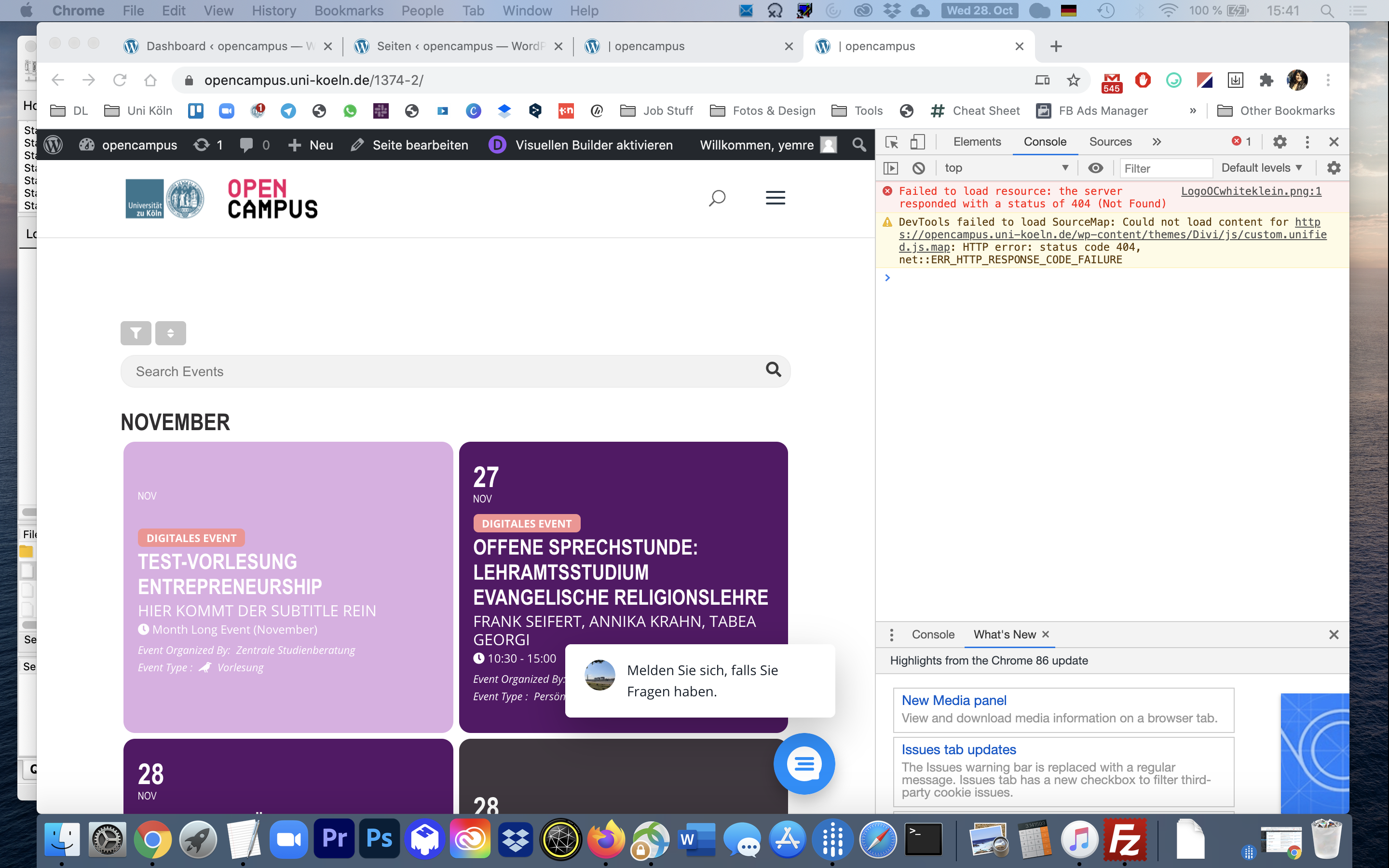
If it should keep on not working, could you please transfer the money back in exchange for the license? We would really like to use EventOn, but without being able to search/filter, the plugin and purpose of the website simply doesn’t work. Bests, Yasmin
Basilis, I am getting a critical error on the homepage of my site. Someone with the support account I created for EVO logged in the last 3 hours (current time is 7:46 pacific). Did you login today? If so, what changes did you make? As a precaution I have changed the password until I hear from you.
I don’t think that error_log is supposed to show anything in this this case. Shortcodes are still in Event Details:
Please note that you aren’t supposed to use EventON shortcodes inside of events.
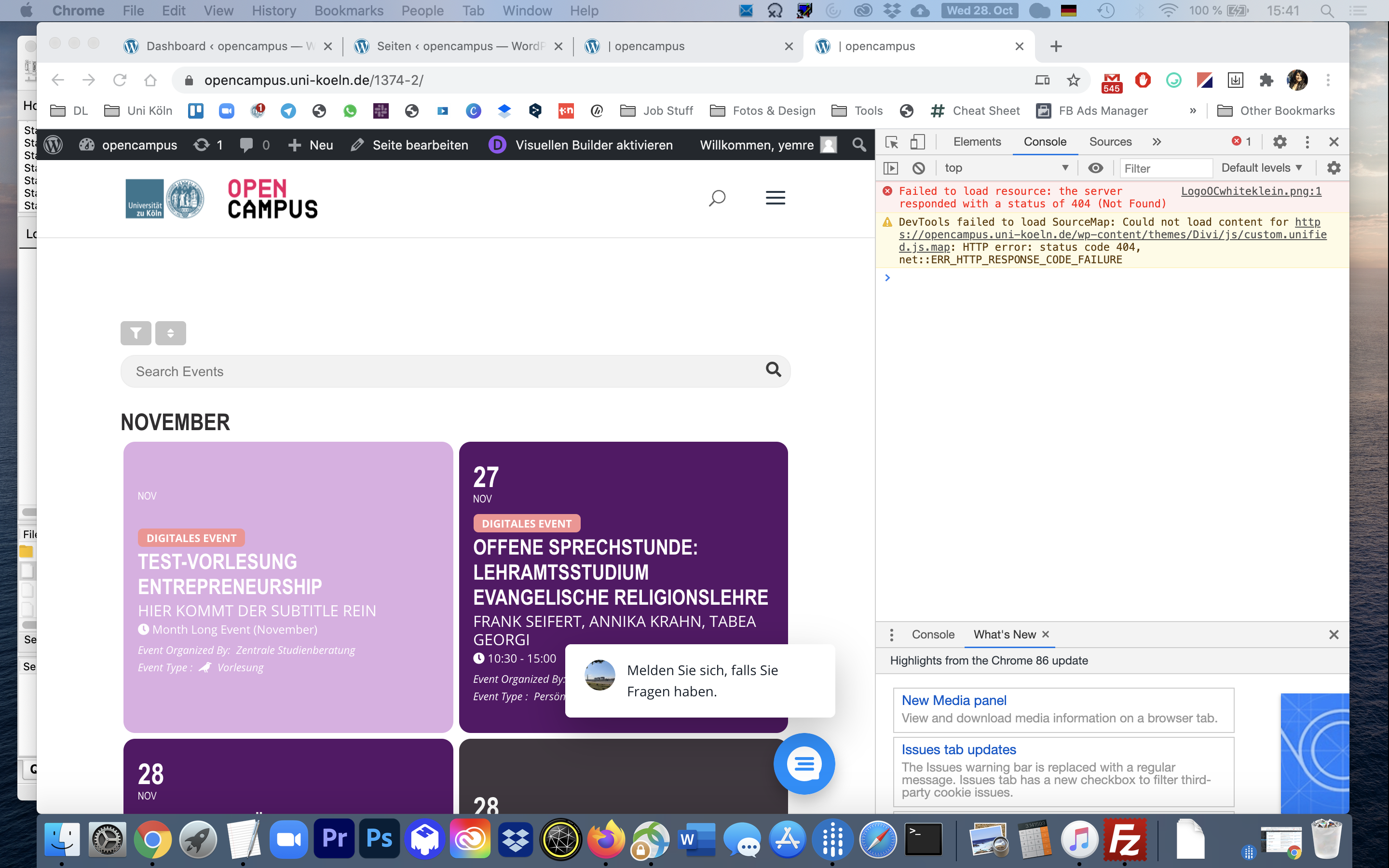
Also, here’s a screenshot of the dev tools/console, looks like js isn’t the problem, either.
On the event pages, it looks like the event slips up underneath the header.
It seems that your theme using JS script to add padding top:
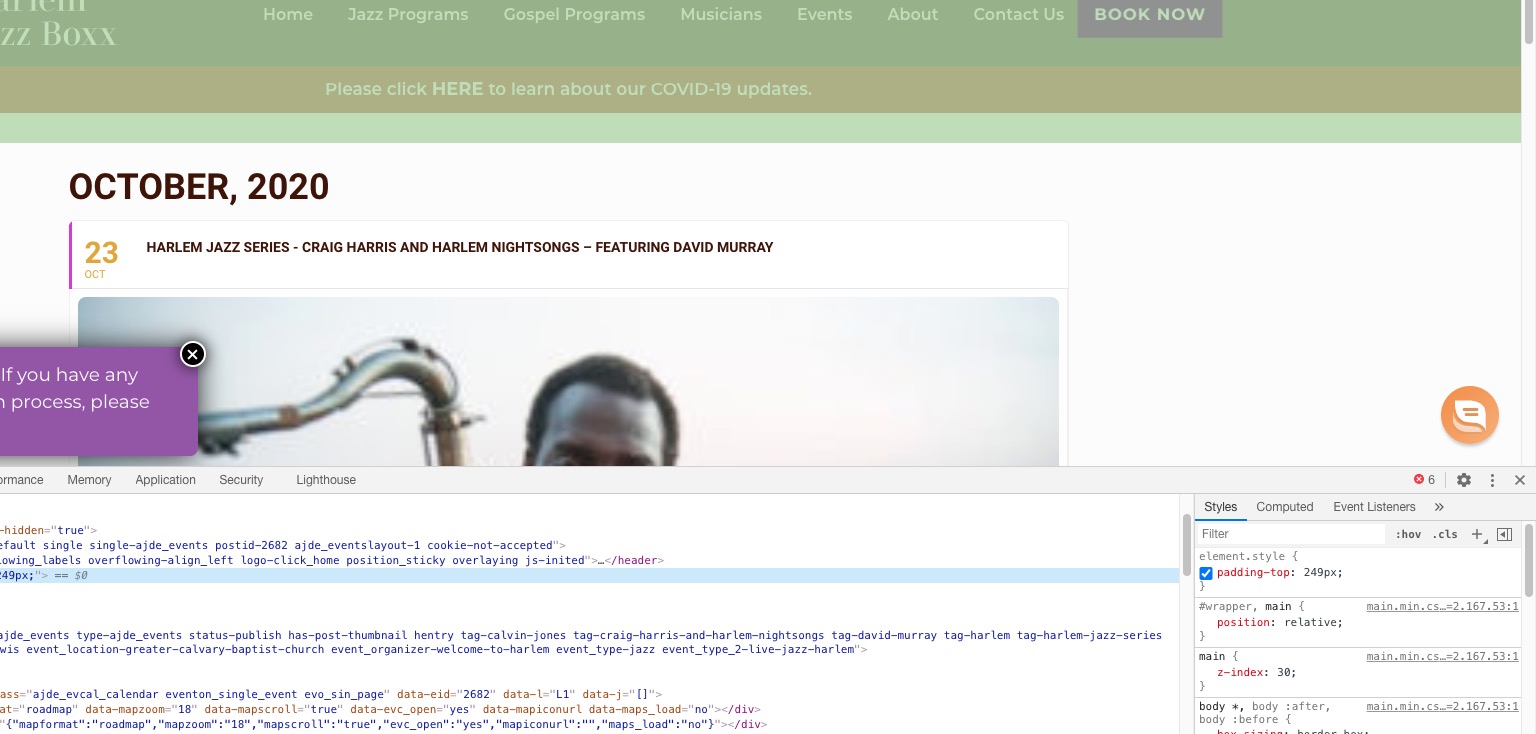
They may have missed something, so if there is any evidence that you can provide that supports the claim that the theme is the issue, could you please share?
Please check this screenshot:
https://helpdeskx.s3.amazonaws.com/wp-content/uploads/2020/10/27094307/Screenshot_4.png
As you can see the issue is gone when using Twenty Twenty theme.