Thanks – I did not know the whole thing was private because every time I reply there is an option at the bottom to make it private. Since I didn’t do that on the one with the attachment I was worried. – Ok I did remove from server and loaded thru WP and that seems to have worked only now I have an event that I put on the calendar but it is not showing on it’s correct date. Actually it is not showing at all. Here is the event but when you look for it on the calendar it does not appear on Dec 1. Can you help me?
Archives: Replies
Replies for tickets on suppota
Reply to: tickets(202517)
Great thanks!
Reply to: tickets(201649)
This ticket is private so only you and us can see these messages. and as soon as we are done here you can switch the login info to be safe
Reply to: tickets(202520)
This whole ticket is private so only you and the support staff can see this.
Reply to: tickets(202272)
The only visible change is that from now on, each Event Details’ section has a background: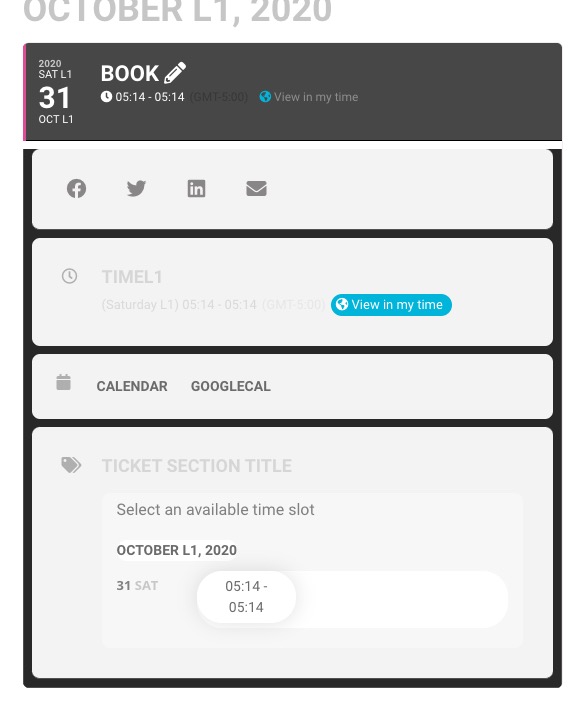
Also, is it possible to just do the settings > general > timezone update on the live site without updating the plugin just yet?
Unfortunately, no. Only with the update.
Reply to: tickets(202266)
sorry about that mate, there was some minor. code error which I fixed now. Should be good to go now 🙂
Reply to: tickets(201749)
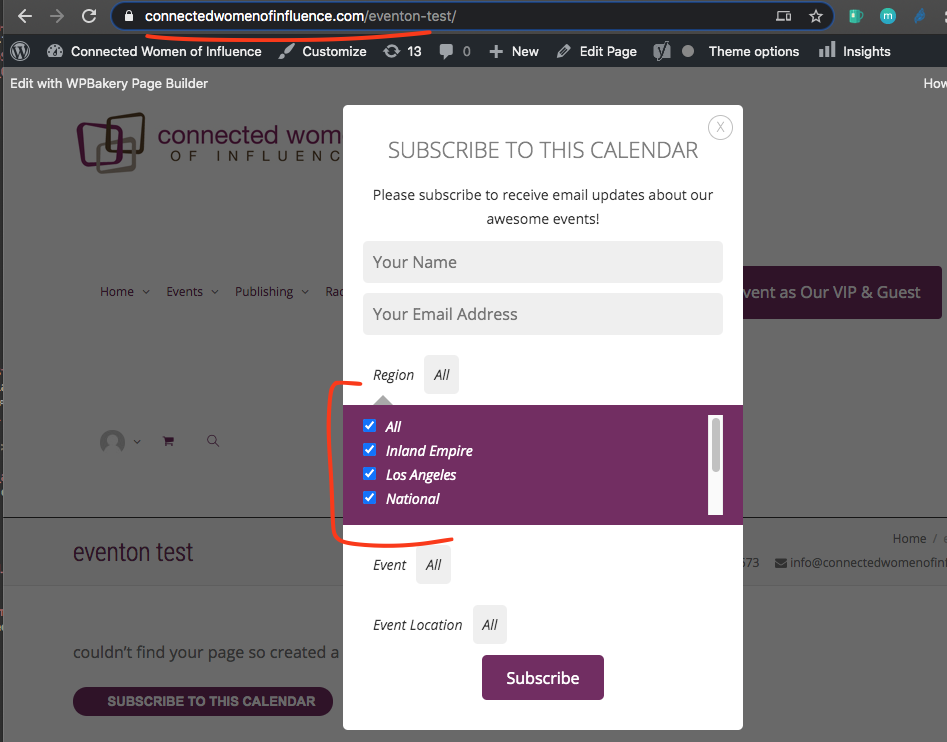
Please go to EventON Settings > Events Paging > change EventOn Event Post Slug. Now save Permalinks. /events URL should be free for you to use.
Reply to: tickets(202520)
please make sure that last response was private – I don’t the attached image visible to public
thank you
Reply to: tickets(202521)
Hi Helen,
This is possible as a task yes. We would need to use Twillo API, are you comfortable with that? Also cost would be $550, confirm this also please.
Reply to: tickets(202564)
Hello,
Are you referring to the grey background?
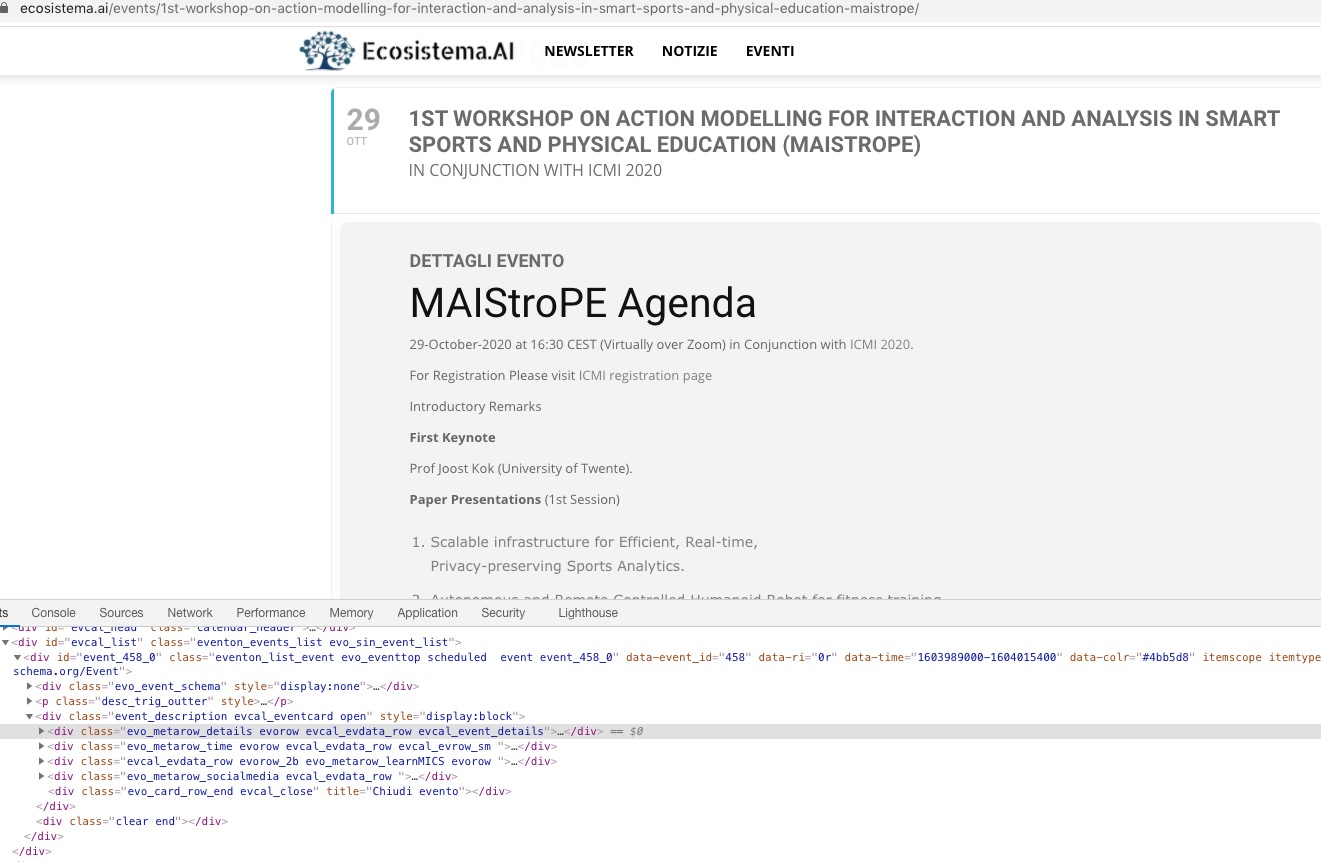
You should be able to change it from EventON Settings > Appearance > EventCard Styles > Event Card Background Color. If you don’t see any change, EventON > Scripts & Styling > turn off Write styles to header > save settings > turn on Write styles to header.