Could you try deleting it from the server and then install it from wp-admin > Plugins?
Archives: Replies
Replies for tickets on suppota
Reply to: tickets(201482)
Thank you for your messages, I am going to assign this ticket to Ashan and he will be able to take it from here and find you a solution. Please allow some time for him to get back to you, we greatly appreciate your patience and thank you for being a eventon customer! Also please disable any IP blocking on your site if there are any.
But please also let me know WHY the calendar API script is HIDING all my another HOMEPAGE site at:
I cannot find how to check the code in Visual Editor Mode:
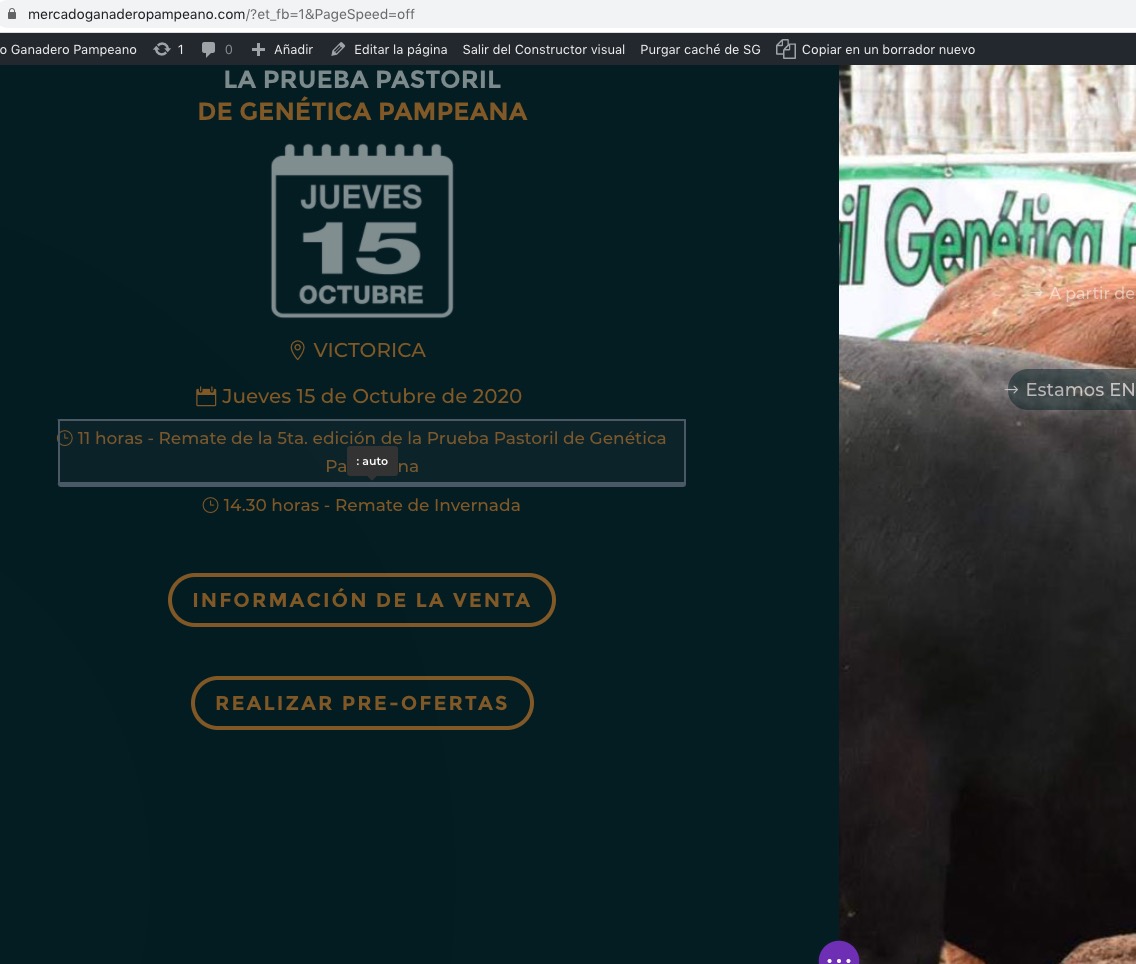
Could you show me where I can find it?
Reply to: tickets(202520)
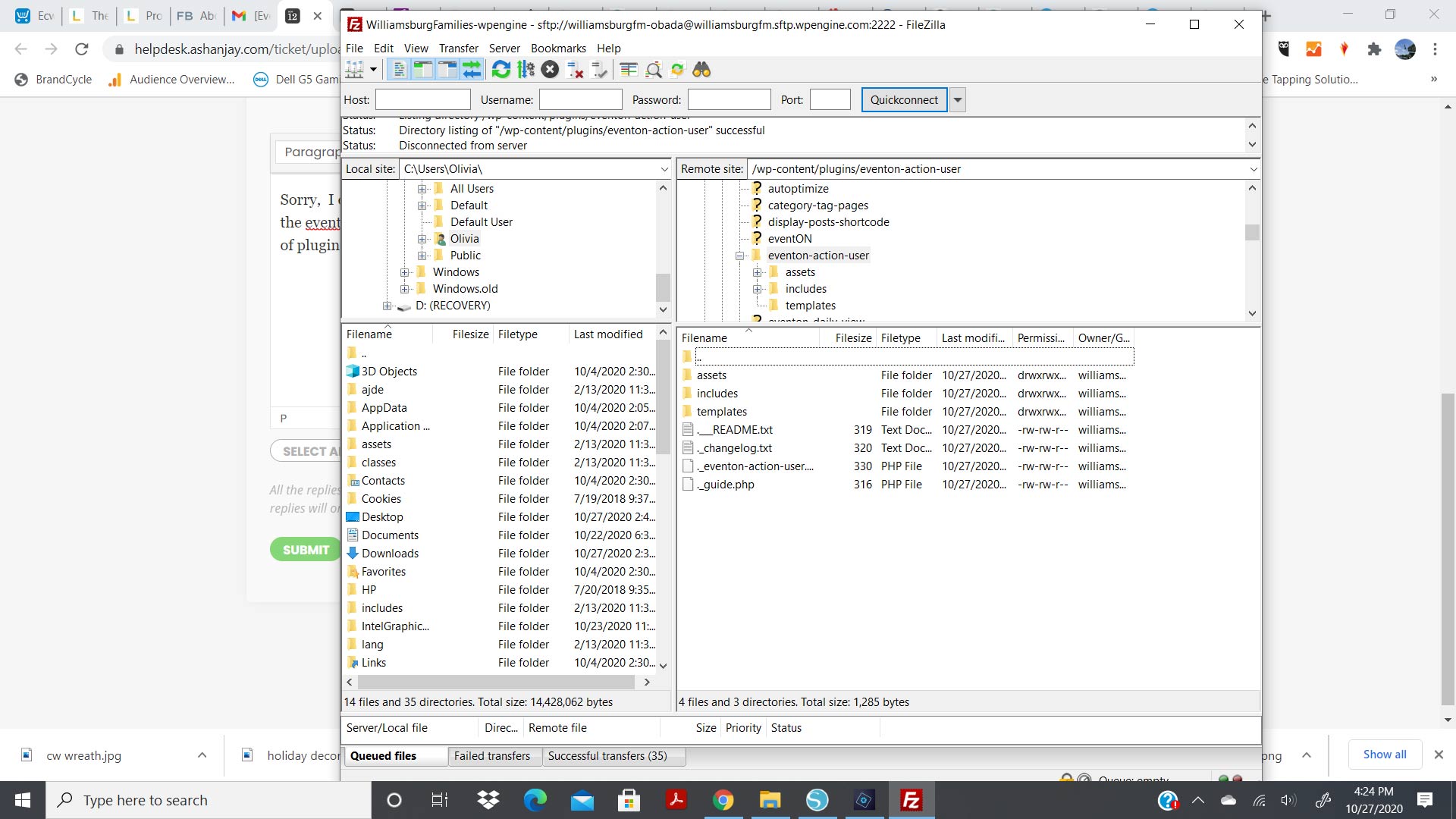
Sorry I am not sure I explained it well, I deleted Action User on the server via FTP. Then I uploaded the Action User 2.2.3 to the eventon Action User folder on my server. I am not sure why it is not showing up in my list of plugins but it is on my server. I have included an image of action user updated on our server
Reply to: tickets(202001)
Hey Michael, yes we are also finding that there is an issue with day light savings time. I think some states are legislating to get rid of day light savings time permanently, i know Oregon is. It would be nice to have just one fixed time and not have to change it twice a year. From what I am finding, the days that day light savings time come into effect change every year. http://time-time.net/times/time-zones/usa-canada/current-pacific-time-pst.php
I am seeing that moment.js have a data store of these day light savings ranges. We are doing some testing to see how we can best implement this 🙂
Reply to: tickets(201649)
Hi Ashan,
I will share wp-admin access. Can I just check the safest way to share – is it through this ticket message board?
Thanks
Reply to: tickets(201482)
Ashan,
Could you check this one? The embedded code is correct, but it works on https://www.mercadoganaderopampeano.com/calendario-de-remates/ and doesn’t on https://vicar.com.ar/calendario-de-remates/:
Access to XMLHttpRequest at ‘https://calendario.elcampo.com/wp-json/eventon/calendar’ from origin ‘https://vicar.com.ar’ has been blocked by CORS policy: The ‘Access-Control-Allow-Origin’ header has a value ‘https://www.mercadoganaderopampeano.com’ that is not equal to the supplied origin.
The strange thing is that it was the other way around in the original message. The issue was with https://www.mercadoganaderopampeano.com/calendario-de-remates/:
XMLHttpRequest cannot load https://calendario.elcampo.com/wp-json/eventon/calendar due to access control checks.
https://calendario.elcampo.com/wp-json/eventon/calendar
[Error] Failed to load resource: Origin https://www.mercadoganaderopampeano.com is not allowed by Access-Control-Allow-Origin. (calendar, line 0)
Login info:
https://calendario.elcampo.com/wp-admin
user: ashanjay
pass: ash2020anjay20
https://vicar.com.ar/wp-admin/
user: ashanjay
pass: ash2020anjay20
https://www.mercadoganaderopampeano.com/wp-admin/
user: ashanjay
pass: ash2020anjay20
Reply to: tickets(201586)
kindly update to eventON 3.0.2 where these changes have been added to. If you have more questions, kindly send us a new ticket and we would be more than happy to help you resolve your issues!
Reply to: tickets(202325)
1. So what we are finding out is that the difference is the daylight savings time. We are going to implement a better solution for this. Please use appropriate GMT number for the moment, that best represent the correct time zone for you.
2. looks like this was solved.
3. here is the patch fix for this, let us know if you have trouble applying this.

Reply to: tickets(202517)
In order to request a refund, please create a new ticket under Billing & Accounts and be sure to include the order ID for which you need a refund for and the reason for requesting a refund.
Reply to: tickets(201225)
Could you show us the issue again (on your website) so we can check the code?