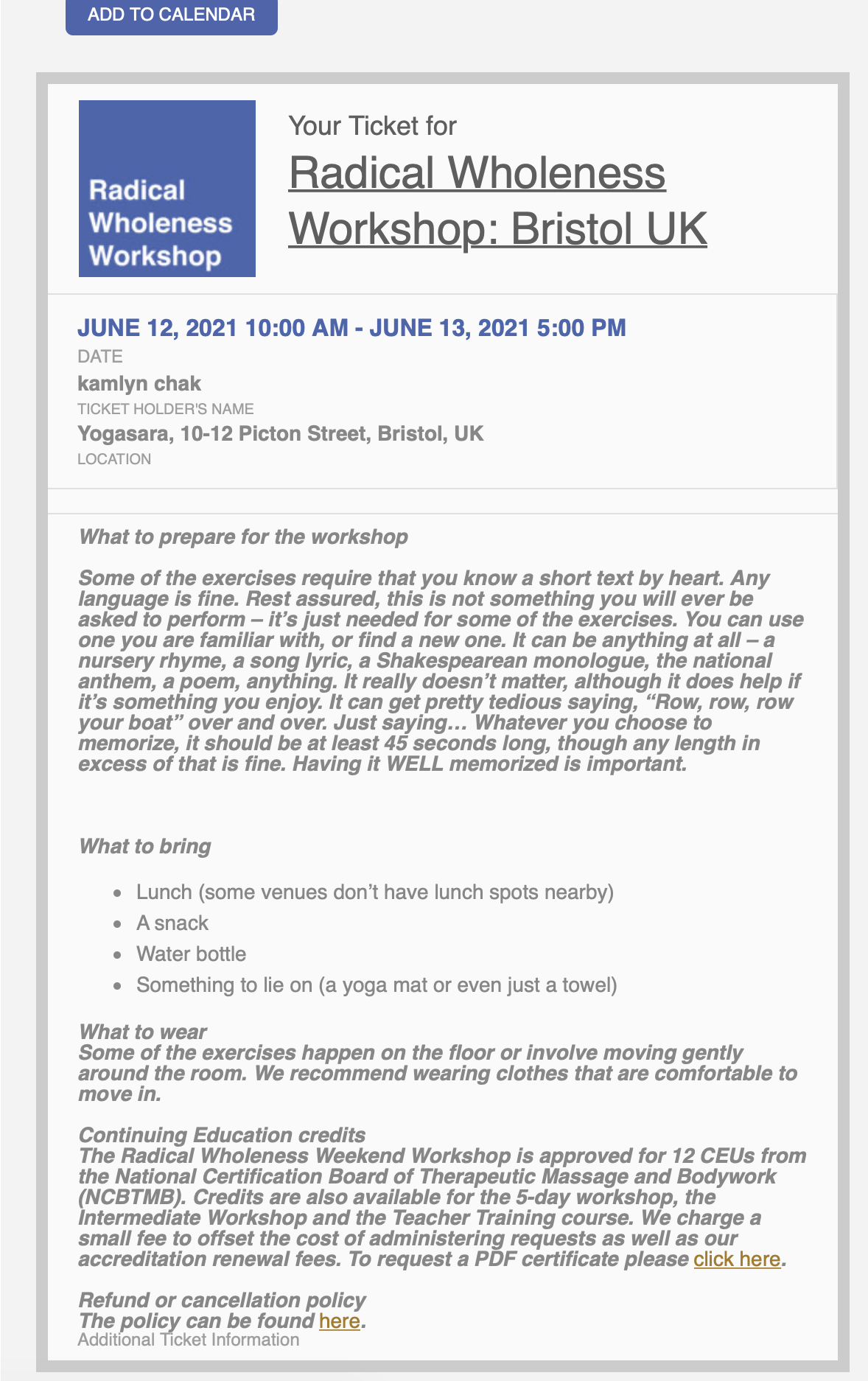
It’s the ‘What to prepare for the workshop’ section, which is coming from ‘additional information’ in the event details. It has some basic html formatting, such as <b>What to prepare</b> and a short list. But it is appearing in the emails in bold/italics. I’d like to lose that.
Thanks for your help!
Hi Basilis, please do not add any changes to the website. Something looks wrong as many pages are missing and IT team just informed me that they would have to restore the website. I will let you know once it is completed
Please send us wp-admin access to your site as a private message for us to further assist your situation.
and also please clarify what you are after
“I want to show just the calendar and not a list” you may need a addon for the view depending on what you are after- possible the full cal addon
https://www.myeventon.com/addons/full-cal/
or perhaps not- please clarify what you need
Also you may need to resave your permalinks as that event is taking me toa 404 error page
Please send us wp-admin access to your site as a private message for us to further assist your situation.
Please send us wp-admin access to your site as a private message for us to further assist your situation.
Bookings is not compatible with repeating events at this time
Disclosure: Bookings addon is compatible with Tickets and QR Code addon. Booking addon is also compatible with Variations & Options addon. However booking addon is not compatible with repeating events at this moment.
found on: https://www.myeventon.com/addons/bookings/
tickets by itself can be used for repeating events
if you need bookings to work with repeating you’ll need to put in a customization request I am affraid.
You can send us a customization job request by creating a new ticket in here and selecting Customization Request as the category.
If you provide your wp-admin I can create a video to show you how to use tickets with repeats if that interests you
add this to your custom styles
.fa-pencil:before {
content: “Edit”;
}
here is an example I have created
https://ezystreamlive.com/main-event/
I created a tab layout using my own theme tool (and used an accordian for mobile) (most page builders have the ability to add a tab layout
this way it looks like all the other tab layouts on my site (instead of having tab layouts but when it comes to the calendar it looks different)
so right at the top is the daily view (and due to the theme I can move the header of the daily view under the Nav header so its just date numbers
then underneath I have a tab layout with 3 tabs
1: main calendar list
2: Full cal
3: I put the search in
does that help?
I understand about shortcodes. That wasn’t my question.
My question is, if I have purchased multiple views, how do I allow the user to switch views? Every event plugin I have ever used had a way to change from day to week to month. How does a user do that with EventOn?
Hi Basilis,
Just wondering how things are going with the customization job?
Thanks,
Allyson