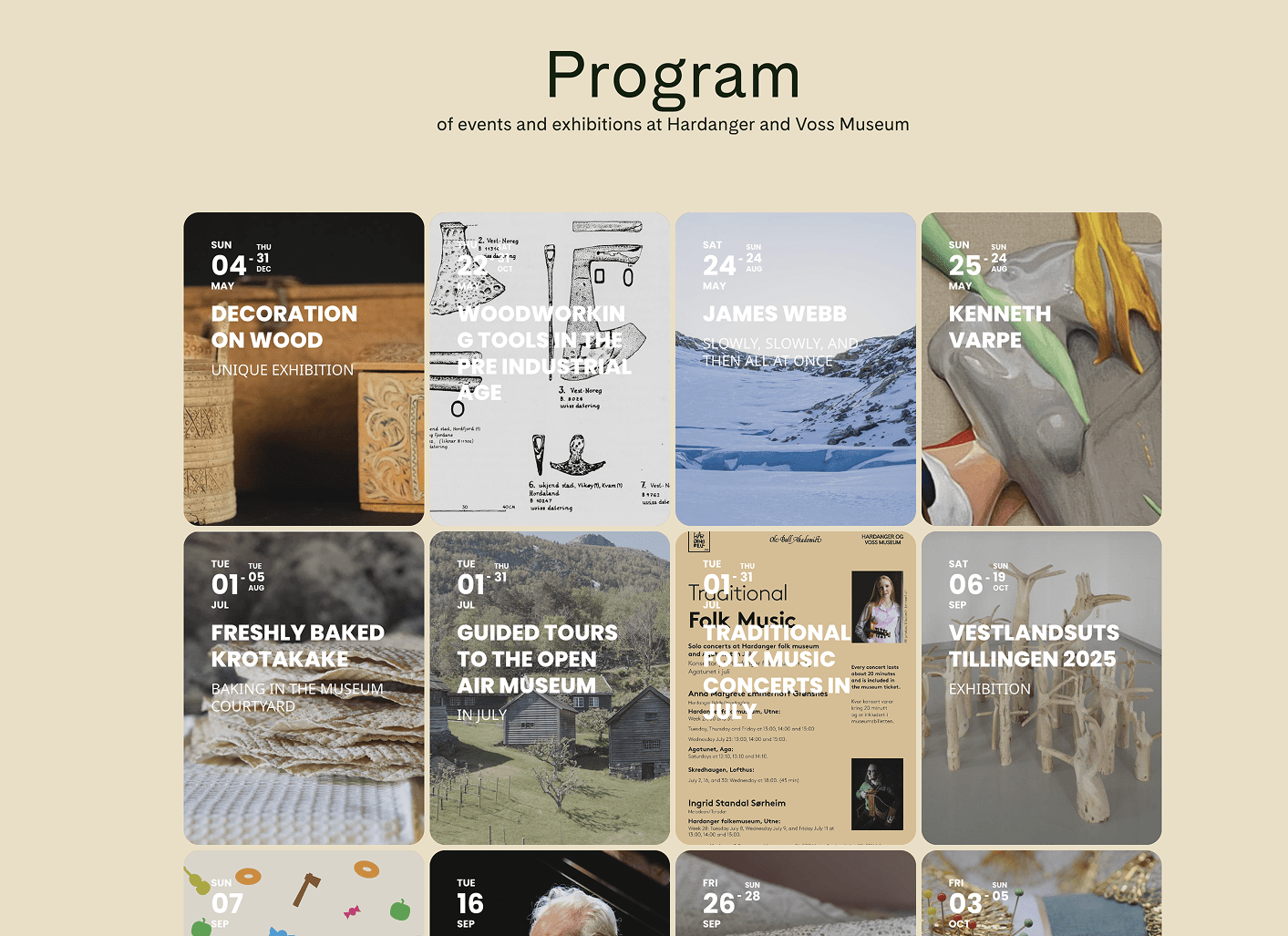
These images might help to show what is happening(one from the visual builder editor and one from the page on the frontend):
Replies for tickets on suppota
These images might help to show what is happening(one from the visual builder editor and one from the page on the frontend):
It works excellent! Thanks Artem, you rock.
When you add a shortcode, please make sure to add parameters divided by space and not “new line”:

Please take a look at
https://wp.ihoctest.com/wp-admin/post.php?post=7468&action=edit
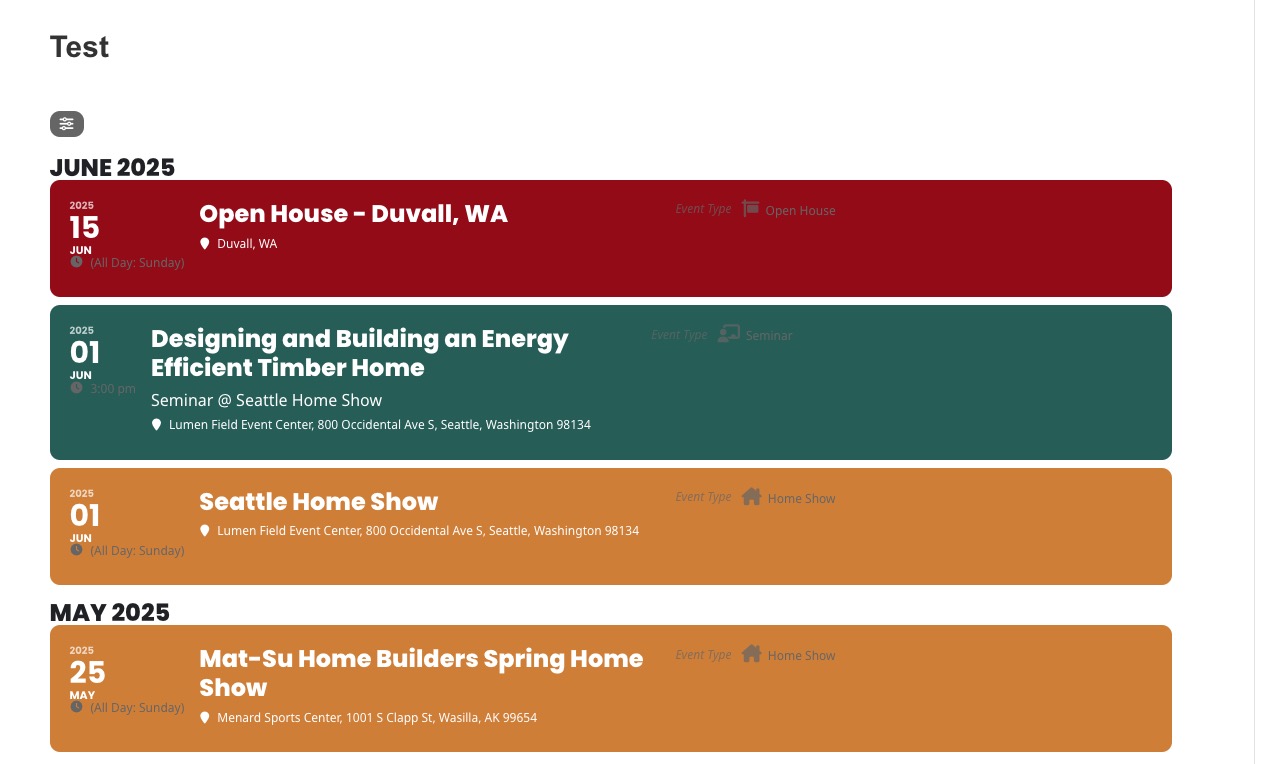
Events are visible now:
Thankyou! the update fixed it! Most appreciated.
Hello,
There is an issue with the current image uploading functionality for non logged-in users. We are working on the issue and an update will be available ASAP.
Hello,
There is an issue with the current image uploading functionality for non logged-in users. We are working on the issue and an update will be available ASAP.
Please also note that we have limitations in providing customization support due to CodeCanyon’s support policy.
Please take a look at this part of the guide:
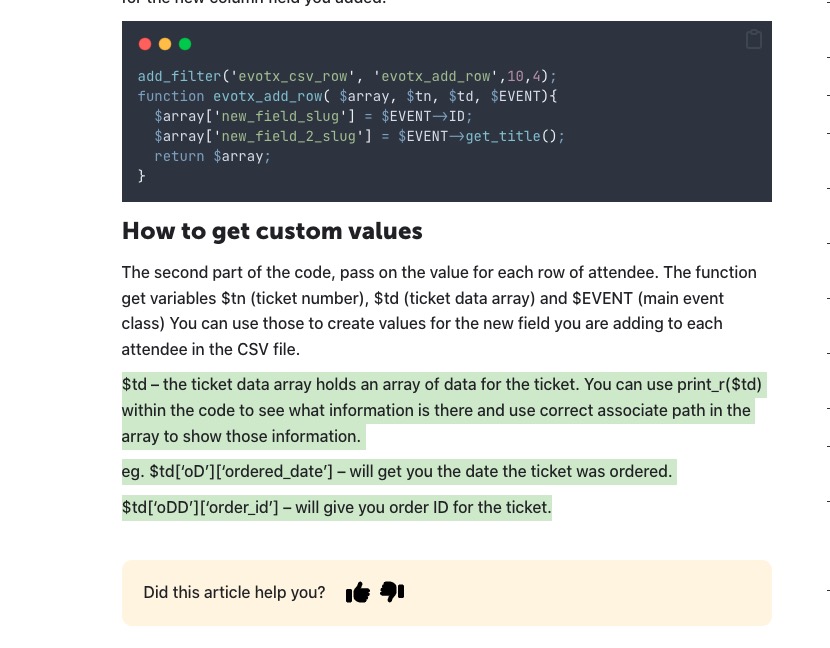
Print out $td to find the correct variable name and path to it, then add it to the .csv file through evotx_add_row function.
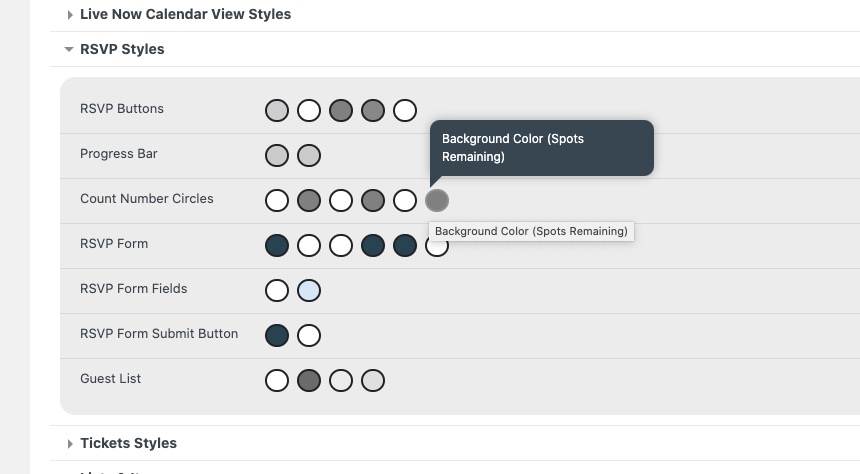
Count Number. Please try this code:
.evors_stat_data .remaining_count em { color: #ffffff; background-color: red !important; }
However, these two should also change it’s colors:
Placeholder. Thank you for your messages, I am going to assign this ticket to Ashan and he will be able to take it from here and find you a solution. Please allow some time for him to get back to you, we greatly appreciate your patience and thank you for being a eventon customer! Also please disable any IP blocking on your site if there are any.
1. & 3. Please use this code:
#evorsvp_form .rsvp_status span.set, #evorsvp_form .evors_gen_form .rsvp_status p span.evors_rsvp_select_box .evors_choices.set:hover, #evorsvp_form .rsvp_status span.set.evors_choices:hover { background-color: #fff; color: #a4d690; }
#evorsvp_form .evors_gen_form .rsvp_status p span.evors_rsvp_select_box .evors_choices { color: red; }
2. Could you go to EventON > Appearance > RSVP > change RSVP Buttons? Make sure to resave Write dynamic styles to header.
4. Please use this code:
#evorsvp_form a.evors_submit, #evorsvp_form #change_rsvp_form, #evorsvp_form #call_change_rsvp_form, #evorsvp_form #submit_rsvp_form { background-color: #fff; color: #6dc56b; }
I can’t find the Access Info box in any right side menu, but I’ve set up a user for you that should work. This site uses the Divi theme so the Past Events page where the problem is occurring (page ID 5830) is edited using the Divi Builder.
https://wp.ihoctest.com/wp-admin
Login email: noreply@eventon.com
Password: 3yV*Z&w0&(DL*Uj5I)j9qhn7