Please check
https://t.somptingvillagemorris.org.uk/calendar/
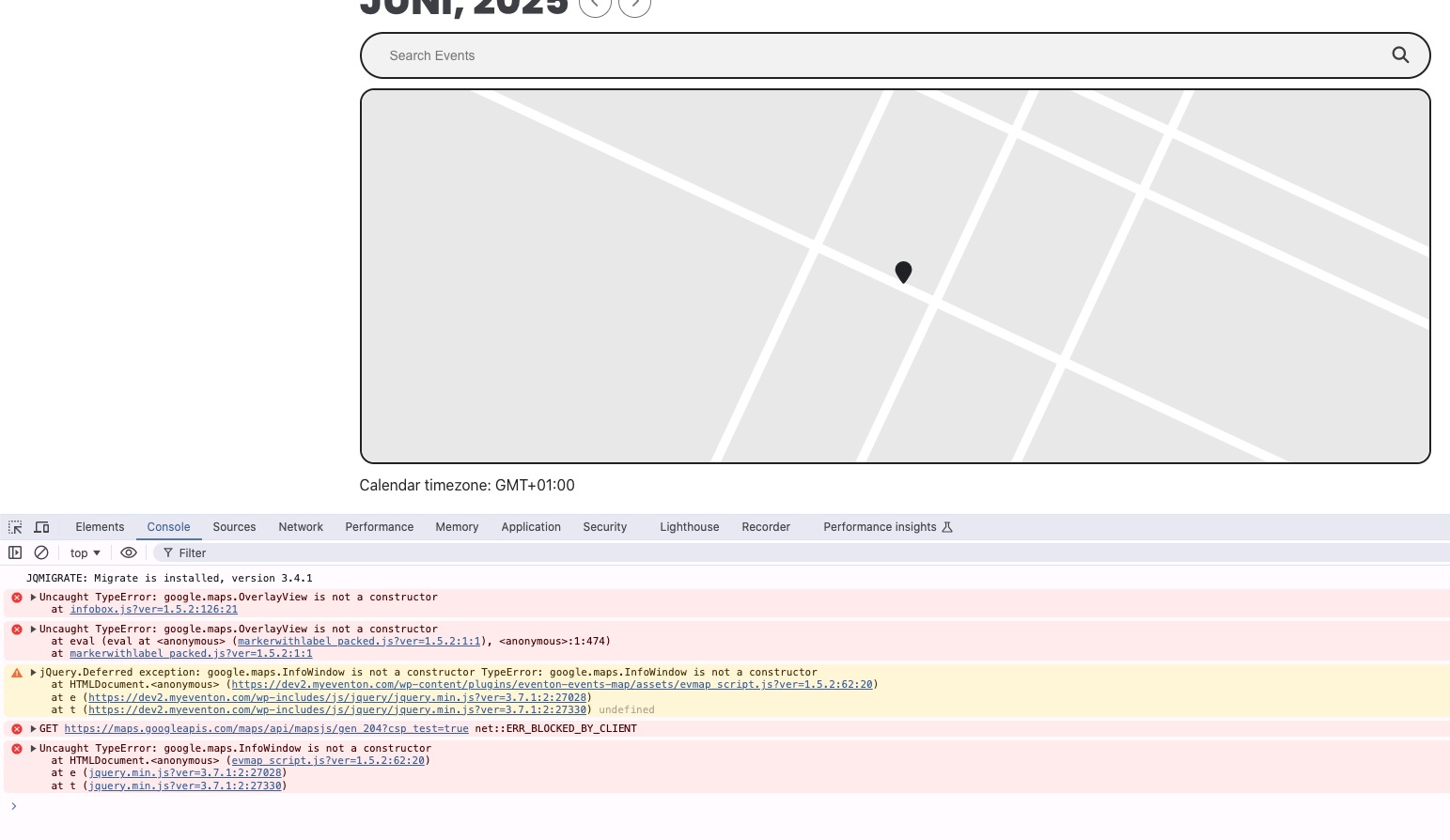
I went to EventON > Advanced > chose “Select calendar event content filter type: EventON Content Filter”. Now the calendar is loading.
With “Select calendar event content filter type: Default WordPress Filter” enabled, images inside of Event Details, I believe, break EventON HTML structure and calendars stop loading.
Could you do the same on your live website?
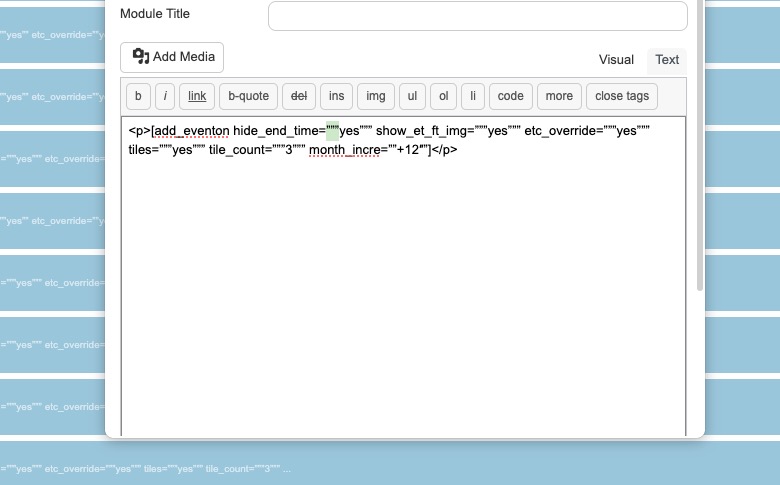
Please also note that all your shortcodes have double or triple quotes:
Which can cause an issue, so could you change them to regular quotes?
Did you check the way I added the video element?
https://somptingvillagemorris.org.uk/wp-admin/post.php?post=6722&action=edit
Hello,
Thank you for your message! Ashan will check it ASAP.
Ashan,
On dev2:
https://dev2.myeventon.com/test-983/
Thank you for your messages, I am going to assign this ticket to Ashan and he will be able to take it from here and find you a solution. Please allow some time for him to get back to you, we greatly appreciate your patience and thank you for being a eventon customer! Also please disable any IP blocking on your site if there are any.
Hello,
“Multi views switcher” is still in beta, so some functionality can be unavailable.
However, I am going to assign this ticket to Ashan and he will be able to take it from here and find you a solution. Please allow some time for him to get back to you, we greatly appreciate your patience and thank you for being a eventon customer!
Please take a look at this forum thread:
https://stackoverflow.com/questions/59915558/wordpress-unexpected-response-from-the-server-the-file-may-have-been-uploaded
We only provide support on this forum, I am afraid. Please describe as much as possible your issues, so we can help.
Hello,
This is the default functionality that comes with Gutenberg. There is no option on EventON’s side to change this.
However, please take a look at
https://www.youtube.com/watch?v=H3lxYRcMeL0
Hello,
Please go to EventON > Sorting and Filtering > enable Event filtering options to show on the calendar. You can also enable Sort options on the same page.
Take a look at “Enable multi views switcher (Addons Required) Beta*”:

Use [add_eventon view_switcher=”yes”] to allow users to switch between designs that are available:

Since you are using Avada, please go to EventON > Diagnose > enable Disable saving all Fusion/Avada related data into events.
If the issue continues go to EventON > Advanced > try changing Select event calendar WP Query method.