can I revert/resinstall the eventon plugin from scratch somehow?
Please don’t update it yet, otherwise it’ll show the notice issue again. The latest update will be available very soon.
Replies for tickets on suppota
can I revert/resinstall the eventon plugin from scratch somehow?
Please don’t update it yet, otherwise it’ll show the notice issue again. The latest update will be available very soon.
Hello,
It’s working on my side:
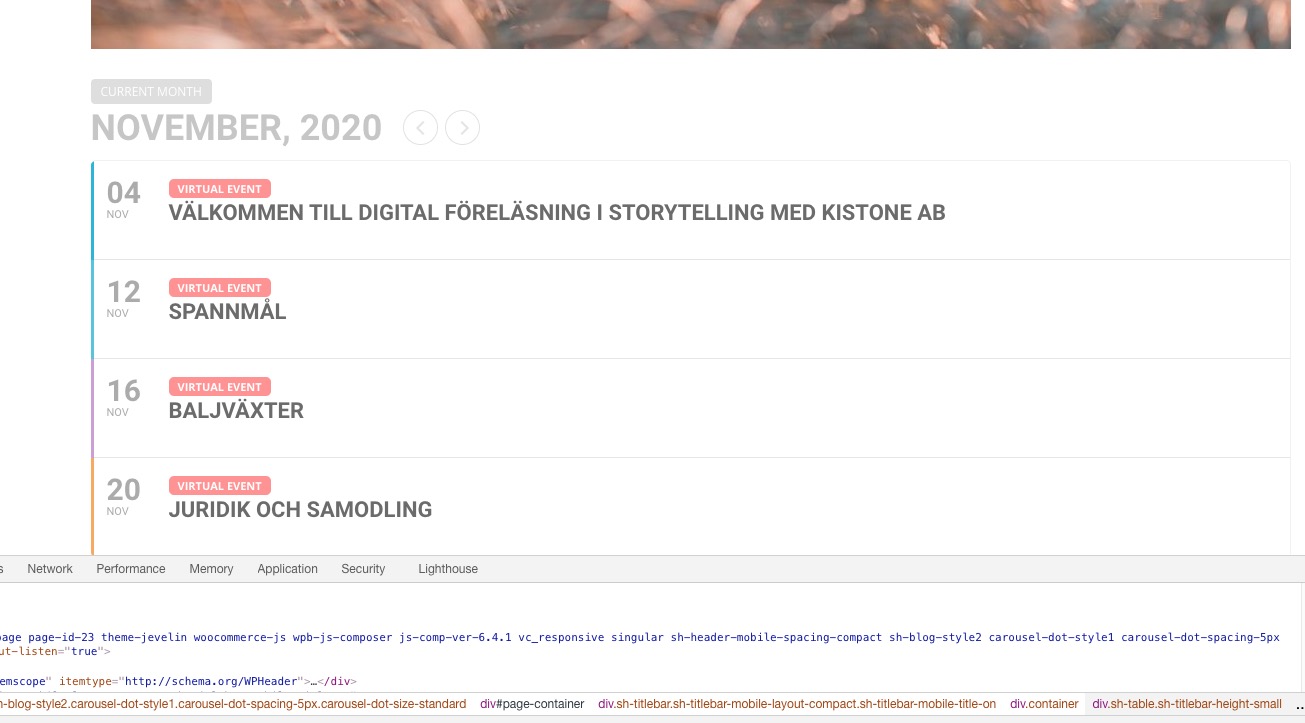
Could you try cleaning your cache?
(when clicked there is 5 mm movement on right margin of window, but nothing opens)
This also works:
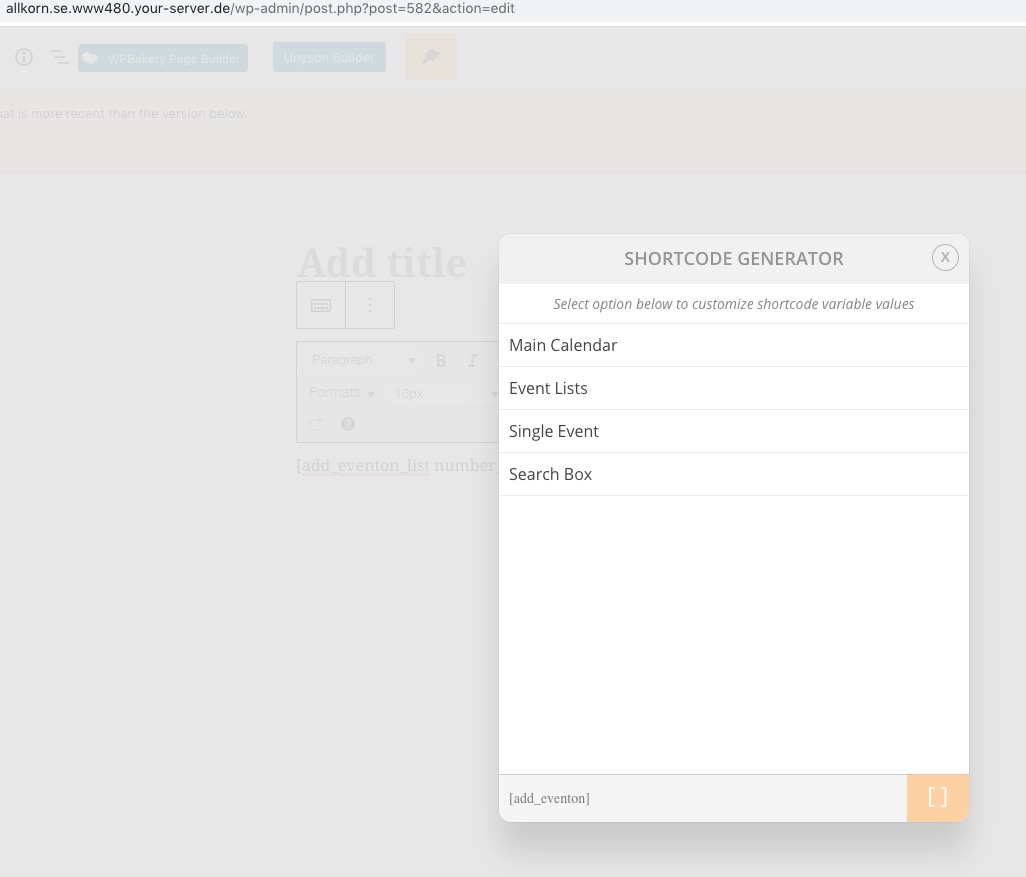
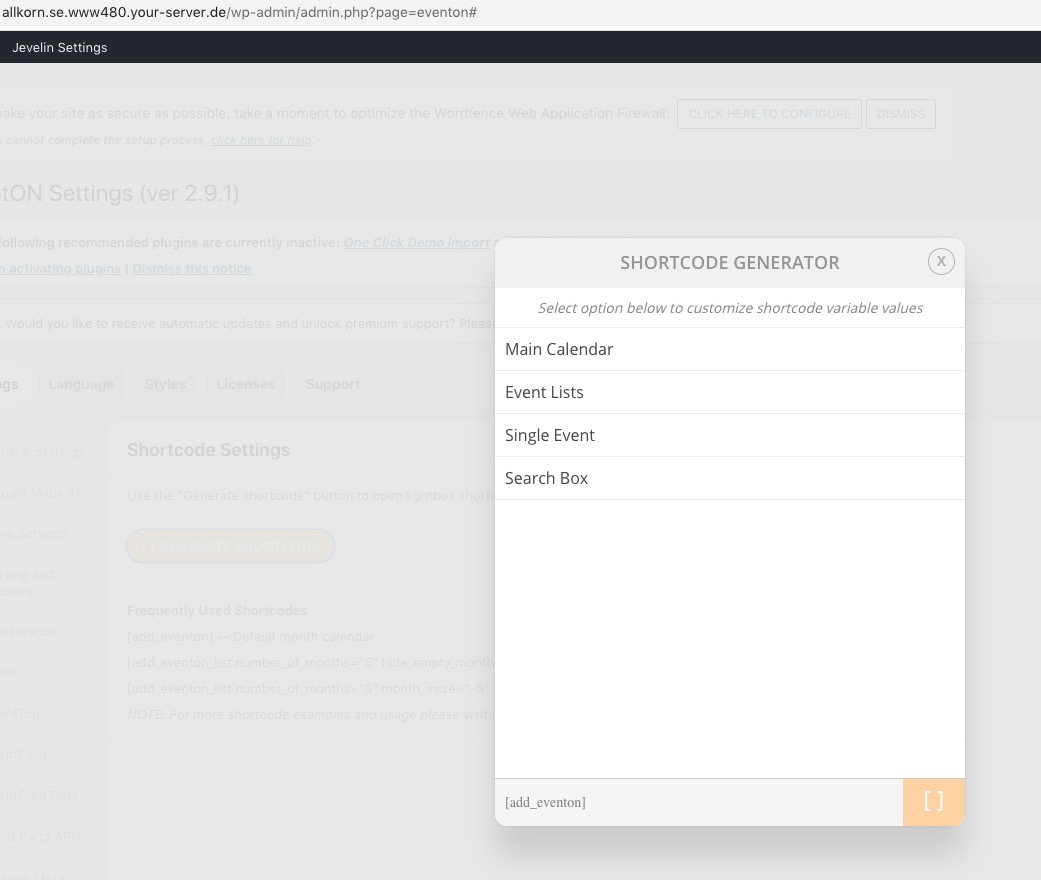
Could you send us screenshots?
The progress here is not satisfing at all.
I did some testing. When ordering a sticker pack, the following error is displayed after checkout in the summery of the order:
BlueSkies.rocks Aufkleberpack × 1
Warning: Illegal string offset ‘var_id’ in /home/customer/www/blueskies.rocks/public_html/wp-content/plugins/eventON-181871-child/includes/class-integration-tickets.php on line 431
Please check that. Thanks
Hi, The addon seems to be enabled but despite that there’s a permanent message saying:
“EventON Event Seats is disabled! – Event Seats need EventON version 2.9 or higher to work correctly, please update EventON.”
I have created a draft event to check if is indeed enabled but no luck, the seats addon is not working at all. There are not seats related options anywhere.
Hey Allyson,
Yes sure thing, let me know exactly what u want to add and we will d oti 🙂
That price was not for just configuration. The cost was creating a custom plugin from scratch with the function/feature you had requested.
Are you saying you will buy all the required addons, including dokan plugin, and you just want us to set them up in working condition?
oh I cant pay that for a plugins configuration
likewise thank you very much for the time and replys
have a good day
also nothing happens with shortcode generator now
(when clicked there is 5 mm movement on right margin of window, but nothing opens)
can I revert/resinstall the eventon plugin from scratch somehow?
how? should I uninstall/deactivate/delete and then reinstall
(will I keep my events and settings of the plugin?)
you can only scan in orders that are complete
If you look at your orders- they are all processing
https://smk.429.myftpupload.com/wp-admin/edit.php?post_type=shop_order
they need to be set to “completed” which would then work
woocommerce are doing a cash grab because if you want virtual orders to be completed after say a stripe payment you need an extension
however moohooohahaha there is a free plugin that is constantly updated and free
I use https://wordpress.org/plugins/autocomplete-woocommerce-orders/
this will provide an option to make orders complete after they have been paid for by some instant payment method (stripe, credit card, paypal etc)
give that a go
now, you have a ton of orders that are processing- – you may wish to do some bulk editing to change the status to Completed
and then the QR code will work as it should