Hello,
As this is not a feature available right now, it will require custom coding.
You can send us a customization job request by creating a new ticket in here and selecting Customization Request as the category.
Replies for tickets on suppota
Hello,
As this is not a feature available right now, it will require custom coding.
You can send us a customization job request by creating a new ticket in here and selecting Customization Request as the category.
Did you also follow the steps given n the documentaion?
Hello,
This will require custom coding.
You can send us a customization job request by creating a new ticket in here and selecting Customization Request as the category.
why there is no one responding to my questions for hours now?
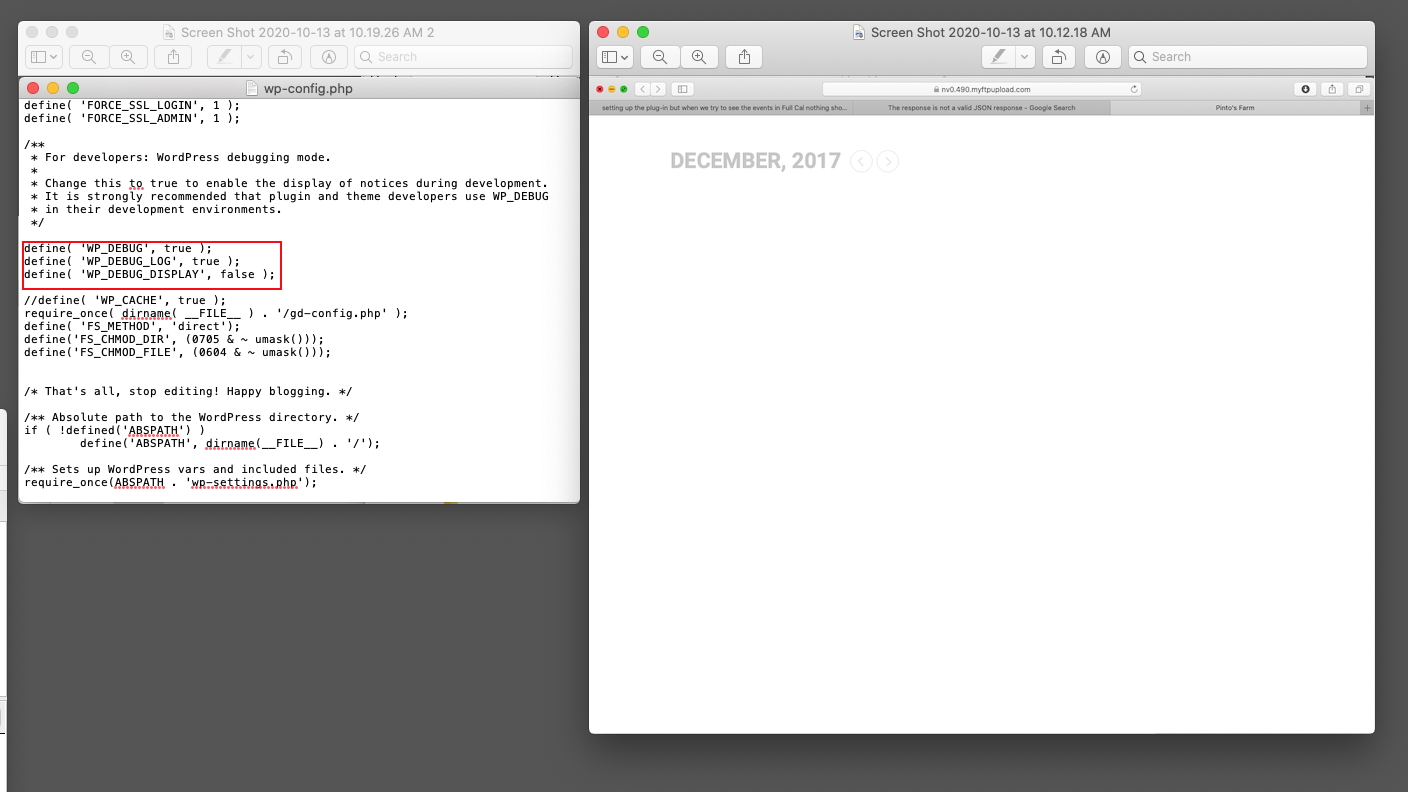
Good morning,
yesterday before I sent you the message I update the WP-CONFIG.PHP file, because was showing a message related “is not a valid JSON response” and found the same documentation to update the file.
Now only show the calendar empty . ( attach you screen Shots)
It looks like I did not have the UTC (Coordinated Universal Time) time offset configured correctly & that setting didn’t stick when I migrated the site to its current domain. That could very easily have been the cause of this issue. I’ll wait until this evening & see if the problem persists now that I’ve updated it. If it does, I’ll go back in and adjust the permissions, but I’ll post the result here either way. Thanks.
Thanks for the attempt at a quick fix, Artem. However, both issues just occurred again this morning. So there’s a different root cause than what you thought it might be.
What other ideas do you have about EventON’s potential role in the issues we’re encountering?
Hi, is simple. Try to enable the Seats addon plugin and gives an error (as always).
Hi,
I have both updated the code manually to work, the update is done through code minorring, so version might not change.
Can you tell me the steps you take on checking so we can see which steps brake?
Because your events are repeating and you are selling tickets to those events you will want to activate
see screenshot

and then for each repeat you put 8 in the field
then you do some maths- 8 x the number of repeats and put that in the total field
